

🚨 BOLO: Apple's Emergency Mac Patch Closes a Screen Sharing Backdoor — Lawyers Update Now!
/
your apple computer may need an update right now!
Here's a security bug that has nothing to do with your caseload and everything to do with your law license. On August 6, 2026, Apple pushed an unusual, single-purpose emergency patch after security researchers discovered that Screen Sharing on the Mac could be tricked into granting full desktop access without a valid password. If you use a Mac to store client files, draft privileged communications, or manage your practice, this is a “Be On the Look Out” moment, and I mean that literally.
What Actually Happened
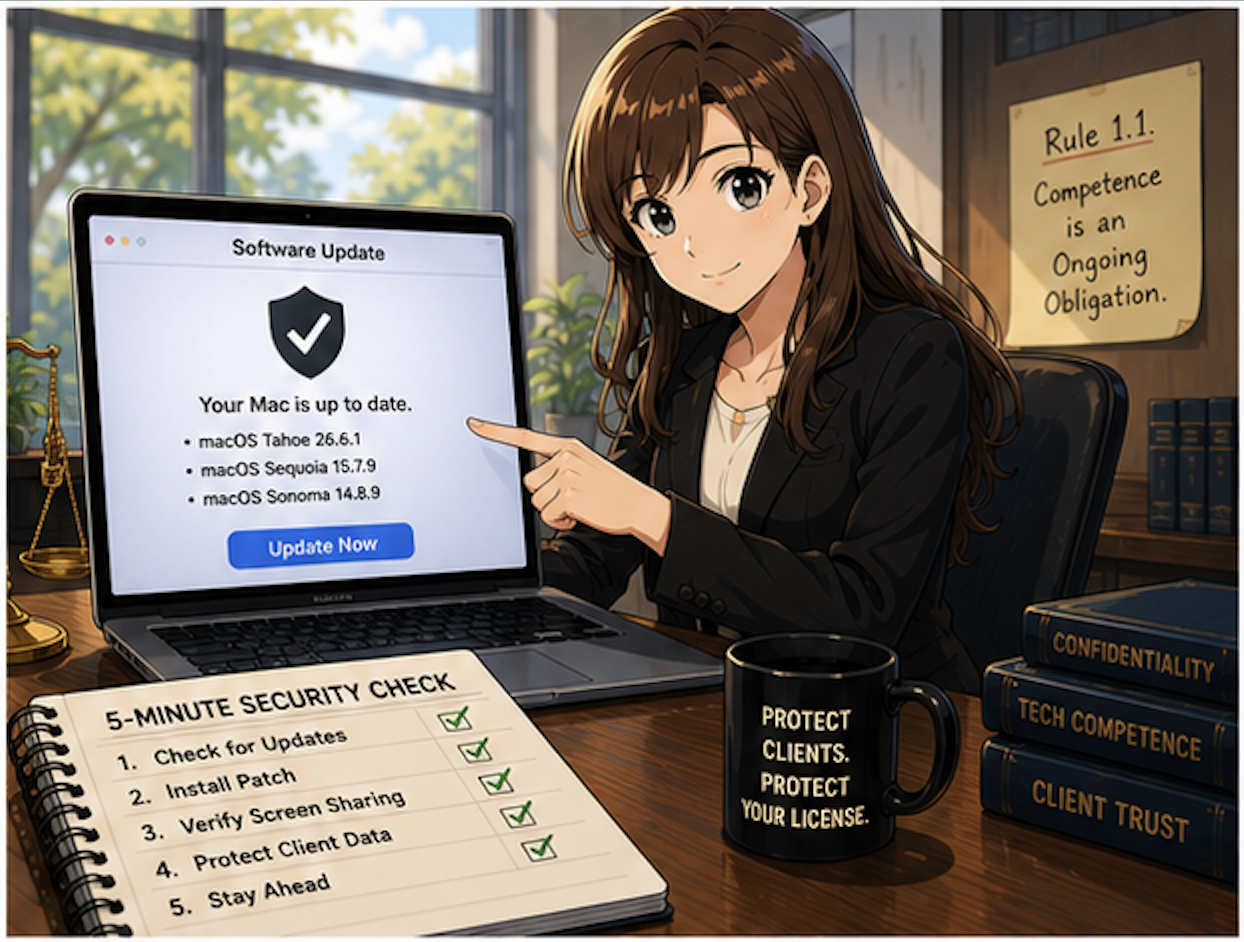
update your mac and windows os today and keep an eye out for new updates - they are more frequent than you think!!!
Apple's advisory describes the flaw in characteristically understated terms: "An attacker on the network may be able to authenticate to Screen Sharing without valid credentials". Translated out of engineer-speak, a bug in how macOS tracked login attempts meant the system could be fooled into treating an unauthenticated session as verified. Security firm Huntress went further, explaining that the bug exploited the Screen Sharing service's implementation of Secure Remote Password, which "ultimately allows pre-authenticated remote code execution on all supported macOS versions". In plain English: someone on your network, whether that's your building's shared Wi-Fi, a co-working space router, or a compromised office LAN, could potentially run code on your Mac without ever knowing your password. That's not a nuisance bug. That's the kind of hole that keeps ethics counsel up at night.
The flaw has an official tracking number, CVE-2026-65400, which is just a standardized ID security researchers use to reference a specific vulnerability across advisories and news coverage — think of it like a case citation for bugs 📋. It reaches across three generations of macOS: Tahoe, Sequoia, and Sonoma. Apple fixed it with macOS Tahoe 26.6.1, macOS Sequoia 15.7.9, and macOS Sonoma 14.8.9 all released the same day, an unusual move that signals Apple treated this as serious enough to skip its normal beta-testing cycle.
Why This Matters for Your Practice
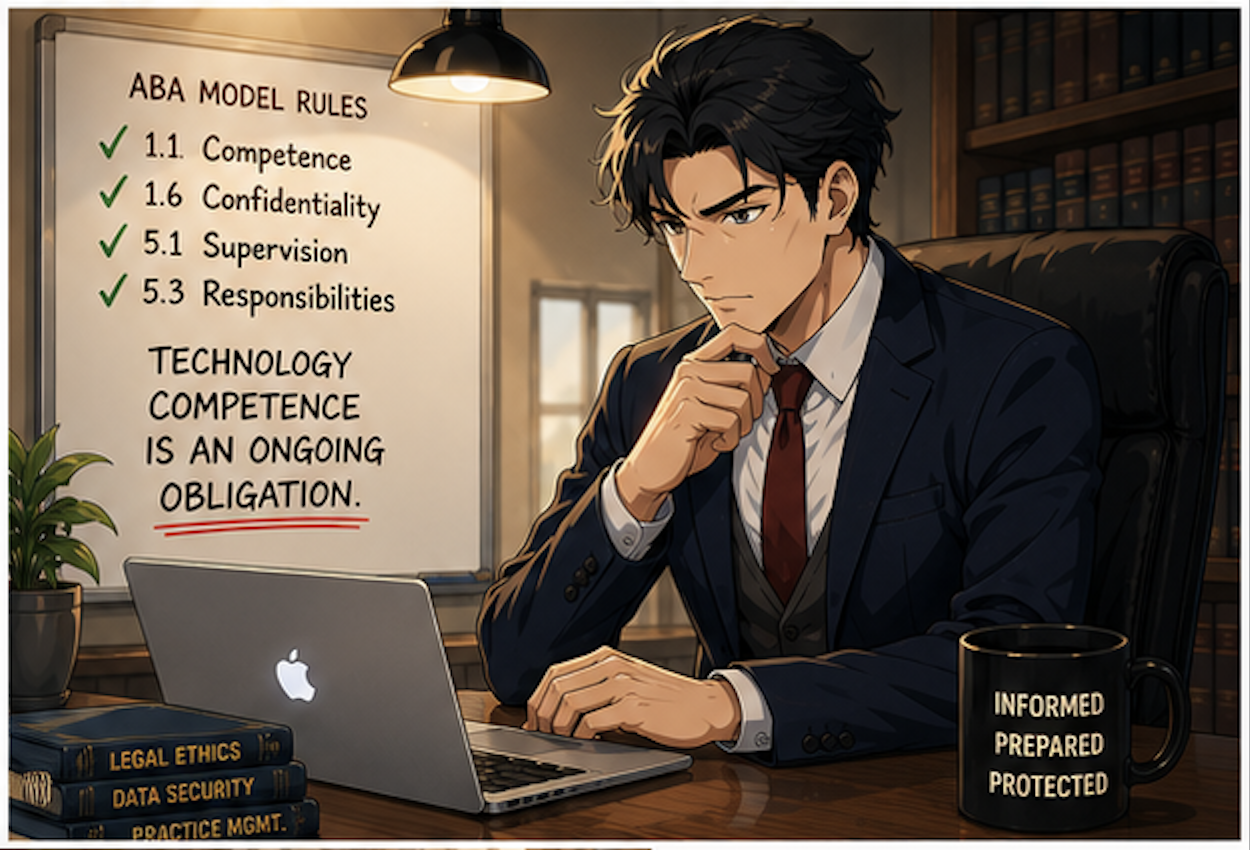
your ethical duty of technological competence doesn't pause because a vulnerability sounds technical!
I've said it before on here and on the podcast, and I'll say it again: your ethical duty of technological competence doesn't pause because a vulnerability sounds technical. ABA Model Rule 1.1, Comment 8, requires lawyers to "keep abreast of changes in the law and its practice, including the benefits and risks associated with relevant technology" 📚. A screen-sharing bypass that hands an attacker the same control as someone physically at your keyboard is exactly the kind of risk that comment contemplates.
Model Rule 1.6 compounds the stakes. If Screen Sharing was enabled on a Mac holding client files, an attacker exploiting this flaw before the patch could have accessed privileged communications, case strategy, or financial data without leaving an obvious trace 🔐. That's a confidentiality problem regardless of whether you can prove exploitation occurred. And if you're a firm supervising associates or staff under Rule 5.1 or 5.3, this is also a moment to confirm every managed device across your practice, not just your own laptop, has been patched.
The silver lining: Apple has stated there's no evidence this bug was exploited in the wild before the fix shipped, and Screen Sharing is off by default on most Macs. But "off by default" isn't the same as "off on your machine," especially if you or an IT vendor ever turned it on for remote support.
How to Check and Patch Your Mac
This is a five-minute task, and it should not wait until end of day. ⏱️
Click the Apple menu → System Settings
Select General → Software Update
Install whichever applies: macOS Tahoe 26.6.1, Sequoia 15.7.9, or Sonoma 14.8.9
If your firm manages devices through IT and you can't update immediately, disable the feature entirely: Apple menu → System Settings → General → Sharing, then toggle Screen Sharing off. Note that Huntress specifically warns this is a pre-authentication bug, so the usual hardening tricks (removing user accounts, disabling legacy VNC passwords) won't protect you; only the patch or fully disabling the feature will.
The Bigger Pattern Worth Watching
A good rule of thumb is to keep your software os and programs up to date!
This isn't the first time Apple has issued an emergency patch outside its normal cadence, and it won't be the last. Solo and small firms need a patching routine, not just reactive fixes.
The takeaway is simple, even if the underlying vulnerability wasn’t: Almost always, keep your software up to date! Update your Mac today, verify Screen Sharing's status even if you don't think you use it, and treat this as a reminder that competence under Rule 1.1 is an ongoing obligation, not a box you check once. 🛡️
Follow The Tech-Savvy Lawyer.Page for updates and alerts!










