
📖 Word of the Week: What Is a “Fallback Dependency”? How Hidden Links Break Law Firm Backup Plans During Microsoft 365 Outages ⚖️
/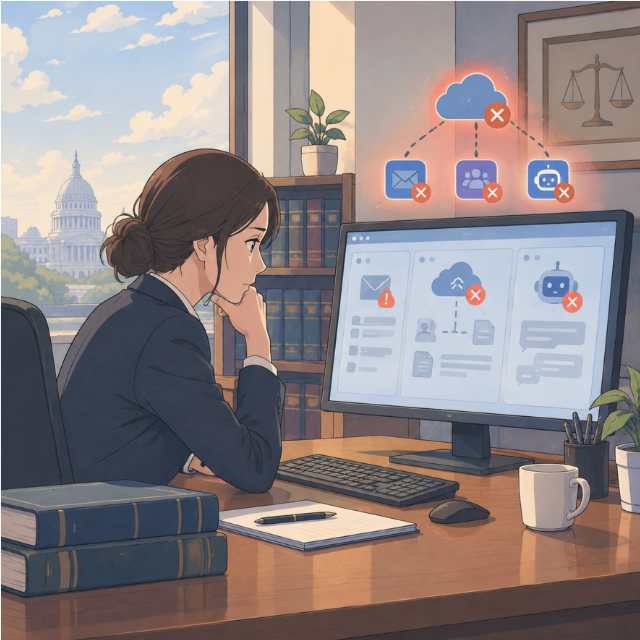
lawyers need to know their Hidden fallback dependencies
Every law firm has a backup plan. Few firms have tested whether that plan truly stands on its own. 🧩
During the Microsoft 365 outage that disrupted Outlook on November 12 and 13, I shared a short piece of advice in 🚨 Breaking News: Microsoft 365 Outage Update for Lawyers!. I wrote: "Test your fallback's dependencies, too." That one sentence deserves a closer look. It is this week's word. 📖
What Is a Fallback Dependency? 🔗
A fallback dependency is a hidden link between your backup system and the system it is supposed to replace. Your fallback looks separate. In practice, it relies on the same login, the same email account, the same vendor, or the same network. When the primary system fails, the fallback fails with it.
Think of a spare tire that bolts on with the same broken lug nuts. 🛞 The spare exists. It simply cannot do its job.
Technologists use related terms. A "single point of failure" is one component whose failure stops an entire system. A "shared dependency" is a resource two systems both need. A fallback dependency is the version of that problem hiding inside your contingency plan. It is especially dangerous because it stays invisible until the day you need the backup.
What Fallback Dependencies Look Like in a Law Office 🏢
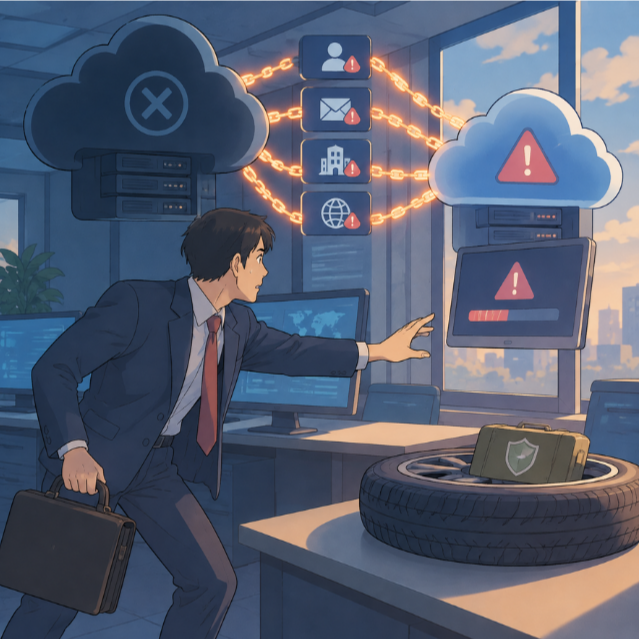
knowing how “fallback dependencies” will impact your firm’s work and professional responsibilities when outages like Microsoft 365 disrupt law office workflows
Fallback dependencies are rarely obvious. They tend to hide in sign-in screens and verification steps. Here are common examples:
🔐 Shared sign-in. Your "separate" client portal uses "Sign in with Microsoft." When Microsoft authentication struggles, the portal may lock you out too.
📧 Email verification codes. Your backup platform sends a one-time code by email. That code goes to the Outlook mailbox that is down.
🗝️ Password access. Your recovery codes live in OneDrive or an Outlook folder. You cannot reach the credentials the backup requires.
📞 Phone routing. Your office phones run through Microsoft Teams. Your "call the client" plan depends on the same platform.
📅 Calendar copies. Your only deadline list lives in the Outlook calendar. Your backup calendar syncs from that same source.
🤖 AI tools. Your AI assistant reads documents through a Microsoft 365 connection. When that connection fails, the AI workflow fails too.
None of these choices is wrong on its own. Single sign-on is convenient and often more secure. Integrated tools save time. The problem appears only when the integration also controls your emergency plan.
Fallback dependencies are not limited to Microsoft. In 🚨 BOLO: Widespread Internet Disruption from Cloudflare Infrastructure Failure, I noted that Downdetector itself went offline because it relied on Cloudflare. The tool people used to check outages shared the outage. My post 🚨 AWS Outage Resolved: Critical Ethics Guidance for Lawyers Using Cloud-Based Legal Services made a similar point about practice-management platforms. Dependencies run deeper than most of us see.
Why Fallback Dependencies Matter Under the ABA Model Rules ⚖️
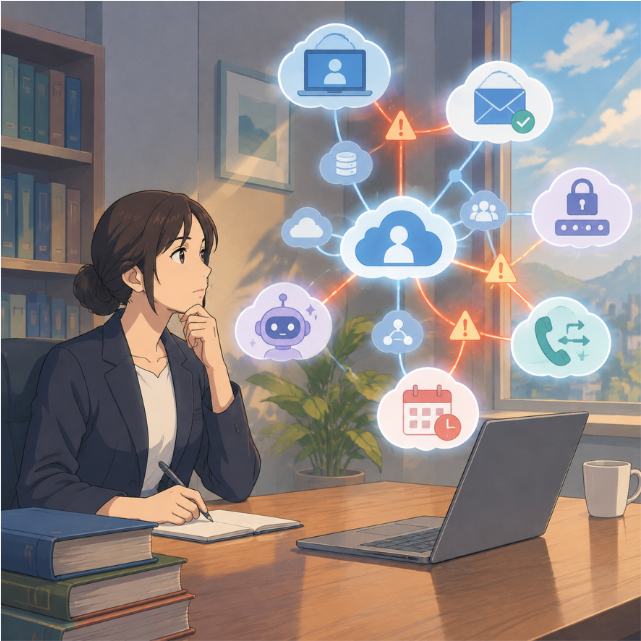
knowing how interconnected your law-office systems are CAN BE A PROFESSIONAL RESPONSIBIlity!
A fallback dependency is not just a technical flaw. It can become a professional-responsibility problem.
Rule 1.1, Comment 8 (Competence). Comment 8 asks lawyers to keep abreast of the benefits and risks of relevant technology. Understanding how your backup systems connect to your primary systems is part of that duty. You need not become an engineer. You do need to ask the right questions.
Rule 1.3 (Diligence). Rule 1.3 requires reasonable diligence and promptness. An outage does not automatically extend a deadline. If your only deadline list sits behind the failed service, diligence suffers. ⏰
Rule 1.4 (Communication). Rule 1.4 requires keeping clients reasonably informed. A backup channel that shares a dependency with Outlook may leave clients unable to reach you at a critical moment.
Rule 1.6(c) (Confidentiality). Rule 1.6(c) requires reasonable efforts to prevent unauthorized access to or disclosure of client information. When a fallback fails, lawyers improvise. They text documents from personal phones. They forward files to personal email accounts. A well-designed fallback prevents that risky improvisation. 🔒
Rules 5.1 and 5.3 (Supervision). These rules address supervisory responsibility within a firm. Comment 3 to Rule 5.3 specifically mentions "using an Internet-based service to store client information." Lawyers with managerial authority should make reasonable efforts to ensure outside services support the firm's obligations. Knowing how your vendors depend on one another is part of that effort.
Remember that the ABA Model Rules are models. Your jurisdiction's adopted rules control. Check your local rules and ethics opinions.
How to Find Your Fallback Dependencies 🔍
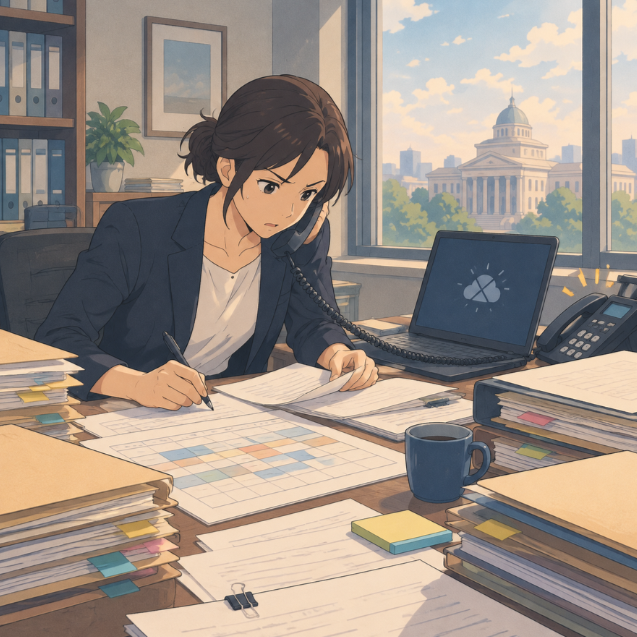
Reconstructing deadlines during an outage is the last thing a lawyer wants to be doing!
You can test for fallback dependencies without an IT department. Set aside thirty minutes. Then walk through these steps with your team.
List your backups. Write down every tool you would use if email failed. Include your phone system, client portal, texting platform, and backup storage.
Trace each login. Ask how you sign in to each backup. Does it use your Microsoft account? Does it send codes to your work email?
Check recovery paths. Ask where your passwords and recovery codes live. Keep at least one approved copy outside the affected service.
Keep an independent deadline list. Maintain a protected copy of the next two weeks of deadlines. Store it somewhere that does not depend on Microsoft 365. 📋
Keep a client contact list. Store emergency phone numbers for active clients in an approved location you can reach independently.
Run a short drill. Pretend Microsoft 365 is down. Can you reach a client, find a key document, and confirm tomorrow's deadline? ✅
Document the results. Record what failed. Assign fixes. Schedule the next test.
My earlier article, 🚨 BREAKING NEWS! Microsoft Outlook Outage: What Lawyers Need to Do When Microsoft 365 Email Fails ⚠️, offers a fuller continuity checklist. My post Maintaining Legal Operations During Internet Outages: Tips for Lawyers covers offline access and redundant connections.
Independence Is the Goal, Not Perfection 🎯

lawyers need to Build an independent continuity plan before the next outage!
You cannot eliminate every dependency. Every system relies on power, internet access, and some vendor. The goal is reasonable independence for the tasks that matter most.
Backup expert W. Curtis Preston made this point on 🎙️ Ep. 104: The Importance of Data Backup & Cybersecurity w/ Mr. Backup, Curtis Preston. He urged listeners to keep a backup with a completely different authentication and authorization system. That advice reaches beyond data backup. It applies to every fallback a law firm relies upon. 💡
Start with your most critical functions. Those are deadlines, client communication, and access to essential documents. Give each one a fallback that does not share a login, an inbox, or a vendor with your primary system. Then test it.
Solo practitioners can start small. A printed deadline list kept in a locked drawer is a legitimate fallback. So is a firm phone number your clients already know. Use it for scheduling and urgent notice only. Simple tools often carry the fewest hidden dependencies. 📝
Review your plan whenever you change vendors, sign-in methods, or key staff. A small change to authentication can quietly create a new fallback dependency.
The Bottom Line 🧭
A fallback that depends on the failed system is not a fallback. It is a second point of failure. 🚫
The next outage will come. It may involve Microsoft, Google, Amazon, Cloudflare, or your practice-management vendor. Lawyers who have tested their fallback dependencies will keep serving clients. Lawyers who have not may discover the gap at the worst possible moment.
Take thirty minutes this week. Trace your backups. Find the hidden links. Your clients will thank you. 😀