MTC: From Shingles to SEO to GEO: The History of Lawyer Advertising and the Ethics That Still Govern It
/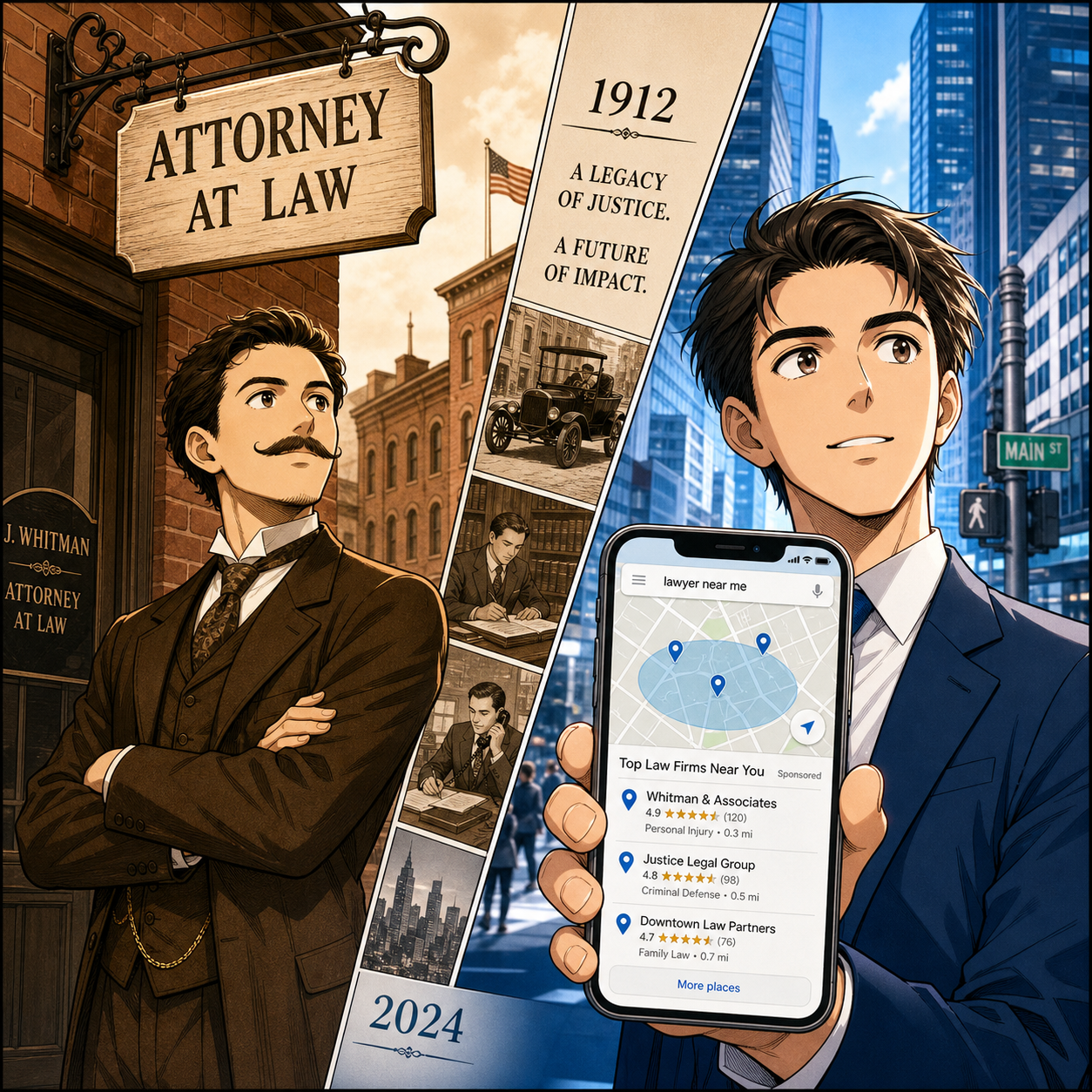
From hanging a shingle to GEO-driven law firm visibility!
If you listen only to today’s marketing jargon, you might think lawyer advertising started with SEO (Search Engine Optimization) and ends with GEO—Generative Engine Optimization. In reality, the story begins with word of mouth, a wooden shingle, and a profession that worried about dignity long before anyone worried about keywords. The tools have changed repeatedly, but the ethical backbone has stayed remarkably consistent.
The ABA didn’t adopt the Model Rules of Professional Conduct until 1983, yet the core prohibitions we now see in Rules 7.1, 7.2, and 7.3—no false or misleading communications, limits on advertising, and restrictions on solicitation—simply codified principles that were already there. As we move from classic SEO into GEO, those same principles should still keep us grounded, especially for solos and small firms tempted to let AI do too much of the talking. 🤖
Before the Codes: Reputation and Norms
In the late 19th and early 20th centuries, there was no ABA Model Rule 7.1, no Model Code, and no national advertising standard. Lawyers built practices through referrals, courthouse reputations, civic involvement, and the quiet endorsements of former clients. Marketing was informal and relational, but that didn’t mean it was unregulated; courts and local bars still sanctioned dishonesty, fraud, and improper solicitation.
What we now call “communications concerning a lawyer’s services” was mostly face-to-face, but the expectation was already clear: do not lie, do not overreach, and do not exploit people at vulnerable moments. Those instincts would later become structured into the Canons, the Model Code, and ultimately the Model Rules.
1908–1969: Canons and the Shingle-to-Directory Transition
The ABA adopted the Canons of Professional Ethics in 1908, its first national ethics code, drawing heavily from an 1887 Alabama code and other local precedents. The Canons emphasized dignity, restraint, and loyalty to the client—not revenue at any cost. Advertising was generally discouraged, but basic identification (your name, that you were a lawyer, and where you could be found) was tolerated.
This is the era of “hanging a shingle”—literally putting up a sign that said you were an attorney—and later of simple listings in early directories and the White Pages. The shingle and the simple listing are analog ancestors of your Google Business Profile today: name, practice, contact information. 🪧 The message was informational, not boastful, which is exactly the line modern Rule 7.1 tries to maintain.
Yellow Pages and the Rise of Display Advertising
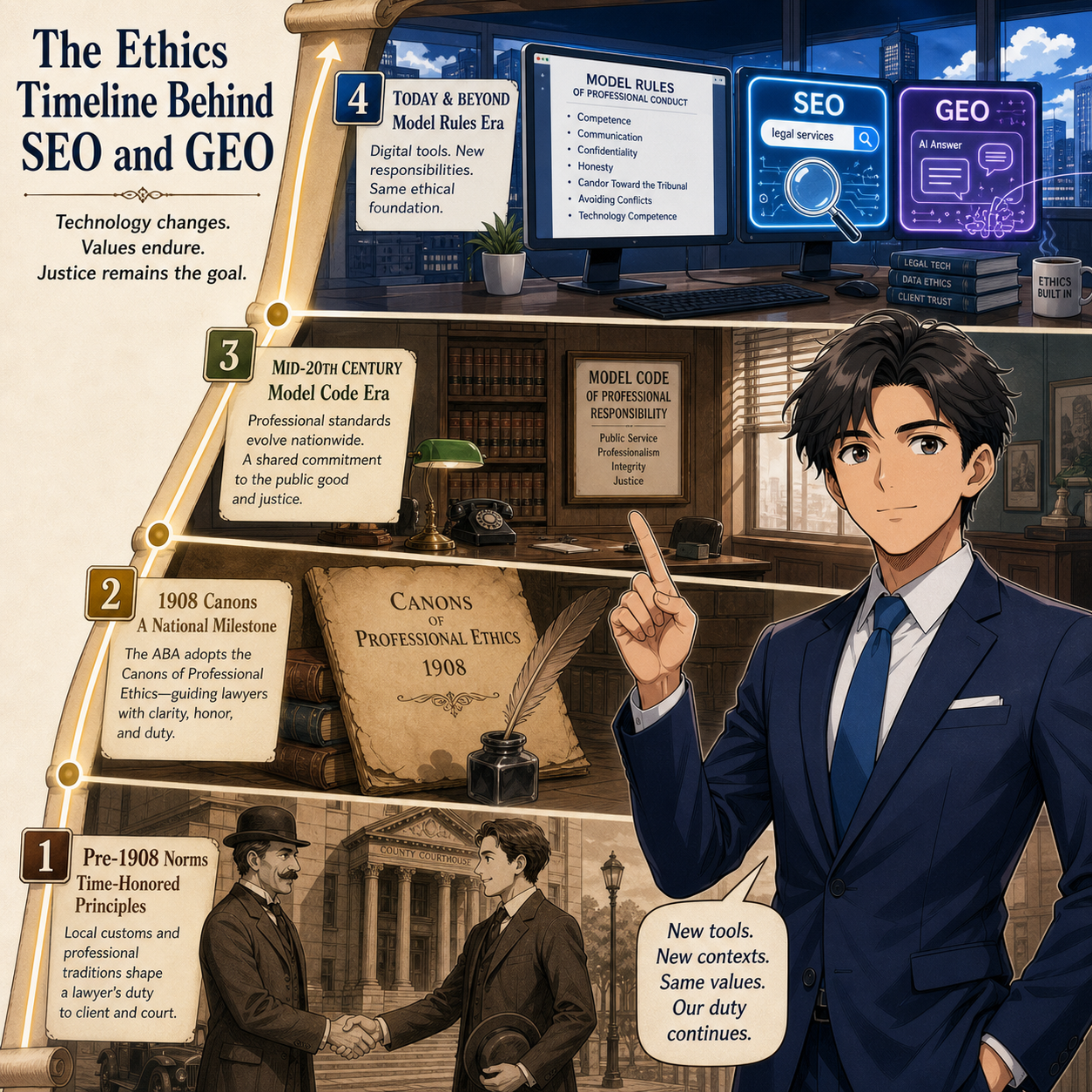
Lawyer advertising evolution: referrals, Yellow Pages, SEO, and GEO
As the telephone spread, lawyers moved from the White Pages into the Yellow Pages, and that’s where things changed. Yellow Pages display ads offered space for slogans, graphics, and bold type. By the late 20th century, they were one of the most important consumer marketing channels for lawyers, especially in personal injury, family law, and criminal defense.
During much of this period the profession was governed by the Model Code of Professional Responsibility (adopted in 1969), which carried forward the Canons’ skepticism of overt advertising. Some bars attempted to maintain near-blanket bans on lawyer ads, while others allowed limited, highly regulated Yellow Pages entries. The underlying concern, however, was familiar: Advertising that created unjustified expectations, promised results, or made unverifiable “best lawyer” claims was considered unethical—an early expression of what would become the Model Rule 7.1 prohibition on false or misleading communications.
Bates and the Birth of Modern Lawyer Advertising
Everything shifted in 1977 when the Supreme Court decided Bates v. State Bar of Arizona. The Court held that lawyer advertising is commercial speech protected by the First Amendment, striking down a state disciplinary rule that effectively banned ads by lawyers. The Court recognized that consumers need information about legal services and cannot evaluate lawyers if they are kept in the dark.
Bates did not remove ethical guardrails. It confirmed that states may still prohibit false, deceptive, or misleading advertising and may impose reasonable rules to protect the public. In modern terms, Bates opened the door to lawyer advertising but left the profession responsible for staying on the right side of truthfulness, clarity, and fair dealing.
1983–Present: Model Rules, the Web, and SEO
In 1983, the ABA replaced the Model Code with the Model Rules of Professional Conduct, which remain the baseline for state rules today. Three provisions matter most for marketing:
Model Rule 7.1 – A lawyer shall not make a false or misleading communication about the lawyer or the lawyer’s services.
Model Rule 7.2 – Lawyers may advertise through various media, subject to 7.1 and restrictions on paying for recommendations.
Model Rule 7.3 – Governs solicitation of clients, especially direct, real-time contact with people who may be vulnerable to undue influence.
When law firms began building websites in the 1990s and early 2000s, those sites were simply new “media” under Rule 7.2 and subject to the same truthfulness requirements as a print ad. As SEO emerged, lawyers learned to optimize pages for terms like “car accident lawyer” or “divorce attorney near me,” and local search became the new Yellow Pages.
The temptation, then as now, was to let the algorithm drive the ethics. Yet nothing in the Model Rules says “this doesn’t count if you’re trying to rank.” Every meta description, headline, and testimonial remains a communication about your services under 7.1.
Remember, your website is your biggest ethics footprint. If an SEO consultant suggests language you would never put in a sworn pleading, it probably doesn’t belong on your homepage either.
GEO: Generative Engine Optimization
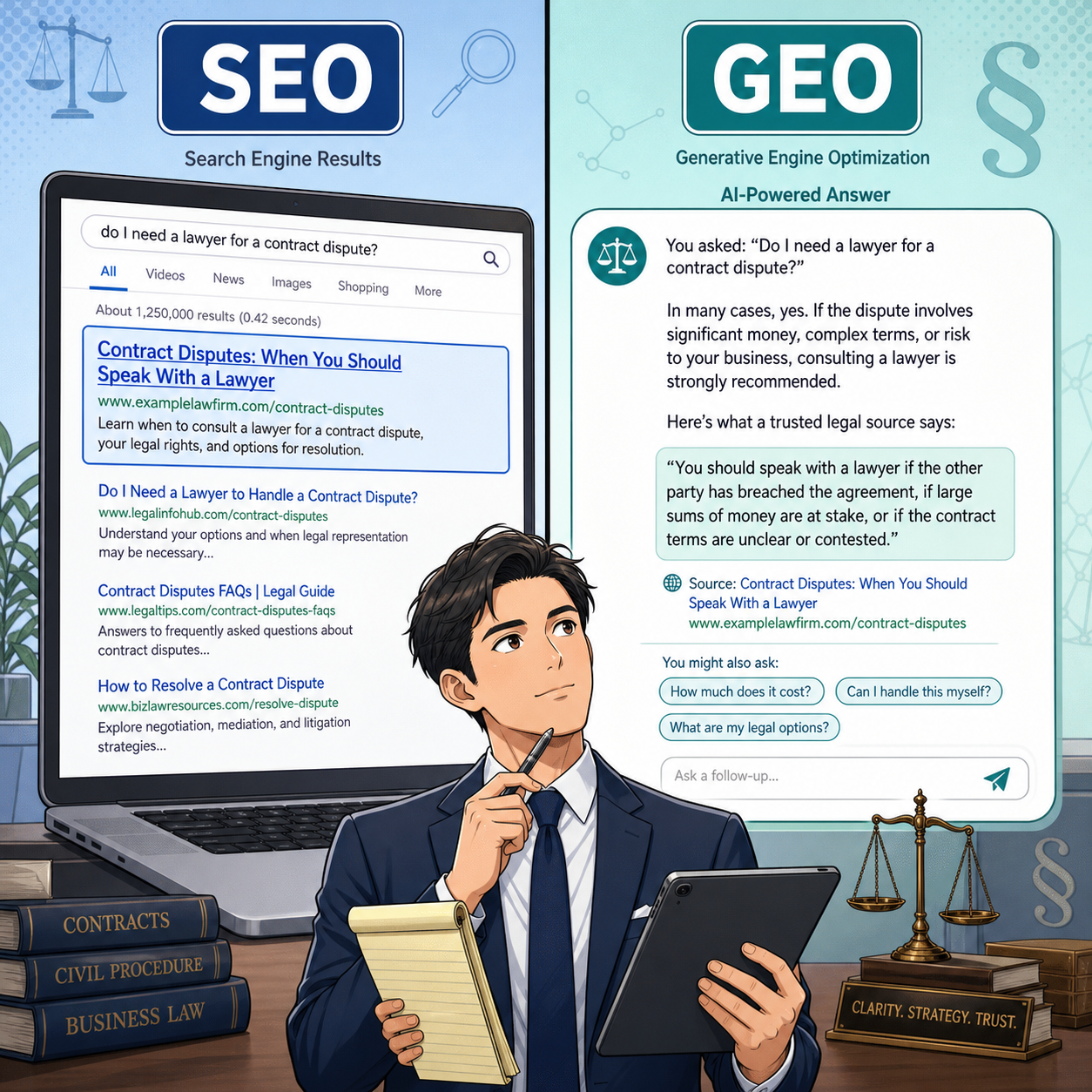
Comparing classic law firm SEO with modern GEO AI answers
Fast-forward to 2026, and many law firm marketers are talking about GEO—Generative Engine Optimization. GEO focuses on making your content understandable and trustworthy to AI-driven answer engines (ChatGPT, Gemini, Perplexity, Bing Copilot, Google AI Overviews, and similar tools), not just to traditional search rankings.
Where SEO primarily asks, “How do I rank in the list?”, GEO asks, “When a prospective client asks a natural-language question, does an AI system understand my firm, recognize my authority, and cite my content accurately in its answer?” For law firms, GEO strategies generally include:
Structuring content around clear questions and answers clients actually ask
Strengthening entity profiles so AI can correctly associate attorneys, practice areas, and locations
Enhancing trust signals: consistent directory listings, complete bios, reviews, and citations from reputable sources
Updating content for depth, context, and semantic clarity so generative systems don’t misinterpret your guidanc
If that sounds like “SEO with better structure and more discipline,” you’re not wrong. GEO builds on strong traditional SEO, not replaces it.
Ethically, the message is straightforward: AI is just another channel. If your content is misleading, overbroad, or exaggerated, it does not become acceptable because it is being summarized by a generative engine instead of displayed as a blue link. Rule 7.1 applies regardless of whether a human or an AI is reading your copy.
GEO, AI Tools, and Model Rule Guardrails
For solos and small firms, GEO often intersects with increasing use of AI tools to draft or refine marketing content. That raises several recurring ethics touchpoints:
Truthful content (Rule 7.1): Any AI-assisted copy that inflates your experience, implies special certification you don’t actually hold, or hints at guaranteed outcomes violates the same rule as if you wrote it manually.
Supervision and review (Rules 5.1, 5.2, and 5.3): Ethics guidance on AI marketing emphasizes human review protocols: lawyers must review AI outputs for accuracy, tone, and compliance before publishing.
Solicitation concerns (Rule 7.3): If a GEO-driven workflow extends into chatbots, proactive outreach, or personalized sequences, you must ensure the system isn’t effectively engaging in real-time solicitation of individuals facing stress or duress.
GEO is powerful, but it’s not magic. It does not relieve you of the duty to understand the technology and to ensure that every public-facing statement about your services is accurate and appropriate for the audience.
The Through-Line: What Has Stayed the Same
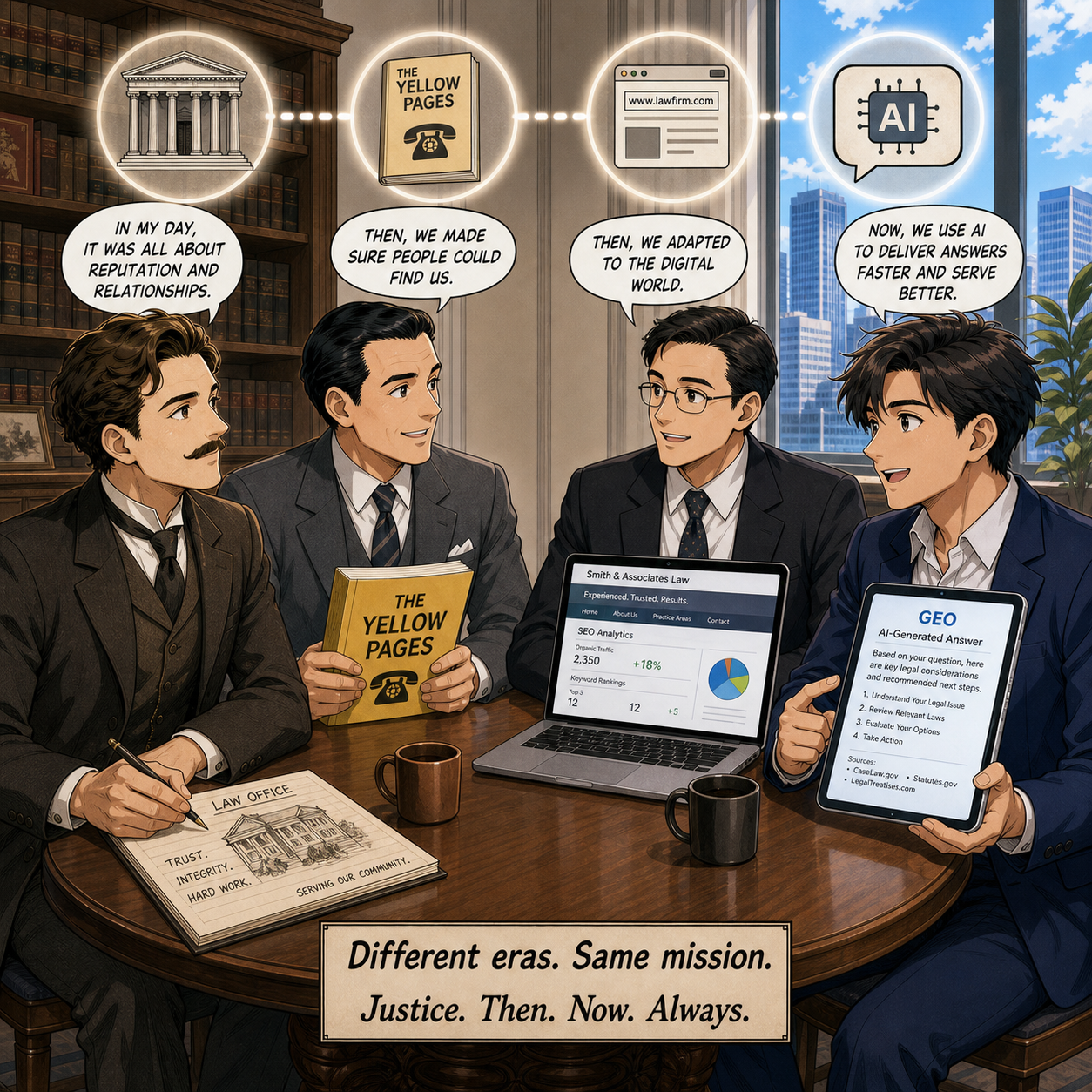
Lawyer advertising evolution: referrals, Yellow Pages, SEO, and GEO
Once you understand the timeline—no Model Rules in 1890, no GEO in 2000—the continuity becomes obvious:
The codes changed; the core idea did not. From unwritten norms to the Canons, the Model Code, and the Model Rules, the message is consistent: tell the truth, don’t mislead, and respect client vulnerability.
Every new channel inherits the old duties. Yellow Pages, websites, SEO, AI answers, and GEO all fall under the same prohibitions on false or misleading communications and improper solicitation.
Technology amplifies both good and bad. Clear, helpful content that respects the rules will travel farther through generative systems; sloppy or overstated claims will too.
For tech-curious lawyers, the takeaway is simple: be excited about GEO, but not starstruck. ✨ Use it to structure better answers, not to stretch the truth. Let AI and generative engines distribute your expertise, not redefine your ethics.
MTC