
📖 Word of the Week: What Is a "Wake Word"? How Voice Assistants Affect Lawyers and Client Confidentiality 🎙️⚖️
/
Wake Words and Client Confidentiality: What Every Lawyer Must Know
🎙️ "Alexa." "Hey Siri." "Hey Google." These short phrases are called wake words. They tell a device to stop waiting and start working. For lawyers, they also raise a serious question. What does your device hear before you ever say a word to it?
What Is a Wake Word? 🔍
A wake word is a spoken trigger phrase. It activates a voice assistant on a smart speaker, phone, watch, car, or laptop. The microphone stays on so the device can catch that phrase. Amazon explains that Echo devices detect the wake word by identifying acoustic patterns that match it. Amazon also says no audio goes to its cloud until the device detects the wake word or someone presses a button.
Then the recording begins. Amazon states that the audio stream includes a fraction of a second of audio before the wake word. The request is processed in Amazon's cloud. A transcript is created there too.
Wake words are no longer limited to smart speakers. They now appear in phones, earbuds, televisions, cars, and AI wearables. Many of these devices sit on a lawyer's desk or wrist all day. 📱
The Problem: False Wakes ⚠️
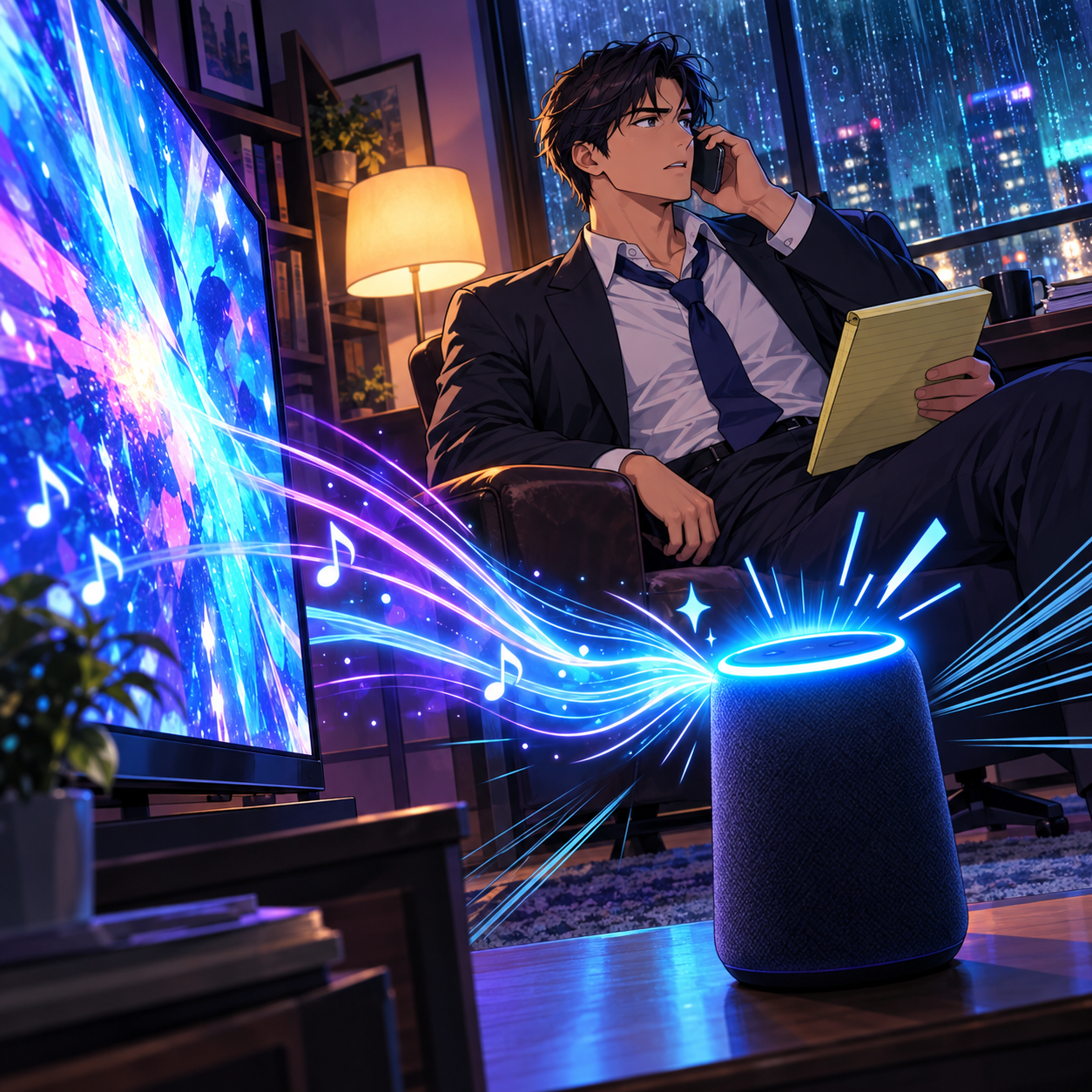
Always Listening: Smart Devices, Lawyers, and Rule 1.6 Confidentiality
Wake-word detection is not perfect. Devices mishear ordinary speech. A television line, a client's name, or a similar-sounding word can trigger one. Researchers from Northeastern University and Imperial College London found that smart speakers could activate by mistake as many as 19 times a day. Some of those accidental recordings lasted up to 43 seconds. The same researchers found no evidence of constant recording. Still, 43 seconds is enough time to capture a settlement number or a client confession.
These risks are not theoretical. Apple agreed to pay $95 million to settle claims that Siri recorded conversations without being activated. A federal judge granted final approval of that settlement on October 16, 2025. Apple did not admit wrongdoing. Last month, a federal judge approved a $68 million Google Assistant settlement. That case involved so-called "false accepts." These are recordings made without a proper "Hey Google" activation.
Fewer Local Options in 2026 ☁️

Wake Words can Threaten Client Privacy!
Privacy controls are also changing. In March 2025, Amazon ended its "Do not send voice recordings" setting. That feature let a few Echo models process requests on the device. Now those requests go to the cloud. Amazon cited the processing needs of generative AI.
AI assistants may also listen longer. Amazon notes that joining Alexa+ turns on Follow Up Mode on compatible Echo devices. That mode lets you keep talking without repeating the wake word. It is convenient. It also widens the window for capture.
Apple and Google offer their own settings. Check each device's privacy menu. Do not assume the defaults protect you.
What the ABA Model Rules Require ⚖️

lawyers and their staff need to know ABA Opinion 498 and the Hidden Risk of Wake Words.
The ABA has already spoken on this issue. ABA Formal Opinion 498 addresses virtual practice. It advises lawyers to disable the listening capability of smart speakers and virtual assistants while discussing client matters. The exception is technology that is actually assisting the law practice.
Several Model Rules apply here:
🧠 Rule 1.1 (Competence). Comment 8 expects lawyers to understand the benefits and risks of relevant technology. Knowing how wake words work is part of that duty.
🔒 Rule 1.6 (Confidentiality). Rule 1.6(c) requires reasonable efforts to prevent inadvertent disclosure of client information. A false wake can be exactly that kind of disclosure.
👥 Rule 5.3 (Nonlawyer Assistance). Rule 5.3 reaches staff and outside vendors. Your team needs clear device policies. You should also understand how vendors handle voice data.
💬 Rule 1.4 (Communication). Rule 1.4 supports a candid talk with clients. Ask whether their homes have listening devices. Explain why it matters before a sensitive call.
Five Practical Steps for Lawyers ✅

lawyers Mute the Microphone: Protecting Client Secrets From Voice Assistants
🔇 Use the mute button. On Echo devices, the microphone button disconnects power to the microphones. A red light confirms it.
🚪 Keep devices out of client spaces. Remove smart speakers from your office and conference room.
📱 Check your phone and watch. Turn off "Hey Siri" or "Hey Google" during confidential calls. Your laptop and car may also listen.
🗑️ Review and delete recordings. Amazon lets you choose not to save voice recordings. You can also review and delete past history.
📝 Write a firm policy. Cover home offices, staff devices, and client meetings. Revisit it when vendors change their terms.
Final Thoughts 💡
Wake words are not inherently dangerous. Voice assistants can set reminders and speed up routine tasks. The risk lies in assuming a device is asleep. It is always listening for its name. Treat every microphone in the room as a potential participant in your client conversation.
I explored this ambient-recording risk in my editorial, "MTC: Smart Recording, Client Secrets, and HeyPocket: What Every Lawyer Needs to Know in 2026 📱⚖️". For an audio version, listen to our TSL Labs 🧪 Bonus Deep Dive on that editorial. Your clients trust you with their secrets. Make sure your devices do not share them. 🤫