
MTC: Your Devices Are Already Listening 👂⌚ Apple Watch, Alexa, Siri, and a Lawyer's Confidentiality Checklist Under the ABA Model Rules ⚖️
/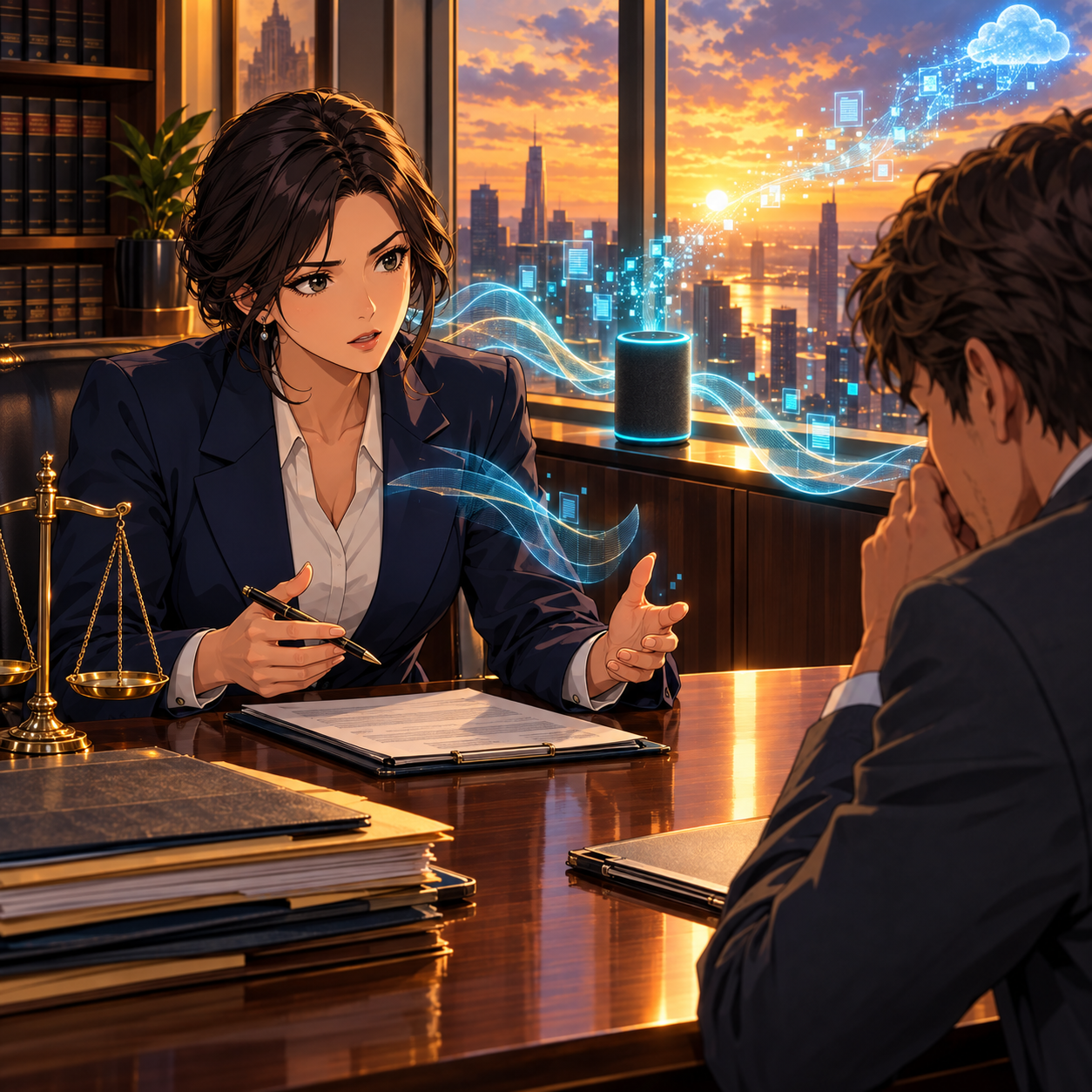
Mute the Mic: Protect your Clients’ Confidences in 2026
Apple is paying closer attention 👀. Starting November 16, 2026, Apple will require developers to disclose whether their apps include real-world location sharing or dating features, so it can assign age ratings appropriately. Developers must submit those disclosures through App Store Connect by January 12, 2027. That is a sensible consumer-protection step. It also carries a message lawyers should hear. The platforms in our pockets want to know what our apps do, where we are, and whom we connect with.
Then there is the watch ⌚. On the Apple Watch Series 12 and Apple Watch Ultra 4*, paired with an iPhone running iOS 27, Music Recognition can identify songs playing around you automatically. You do not have to tap anything. Apple says the audio is not recorded or stored. It is processed in a protected buffer in the device's Secure Exclave. Only an acoustic signature that cannot be reversed into the original audio goes to Shazam's servers. That is thoughtful privacy engineering, and Apple deserves credit for it. The core fact remains, though. A device on your wrist is now sampling the room to decide whether something worth identifying is playing.
Neither development is a scandal. Together, they are a reminder 🔔. Our devices are already listening. As lawyers, we have a professional duty to know when they listen, how they process what they hear, and where that information goes.
Alexa vs. (Old) Siri: Not All Listening Is Equal 🔊
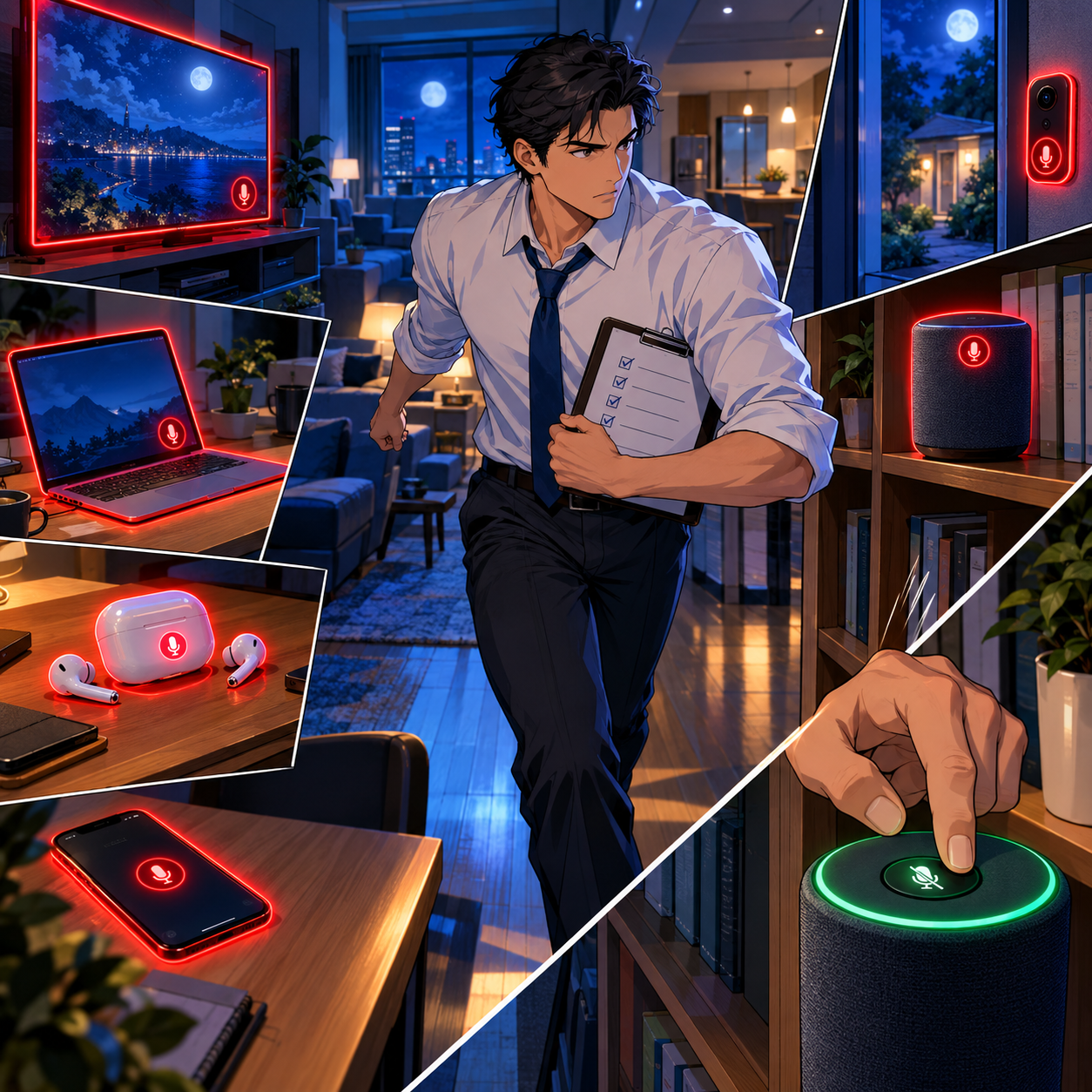
ABA Formal Opinion 498 and Your Always-Listening Devices
Every wake-word device listens for its wake word. The real question is what happens next.
Amazon answered that question for Echo owners in 2025. It discontinued the "Do Not Send Voice Recordings" setting on March 28, 2025. That option had been limited to three Echo models in the United States. After that date, Echo voice requests go to Amazon's cloud (TechCrunch; The Verge). If an Echo sits on your credenza, assume that anything it captures after a wake word, real or mistaken, leaves the room.
Legacy Siri has generally relied more on on-device processing. It was not immune to mistakes, however. Apple agreed to pay $95 million to settle Lopez v. Apple, a class action alleging that accidental Siri activations captured private conversations. Apple denied wrongdoing.
The practical lesson is simple. Alexa sends more by design. Older Siri sent less but still misfired. Either way, a false trigger can turn a privileged strategy discussion into a file on someone else's server 😬.
Smart speakers are only the most obvious listeners. Smart TVs accept voice commands. Cars ship with built-in assistants. Earbuds, laptops, and video-conferencing platforms all carry microphones, and many now pair them with AI features that summarize or transcribe. None of these tools is inherently unethical to use. Many of them make us better lawyers. The problem arises when we forget they are there, or when we never learned their defaults in the first place.
Remember, too, that confidentiality and privilege are related but distinct. Rule 1.6 confidentiality is broader than the attorney-client privilege. A careless disclosure can breach your ethical duty even when a court later decides privilege survived.
What the ABA Model Rules Require ⚖️

Alexa, Siri, and Apple Watch: lawyers need to learn the Ethics Risks
Rule 1.1 (Competence), Comment 8 requires lawyers to keep abreast of the benefits and risks of relevant technology. You cannot guard against a microphone you do not know is on. Knowing which devices listen, and what they transmit, is now basic competence.
Rule 1.6(a) and (c) (Confidentiality) requires reasonable efforts to prevent the inadvertent or unauthorized disclosure of, or access to, client information. Comment 18 weighs the sensitivity of the information, the likelihood of disclosure without safeguards, and the cost and difficulty of added protections. Muting a smart speaker costs nothing. That makes "reasonable" easy to measure.
ABA Formal Opinion 498 (Virtual Practice) speaks directly to this issue. It states: "Unless the technology is assisting the lawyer's law practice, the lawyer should disable the listening capability of devices or services such as smart speakers, virtual assistants, and other listening-enabled devices while communicating about client matters" (ABA Formal Opinion 498). The Opinion warns that failing to do so exposes client information to unnecessary third parties and increases hacking risk.
Rules 5.1 and 5.3 (Supervision) extend the duty beyond you. Partners and supervising lawyers must make reasonable efforts to ensure that associates, paralegals, and assistants follow the same practices. That includes staff who work from a kitchen table next to an Echo Show.
Rule 1.4 (Communication) supports a short conversation with clients, too. A client who calls you from a room with a smart speaker may be weakening confidentiality, and possibly privilege, without realizing it.
I explored related risks in MTC: Smart Recording, Client Secrets, and HeyPocket: What Every Lawyer Needs to Know in 2026 🎙️. New hardware adds to the puzzle. As I noted in MTC: Why Lawyers Should Wait Before Upgrading to the iPhone 18 Pro Max and Apple Watch Ultra 4, new devices often arrive with new defaults. Learn those defaults before you wear them into a client meeting.
The Listening-Device Checklist: Prevent a Bar Issue Before It Starts ✅
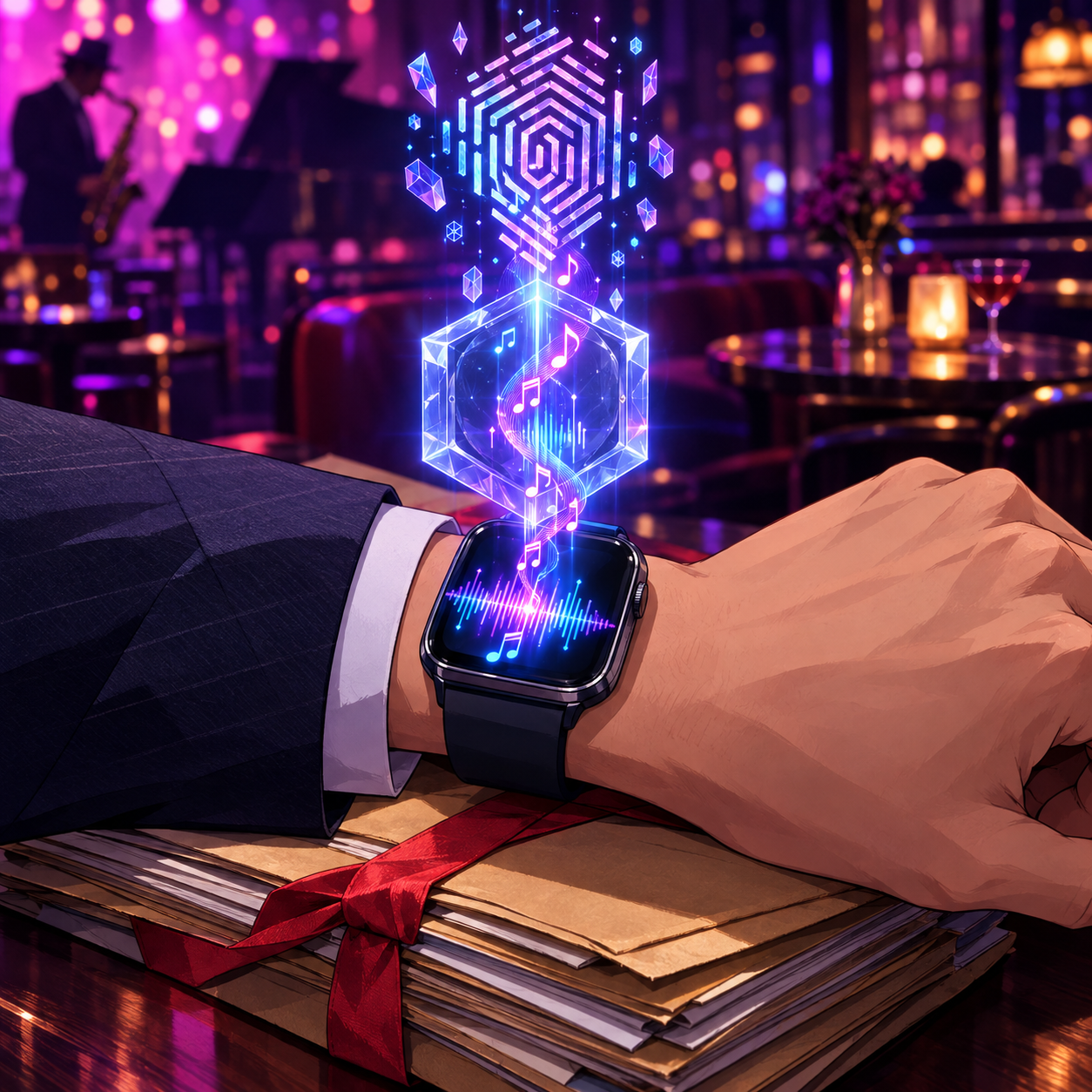
Your Devices Are Listening: A Lawyer's Confidentiality Checklist
📋 Inventory every listening-enabled device. Include phones, watches, earbuds, laptops, smart speakers, smart TVs, doorbells, and cars. If it has a microphone, it goes on the list.
🔇 Mute or unplug smart speakers wherever client matters are discussed. Use the physical microphone button. Better yet, keep smart speakers out of your office and conference room.
⌚ Decide on Apple Watch Music Detection deliberately. If you prefer it off during client work, go to Settings > Smart Stack > Music Detection on the watch.
🗣️ Disable wake words in workspaces. Turn off "Hey Siri," "Alexa," and similar triggers on devices that share a room with confidential conversations.
🗑️ Review and delete voice histories. Check your Amazon Alexa privacy settings and your Siri and Dictation history. Set auto-delete where it is available.
📍 Audit app permissions. Review which apps can use your microphone and your location. Apple's new disclosure rules are a good prompt to revisit location sharing.
📝 Adopt a written firm policy. Cover office, home, and travel. Make it part of onboarding under Rules 5.1 and 5.3.
🎓 Train your team at least annually. Include remote staff and contract paralegals.
🤝 Talk with clients. Add a sentence to your intake materials asking clients to step away from smart speakers during calls.
🔍 Vet vendors before you adopt them. Read privacy terms about retention, human review, and use of data for training.
🔄 Re-check settings after every software update. New features can arrive turned on, as Music Recognition shows.
🗂️ Document your efforts. "Reasonable efforts" are much easier to demonstrate when they are written down.
The Bottom Line 💡

Keep Bar Counsel Away: Audit Your Listening Devices Today
Technology companies are getting better at privacy. Apple's Secure Exclave design is evidence of that. But better privacy engineering does not transfer our ethical duties to a vendor. The Model Rules place responsibility on the lawyer. That means knowing which devices are listening, deciding when they should stop, and being able to show what you did about it.
Take ten minutes this week, ideally starting today. Walk through your office, your home workspace, and your wrist. Then run the checklist to help keep your clients happy and bar counsel off your back.
MTC