MTC: Your Devices Are Already Listening 👂⌚ Apple Watch, Alexa, Siri, and a Lawyer's Confidentiality Checklist Under the ABA Model Rules ⚖️

Mute the Mic: Protect your Clients’ Confidences in 2026

Apple is paying closer attention 👀. Starting November 16, 2026, Apple will require developers to disclose whether their apps include real-world location sharing or dating features, so it can assign age ratings appropriately. Developers must submit those disclosures through App Store Connect by January 12, 2027. That is a sensible consumer-protection step. It also carries a message lawyers should hear. The platforms in our pockets want to know what our apps do, where we are, and whom we connect with.

Then there is the watch ⌚. On the Apple Watch Series 12 and Apple Watch Ultra 4*, paired with an iPhone running iOS 27, Music Recognition can identify songs playing around you automatically. You do not have to tap anything. Apple says the audio is not recorded or stored. It is processed in a protected buffer in the device's Secure Exclave. Only an acoustic signature that cannot be reversed into the original audio goes to Shazam's servers. That is thoughtful privacy engineering, and Apple deserves credit for it. The core fact remains, though. A device on your wrist is now sampling the room to decide whether something worth identifying is playing.

Neither development is a scandal. Together, they are a reminder 🔔. Our devices are already listening. As lawyers, we have a professional duty to know when they listen, how they process what they hear, and where that information goes.

Alexa vs. (Old) Siri: Not All Listening Is Equal 🔊
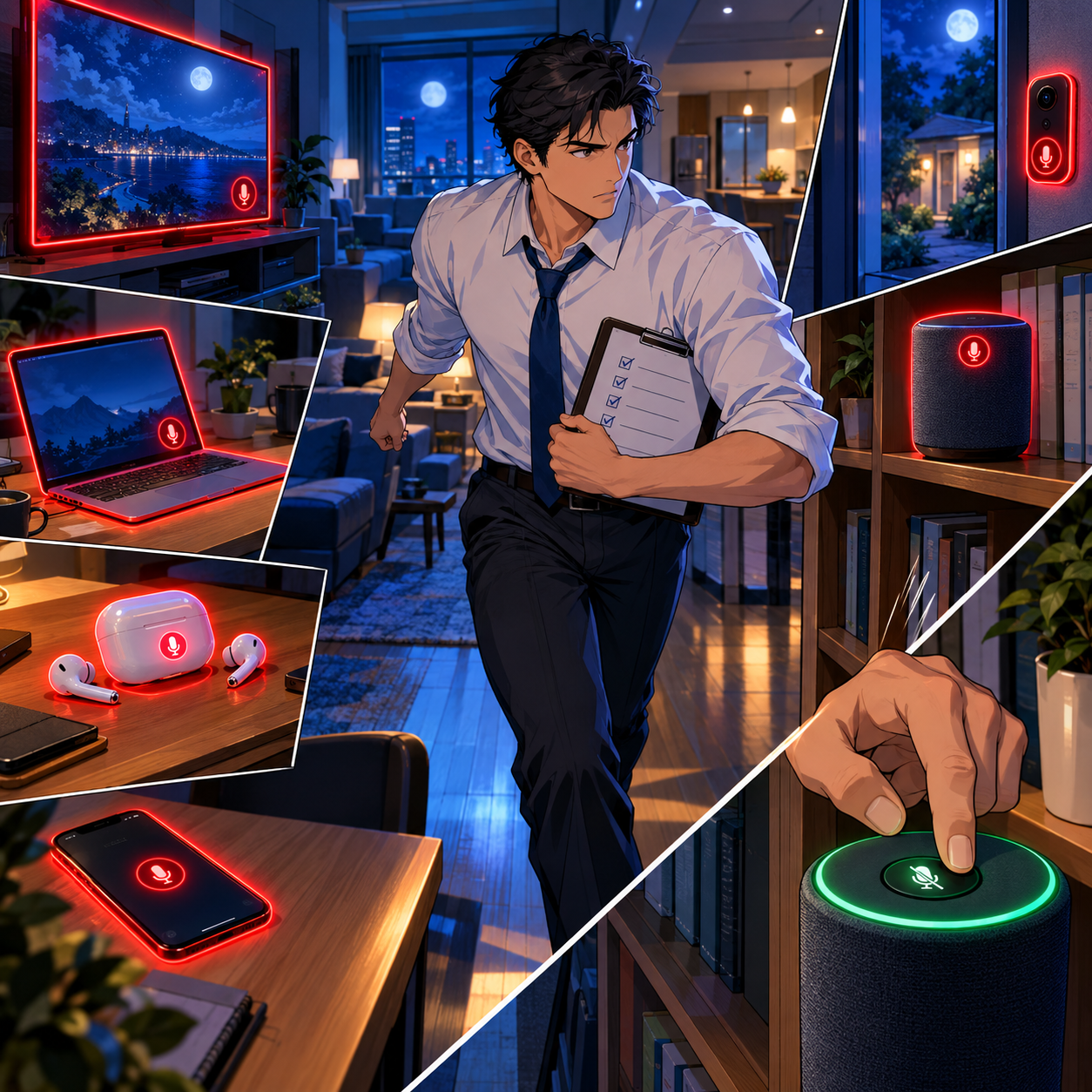
ABA Formal Opinion 498 and Your Always-Listening Devices

Every wake-word device listens for its wake word. The real question is what happens next.

Amazon answered that question for Echo owners in 2025. It discontinued the "Do Not Send Voice Recordings" setting on March 28, 2025. That option had been limited to three Echo models in the United States. After that date, Echo voice requests go to Amazon's cloud (TechCrunch; The Verge). If an Echo sits on your credenza, assume that anything it captures after a wake word, real or mistaken, leaves the room.

Legacy Siri has generally relied more on on-device processing. It was not immune to mistakes, however. Apple agreed to pay $95 million to settle Lopez v. Apple, a class action alleging that accidental Siri activations captured private conversations. Apple denied wrongdoing.

The practical lesson is simple. Alexa sends more by design. Older Siri sent less but still misfired. Either way, a false trigger can turn a privileged strategy discussion into a file on someone else's server 😬.

Smart speakers are only the most obvious listeners. Smart TVs accept voice commands. Cars ship with built-in assistants. Earbuds, laptops, and video-conferencing platforms all carry microphones, and many now pair them with AI features that summarize or transcribe. None of these tools is inherently unethical to use. Many of them make us better lawyers. The problem arises when we forget they are there, or when we never learned their defaults in the first place.

Remember, too, that confidentiality and privilege are related but distinct. Rule 1.6 confidentiality is broader than the attorney-client privilege. A careless disclosure can breach your ethical duty even when a court later decides privilege survived.

What the ABA Model Rules Require ⚖️
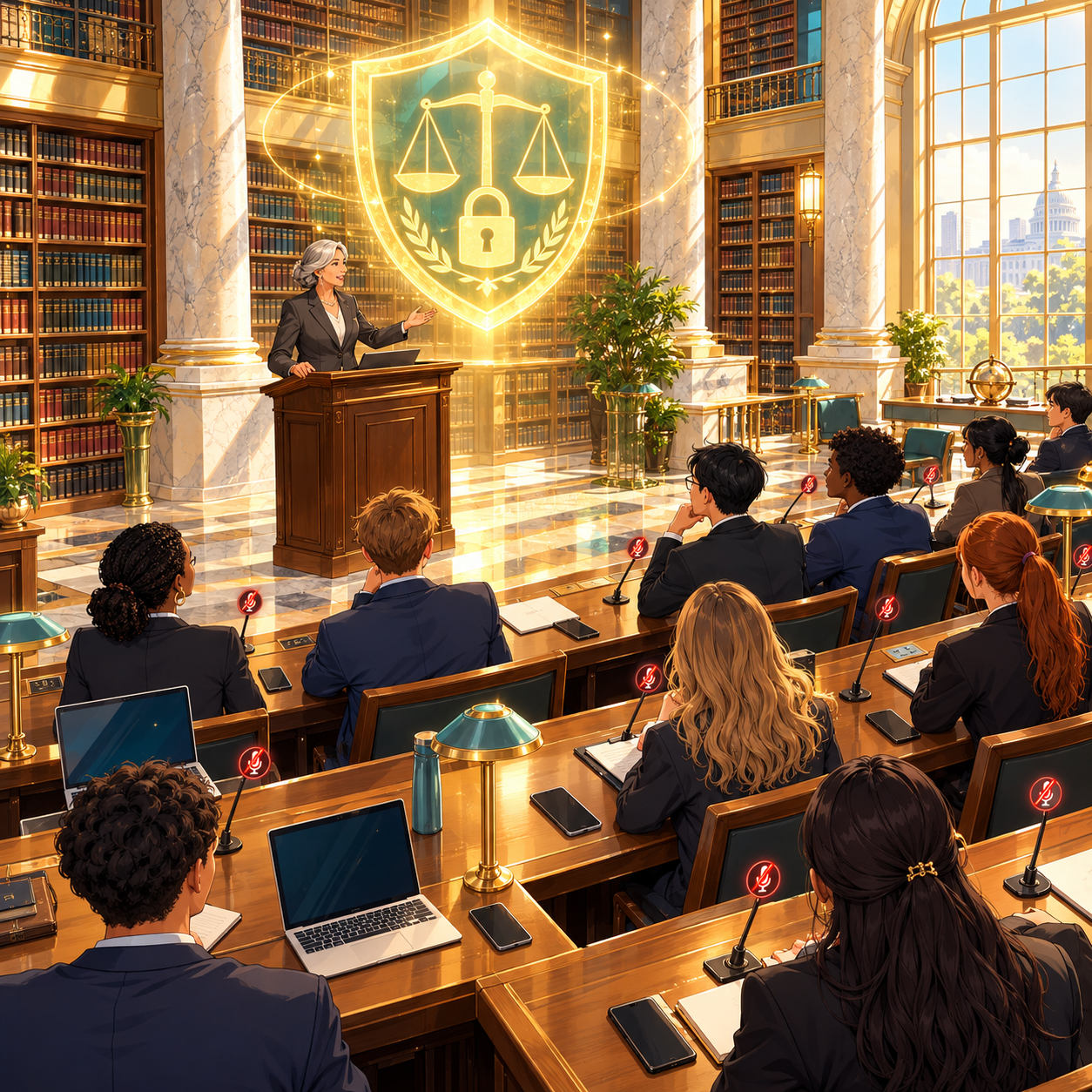
Alexa, Siri, and Apple Watch: lawyers need to learn the Ethics Risks

Rule 1.1 (Competence), Comment 8 requires lawyers to keep abreast of the benefits and risks of relevant technology. You cannot guard against a microphone you do not know is on. Knowing which devices listen, and what they transmit, is now basic competence.

Rule 1.6(a) and (c) (Confidentiality) requires reasonable efforts to prevent the inadvertent or unauthorized disclosure of, or access to, client information. Comment 18 weighs the sensitivity of the information, the likelihood of disclosure without safeguards, and the cost and difficulty of added protections. Muting a smart speaker costs nothing. That makes "reasonable" easy to measure.

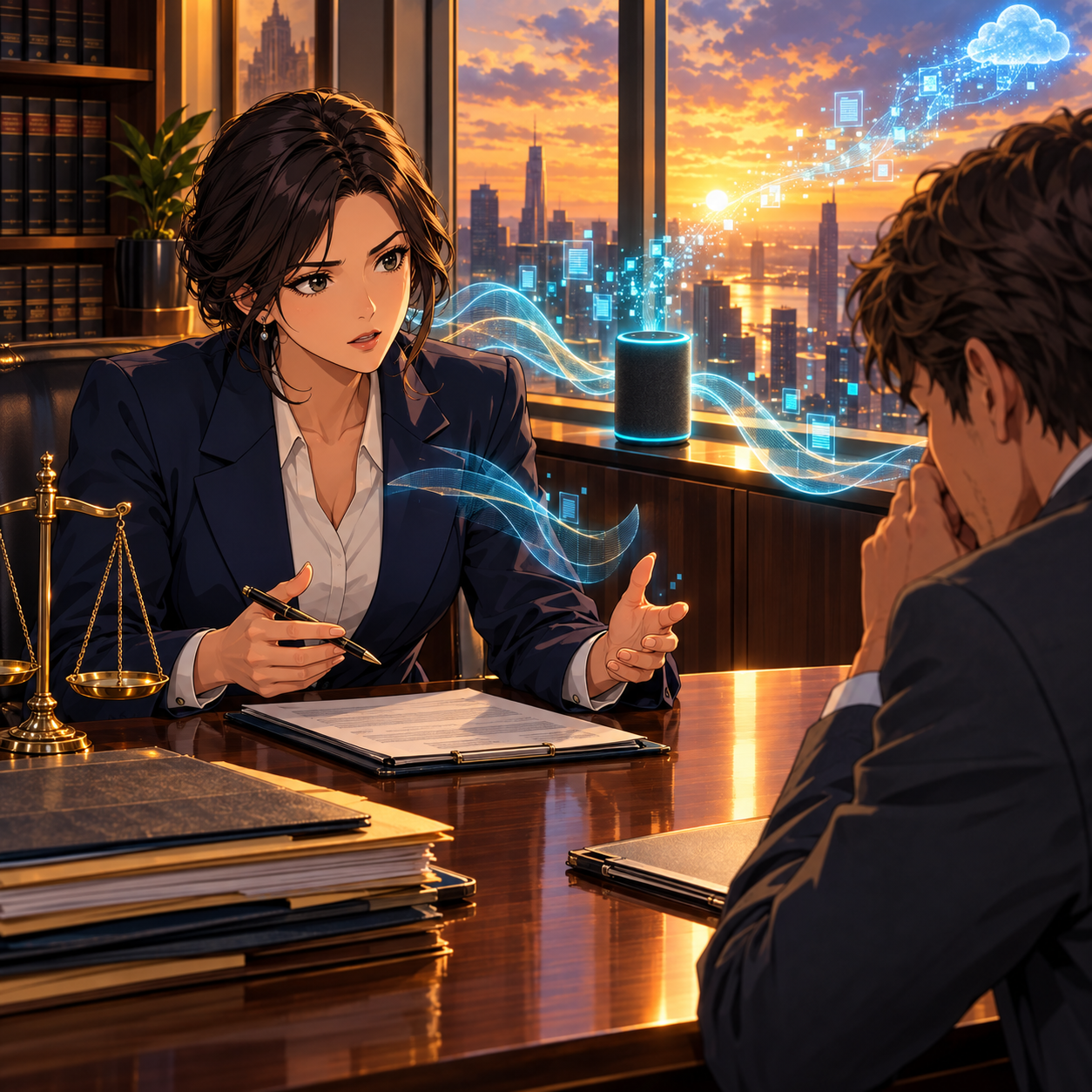
ABA Formal Opinion 498 (Virtual Practice) speaks directly to this issue. It states: "Unless the technology is assisting the lawyer's law practice, the lawyer should disable the listening capability of devices or services such as smart speakers, virtual assistants, and other listening-enabled devices while communicating about client matters" (ABA Formal Opinion 498). The Opinion warns that failing to do so exposes client information to unnecessary third parties and increases hacking risk.

Rules 5.1 and 5.3 (Supervision) extend the duty beyond you. Partners and supervising lawyers must make reasonable efforts to ensure that associates, paralegals, and assistants follow the same practices. That includes staff who work from a kitchen table next to an Echo Show.

Rule 1.4 (Communication) supports a short conversation with clients, too. A client who calls you from a room with a smart speaker may be weakening confidentiality, and possibly privilege, without realizing it.

I explored related risks in MTC: Smart Recording, Client Secrets, and HeyPocket: What Every Lawyer Needs to Know in 2026 🎙️. New hardware adds to the puzzle. As I noted in MTC: Why Lawyers Should Wait Before Upgrading to the iPhone 18 Pro Max and Apple Watch Ultra 4, new devices often arrive with new defaults. Learn those defaults before you wear them into a client meeting.

The Listening-Device Checklist: Prevent a Bar Issue Before It Starts ✅

Your Devices Are Listening: A Lawyer's Confidentiality Checklist

  1. 📋 Inventory every listening-enabled device. Include phones, watches, earbuds, laptops, smart speakers, smart TVs, doorbells, and cars. If it has a microphone, it goes on the list.

  2. 🔇 Mute or unplug smart speakers wherever client matters are discussed. Use the physical microphone button. Better yet, keep smart speakers out of your office and conference room.

  3. ⌚ Decide on Apple Watch Music Detection deliberately. If you prefer it off during client work, go to Settings > Smart Stack > Music Detection on the watch.

  4. 🗣️ Disable wake words in workspaces. Turn off "Hey Siri," "Alexa," and similar triggers on devices that share a room with confidential conversations.

  5. 🗑️ Review and delete voice histories. Check your Amazon Alexa privacy settings and your Siri and Dictation history. Set auto-delete where it is available.

  6. 📍 Audit app permissions. Review which apps can use your microphone and your location. Apple's new disclosure rules are a good prompt to revisit location sharing.

  7. 📝 Adopt a written firm policy. Cover office, home, and travel. Make it part of onboarding under Rules 5.1 and 5.3.

  8. 🎓 Train your team at least annually. Include remote staff and contract paralegals.

  9. 🤝 Talk with clients. Add a sentence to your intake materials asking clients to step away from smart speakers during calls.

  10. 🔍 Vet vendors before you adopt them. Read privacy terms about retention, human review, and use of data for training.

  11. 🔄 Re-check settings after every software update. New features can arrive turned on, as Music Recognition shows.

  12. 🗂️ Document your efforts. "Reasonable efforts" are much easier to demonstrate when they are written down.

The Bottom Line 💡

Keep Bar Counsel Away: Audit Your Listening Devices Today

Technology companies are getting better at privacy. Apple's Secure Exclave design is evidence of that. But better privacy engineering does not transfer our ethical duties to a vendor. The Model Rules place responsibility on the lawyer. That means knowing which devices are listening, deciding when they should stop, and being able to show what you did about it.

Take ten minutes this week, ideally starting today. Walk through your office, your home workspace, and your wrist. Then run the checklist to help keep your clients happy and bar counsel off your back.

MTC
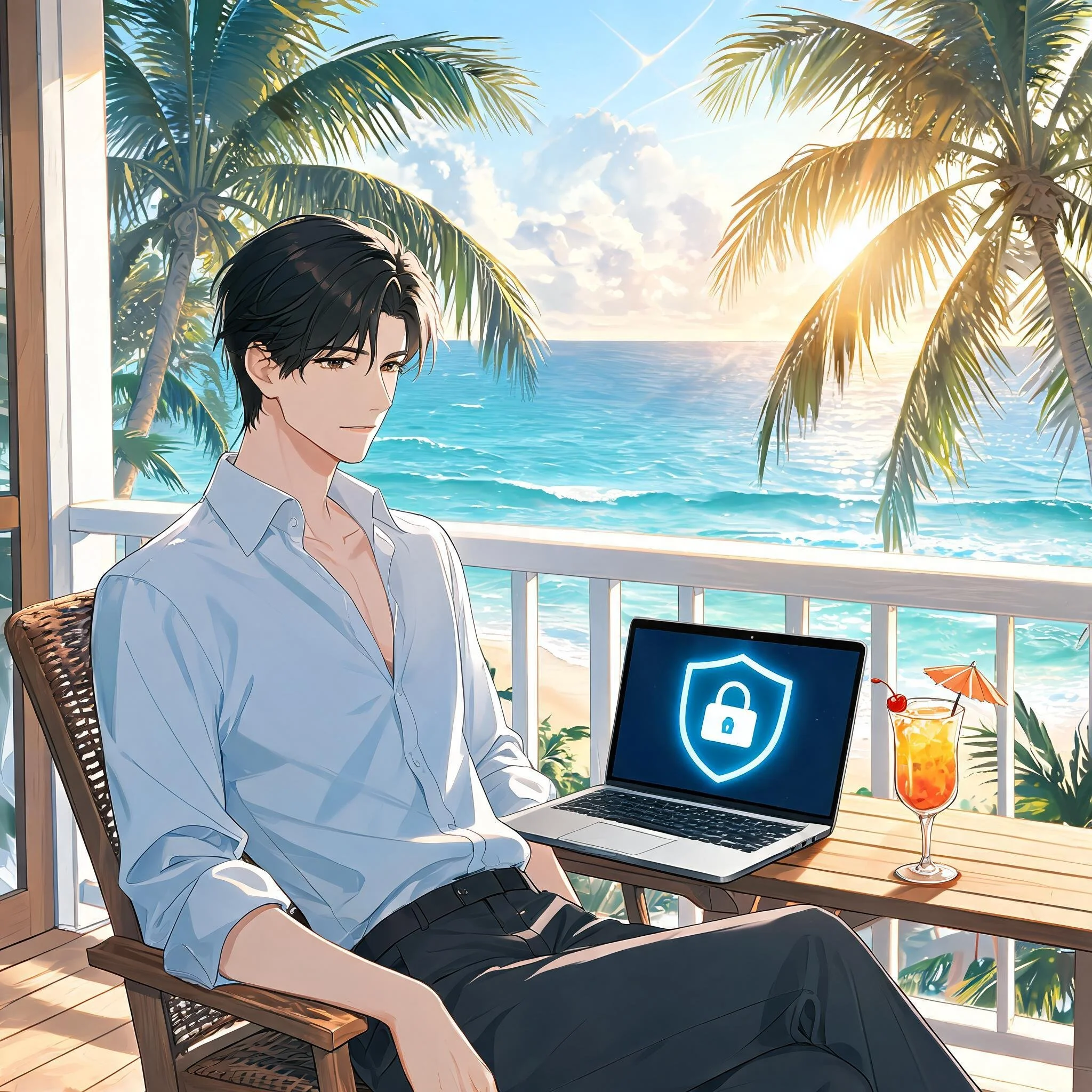
MTC: Summer Vacation Cybersecurity for Lawyers: Essential Tech Tips to Protect Client Data on the Go 🌴💻

Lawyers: Never Skip Your VPN — Even on Vacation!

For many lawyers, “summer vacation” now means answering client emails from the beach house, reviewing drafts on the cabin deck, and jumping into Zoom hearings from hotel rooms. 🌞📶 Work rarely stays at the office, and our laptops and phones have become permanent carry‑ons even when we swear we are taking real time off. That always‑on reality turns every summer trip into a rolling cybersecurity and ethics test.

When you travel with devices that touch client matters, you are also traveling with privileged information, trade secrets, and personal data that fall squarely under ABA Model Rules 1.1 and 1.6. Competent representation now includes understanding the benefits and risks of the tech you use, and reasonable efforts to protect client confidentiality do not pause when you turn on your out‑of‑office message. The goal is not to shame lawyers for working on vacation; it is to make sure that when you inevitably do, your tech setup supports both your ethics and your relaxation. 😎

Pack Light: A “Minimum Data” Mindset for Vacation

The safest client data is the data that never leaves your office or your secure cloud in the first place. 1Password’s travel guidance and broader cybersecurity advice emphasize carrying only what you truly need when you hit the road. For summer trips, this translates into a deliberate “minimum data” mindset.

Before you leave, decide which matters genuinely might need your attention while you are away and which can safely wait until you return. Archive or unsync closed files and non‑urgent matters from your travel devices so they are not riding along to the resort, rental home, or national park lodge. For some practices, this may not be feasible when your current work may rely on prior drafts in similar cases.  But when feasible, consider using a “travel profile” or even a separate, cleaner laptop with access only to essential tools and a limited subset of client documents.

This approach directly supports your duty under Model Rule 1.6(c) to make reasonable efforts to prevent unauthorized access to client information by reducing the amount of sensitive material that could be exposed if a device is lost, stolen, or inspected. It also makes vacation feel less like moving your entire office to a different ZIP code, allowing you to focus on what really needs to be done and hopefully enjoy your vacation a little more.

Smart Lawyers Activate Travel Mode Before Every Flight.

Password Managers and Travel Mode: Your “Vacation Vault”

Strong, unique passwords are non‑negotiable for lawyers, and summer vacation does not change that. 1Password and similar tools exist precisely so you do not reuse easy‑to‑type passwords while you juggle boarding passes, sunscreen, and kids at the gate. (Note: I am a paying user of 1Password and have used their product for many years!  Also, I may earn a commission on any link used from this blog.)

Use a reputable password manager to generate and store complex, unique passwords for all your accounts—email, practice management, cloud storage, airlines, hotels, and rental car services. Store digital copies of your ID, bar card, and key travel documents in a secure vault instead of leaving them scattered across your inbox or photo roll. That saves time on the road and keeps sensitive personal and professional information encrypted.

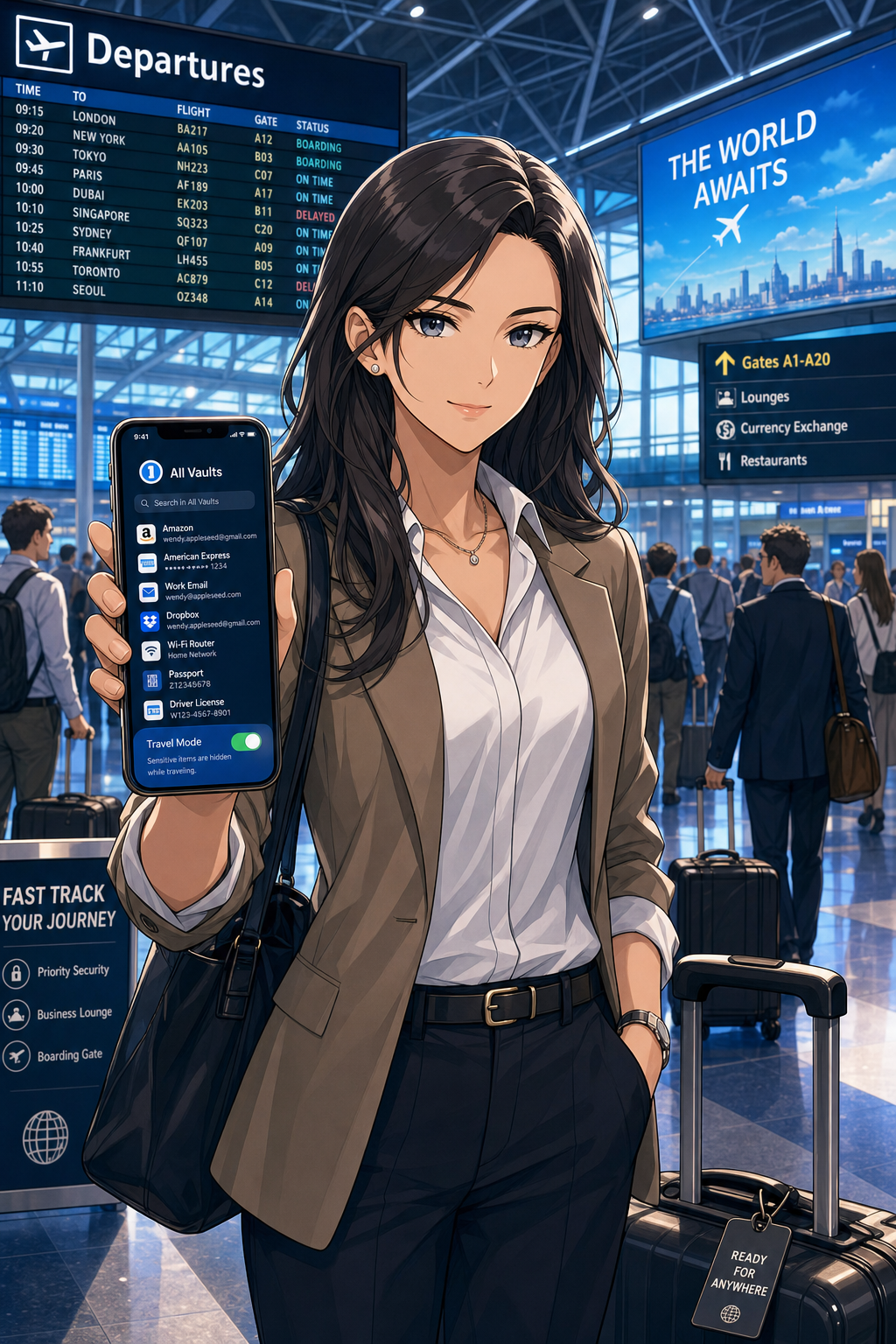
For summer travel, 1Password’s Travel Mode is particularly valuable. You can mark certain vaults as “safe for travel” and remove more sensitive vaults from your devices with a single toggle before you leave. If your phone or laptop is inspected at a border or compromised in a crowded tourist spot, the most sensitive client logins and documents are simply not there. From an ethics perspective, that is a concrete, defensible step toward preserving client confidentiality.

Vacation Wi‑Fi, VPNs, and Hotspots: Don’t Trust the Beach House Network

The Wi‑Fi at your beach rental, resort, or lakeside Airbnb may be convenient, but it is rarely secure. Past guests often know the password, routers may be poorly configured, and attackers sometimes target popular tourist areas with rogue access points. For lawyers who are logging into email, document systems, or court platforms from these networks, that is a serious problem.

Secure Client Data Anywhere — Use Your Phone's Hotspot!

A Virtual Private Network (VPN) should be standard equipment for any lawyer working on vacation. A good VPN encrypts your traffic between your device and the VPN provider, making it much harder for eavesdroppers or compromised networks to capture sensitive information. Legal tech sources and security professionals consistently recommend that lawyers use reputable VPN providers with strong encryption and clear no‑logs policies.

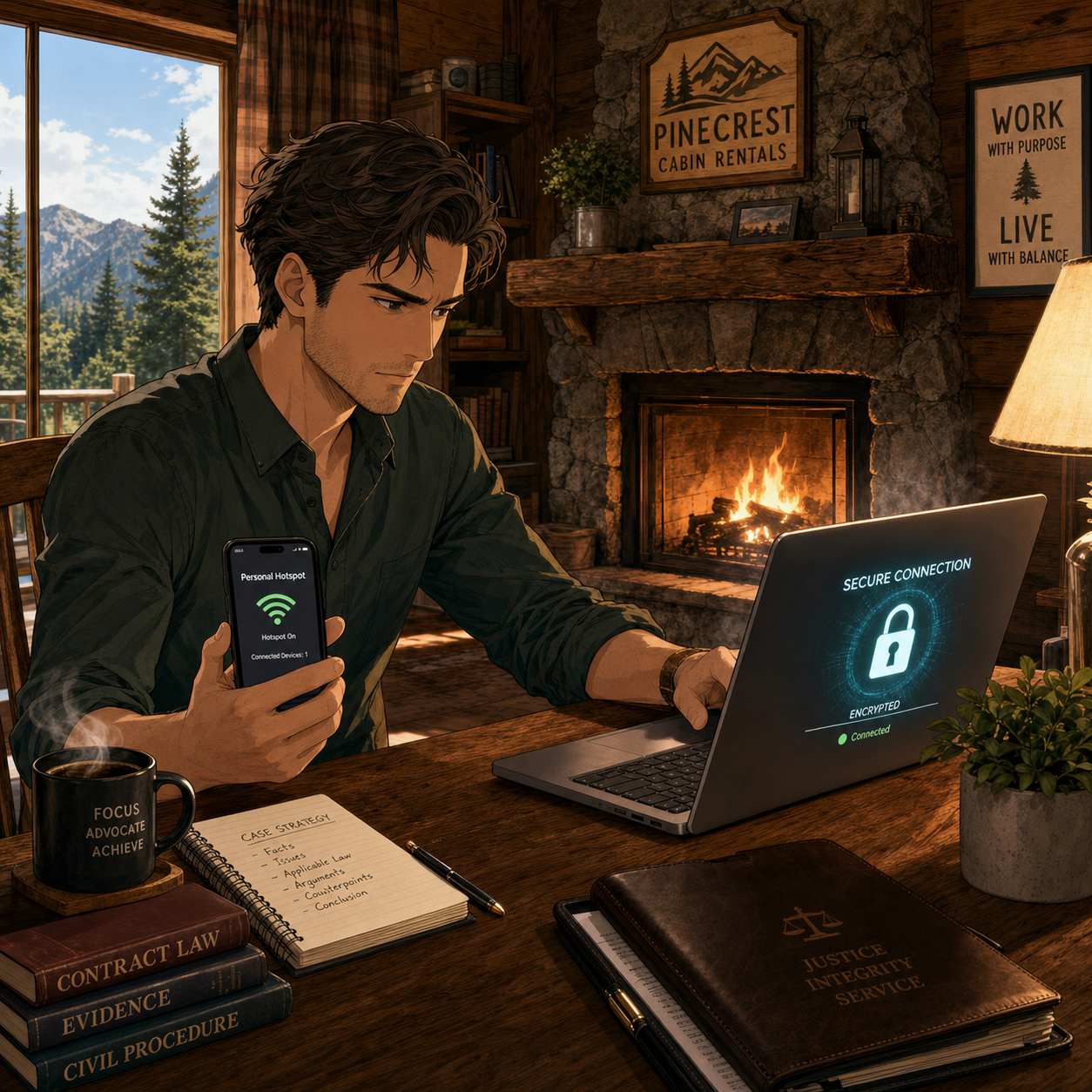
In practice, treat any shared vacation Wi‑Fi as hostile. Turn on your VPN before accessing client email, cloud storage, or remote desktop tools. Better yet, follow The Tech‑Savvy Lawyer’s advice and rely on your smartphone’s hotspot for truly sensitive work; modern cellular networks often provide stronger encryption and a more reliable, if not many times faster, performance than hotel or rental Wi‑Fi. This level of care is rapidly becoming part of what “reasonable efforts” and basic technology competence mean for a traveling lawyer.

Device Hardening for Summer Travel: Encryption, Passcodes, and Biometrics

Summer travel is chaotic. Devices slide between airplane seat cushions, get forgotten in rideshares, or are grabbed from café tables. Full‑disk encryption and strong authentication are your last lines of defense when something goes wrong.

Know Your Rights when crossing international boarders: Encrypted Devices Protect Client Privilege

Make sure full‑disk encryption is enabled on every device you bring—FileVault on macOS, BitLocker on Windows, and built‑in encryption on modern iOS and Android devices. Use a long, alphanumeric passcode rather than a short PIN, and configure automatic locking after a brief period of inactivity so a phone left by the pool does not stay unlocked.

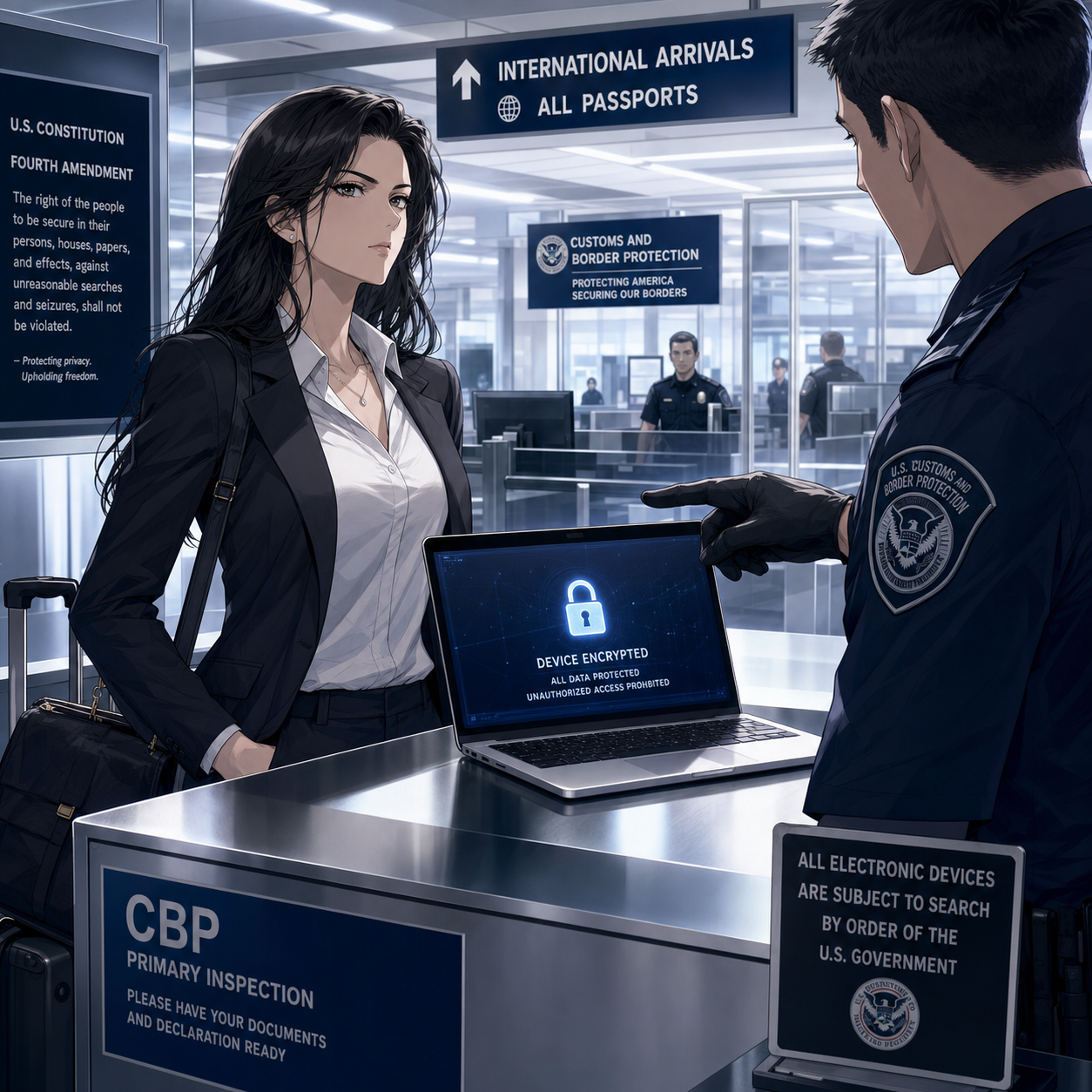
When you are approaching international borders, consider temporarily disabling biometrics so that unlocking your device requires a passcode instead of a fingerprint or facial scan. 1Password’s Travel Mode can again help by ensuring that the most sensitive client vaults are not present on the device at all if a border search occurs. If agents request access, clearly state that the device contains privileged material and that you are an attorney, in line with guidance that privilege should trigger additional care. These steps show you are actively trying to protect client confidentiality, not ignoring the issue.

Two-Factor Authentication and Account Hygiene on Holiday

Account compromise can ruin a vacation as quickly as a lost suitcase. Enable two‑factor authentication (2FA) on your critical accounts—email, practice management, document repositories, and your password manager—before you leave. App‑based authenticators and hardware keys are generally more reliable and secure than SMS codes, especially when you are roaming internationally or in areas with spotty service.

Review account recovery options in advance so that a locked‑out account does not turn into an emergency while you are halfway around the world. Monitor sign‑in alerts from your major accounts during and after the trip so you can quickly respond to any unfamiliar activity. This sort of “account hygiene” supports your duties of competence and confidentiality and gives you practical peace of mind while you try to enjoy some downtime.

A Simple Summer Travel Checklist for Lawyers

For lawyers with limited to moderate tech skills, the key is a repeatable routine rather than a complex security project. A short checklist before each summer trip can go a long way:

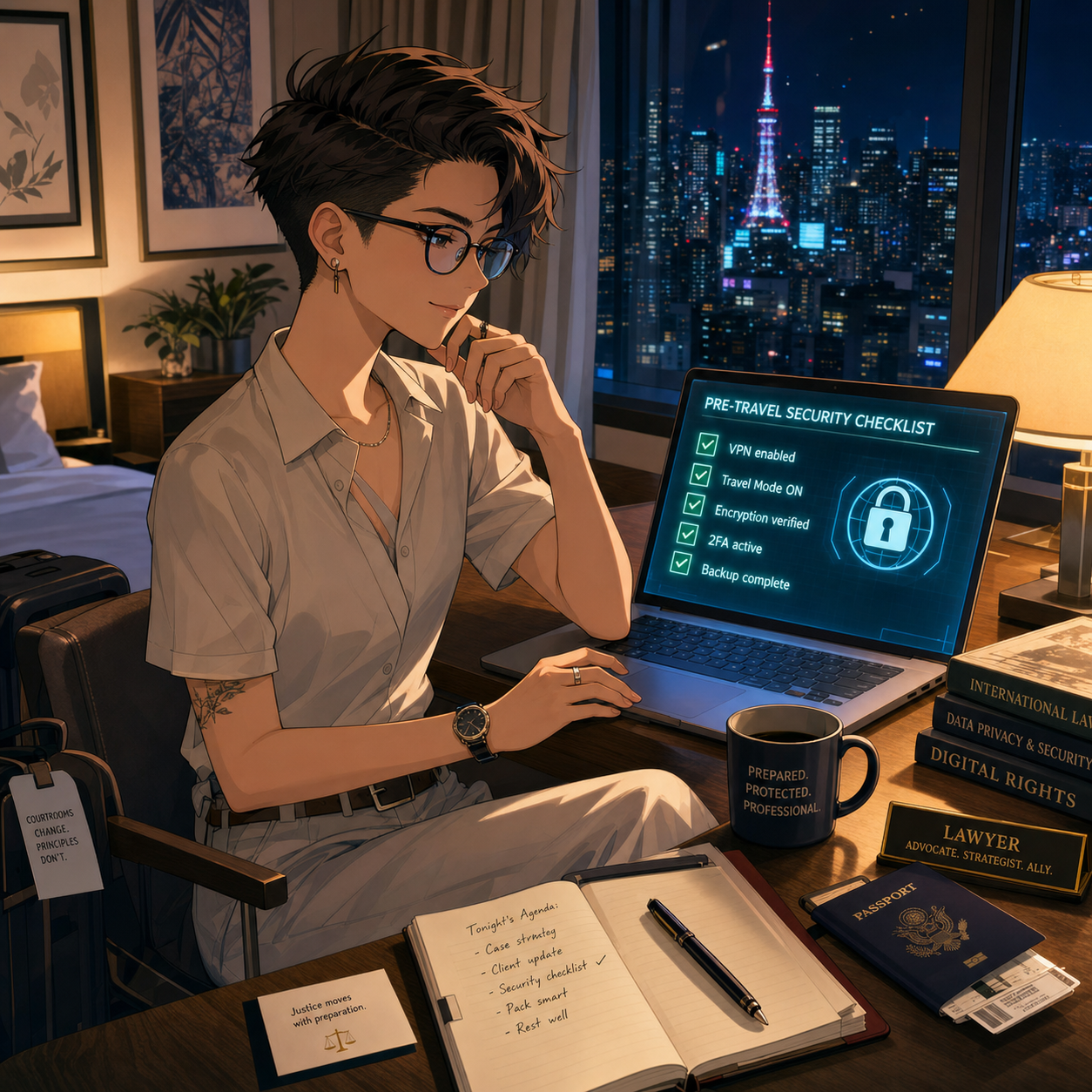
Every Traveling Lawyer should use a Pre-Trip Security Checklist!

  • Backup all devices, apply pending updates, and confirm full‑disk encryption is enabled.

  • Clean your devices by removing non‑essential client data and logging out of unused accounts.

  • Configure your password manager, mark travel‑safe vaults, and turn on Travel Mode if available.

  • Install and test your VPN, and verify you know how to enable your phone’s hotspot.

  • Confirm 2FA works from where you will be, especially if traveling abroad.

This checklist supports the ABA’s technology competence expectations and makes your vacations less stressful because you are not improvising security on hotel Wi‑Fi at midnight. It respects the reality that today’s lawyers must often take their work—and their devices—with them, while still honoring their core obligations to clients.

Summer is supposed to be restorative. With a bit of planning, smart use of tools like VPNs and 1Password’s Travel Mode, and an eye on your Model Rule duties, you can protect client data and your own peace of mind at the same time. 🌴🔐

Save Travels!!! 🌴💼✈️

MTC

🚨‼️ Emergency BOLO! 🚨‼️ Lawyers on the Go: Essential Tech Strategies for Air Travel During the Government Shutdown ✈️

Be the lawyer savant while dealing with air travel hassle!

The ongoing government shutdown has created unprecedented challenges for air travelers. With over 1,500 flights canceled daily, furloughed FAA and TSA workers, and a mandated 10% reduction in operations at 40 major airports by Friday, lawyers who travel for depositions, court appearances, and client meetings face serious disruptions. The right technology can transform these chaotic conditions from career obstacles into manageable inconveniences.

Track Flights Like Your Case Depends on It

Real-time flight intelligence separates prepared lawyers from stranded ones. Services like FlightAware and Flightradar24 provide push notifications for gate changes, delays, and cancellations before airport displays update. These apps offer predictive reports using historical data, allowing you to rebook proactively rather than reactively. During this shutdown, airlines are canceling flights with minimal notice—sometimes just hours before departure. Set up alerts for your flight and at least two backup options on different carriers.

Mobile Hotspots: Your Smart Device Connection Strategy

Public airport Wi-Fi poses serious ethical risks for lawyers handling confidential client data. (See TSL Blog Post - Malpractice Alert! If you are using a mobile device for your work and not using a VPN, you are exposing yourself to trouble.) Rather than depending solely on hotel and airport networks, transform your smart device—iPhone, iPad, or Android device—into a secure mobile hotspot. Most cellular carriers offer hotspot functionality built directly into your device settings, providing cellular encryption significantly stronger than public Wi-Fi networks. This approach eliminates the need for separate hardware while leveraging existing data plans.

Consider the power of dual carrier coverage by maintaining active plans with two different carriers—for example, AT&T and Verizon. If one network experiences outages or if you have a poor signal during the shutdown's staffing crisis, your second carrier ensures continuous connectivity. iPhones support Dual SIM through eSIM technology, allowing simultaneous carrier activation on a single device. Tablets with cellular capabilities similarly support multiple carriers, offering redundancy that protects against carrier-specific network failures during this period of infrastructure stress.

VPN Protection is Non-Negotiable

When you must access public networks, Virtual Private Networks (See TSL Blog Post - 📰 How to Ensure a Public Wi-Fi Network Is Legitimate (and Why Legal Professionals Must Always Use a VPN)!) encrypt your connection and mask your IP address. VPNs prevent hackers from intercepting privileged communications—a critical safeguard when working from airport lounges during extended delays. Configure your VPN to connect automatically at startup. Every device accessing firm networks or client files requires VPN protection, particularly when traveling internationally where surveillance risks increase. Enable VPN across all your devices simultaneously—iPhone, iPad, and laptop—ensuring consistent protection regardless of which device you're using.

Airport Lounge Access: Productivity Sanctuaries

Extended delays during the shutdown make lounge access invaluable. Priority Pass provides membership to over 1,300 lounges with quiet workspaces, reliable Wi-Fi, and complimentary amenities. For occasional travelers, many pay-per-use platforms offer access without annual fees. Many mid-tier travel credit cards include Priority Pass memberships with several free annual visits.

Power Banks: Anker Delivers Portable Professional Power

A tsa approved backup battery can be a career saver!!!

TSA permits power banks up to 100Wh (approximately 27,000mAh) in carry-on luggage. Anker Prime Power Bank* (26K, 300W) offers exceptional capacity at 26,250mAh, providing powerful performance for simultaneous device charging while meeting TSA requirements. The smart display provides real-time insights into charging speed and battery levels, with dual USB-C ports delivering 140W maximum output per port. This enables charging a MacBook Pro while simultaneously powering an iPhone and iPad—essential during multi-hour delays where multiple devices require constant connectivity.

For lighter travel, the Anker 747 Power Bank (PowerCore 26K) delivers 25,600mAh capacity with 87W rapid charging in a more compact profile. Budget-conscious travelers find the Anker MagGo* series offers excellent value as the best travel-specific Anker option. All Anker models feature multiple charging ports, allowing lawyers to charge phones, tablets, and laptops simultaneously—critical when airport charging stations become competition zones during this crisis.

Note:  If you are going to plug into an available outlet, don’t forget to use a serge protector. A sudden change in current could wipe out your device and leave you in a pickle.

Document Scanning: Adobe Technology on Your Apple Devices

Adobe Document Cloud transforms smartphones and tablets into powerful document management systems. The Adobe Scan app on iPhone and iPad uses optical character recognition to convert printed documents into searchable, editable PDFs. The app automatically detects document edges, straightens images, and enhances text clarity—perfect for scanning contracts, pleadings, or client intake forms from any location.

Adobe Acrobat Reader on iPhone, iPad, and Mac provides seamless document access across your entire Apple ecosystem. Documents opened on your MacBook sync instantly to your iPad or iPhone, allowing you to continue working on depositions notes from your phone during airport delays. The integrated fill-and-sign functionality enables you to execute agreements while in transit, with e-signatures recognized across all Adobe Document Cloud platforms. Importantly, Adobe products maintain cloud synchronization—if you lose cellular connection, previously downloaded documents remain accessible, ensuring you can work offline during flights or in coverage dead zones.youtube 

Practice Management: Download Before You Depart

Cloud-based platforms like Clio enable remote access to case files, time tracking, and client communications from any device. The critical step traveling lawyers often overlook: download all necessary files to your device BEFORE leaving the office. Modern practice management apps allow offline access to downloaded content, ensuring you maintain full productivity even if cellular or Wi-Fi connectivity fails. Flight time, extended airport delays, and coverage-restricted locations won't interrupt your work if essential files are already stored locally. Enable offline mode in your practice management app before traveling, treating it as a mandatory pre-departure checklist item alongside your boarding pass.

Noise-Cancelling Headphones for Focus

Sony WH-1000XM5 and Bose QuietComfort Ultra headphones provide 30-40 hour battery life and industry-leading active noise cancellation. I personally am a fan of Apple AirPods Max* (for flights) and Apple AirPods* (for on the go). These tools enable concentration during flights and allow productive conference calls from crowded gate areas. Budget options like Soundcore Life Q30 deliver comparable performance at reduced cost.

The Apple Ecosystem Advantage for Traveling Lawyers

Seamless integration across iPhone, iPad, and MacBook enables efficiency that standalone devices cannot match. Lawyers leveraging the Apple ecosystem can start a document review on their MacBook, switch to an iPad for annotation during client meetings, and finalize on an iPhone while traveling between appointments. This continuity proves invaluable during travel disruptions when flexibility matters most. Security features including Touch ID, Face ID, and FileVault encryption protect client confidentiality. The closed ecosystem provides transparency and security that appeals to legal professionals handling sensitive information.

TSA PreCheck and Global Entry

While not technology per se, these trusted traveler programs dramatically reduce security wait times—increasingly critical as TSA operates with reduced staffing. PreCheck costs $78 for five years; Global Entry includes PreCheck benefits plus expedited customs for $100 per five years. Applications require background checks and in-person interviews, so apply well before travel needs arise.

Prepare Before You Depart

TSA PRECHECk and Global Entry can add a little piece of mind during stressful air travel times!

Download offline maps, save important case files and documents locally, and fully charge all devices before reaching the airport. Download practice management files, case materials, and Adobe documents ensuring offline access. Screenshot confirmations, boarding passes, and hotel reservations in case connectivity fails. Configure your personal hotspot and dual carriers before travel begins. Store backup chargers in different bags to prevent total power loss. Share itineraries with colleagues who can handle emergencies if you become stranded.

The government shutdown has made air travel unpredictable and frustrating and even when the government “reopens” travel will not return to normal instantly. Lawyers cannot avoid travel obligations, but strategic technology adoption mitigates disruptions. These tools maintain productivity, protect client confidentiality, and preserve professional reputation when flights disappear and airports descend into chaos. Technology transforms crisis management from reactive scrambling into proactive preparation—exactly what clients expect from their counsel.

Be Safe and Happy Lawyering!