

MTC: Summer Vacation Cybersecurity for Lawyers: Essential Tech Tips to Protect Client Data on the Go 🌴💻
/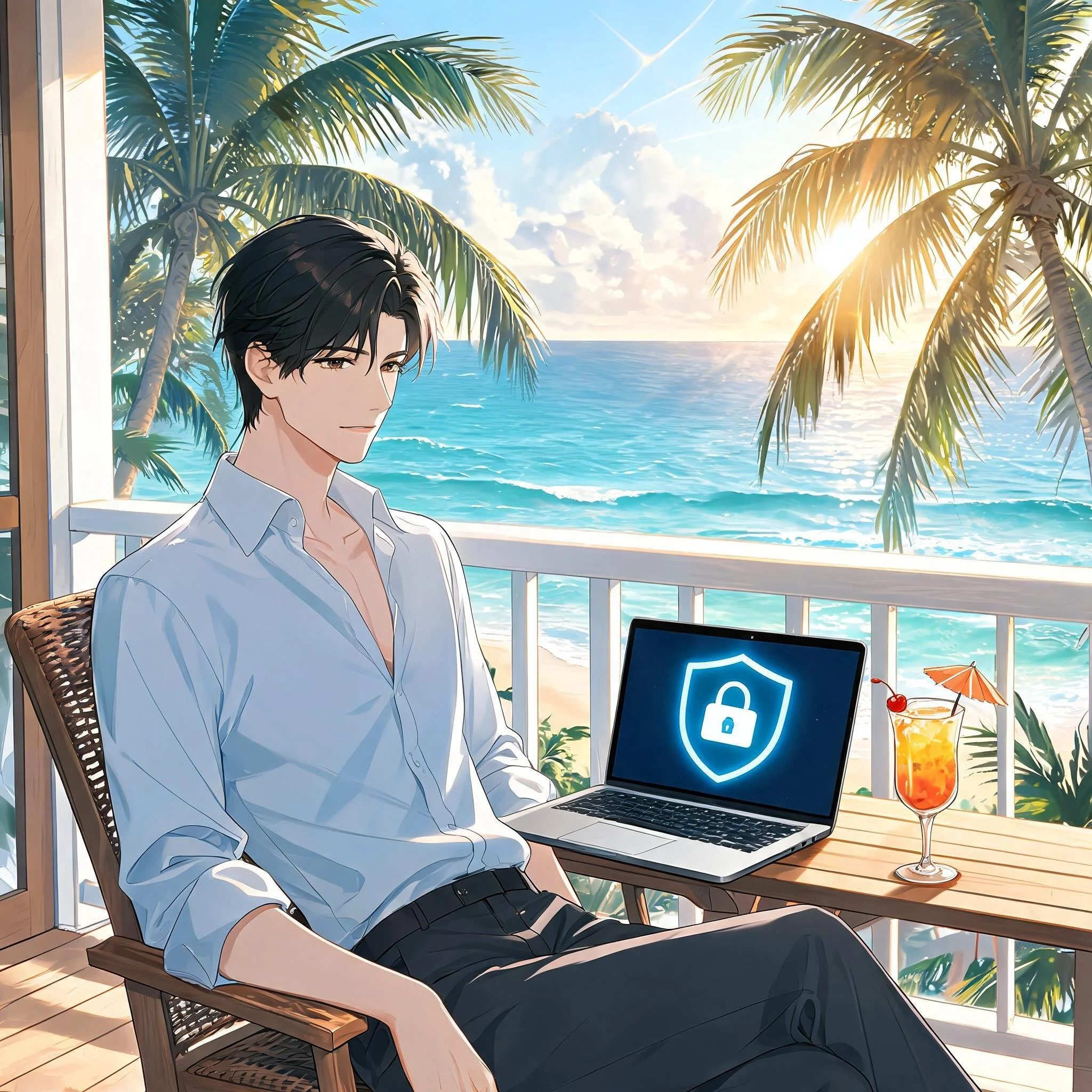
Lawyers: Never Skip Your VPN — Even on Vacation!
For many lawyers, “summer vacation” now means answering client emails from the beach house, reviewing drafts on the cabin deck, and jumping into Zoom hearings from hotel rooms. 🌞📶 Work rarely stays at the office, and our laptops and phones have become permanent carry‑ons even when we swear we are taking real time off. That always‑on reality turns every summer trip into a rolling cybersecurity and ethics test.
When you travel with devices that touch client matters, you are also traveling with privileged information, trade secrets, and personal data that fall squarely under ABA Model Rules 1.1 and 1.6. Competent representation now includes understanding the benefits and risks of the tech you use, and reasonable efforts to protect client confidentiality do not pause when you turn on your out‑of‑office message. The goal is not to shame lawyers for working on vacation; it is to make sure that when you inevitably do, your tech setup supports both your ethics and your relaxation. 😎
Pack Light: A “Minimum Data” Mindset for Vacation
The safest client data is the data that never leaves your office or your secure cloud in the first place. 1Password’s travel guidance and broader cybersecurity advice emphasize carrying only what you truly need when you hit the road. For summer trips, this translates into a deliberate “minimum data” mindset.
Before you leave, decide which matters genuinely might need your attention while you are away and which can safely wait until you return. Archive or unsync closed files and non‑urgent matters from your travel devices so they are not riding along to the resort, rental home, or national park lodge. For some practices, this may not be feasible when your current work may rely on prior drafts in similar cases. But when feasible, consider using a “travel profile” or even a separate, cleaner laptop with access only to essential tools and a limited subset of client documents.
This approach directly supports your duty under Model Rule 1.6(c) to make reasonable efforts to prevent unauthorized access to client information by reducing the amount of sensitive material that could be exposed if a device is lost, stolen, or inspected. It also makes vacation feel less like moving your entire office to a different ZIP code, allowing you to focus on what really needs to be done and hopefully enjoy your vacation a little more.
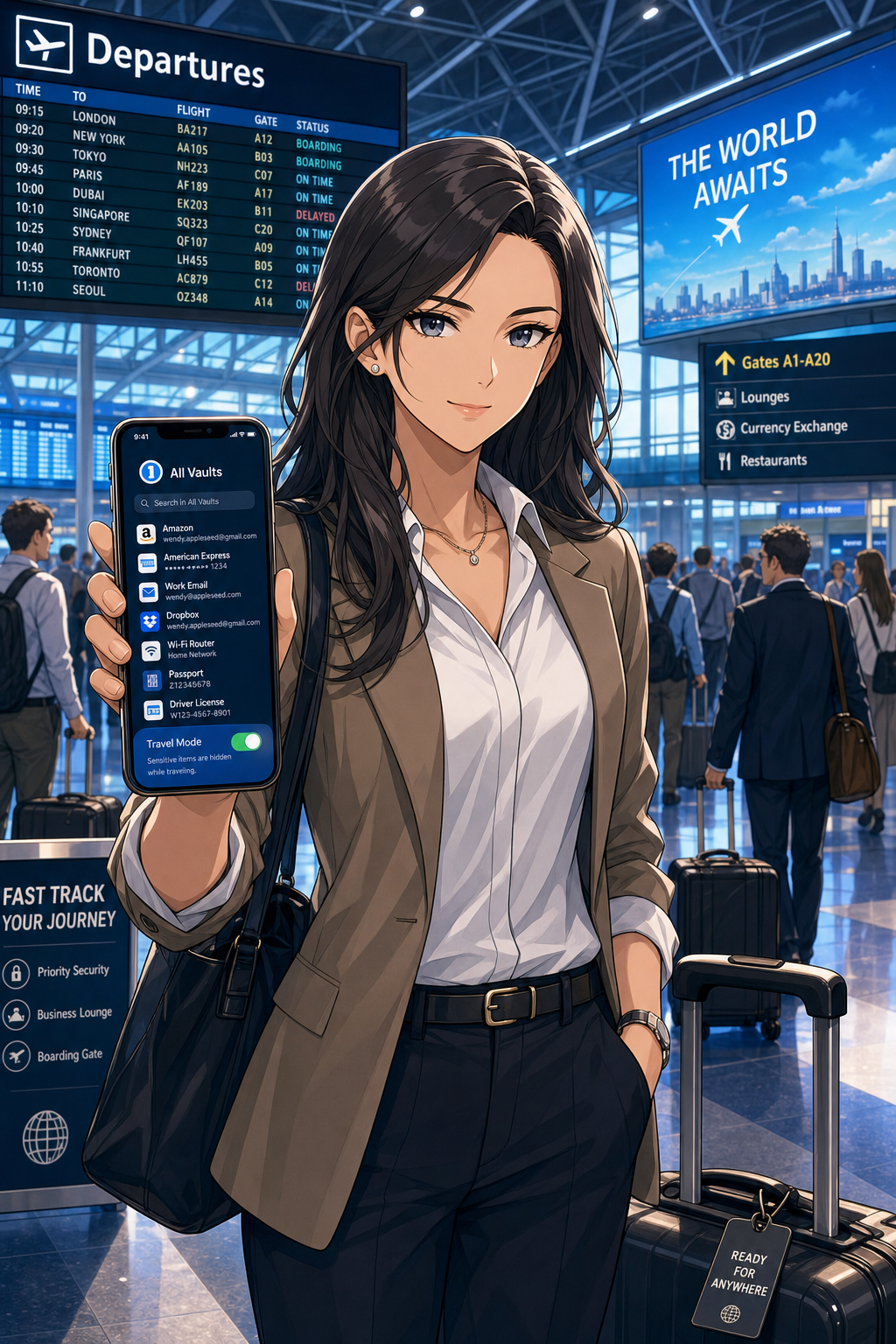
Smart Lawyers Activate Travel Mode Before Every Flight.
Password Managers and Travel Mode: Your “Vacation Vault”
Strong, unique passwords are non‑negotiable for lawyers, and summer vacation does not change that. 1Password and similar tools exist precisely so you do not reuse easy‑to‑type passwords while you juggle boarding passes, sunscreen, and kids at the gate. (Note: I am a paying user of 1Password and have used their product for many years! Also, I may earn a commission on any link used from this blog.)
Use a reputable password manager to generate and store complex, unique passwords for all your accounts—email, practice management, cloud storage, airlines, hotels, and rental car services. Store digital copies of your ID, bar card, and key travel documents in a secure vault instead of leaving them scattered across your inbox or photo roll. That saves time on the road and keeps sensitive personal and professional information encrypted.
For summer travel, 1Password’s Travel Mode is particularly valuable. You can mark certain vaults as “safe for travel” and remove more sensitive vaults from your devices with a single toggle before you leave. If your phone or laptop is inspected at a border or compromised in a crowded tourist spot, the most sensitive client logins and documents are simply not there. From an ethics perspective, that is a concrete, defensible step toward preserving client confidentiality.
Vacation Wi‑Fi, VPNs, and Hotspots: Don’t Trust the Beach House Network
The Wi‑Fi at your beach rental, resort, or lakeside Airbnb may be convenient, but it is rarely secure. Past guests often know the password, routers may be poorly configured, and attackers sometimes target popular tourist areas with rogue access points. For lawyers who are logging into email, document systems, or court platforms from these networks, that is a serious problem.
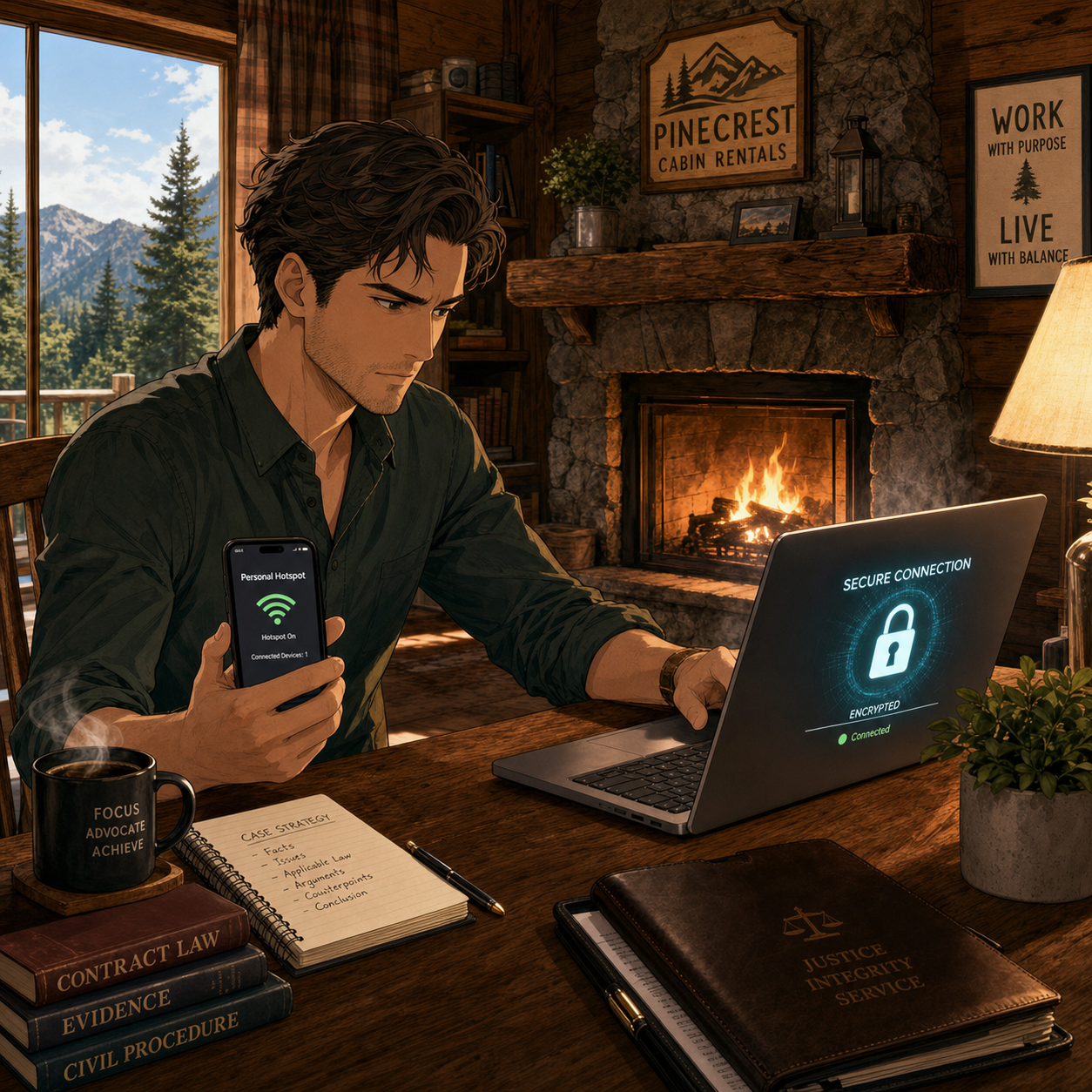
Secure Client Data Anywhere — Use Your Phone's Hotspot!
A Virtual Private Network (VPN) should be standard equipment for any lawyer working on vacation. A good VPN encrypts your traffic between your device and the VPN provider, making it much harder for eavesdroppers or compromised networks to capture sensitive information. Legal tech sources and security professionals consistently recommend that lawyers use reputable VPN providers with strong encryption and clear no‑logs policies.
In practice, treat any shared vacation Wi‑Fi as hostile. Turn on your VPN before accessing client email, cloud storage, or remote desktop tools. Better yet, follow The Tech‑Savvy Lawyer’s advice and rely on your smartphone’s hotspot for truly sensitive work; modern cellular networks often provide stronger encryption and a more reliable, if not many times faster, performance than hotel or rental Wi‑Fi. This level of care is rapidly becoming part of what “reasonable efforts” and basic technology competence mean for a traveling lawyer.
Device Hardening for Summer Travel: Encryption, Passcodes, and Biometrics
Summer travel is chaotic. Devices slide between airplane seat cushions, get forgotten in rideshares, or are grabbed from café tables. Full‑disk encryption and strong authentication are your last lines of defense when something goes wrong.
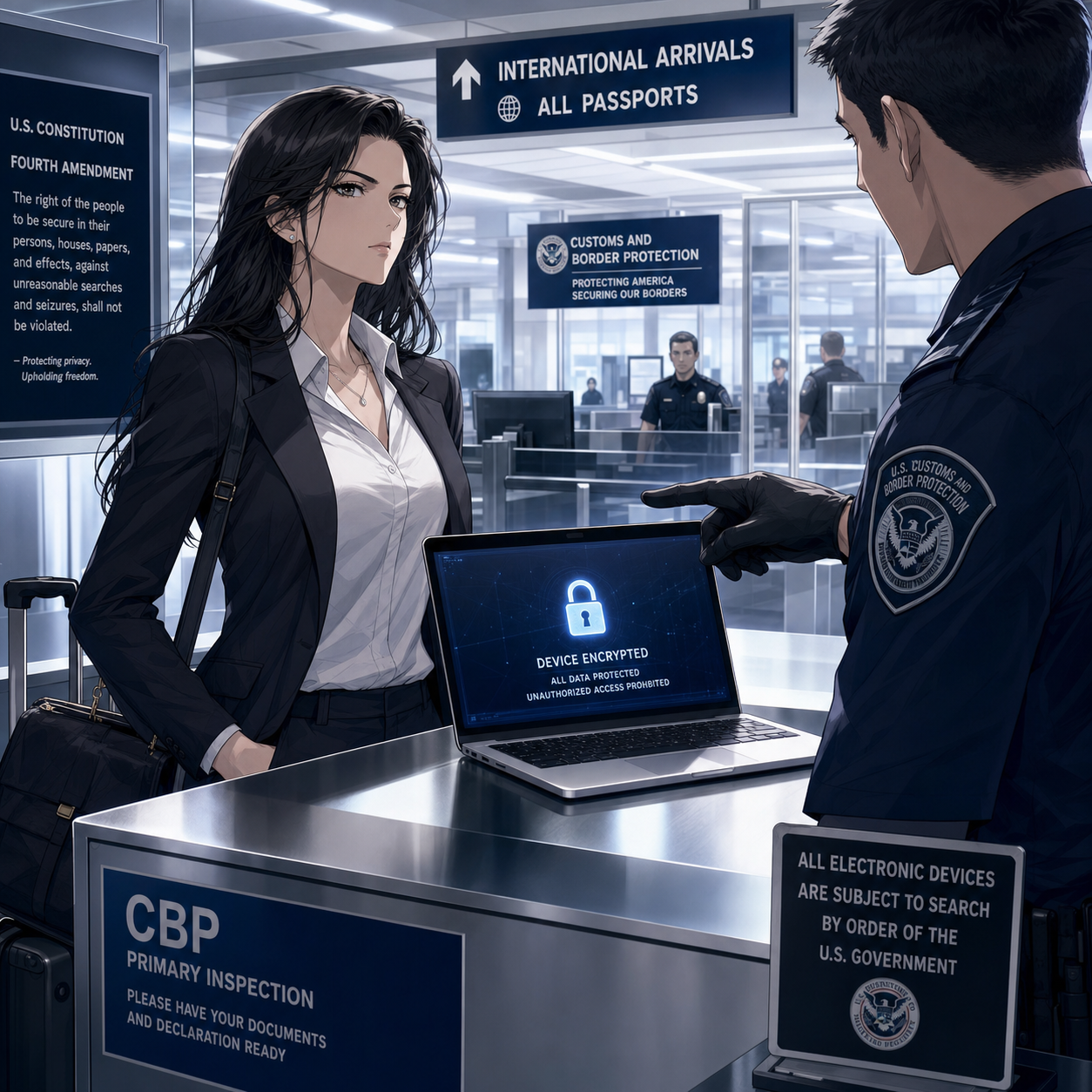
Know Your Rights when crossing international boarders: Encrypted Devices Protect Client Privilege
Make sure full‑disk encryption is enabled on every device you bring—FileVault on macOS, BitLocker on Windows, and built‑in encryption on modern iOS and Android devices. Use a long, alphanumeric passcode rather than a short PIN, and configure automatic locking after a brief period of inactivity so a phone left by the pool does not stay unlocked.
When you are approaching international borders, consider temporarily disabling biometrics so that unlocking your device requires a passcode instead of a fingerprint or facial scan. 1Password’s Travel Mode can again help by ensuring that the most sensitive client vaults are not present on the device at all if a border search occurs. If agents request access, clearly state that the device contains privileged material and that you are an attorney, in line with guidance that privilege should trigger additional care. These steps show you are actively trying to protect client confidentiality, not ignoring the issue.
Two-Factor Authentication and Account Hygiene on Holiday
Account compromise can ruin a vacation as quickly as a lost suitcase. Enable two‑factor authentication (2FA) on your critical accounts—email, practice management, document repositories, and your password manager—before you leave. App‑based authenticators and hardware keys are generally more reliable and secure than SMS codes, especially when you are roaming internationally or in areas with spotty service.
Review account recovery options in advance so that a locked‑out account does not turn into an emergency while you are halfway around the world. Monitor sign‑in alerts from your major accounts during and after the trip so you can quickly respond to any unfamiliar activity. This sort of “account hygiene” supports your duties of competence and confidentiality and gives you practical peace of mind while you try to enjoy some downtime.
A Simple Summer Travel Checklist for Lawyers
For lawyers with limited to moderate tech skills, the key is a repeatable routine rather than a complex security project. A short checklist before each summer trip can go a long way:
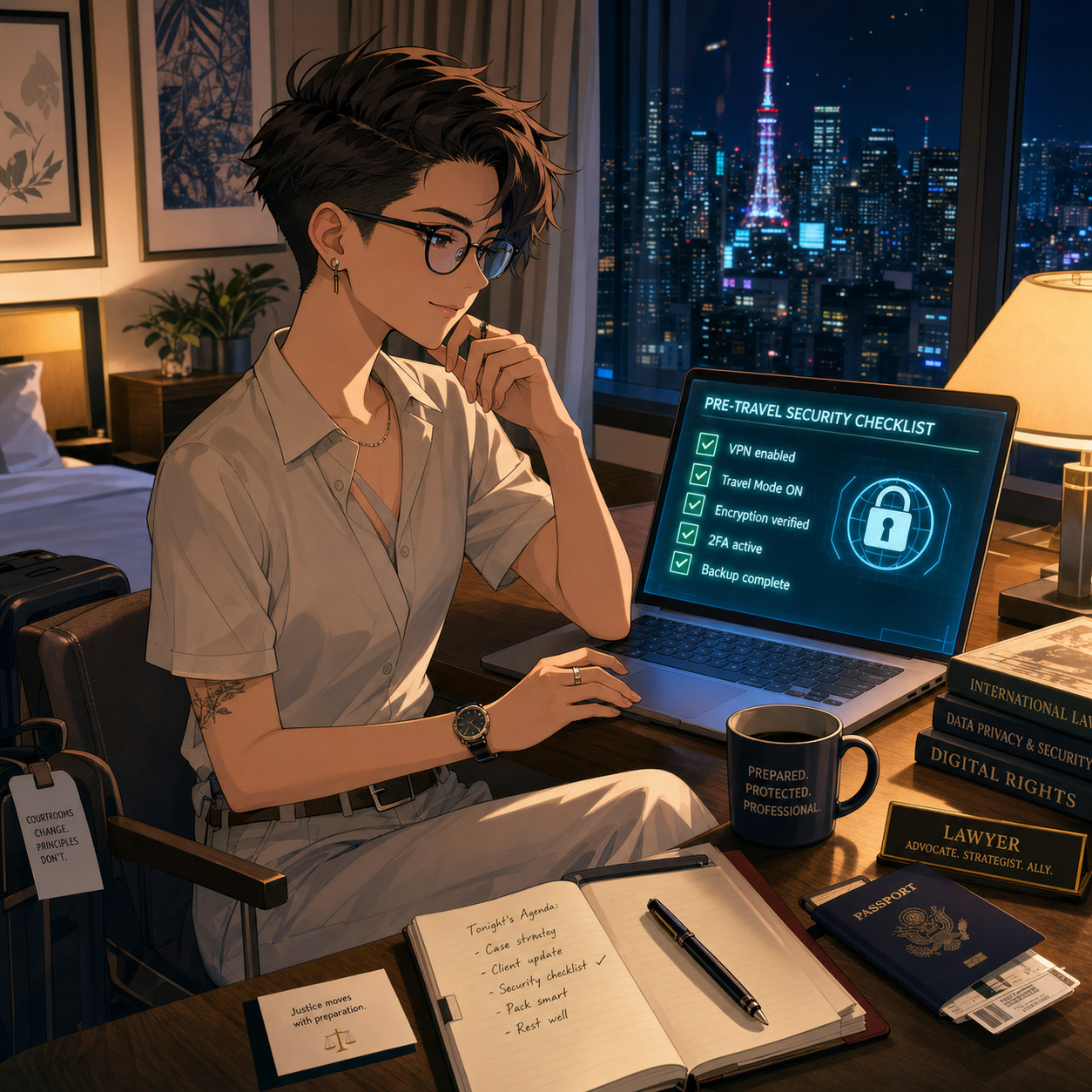
Every Traveling Lawyer should use a Pre-Trip Security Checklist!
Backup all devices, apply pending updates, and confirm full‑disk encryption is enabled.
Clean your devices by removing non‑essential client data and logging out of unused accounts.
Configure your password manager, mark travel‑safe vaults, and turn on Travel Mode if available.
Install and test your VPN, and verify you know how to enable your phone’s hotspot.
Confirm 2FA works from where you will be, especially if traveling abroad.
This checklist supports the ABA’s technology competence expectations and makes your vacations less stressful because you are not improvising security on hotel Wi‑Fi at midnight. It respects the reality that today’s lawyers must often take their work—and their devices—with them, while still honoring their core obligations to clients.
Summer is supposed to be restorative. With a bit of planning, smart use of tools like VPNs and 1Password’s Travel Mode, and an eye on your Model Rule duties, you can protect client data and your own peace of mind at the same time. 🌴🔐
Save Travels!!! 🌴💼✈️
MTC










