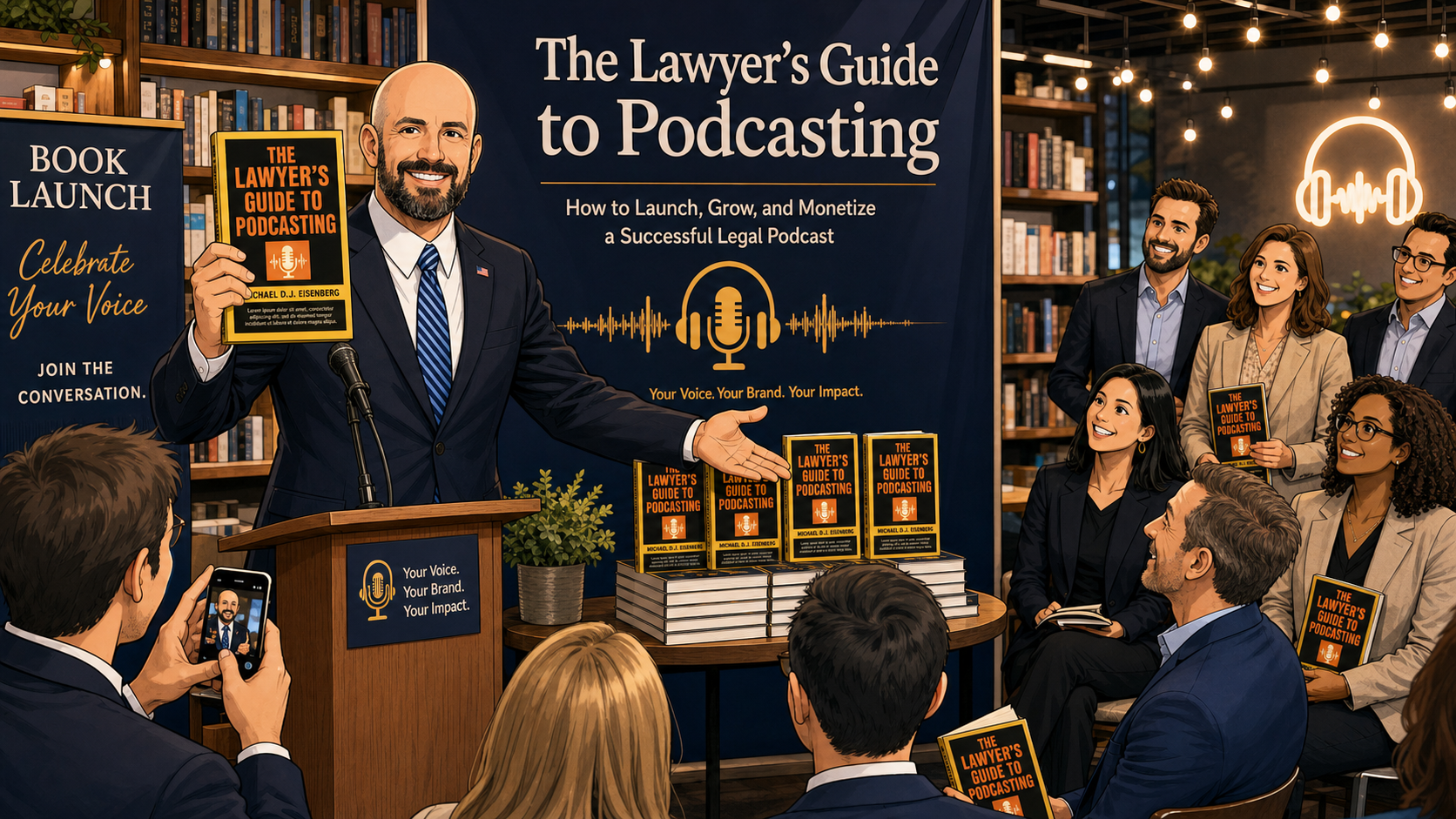
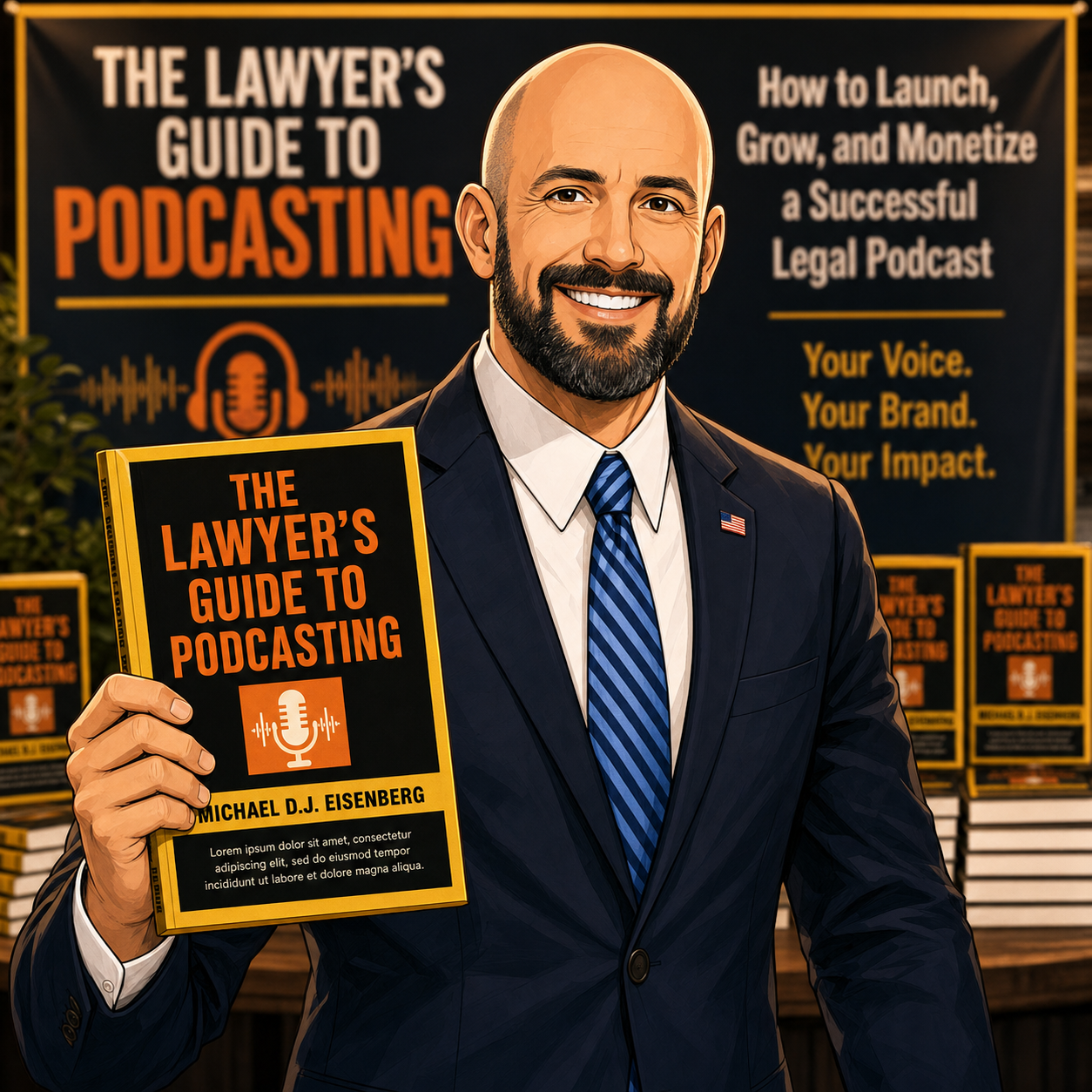
⭐ First Five-Star Amazon Review for “The Lawyer’s Guide to Podcasting” – Why Tech-Savvy Lawyers Should Care About ABA Ethics, Client Trust, and Smart Marketing 🎙️⚖️

“The Lawyer’s Guide to Podcasting” by your favorite blogger/podcaster just earned its first five-star Amazon review, and it’s a milestone worth your attention. 🎉📘 The reviewer highlights what many of us in legal tech have been saying: podcasting is no longer a fringe hobby; it is a strategic, ethics-aware marketing channel for modern law practice. 🎙️

For lawyers with limited to moderate tech skills, this book demystifies microphones, workflows, and publishing tools without assuming you want to become an engineer. Instead, it walks you through practical steps to share your expertise in a format today’s clients already trust—long-form, authentic audio. 🔊

From a professional responsibility perspective, the guidance aligns with ABA Model Rule 1.1 on technology competence and Model Rule 1.6 on confidentiality by emphasizing the use of secure platforms, thoughtful content planning, and careful handling of client-identifying details. The book reinforces that podcasting can showcase your substantive knowledge while staying within the guardrails of Model Rule 7.1, avoiding misleading claims about your services. ⚖️

QR Code for Amazon book link

The first five-star review underlines two themes: listeners want real conversations, and they quickly recognize when a lawyer respects both the audience’s time and the profession’s ethical duties. That is exactly the posture this book encourages—credible, compliant, and client-centered. 🌟

If you are ready to build authority, differentiate your practice, and satisfy your tech-competence obligations without drowning in jargon, now is the perfect time to get your copy of “The Lawyer’s Guide to Podcasting” on Amazon and start planning your first ethically sound episode. 🚀

🎙️ Ep. #131, Supercharging Litigation With AI: How StrongSuit Helps Lawyers Transform Research, Doc Review, and Drafting 💼⚖️

My next guest is Justin McCallan, founder of StrongSuit, an AI-powered litigation platform built to transform how litigators handle legal research, document review, and drafting while keeping lawyers firmly in control. In this episode, Justin and I dig into practical, real-world workflows that solos, small firms, and big-firm litigators can use today and over the next few years to change the economics, pace, and strategy of litigation—without sacrificing accuracy, ethics, or the quality of advocacy.

Join Justin and me as we discuss the following three questions and more!

  1. What are the top three ways litigators should be using AI tools like StrongSuit right now to change the economics and pace of litigation without sacrificing accuracy, ethics, or quality of advocacy?

  2. What are the top three mistakes lawyers make when adopting AI for litigation, and what practical workflows help lawyers stay in the loop and use AI as a force multiplier instead of a risk? 

  3. Looking ahead to 2026 and beyond, what are the top three AI-driven workflows every litigator should master to stay competitive, and how can platforms like StrongSuit help build those capabilities into day-to-day practice? 

In our conversation, we cover the following

  • 00:00 – Welcome and guest introduction

    • Justin joins the show and shares his current tech setup at his desk. 

  • 00:00–01:00 – Justin’s current tech stack

    • Lenovo laptop, ultra-wide monitor, and regular use of StrongSuit, ChatGPT, and Gemini for different AI tasks.

    • Everyday tools: Microsoft Word and Power BI for analytics and fast decision-making.

  • 01:00–02:00 – Android vs. iPhone for AI use

    • Why Justin has been on Android for 17 years and how UI/UX familiarity often drives device choice more than AI capability.

  • 02:00–05:30 – Q1: Top three ways litigators should be using AI right now

    • Using AI for end-to-end legal research across 11 million precedential U.S. cases to build litigation outlines and identify key authorities.

    • Scaling document review so AI surfaces relevant documents and synthesizes insights while lawyers focus on strategy and judgment.

    • Leveraging AI for drafting and editing—improving style, clarity, and consistency beyond traditional spelling and grammar checks.

  • 05:30–07:30 – StrongSuit vs. basic tools like Word grammar check

    • How StrongSuit aims to “up-level” a lawyer’s writing, not just catch typos.

    • Stylistic improvements, clarity enhancements, and catching subtle inconsistencies in legal documents.

  • 06:00–08:00 – AI context limits and scaling doc review

    • Constraints of large models’ context windows (around ~1M tokens ≈ ~750 pages).

    • How StrongSuit runs multiple AI agents in parallel, each handling small page sets with heuristics to maintain cohesion and share insights.

  • 08:00–09:00 – Handling tens of thousands of documents

    • How StrongSuit can handle between roughly 10,000–50,000 pages at a time, with the ability to scale further for enterprise matters.

  • 09:00–11:30 – Origin story of StrongSuit

    • Why Justin saw a once-in-a-generation opportunity when large language models emerged and how law, with its precedent and text-heavy nature, is especially suited to AI.

    • StrongSuit’s focus on litigators: supporting lawyers from intake through trial while keeping them in the loop at every step.

  • 11:30–13:30 – From intake to brief drafting in minutes

    • Generating full litigation outlines, research, and analysis in about ten minutes, then moving directly into drafting memos, briefs, complaints, and motions.

    • StrongSuit’s long-term goal: automating 50–99% of major litigation workflows by the end of 2026 while preserving lawyer control and judgment.

  • 12:00–14:30 – How StrongSuit tackles hallucinations

    • Building a full database of all precedential U.S. cases enriched with metadata: parties, summaries, holdings, and more.

    • Validating citations by checking whether the Bluebook citation actually exists in StrongSuit’s case database before surfacing it to the user.

    • Why lawyers should still review cases on-platform before filing, even when AI has filtered out hallucinations.

  • 14:30–16:30 – Coverage and jurisdictions

    • Coverage of all U.S. jurisdictions, federal and state, focused on precedential cases.

    • Handling most regulations from administrative agencies, and limits around local ordinances.

    • Uploading your own case files and using complaints and prior research as inputs into StrongSuit workflows.

  • 15:00–17:00 – Security and confidentiality for litigators

    • SOC 2 compliance and industry-standard encryption at rest and in transit.

    • No model training on user data.

    • Optional end-to-end encryption that can even prevent developers from accessing case content, using local encryption keys.

  • 16:30–20:30 – Q2: Top mistakes lawyers make when adopting AI for litigation

    • Mistake #1: Talking about AI instead of diving in with structured experiments and sanitized documents.

    • Using a framework to identify high-impact tasks: high volume, repetitive work, and heavy data/analysis (e.g., doc review, research, contract drafting).

    • How to shortlist tools: look for SOC 2, real product depth, awards, and a focus on your specific workflows.

    • Mistake #2: Expecting immediate mastery instead of moving through predictable adoption stages—from learning the tool, to daily use, to stringing workflows together.

  • 20:30–22:30 – Building firm-wide AI workflows over time

    • Moving from isolated experiments to integrated, low-friction workflows, such as automatic intake-to-research pipelines.

    • Using client intake audio or transcripts to automatically extract facts, issues, and research paths.

  • 22:30–24:30 – Time constraints and “no-time” lawyers

    • Why lawyers don’t need to be “technical” to use StrongSuit.

    • Reframing AI as text-based tools where lawyers’ writing skills and analytical thinking are assets, not obstacles. 

  • 24:00–26:00 – Practical workflows beyond intake

    • Using AI to prepare for expert depositions, including reviewing valuation analyses, flagging departures from market consensus, and generating targeted questions.

    • Reinforcing the value of AI-enhanced legal research and drafting as core litigation workflows.

  • 26:00–29:30 – Q3: 2026 and beyond – AI-driven workflows every litigator should master

    • Rapid improvement of baseline models (e.g., jumping from single-digit to high double-digit performance on difficult benchmarks year over year). 

    • The idea of “tipping points,” where small performance gains turn AI from marginally useful to essential in specific tasks.

    • Why legal research is a great training ground for understanding where AI excels, where it falls short, and how to divide labor between human and machine.

    • The value of learning basic prompting skills to get more from AI systems, even when platforms offer visual workflows.

  • 29:30–32:30 – Will workflows actually change—or just get better?

    • Why Justin expects familiar litigation workflows (doc review, research, drafting) to remain structurally similar, but become far faster and more sophisticated.

    • AI agents handling the grind work while lawyers focus on synthesis, judgment, and strategy.

    • A future where “AI + lawyer vs. AI + lawyer” resembles high-level chess: same rules, but much deeper thinking on both sides.

  • 32:30–End – Where to find Justin and StrongSuit

    • How to connect with Justin and learn more about StrongSuit’s litigation tools.

Resources

Connect with Justin

Hardware mentioned in the conversation

Software & Cloud Services mentioned in the conversation

TSL.P Labs 🧪: Legal Tech Wars, Client Data, and Your Law License: An AI-Powered Ethics Deep Dive ⚖️🤖

📌 To Busy to Read This Week’s Editorial?

Join us for an AI-powered deep dive into the ethical challenges facing legal professionals in the age of generative AI. 🤖 In this Tech-Savvy Lawyer Page Labs Initiative episode, AI co-hosts walk through how high‑profile “legal tech wars” between practice‑management vendors and AI research startups can push your client data into the litigation spotlight and create real ethics exposure under ABA Model Rules 1.1, 1.6, and 5.3.

We’ll explore what happens when core platforms face federal lawsuits, why discovery and forensic audits can put confidential matters in front of third parties, and how API lockdowns, stalled product roadmaps, and forced sales can grind your practice operations to a halt. More importantly, you’ll get a clear five‑step action plan—inventorying your tech stack, confirming data‑export rights, mapping backup providers, documenting diligence, and communicating with clients—that works even if you consider yourself “moderately tech‑savvy” at best.

Whether you’re a solo, a small‑firm practitioner, in‑house, or simply AI‑curious, this conversation will help you evaluate whether you are the supervisor of your legal tech—or its hostage. 🔐

👉 Listen now and decide: are you supervising your legal tech—or are you its hostage?

In our conversation, we cover the following

  • 00:00:00 – Setting the stage: Legal tech wars, “Godzilla vs. Kong,” and why vendor lawsuits are not just Silicon Valley drama for spectators.

  • 00:01:00 – Introducing the Tech-Savvy Lawyer Page Labs Initiative and the use of AI-generated discussions to stress-test legal tech ethics in real-world scenarios.

  • 00:02:00 – Who’s fighting and why it matters: Clio as the “nervous system” of many firms versus Alexi as the “brainy intern” of AI legal research.

  • 00:03:00 – The client data crossfire: How disputes over data access and training AI tools turn your routine practice data into high-stakes litigation evidence.

  • 00:04:00 – Allegations in the Clio–Alexi dispute, from improper data access to claims of anti-competitive gatekeeping of legal industry data.

  • 00:05:00 – Visualizing risk: Client files as sandcastles on a shelled beach and why this reframes vendor fights as ethics issues, not IT gossip.

  • 00:06:00 – ABA Model Rule 1.1 (Competence): What “technology competence” really entails and why ignorance of vendor instability is no longer defensible.

  • 00:07:00 – Continuity planning as competence: Injunctions, frozen servers, vendor shutdowns, and how missed deadlines can become malpractice.

  • 00:08:00 – ABA Model Rule 1.6 (Confidentiality): The “danger zone” of treating the cloud like a bank vault and misunderstanding who really holds the key.

  • 00:09:00 – Discovery risk explained: Forensic audits, third‑party access, protective orders that fail, and the cascading impact on client secrets.

  • 00:10:00 – Data‑export rights as your “escape hatch”: Why “usable formats” (CSV, PDF) matter more than bare contractual promises.

  • 00:11:00 – Practical homework: Testing whether you can actually export your case list today, not during a crisis.

  • 00:12:00 – ABA Model Rule 5.3 (Supervision): Treating software vendors like non‑lawyer assistants you actively supervise rather than passive utilities.

  • 00:13:00 – Asking better questions: Uptime, security posture, and whether your vendor is using your data in its own defense.

  • 00:14:00 – Operational friction: Rising subscription costs, API lockdowns, broken integrations, and the return of manual copy‑pasting.

  • 00:15:00 – Vaporware and stalled product roadmaps: How litigation diverts engineering resources away from features you are counting on.

  • 00:16:00 – Forced sales and 30‑day shutdown notices: Data‑migration nightmares under pressure and why waiting is the riskiest strategy.

  • 00:17:00 – The five‑step moderate‑tech action plan: Inventory dependencies, review contracts, map contingencies, document diligence, and communicate with nuance.

  • 00:18:00 – Turning risk management into a client‑facing strength and part of your value story in pitches and ongoing relationships.

  • 00:19:00 – Reframing legal tech tools as members of your legal team rather than invisible utilities.

  • 00:20:00 – “Supervisor or hostage?”: The closing challenge to check your contracts, your data‑export rights, and your practical ability to “fire” a vendor.

Resources

Mentioned in the episode

Software & Cloud Services mentioned in the conversation

#LegalTech #AIinLaw #LegalEthics #Cybersecurity #LawPracticeManagement

🎙️ Ep. #130: Taming Client Data Security – Nick Martin’s Proven Tech Strategies for Law Firms 🚀

My next guest is Nick Martin, CEO of FileScience. He shares expert insights on stabilizing law firm operations with smart backups and automation. Join us to discover practical, easy-to-implement ways to protect your data from outages and errors, so your clients’ information stays safe, secure, and accessible when you need it most. 

Listen in with Nick Martin and me as we discuss the following three questions and more! 💡

  • When a firm is drowning in document chaos, what are the first three specific workflows to digitize or automate to stabilize operations?

  • Beyond just losing documents, what are the three specific silent killers of document hygiene that lawyers ignore?

  • How do lawyers solve the top three friction points of digital collaboration: version conflicts, insecure sharing methods, and the loss of institutional knowledge buried inside files?

In our conversation, we cover the following 📊

  • 00:00 – Guest intro and Nick’s tech setup (MacBook Pro, iPad, iPhone 15, Bang & Olufsen speaker) 🔊

  • 00:30 – Q1: Digitizing workflows – unification of memory, forever undo button, retention 🛡️

  • 04:00 – Backups for iManage, NetDocuments, Clio, FileVine; air-gapped copies 📁

  • 06:00 – Microsoft 365 outage resilience with FileScience ☁️

  • 08:00 – Retention periods (5-7 years by state/practice); NY lawful order policy ⚖️

  • 10:00 – Q2: Silent killers – file degradation, wrong versions, insider threats 🕵️

  • 13:00 – Q3: Solving friction – immutable timelines, encryption (Purview, CBC), institutional knowledge preservation 🔒

  • 15:00 – End-to-end encryption details; where to find Nick

Resources 🔗

Connect with Nick Martin 🤝

Mentioned in the episode 📚

Hardware mentioned in the conversation 💻

Software & Cloud Services mentioned in the conversation ☁️

TSL.P Labs Bonus: Google AI Discussion: Everyday Tech, Extraordinary Evidence: Smartphones, Dash Cams, and Wearables as Silent Witnesses in Your Cases ⚖️📱

Join us for an AI-powered deep dive into the ethical challenges facing legal professionals in the age of generative AI. 🤖 In this Tech-Savvy Lawyer.Page Labs episode, our Google AI hosts unpack our January 26, 2026, editorial and discuss how everyday devices—smartphones, dash cams, wearables, and connected cars—are becoming “silent witnesses” that can make or break your next case, while walking carefully through ABA Model Rules on competence, candor, privacy, and preservation of digital evidence.

In our conversation, we cover the following:

  • 00:00 – Welcome to The Tech-Savvy Lawyer.Page Labs Initiative and this week’s “Everyday Tech, Extraordinary Evidence” AI roundtable 🧪

  • 00:30 – Why classic “surprise witness” courtroom drama is giving way to always-on digital witnesses 🎭

  • 01:15 – Introducing the concept of smartphones, dash cams, and wearables as objective “silent witnesses” in litigation 📱

  • 02:00 – Overview of Michael D.J. Eisenberg’s editorial “Everyday Tech, Extraordinary Evidence” and his mission to bridge tech and courtroom practice 📰[

  • 03:00 – Case study setup: the Alex Preddy shooting in Minneapolis and the clash between official reports and digital evidence ⚖️

  • 04:00 – How bystander smartphone video reframed the legal narrative in the Preddy matter and dismantled “brandished a weapon” claims 🎥

  • 05:00 – From “pressing play” to full video synchronization: building a unified timeline from multiple cameras to audit police reports 🧩06:00 – Using frame-by-frame analysis to test loaded terms like “lunging,” “aggressive resistance,” and “brandishing” against what the pixels actually show 🔍

  • 07:00 – Moving beyond what we see: introducing “quiet evidence” such as GPS logs, telemetry, and sensor data as litigation tools 📡

  • 08:00 – GPS data for location, duration, and speed: turning “he was charging” into a measurable movement profile in protest and road-rage cases 🚶‍♂️🚗

  • 09:00 – Layering GPS from phones with vehicle telematics to create a multi-source reconstruction that is hard to impeach in court 📊

  • 10:00 – Dash cams as 360-degree witnesses: solving blind spots of human perception and single-angle video 🛞

  • 11:00 – Why exterior audio from dash cams—shouts, commands, crowd noise—can be crucial to proving state of mind and mens rea 🔊

  • 12:00 – Wearables as a body-wide sensor network: heart rate, sleep, and step count as quantitative proof of pain, fear, and trauma ⌚

  • 13:00 – Using longitudinal wearable data to support claims of emotional distress or sleep disruption in personal injury and civil-rights litigation 😴

  • 14:00 – Heart-rate spikes and movement logs at the moment of an encounter as corroboration of fear or immobility in use-of-force matters

  • 15:00 – Why none of this evidence exists in your case file unless you know to ask for it at intake 🗂️

  • 16:00 – Updating intake: adding questions about smartwatches, location services, doorbell cameras, dash cams, and connected cars to your client questionnaires 📝

  • 17:00 – Data preservation as an emergency task: deletion cycles, cloud overwrites, and using TROs to stop digital spoliation 🚨

  • 18:00 – Turning raw logs into compelling visuals: maps, synced clips, and timelines that juries can understand without sacrificing accuracy 🗺️

  • 19:00 – Ethics spotlight: ABA Model Rule 1.1 competence and Comment 8—why “I’m not a tech person” is now an ethical problem, not an excuse 📚

  • 20:00 – Candor to the tribunal and the line between strong advocacy and fraud when editing or excerpting digital evidence ⚠️

  • 21:00 – Respecting third-party privacy under Rule 4.4: when you must blur faces, redact audio, or limit collateral exposure of bystanders 🧩

  • 22:00 – Advising clients not to delete texts, videos, or logs and explaining spoliation risks under Rule 3.4 ⚖️

  • 23:00 – The uranium analogy: digital tools as powerful but dangerous if used without adequate ethical “containment” ☢️

  • 24:00 – Philosophical closing: will juries someday trust heart-rate logs more than tears on the witness stand, and what does that mean for human testimony? 🤔

  • 25:00 – Closing remarks and invitation to explore the full editorial, show notes, and resources on The Tech-Savvy Lawyer.Page 🌐

If you enjoyed this episode, please like, comment, subscribe, and share!

📽️ BONUS Labs 🧪 Initiative: Tech-Savvy Lawyer on Law Practice Today Podcast — Essential Trust Account Tips for Solo & Small Law Firms w/ Terrell Turner (Copy)

For those who prefer video over plain audio, enjoy this take on my guest appearance on Law Practice Today Podcast!

🙏 Special Thanks to Terrell Turner and the ABA for having me on the Law Practice Today Podcast, produced by the Law Practice Division of the American Bar Association. We have an important discussion on trust account management. We cover essential insights on managing trust accounts using online services. This episode has been edited for time, but no information was altered. We are grateful to the ABA and the Law Practice Today Podcast for allowing us to share this valuable conversation with our audience.

🎯 Join Terrell and me as we discuss the following three questions and more!

  1. What precautions should lawyers using online services to manage trust accounts be aware of?

  2. How can solo and small firm attorneys find competent bookkeepers who understand legal trust accounting?

  3. What security measures should attorneys implement when using online payment processors for client funds?

⏱️ In our conversation, we cover the following:

00:00 – Introduction & Preview: Trust Accounts in the Digital Age

01:00 – Welcome to the Law Practice Today Podcast

01:30 – Today's Topic: Online Services for Payments

02:00 – Guest Introduction: Michael D.J. Eisenberg's Background

03:00 – Michael's Experience with Trust Accounts

04:00 – Challenges for Solo and Small Practitioners

05:00 – Ensuring Security in Online Services

06:00 – Questions to Ask Online Payment Providers

07:00 – Password Security & Two-Factor Authentication

08:00 – Finding a Competent Legal Bookkeeper

09:00 – Why 8AM Law Pay Works for Attorneys

10:00 – Daily Monitoring of Trust Accounts

11:00 – FDIC Insurance & Silicon Valley Bank Lessons

13:00 – Researching Trust Account Best Practices

15:00 – Closing Remarks & Podcast Information

📚 Resources

🔗 Connect with Terrell

💼 LinkedIn: https://www.linkedin.com/in/terrellturner/

🌐 Website: https://www.tlturnergroup.com/

🎙️ Law Practice Today Podcast – https://lawpracticetoday.buzzsprout.com

📰 Mentioned in the Episode

💻 Software & Cloud Services Mentioned in the Conversation

  • 8AM Law Pay – Legal payment processing designed for trust account compliance – https://www.8am.com/lawpay/

  • 1Password – Password manager for generating and syncing complex passwords – https://1password.com/

  • LastPass – Mentioned as a password manager with noted security concerns – https://www.lastpass.com/

ANNOUNCEMENT: The Lawyer’s Guide to Podcasting Is Here: A Practical, Ethical Launch Plan for Busy Lawyers 🎙️⚖️

I’m excited to share! The wait is over! The Lawyer’s Guide to Podcasting is officially released. 🎉🎙️ This book is built for lawyers, paralegals, and legal professionals who want a clear, practical path to launching a podcast—without needing to be “techy” to get it right.

Podcasting has become one of the most effective ways to build trust at scale. People want more than ads. They want a real voice. They want context. They want clarity. A podcast lets you educate, connect, and show your professional judgment in a way a website cannot. It also gives prospective clients a low-pressure way to get to know you before they ever call. 📈🤝

This guide covers the full podcast lifecycle in plain language. You will learn how to pick a topic that fits your goals and schedule. You will learn the most useful show formats for legal audiences, including solo episodes, interviews, storytelling, and educational series. You will also learn what to buy (and what to skip) when building your gear setup. That includes microphones, headphones, webcams, lighting, and basic acoustic improvements that matter in real offices. 🎧🎥💡

QR Code for 📚 purchase on amazon

Software matters too. In this book, I explain beginner and pro options for recording and editing. It also covers remote recording tools and simple video workflows for YouTube and modern platforms. You will get a clear explanation of podcast hosting and distribution, including how RSS feeds deliver your episodes to directories like Apple Podcasts and Spotify. 📲🌍

A major focus of this book is professional responsibility. Lawyers must avoid accidental legal advice. Lawyers must avoid creating unintended attorney-client relationships. Lawyers must also watch multi-jurisdictional issues and advertising rules. This guide addresses those risks directly and gives practical guardrails you can use in real episodes. 🛡️📜

You will also learn how to use AI efficiently and ethically. AI can save time on transcripts, show notes, clips, and repurposed content. It can also create risk if you feed it sensitive data or publish unverified output. The book offers a workflow-first approach that protects confidentiality and supports accuracy. ✅🤖

The Lawyer’s Guide to Podcasting is part of the Lawyers Tech Guide (LTG) series from Michael D.J. Eisenberg, creator of The Tech-Savvy Lawyer.Page. The mission is simple: use technology to communicate clearly, serve people better, and reclaim time. ⏳✨

Ready to launch?
You are just one click away!

🚨🎙️📘 Three Days Left: The Lawyer’s Guide to Podcasting releases NEXT WEEK! 🥳🥳🥳

Inside title page of The Lawyer’s Guide to Podcasting, releasing January 19, 2026.

“The Lawyer’s Guide to Podcasting” will be released on Monday, January 19, 2026, through Amazon!!!

Designed for legal professionals, this book walks through every step of launching and sustaining an effective, ethically sound podcast that supports your practice and professional reputation.​

You will learn:

  • Show formats

  • Equipment needed

  • Show hosting platforms to use

  • Growing your audience

  • Maintaining Professional Ethics

  • Maybe earn some $Money$ too!

Want the release link the moment it’s live?
Email Admin@TheTechSavvyLawyer.Page with subject “Book Link.” I’ll send it on launch day. 🚀

🎙️📘 Quick reminder: The Lawyer’s Guide to Podcasting releases NEXT WEEK!

Inside title page of The Lawyer’s Guide to Podcasting, releasing January 19, 2026.

If you want a podcast that sounds professional without turning your week into a production project, this book is built for you. It’s practical. It’s workflow-first. It keeps ethics and confidentiality in view. 🔐⚖️

✅ Inside you’ll learn:

  • How to choose a podcast format that fits your goals 🎯

  • A simple, reliable setup that sounds credible 🎤

  • Recording habits that reduce editing time ⏱️

  • Repurposing steps so one episode powers your content plan ♻️

📩 Want the release link the moment it’s live? Email Admin@TheTechSavvyLawyer.Page with subject “Book Link.” I’ll send it on launch day. 🚀

ANNOUNCEMENT (BOOK RELEASE): The Lawyer’s Guide to Podcasting: The Simple, Ethics-Aware Playbook to Launch a Professional Podcast (Release mid-January, 2026)

Anticipated release is mid-january 2026.

🎙️📘 Podcasting is still one of the fastest ways to build trust. It works for lawyers, legal professionals, and any expert who needs to explain complex topics in plain language.

On January 19, 2026, I’m releasing The Lawyer’s Guide to Podcasting. This book is designed for busy professionals who want a podcast that sounds credible, protects confidentiality, and fits into a real workflow. No studio required. No tech overwhelm.

✅ Inside the book, you’ll learn:

  • How to pick a podcast format that matches your goals 🎯

  • The “minimum viable setup” that sounds professional 🎤

  • Recording workflows that reduce editing time ⏱️

  • Practical ethics and risk habits for public content 🔐

  • Repurposing steps so one episode becomes a week of marketing ♻️

📩 Get the release link: Email Admin@TheTechSavvyLawyer.Page with the subject line “Podcasting Book Link” and I’ll send the link as soon as the book is released. 📩🎙️