When AI Falls Short - What Legal Professionals Must Know Before Relying on Microsoft Copilot and Similar Embedded AIs.

AI Errors in Legal Practice Demand Vigilant Attorney Oversight!

Any reader of my blog should realize by now that artificial intelligence is no longer a novelty in law practice; it is embedded in research platforms, document automation, e‑discovery, and now in tools like Microsoft Copilot that appear inside the same Microsoft 365 ecosystem lawyers already live in. Yet Copilot’s own terms of use long described it as being “for entertainment purposes only,” while Microsoft has simultaneously marketed it as an enterprise‑grade productivity assistant and is now backing away from prominent Copilot buttons in several Windows 11 apps. For lawyers who must live under the ABA Model Rules of Professional Conduct, this tension is not an amusing footnote; it is an ethics problem waiting to happen. 

Microsoft’s Copilot terms have advised that the service “can make mistakes,” “may not work as intended,” and should not be relied on for important advice. At the same time, Microsoft has begun removing or rebranding Copilot buttons from Notepad, Snipping Tool, Photos, and Widgets in Windows 11, framing this move as an effort to reduce “unnecessary Copilot entry points” and be “more intentional” about where AI shows up. The features, or at least the underlying AI, are not disappearing entirely; they are simply becoming less conspicuous. For the practicing lawyer, the message is clear: powerful AI is being woven into everyday tools, but its creators still do not want you to rely on it the way you rely on a human associate. 🤖

when AI falls short, it is the lawyer—not the software vendor—who will have to answer to clients, courts, and regulators.

⚠️

when AI falls short, it is the lawyer—not the software vendor—who will have to answer to clients, courts, and regulators. ⚠️

That is precisely where the ABA Model Rules step in. Model Rule 1.1 requires competent representation and, through Comment 8, includes a duty to keep abreast of the benefits and risks of relevant technology. Using AI in law practice is increasingly seen as part of that competence obligation, but competence does not mean blind trust in unvetted outputs from a system whose own terms warn you not to rely on it. A lawyer who treats Copilot’s draft as a finished research memo, brief, or contract without independent verification risks violating the duty of competence every bit as much as a lawyer who never learned to use electronic research tools in the first place.

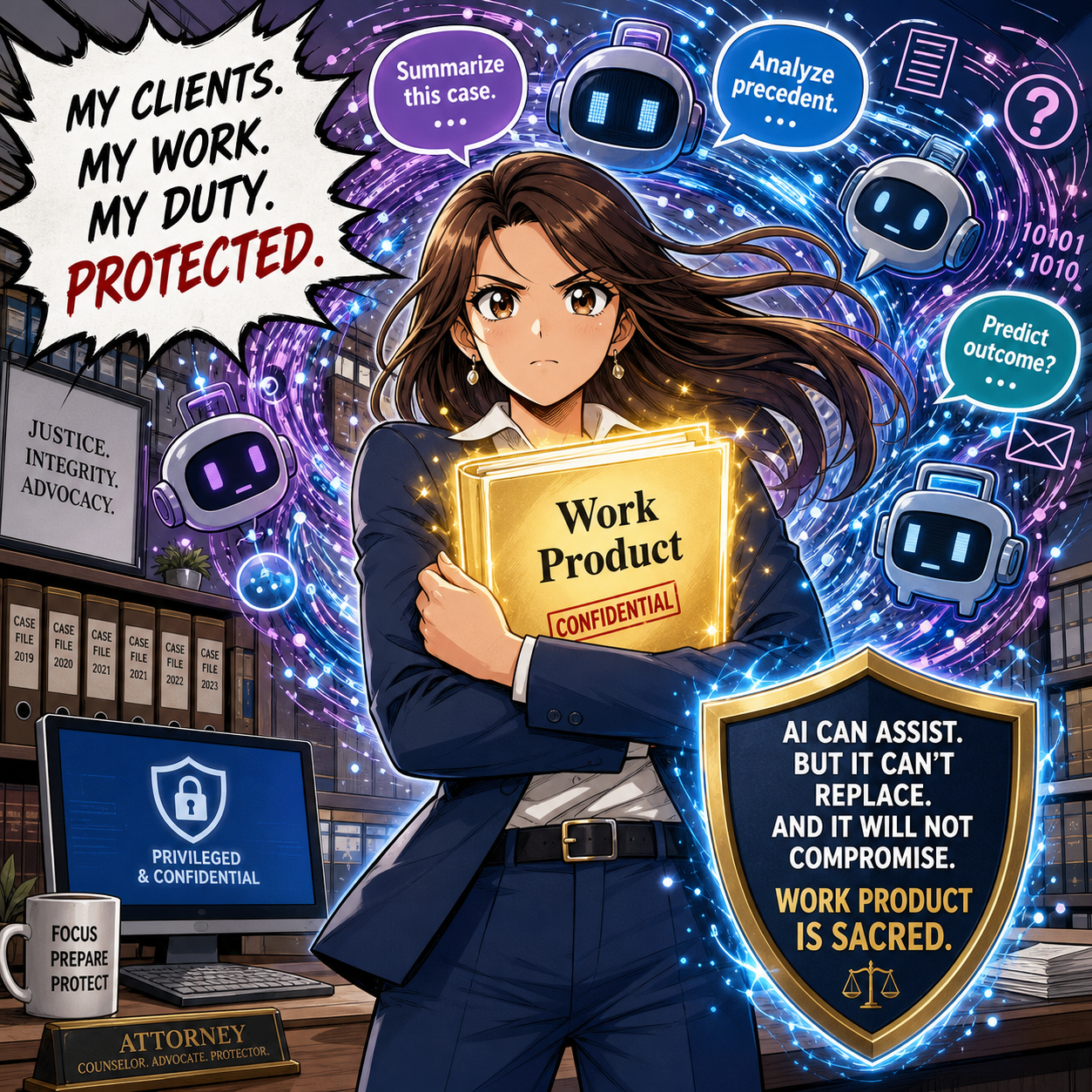
Model Rule 1.6 on confidentiality presents a second, and in many ways more pressing, concern. Generative AI systems may store, log, or otherwise use prompt content for analysis and improvement, which means uncritical copying and pasting of confidential client information into Copilot can create a non‑trivial risk of exposure. The ABA and commentators have emphasized that before entering client data into a generative AI tool, lawyers must assess whether that data could be disclosed or accessed by others, including through unintended re‑use in future outputs to different users. That risk analysis is not optional; it is part of your obligation to make reasonable efforts to prevent unauthorized access or disclosure.

Fake Citations from AI Tools can Threaten Accuracy and Legal Ethics!

Model Rules 5.1 and 5.3, which govern the responsibilities of partners, managers, supervisory lawyers, and non‑lawyer assistants, also apply to AI use. When you deploy Copilot in your firm, you are functionally introducing a new category of “assistant” whose work product must be supervised like that of a junior lawyer or paralegal. Policies, training, and review procedures are needed so that AI‑drafted content is consistently checked for accuracy, bias, hallucinations, and improper legal conclusions before it ever reaches a client, court, or counterparty. Ignoring Copilot’s disclaimers and Microsoft’s own hedging around reliability is, in effect, ignoring red flags that any reasonable supervising attorney would address.

Model Rule 1.4 on communication adds yet another dimension: transparency with clients about how you are using AI in their matters. Authorities interpreting the Model Rules have stressed that lawyers should keep clients reasonably informed, which includes explaining when and how AI tools are utilized to assist in their cases. This is particularly important where AI may affect cost, turnaround time, or the nature of the work performed, such as using Copilot to generate a first draft instead of assigning that task to an associate. Engagement letters and fee agreements are increasingly incorporating language about AI use, both to set expectations and to align with evolving ethical guidance.

The “for entertainment purposes only” language is more than a curiosity; it is a signal about allocation of risk. Microsoft’s disclaimer mirrors language historically used by psychic hotlines and other services seeking to avoid responsibility for inaccurate advice. When such a disclaimer is attached to a tool you might be tempted to use for legal analysis, the tool is telling you that you assume the risks of errors. Under the Model Rules, those risks ultimately translate into potential malpractice, sanctions, or disciplinary action if AI‑generated errors make their way into filed documents or client counseling.

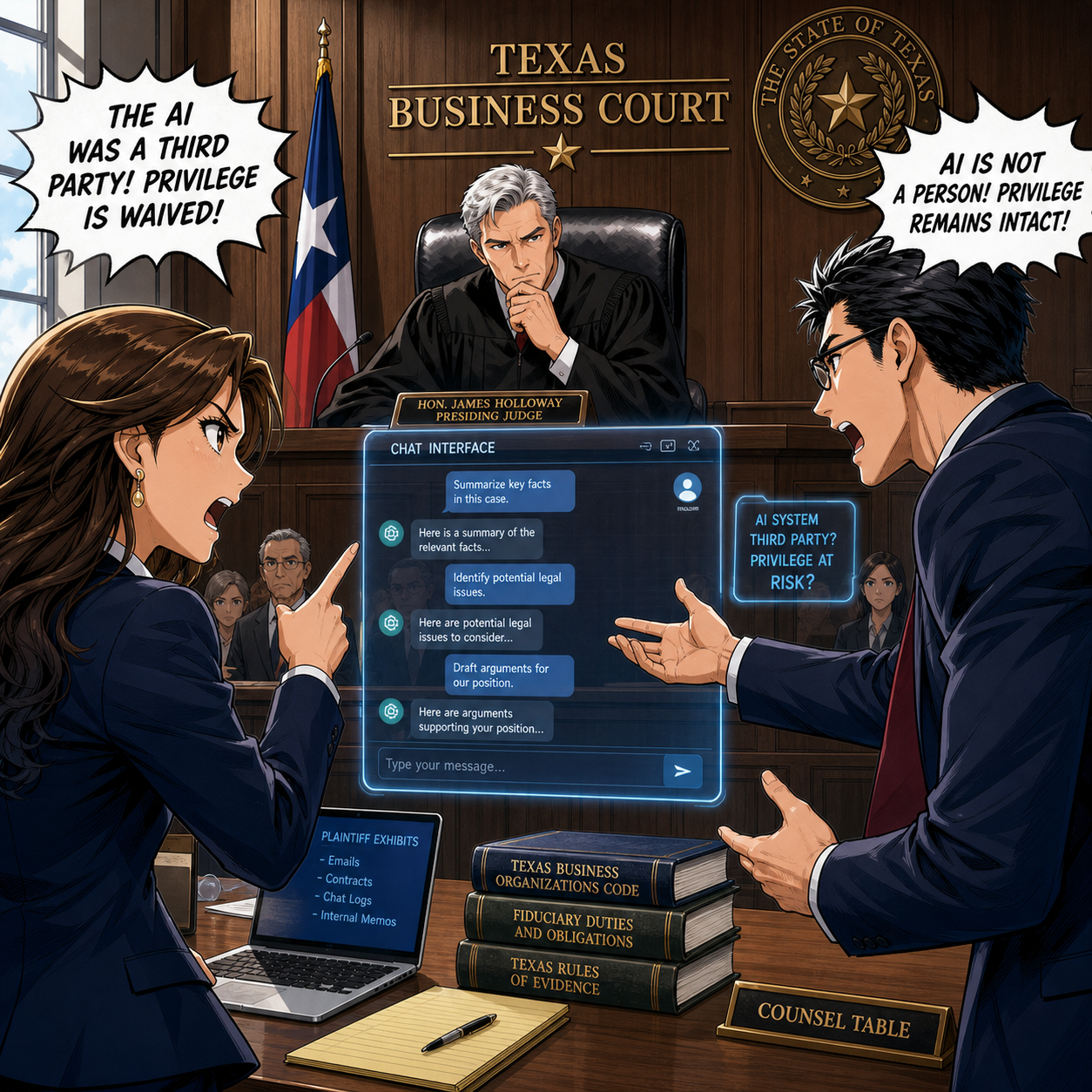
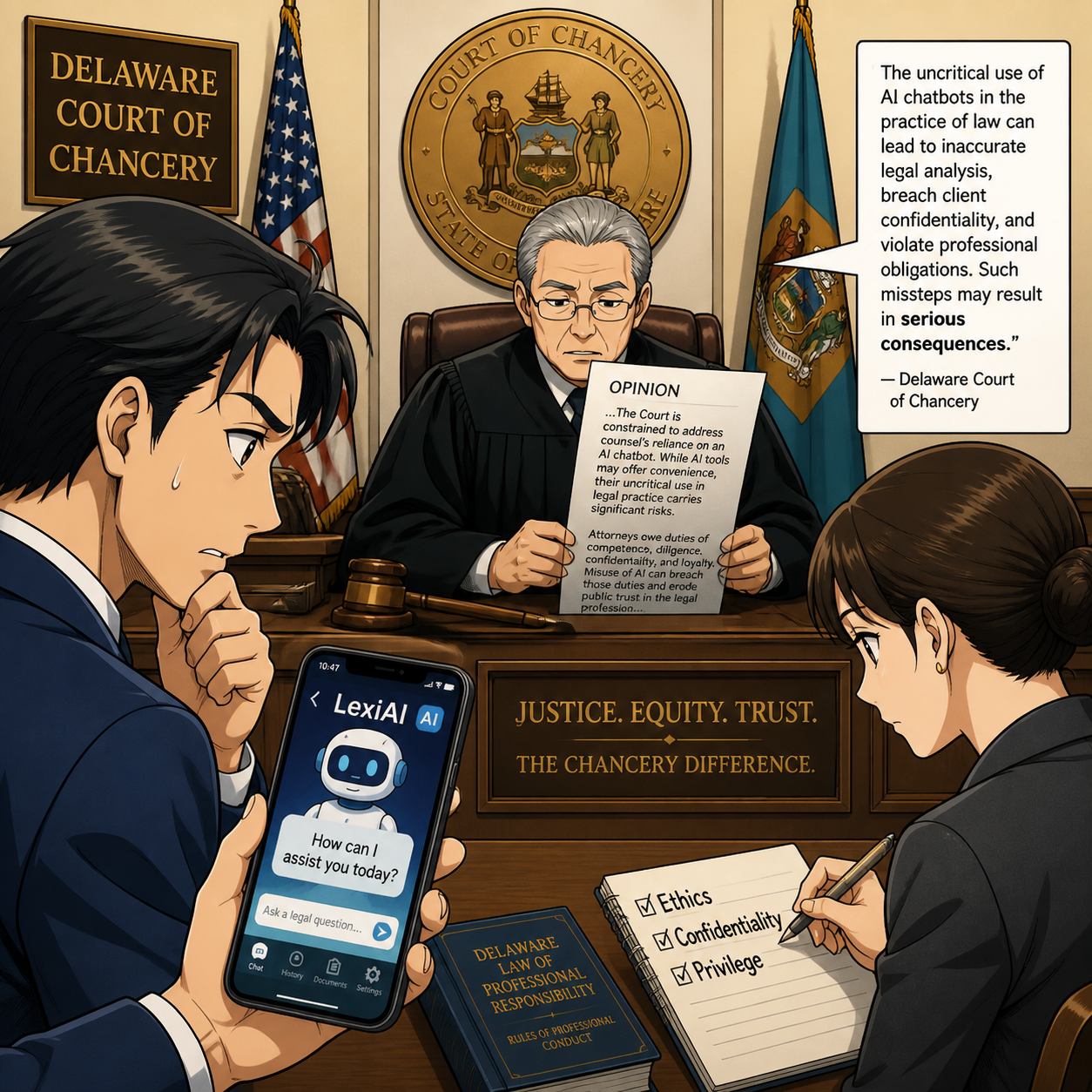
Recent real‑world incidents involving lawyers who submitted briefs containing AI‑fabricated citations demonstrate how quickly misuse of generative AI can cross ethical lines. In those cases, the core problem was not that AI was used; it was that the lawyers failed to verify the content and then misrepresented fictitious cases as genuine authority to the court. That behavior implicates Model Rules 3.3 (candor toward the tribunal) and 8.4 (misconduct) along with competence. Copilot’s warnings about possible mistakes do not excuse a lawyer from the duty to check every citation, quote, and legal conclusion that AI produces before relying on it.

lawyers must assess whether that data could be disclosed or accessed by others

⚠️

lawyers must assess whether that data could be disclosed or accessed by others ⚠️

For practitioners with limited to moderate technology skills, the answer is not to abandon AI entirely, but to approach it with structured safeguards. A practical workflow might involve using Copilot to outline a research plan or draft a first pass at a contract clause, followed by standard legal research in trusted databases and rigorous review by a human lawyer before anything is finalized. Firms should configure Copilot and other AI tools in ways that minimize data exposure, such as disabling cross‑tenant learning, a feature that lets the system learn from patterns across multiple organizations’ environments, where possible, and restricting which matters and users can access certain features. Training sessions can focus less on technical jargon and more on concrete do’s and don’ts tied directly to the Model Rules, which is the language most lawyers already speak. 🧠

alawys Protect Client Confidentiality When Using AI in Modern Law Practice!

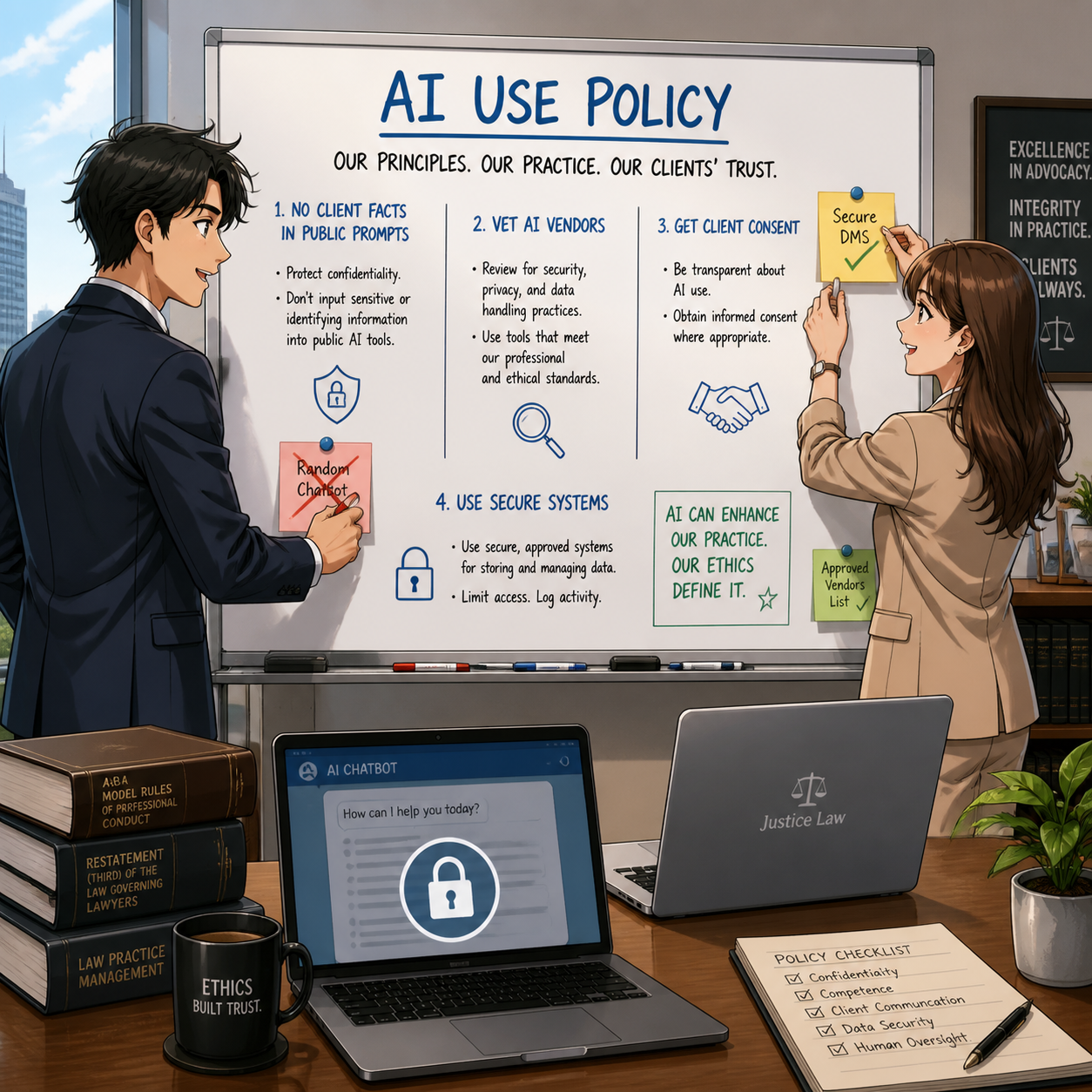
Governance is also essential. Written AI policies should address acceptable use cases, prohibited content for prompts, mandatory review standards, logging and auditing of AI‑assisted work, and incident response if an AI‑related error is discovered. These policies should be backed by regular training and by leadership that models appropriate use, rather than quietly delegating AI experimentation to the most tech‑savvy associates. Vendors’ evolving terms of use—including Microsoft’s move to revise its “entertainment purposes” language and adjust Copilot integration in Windows—should be monitored and incorporated into risk assessments over time.

In short, when AI falls short, it is the lawyer—not the software vendor—who will have to answer to clients, courts, and regulators. Copilot and similar tools can be valuable allies in a modern legal practice, but only if they are treated as fallible assistants whose work must be checked, not as oracles. The ABA Model Rules already provide the framework: competence, confidentiality, supervision, and honest communication. The task for today’s legal professionals is to apply that framework thoughtfully to AI, recognizing both its promise and its very real limitations before letting it anywhere near client work or court filings. ⚖️🤖

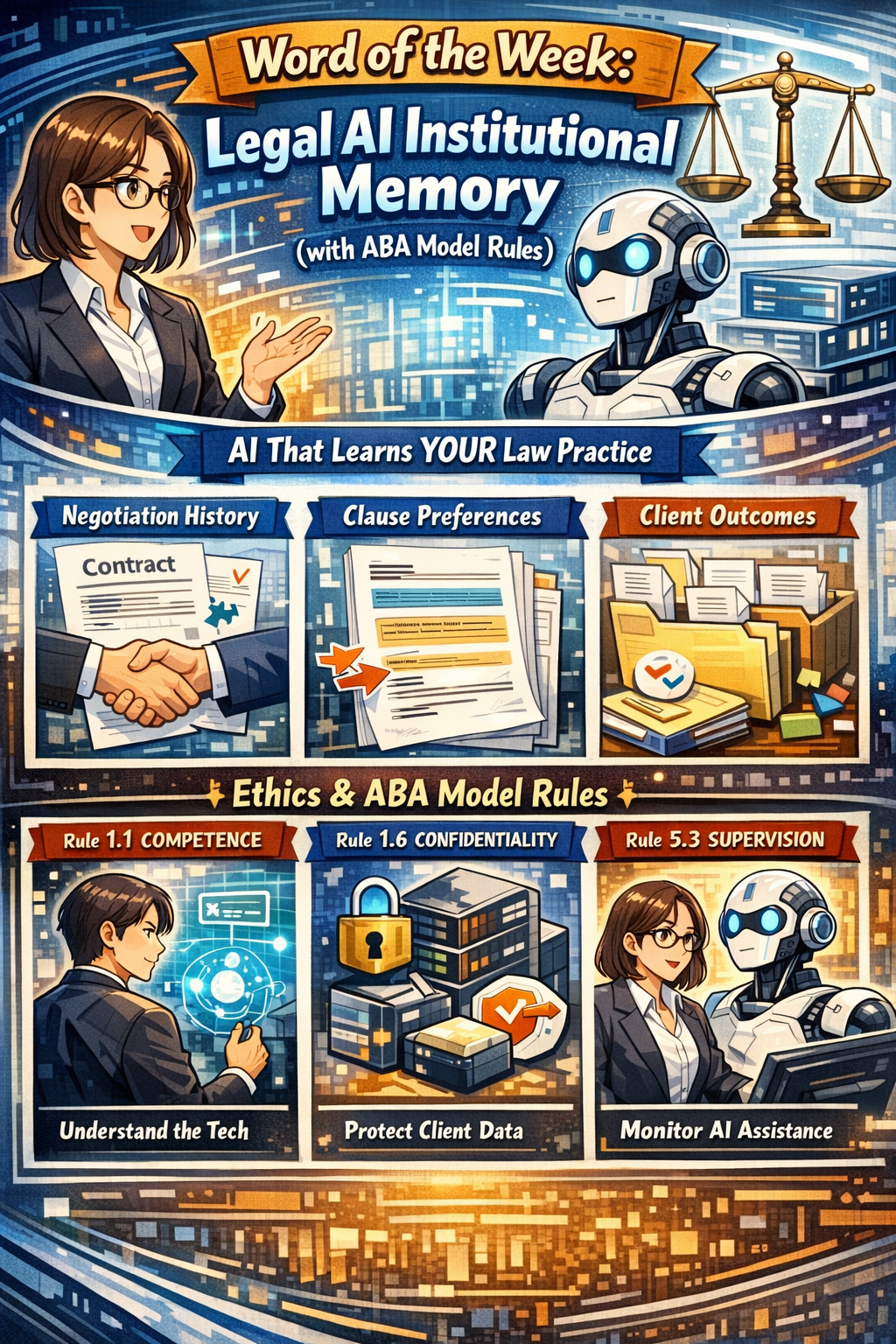
Word of the week: “Legal AI institutional memory” engages core ethics duties under the ABA Model Rules, so it is not optional “nice to know” tech.⚖️🤖

Institutional Memory Meets the ABA Model Rules

“Legal AI institutional Memory” is AI that remembers how your firm actually practices law, not just what generic precedent says. It captures negotiation history, clause choices, outcomes, and client preferences across matters so each new assignment starts from experience instead of a blank page.

From an ethics perspective, this capability sits directly in the path of ABA Model Rule 1.1 on competence, Rule 1.6 on confidentiality, and Rule 5.3 on responsibilities regarding nonlawyer assistance (which now includes AI systems). Comment 8 to Rule 1.1 stresses that competent representation requires understanding the “benefits and risks associated with relevant technology,” which squarely includes institutional‑memory AI in 2026. Using or rejecting this technology blindly can itself create risk if your peers are using it to deliver more thorough, consistent, and efficient work.🧩

Rule 1.6 requires “reasonable efforts” to prevent unauthorized disclosure or access to information relating to representation. Because institutional memory centralizes past matters and sensitive patterns, it raises the stakes on vendor security, configuration, and firm governance. Rule 5.3 extends supervision duties to “nonlawyer assistance,” which ethics commentators and bar materials now interpret to include AI tools used in client work. In short, if your AI is doing work that would otherwise be done by a human assistant, you must supervise it as such.🛡️

Why Institutional Memory Matters (Competence and Client Service)

Tools like Luminance and Harvey now market institutional‑memory features that retain negotiation patterns, drafting preferences, and matter‑level context across time. They promise faster contract cycles, fewer errors, and better use of a firm’s accumulated know‑how. Used wisely, that aligns with Rule 1.1’s requirement that you bring “thoroughness and preparation” reasonably necessary for the representation, and Comment 8’s directive to keep abreast of relevant technology.

At the same time, ethical competence does not mean turning judgment over to the model. It means understanding how the system makes recommendations, what data it relies on, and how to validate outputs against your playbooks and client instructions. Ethics guidance on generative AI emphasizes that lawyers must review AI‑generated work product, verify sources, and ensure that technology does not substitute for legal judgment. Legal AI institutional memory can enhance competence only if you treat it as an assistant you supervise, not an oracle you obey.⚙️

Legal AI That Remembers Your Practice—Ethics Required, Not Optional

How Legal AI Institutional Memory Works (and Where the Rules Bite)

Institutional‑memory platforms typically:

  • Ingest a corpus of contracts or matters.

  • Track negotiation moves, accepted fall‑backs, and outcomes over time.

  • Expose that knowledge through natural‑language queries and drafting suggestions.

That design engages several ethics touchpoints🫆:

  • Rule 1.1 (Competence): You must understand at a basic level how the AI uses and stores client information, what its limitations are, and when it is appropriate to rely on its suggestions. This may require CLE, vendor training, or collaboration with more technical colleagues until you reach a reasonable level of comfort.

  • Rule 1.6 (Confidentiality): You must ensure that the vendor contract, configuration, and access controls provide “reasonable efforts” to protect confidentiality, including encryption, role‑based access, and breach‑notification obligations. Ethics guidance on cloud and AI use stresses the need to investigate provider security, retention practices, and rights to use or mine your data.

  • Rule 5.3 (Nonlawyer Assistance): Because AI tools are “non‑human assistance,” you must supervise their work as you would a contract review outsourcer, document vendor, or litigation support team. That includes selecting competent providers, giving appropriate instructions, and monitoring outputs for compliance with your ethical obligations.🤖

Governance Checklist: Turning Ethics into Action

For lawyers with limited to moderate tech skills, it helps to translate the ABA Model Rules into a short adoption checklist.✅

When evaluating or deploying legal AI institutional memory, consider:

  1. Define Scope (Rules 1.1 and 1.6): Start with a narrow use case such as NDAs or standard vendor contracts, and specify which documents the system may use to build its memory.

  2. Vet the Vendor (Rules 1.6 and 5.3): Ask about data segregation, encryption, access logs, regional hosting, subcontractors, and incident‑response processes; confirm clear contractual obligations to preserve confidentiality and notify you of incidents.

  3. Configure Access (Rules 1.6 and 5.3): Use role‑based permissions, client or matter scoping, and retention settings that match your existing information‑governance and legal‑hold policies.

  4. Supervise Outputs (Rules 1.1 and 5.3): Require that lawyers review AI suggestions, verify sources, and override recommendations where they conflict with client instructions or risk tolerance.

  5. Educate Your Team (Rule 1.1): Provide short trainings on how the system works, what it remembers, and how the Model Rules apply; document this as part of your technology‑competence efforts.

Educating Your Team Is Core to AI Competence

This approach respects the increasing bar on technological competence while protecting client information and maintaining human oversight.⚖️

This approach respects the increasing bar on technological competence while protecting client information and maintaining human oversight.⚖️