MTC: AI Won’t Replace Solo and Small-Firm Lawyers — It Will Supercharge Them ⚖️🤖

Solo lawyers can use artificial intelligence as a virtual associate to handle legal research, drafting, intake, and billing in a modern small law firm ⚖️🤖

If you run a solo or small-to-medium firm, you’ve probably heard the predictions: AI will automate legal tasks in “12 to 18 months” or replace traditional lawyers entirely by 2035. Those headlines make great clickbait, but they miss what is actually happening on the ground in smaller practices. AI is not wiping out solo and small-firm lawyers; it is changing the mix of tasks we do — and creating more opportunities for us if we adopt it intentionally and ethically. 

In a recent Washington Post opinion, Damien Charlotin argues that AI won’t replace lawyers. It will create more of them. His logic is especially important for solos and small firms. He describes legal jobs as “bundles of tasks,” many of which are tightly linked and not easily peeled apart for automation. If you’ve ever juggled intake, research, drafting, negotiation, and billing in a single day, you know exactly what that tight bundle feels like. AI is about to start pulling on pieces of that bundle — and your job is to decide how to rebundle your work in a way that serves clients, protects ethics, and keeps your business healthy. ⚖️🤖

Why Solo and Small Firms Should Ignore the Doom Headlines 😅

Charlotin points out that lawyers have never been more numerous in the United States, with law school applications rising and record-high employment in bar-required jobs. That’s happening at the same time as AI hype, which should tell you something: the profession is not collapsing.

For solos and small firms, the bigger risk is not AI replaces me, but AI-literate competitors out-serve my clients. Larger firms may have innovation teams and internal IT, but you have agility and direct control over your workflows. If you can use AI to shave hours off routine tasks — and reinvest that time into client counseling, business development, or flat-fee offerings — you can turn AI from a threat into a differentiator. As I often say on The Tech-Savvy Lawyer.Page podcast, AI is the junior associate you don’t have to hire, but still have to supervise.

Your Practice as a “Tight Bundle” of Tasks 🧩

Charlotin’s “bundles of tasks” concept is tailor-made for solo and small-firm reality. In big firms, tasks can be split across teams; in smaller shops, you wear most of the hats. Research, drafting, strategy, client communication, and billing are often intertwined in a single matter.

For experienced lawyers, Charlotin notes, “doing legal research and evaluating an argument are … often the same mental activity” — we check the argument by writing it. If you offload only the writing to AI, verification becomes a separate, deliberate act that takes time, and if you skip it, you risk sanctions for hallucinated filings. This is why I push solo and small-firm lawyers to treat AI as an assistant that drafts and summarizes, while you retain control over the analysis and final product.

Lessons from E-Discovery for Small Practices 📂➡️📈

Charlotin likens the current AI hype to the e-discovery wave more than a decade ago. Back then, headlines like those from The New York Times predicted “Armies of Expensive Lawyers, Replaced by Cheaper Software.” What actually happened? The volume of discoverable material exploded; the tools became part of practice; and lawyers moved into new roles managing, interpreting, and litigating around that information.

That same Jevons paradox — cheaper processes leading to more usage — is already playing out in tools marketed to solo and small firms. AI-assisted drafting and research platforms now make it viable for smaller shops to handle matters that previously required big-firm staffing, and to offer more predictable pricing without cutting quality. Cheaper legal work often means more legal work — especially for clients who previously couldn’t afford you.

ABA Model Rule 1.1: Competence for Lean Teams 📚

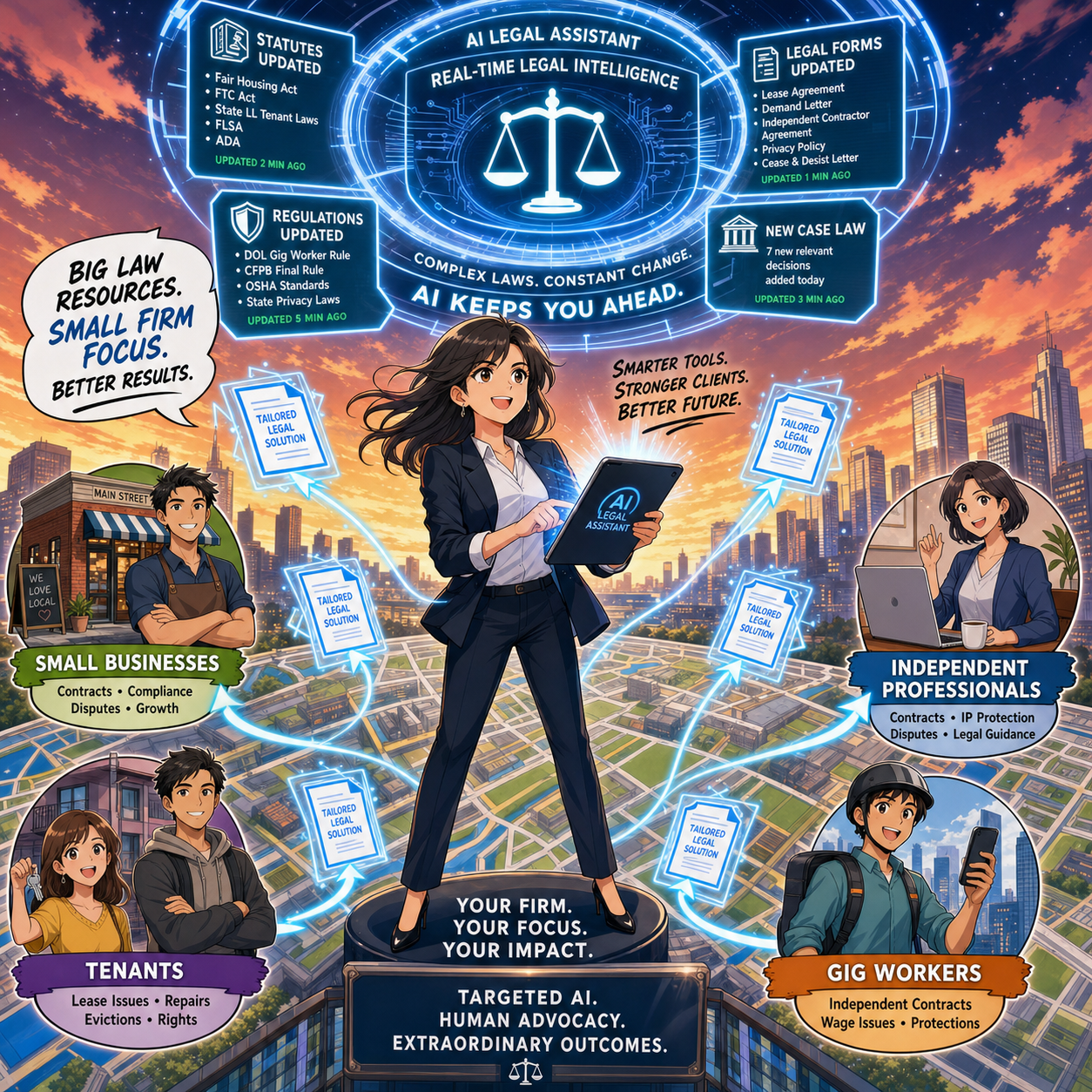
Small law firm team using legal AI tools to improve collaboration, client service, and ABA-compliant workflows across a lean practice 👩‍⚖️👨‍⚖️💻.

For solos and small- to medium-sized firms, ABA Model Rule 1.1 on competence is both a challenge and an opportunity. It requires you to understand “the benefits and risks associated with relevant technology,” including AI. But unlike big firms, you can’t delegate that understanding to an IT department or an internal AI committee; you are the committee.

Practically, that means you need at least a working grasp of what your chosen AI tools do, how they handle data, and where they fit in your workflows. You don’t need to run every experiment at once. Start with one or two high-impact areas — say, summarizing long PDFs, generating first drafts of routine emails, or creating checklists from statutes or rules — and build from there. Competence for solo and small-firm lawyers is not about chasing every new feature; it’s about picking the right tools for your practice and using them deliberately.

Rules 5.1 and 5.3: Supervision When “You Are the Management” 👥🤖

You might think Rules 5.1 and 5.3 (supervision of lawyers and nonlawyers) are big-firm problems. They’re not. If you have even one staff member, contract attorney, or virtual assistant, you are responsible for how they use AI. And even if you’re truly solo, you’re still responsible for supervising the AI tools you deploy as if they were a nonlawyer assistant.

For small practices, the most practical move is a simple written AI policy, even if it’s a one-page document:

  • Which tasks can use AI (e.g., research assistance, first-draft documents);

  • Which tasks require heightened review (e.g., anything filed with a court);

  • Which tasks are off-limits (e.g., unsupervised client advice, sensitive fact patterns pasted into consumer chatbots).

As discussed both in Charlotin’s piece and in bar guidance for smaller firms, formal policies help you avoid ad hoc, inconsistent AI use that could jeopardize client confidentiality or court obligations.

Rule 1.6 Confidentiality: Cloud Tools on a Budget 🔐

Model Rule 1.6 on confidentiality doesn’t change just because you’re a small shop — but your margin for error is thinner. Many solos and small firms rely on cloud-based tools because they can’t host their own infrastructure. That’s fine, as long as you are careful.

Before pasting client facts into an AI tool, you must know whether it stores or reuses data, whether it trains on your inputs, and whether there’s an option for a “no training” or “enterprise” mode. When in doubt, prefer AI features built into reputable legal platforms (research tools, practice management systems, document automation suites) with clear confidentiality commitments, rather than generic consumer apps. On The Tech-Savvy Lawyer.Page, I hammer this point because solos cannot absorb the cost of a major data mishap the way some larger organizations can.

Legislative Inflation and Niche Opportunities for Smaller Firms 📜📈

Charlotin notes that every jurisdiction is “afflicted by legislative inflation” — more rules, more norms, more regulations. That means more interpretation, more disputes, more filings, and more need for lawyers. For solos and small-to-medium firms, this is an opportunity to carve out narrow niches and use AI to keep up with complex, evolving regimes that might otherwise be out of reach.

An AI-enabled solo can monitor regulatory changes, generate quick client alerts, and update templates far faster than before. Combined with targeted content marketing and SEO, this makes it possible to dominate specific micro-niches without a big marketing budget — something I frequently discuss on The Tech-Savvy Lawyer.Page when we talk about modern business development.

Entry-Level Work and the Solo/Small Pyramid 🧑‍🎓➡️⚖️

a Small-firm lawyer can use AI-powered legal technology to serve niche clients, track changing regulations, and deliver efficient legal services across a local market 🎯⚖️

Charlotin flags a serious concern: AI may change entry-level work. For big firms, that means rethinking associate leverage. In smaller firms, it means you may hire differently — or delay that first hire because AI picks up some of the routine drafting and research.

But Charlotin also notes that young lawyers are hired for reasons beyond their marginal drafting value — future partnership, signals to clients, bench strength for unpredictable surges. The same is true for small and mid-size firms. AI can handle some grunt work, but it can’t attend a community event, build a local reputation, or bring in referrals. If you use AI to free juniors from the most repetitive tasks, you can push them earlier into client-facing and business-building roles, which is exactly where smaller firms thrive.

Reorganization, Not Replacement — Especially for You 🔄

Charlotin closes by emphasizing that while the profession will look different in 2035, the lawyer is here to stay, and there will likely be more lawyers, not fewer. They will use AI — “they would be fools not to” — and they will charge for that value.

For solo and small-to-medium firms, the reorganization is already underway:

  • Routine drafting and research shift toward AI-assisted workflows.

  • Verification, judgment, and client counseling become even more central.

  • Niche expertise, responsiveness, and pricing flexibility become your competitive edge.

If you treat AI as a core part of your toolkit — governed by the ABA Model Rules and aligned with your business goals — you must position your firm not just to survive the AI wave, but to ride it. ⚖️🤖

Its been said many times by myself and others, lawyers must embrace AI into their practice of law or be left behind by those who do!
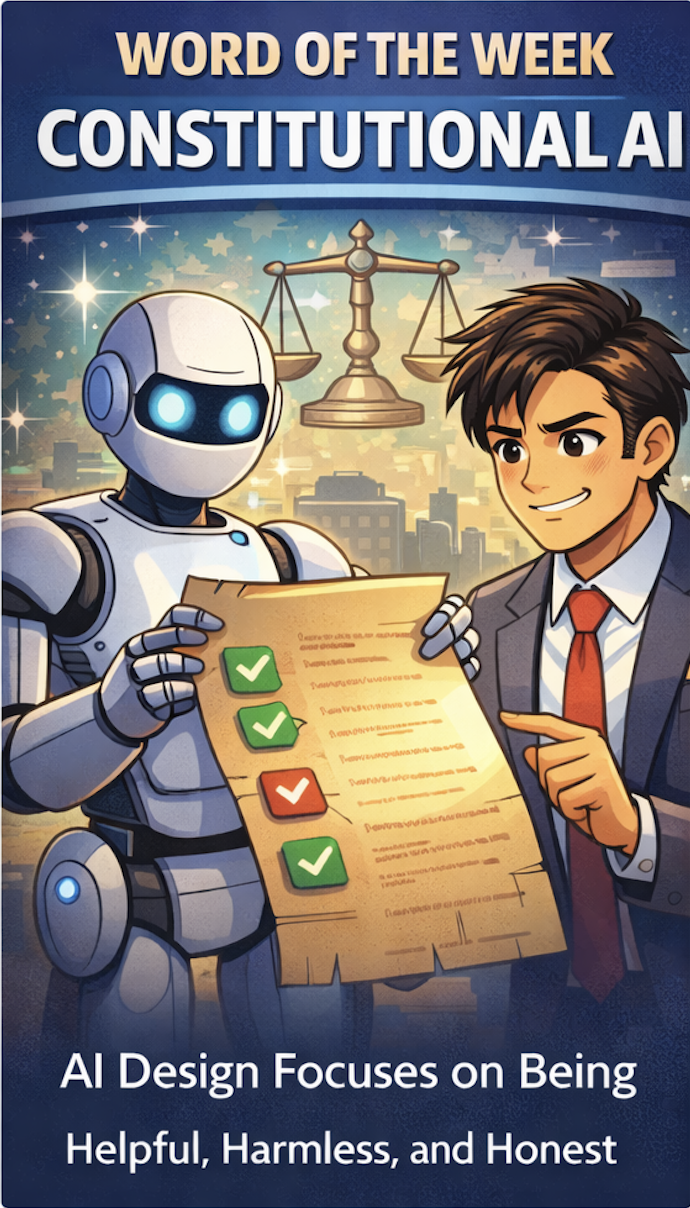
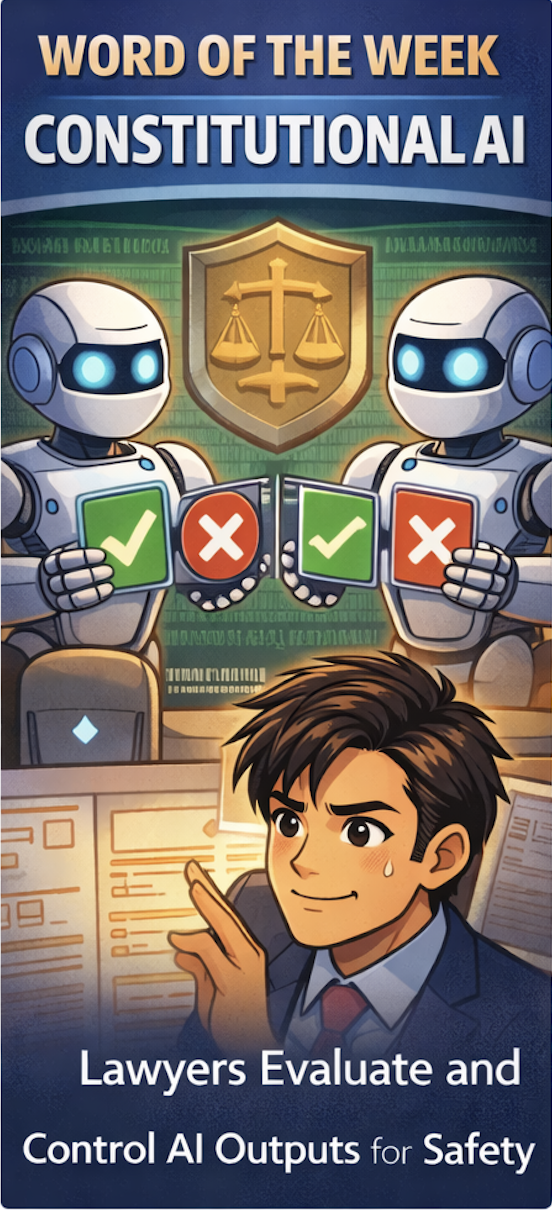
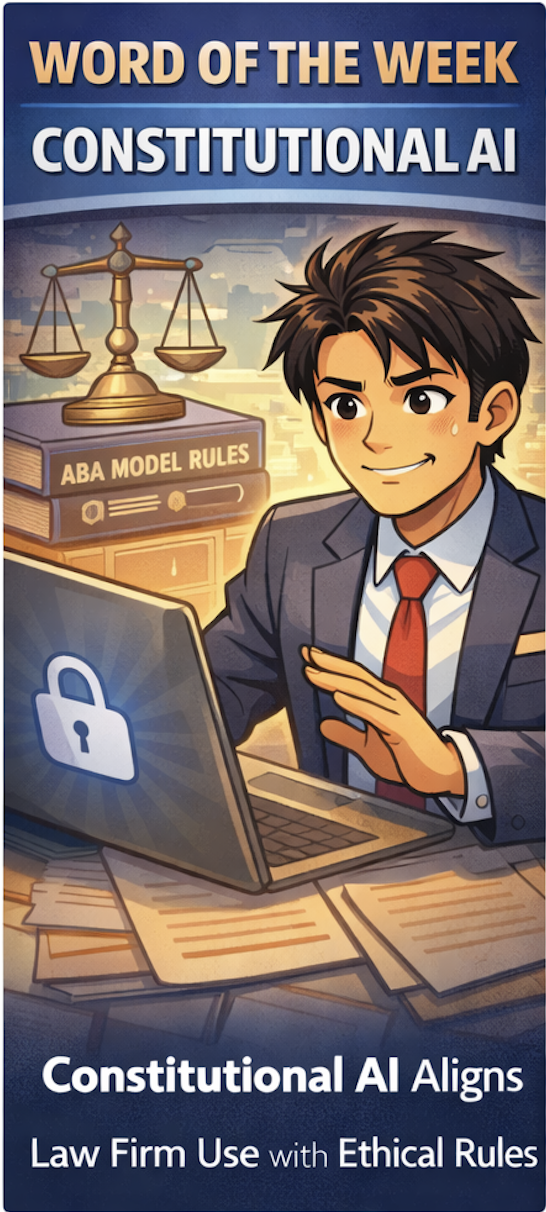
Word 📖 of the Week: Why Lawyers Need to Know the Term “Constitutional AI”

“Constitutional AI” is a design framework for artificial intelligence that aims to make AI systems helpful, harmless, and honest by training them to follow a defined set of higher‑level rules, much like a constitution. 🤖📜 For lawyers, this is not abstract theory; it connects directly to duties of technological competence, confidentiality, and supervision under the ABA Model Rules.

Most legal professionals now rely on AI‑enabled tools in research, drafting, e‑discovery, document automation, and client communication. These tools may use generative AI in the background even when the marketing materials do not emphasize “AI.” Constitutional AI gives you a practical way to evaluate those tools: are they structured to avoid hallucinations, protect confidential data, and resist being prompted into unethical behavior.

At a high level, a Constitutional AI system is trained to follow explicit principles, such as “do not fabricate legal citations,” “do not disclose confidential information,” and “do not assist in unlawful conduct.” The model learns to critique and revise its own outputs against those principles. For law firms, that aligns with the core expectations in ABA Model Rule 1.1 (competence) and its Comment 8, which require lawyers to understand the benefits and risks of relevant technology and stay current with changes in how these systems work. ⚖️

Constitutional AI also intersects with ABA Model Rule 1.6 on confidentiality. If an AI tool is not designed with strong guardrails, prompts, and outputs can expose sensitive client information to external systems or vendors. When you evaluate an AI platform, you should ask where data is stored, how prompts are logged, whether training data will include your matters, and whether the provider has implemented “constitutional” safeguards against data leakage and unsafe uses.

Supervision is another critical angle. ABA Formal Opinion 512 and Model Rules 5.1 and 5.3 stress that supervising lawyers must set policies and training for how attorneys and staff use generative AI. Constitutional AI can reduce risk, yet it does not replace supervisory duties. You still must review AI‑generated work product, confirm citations, validate factual assertions, and ensure the output is consistent with Rules 3.1, 3.3, and 8.4(c) on meritorious claims, candor to the tribunal, and avoiding dishonesty or misrepresentation.

For practitioners with limited to moderate tech skills, the key is to treat Constitutional AI as a practical checklist rather than a buzzword. ✅ Ask three questions about any AI tool you use:

  1. Is this AI actually helpful to the client’s matter, or is it just saving time while adding risk.

  2. Could this output harm the client through inaccuracy, bias, or disclosure of confidential data.

  3. Is the AI acting honestly, meaning it is not hallucinating cases or claiming certainty where none exists.

If any answer is “no,” you must pause, verify, and revise before relying on the AI output.

In the AI era, your ethical risk often turns on how you select, supervise, and document the use of AI in your practice. Constitutional AI will not make you bulletproof, but it gives you a structured way to align your technology choices with ABA Model Rules while protecting your clients, your license, and your reputation. 

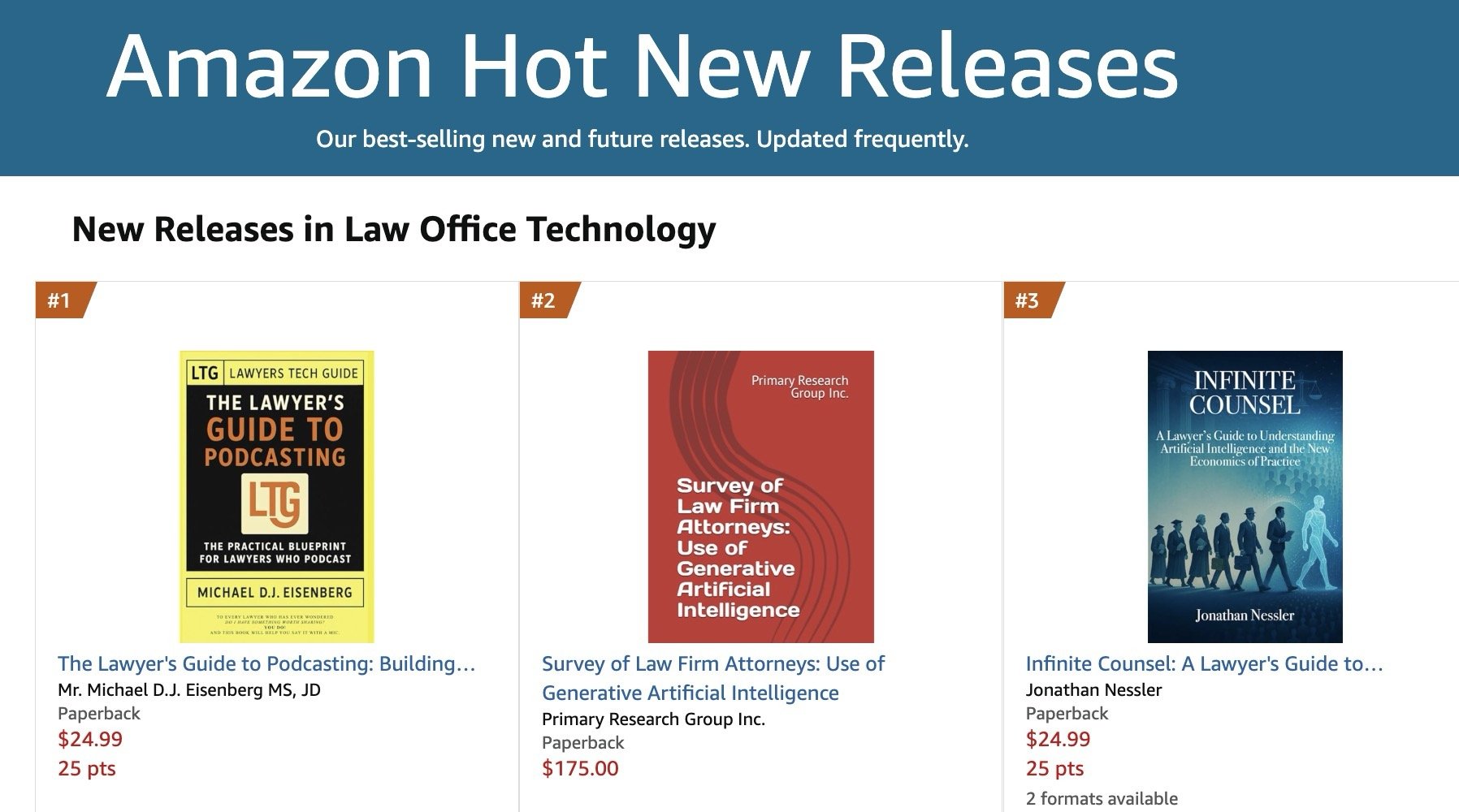
ANNOUNCEMENT: My Book, “The Lawyer’s Guide to Podcasting,” is Amazon #1 New Release (Law Office Technology)

I’m excited to report that The Lawyer’s Guide to Podcasting ranked #1 as a New Release in Amazon’s Law Office Technology category for the week of February 07, 2026, and sales have already doubled since last month. 🎙️📈

For lawyers with limited-to-moderate tech skills, the book focuses on practical, repeatable workflows for launching and sustaining a compliant podcast presence. ⚖️💡

As you plan content, remember ABA Model Rule 1.1 (technology competence) and the related duties of confidentiality (Rule 1.6) and communications about services (Rule 7.1): use secure tools, avoid accidental client disclosures, and ensure marketing statements are accurate. 🔐✅

Get your copy today! 📘🚀


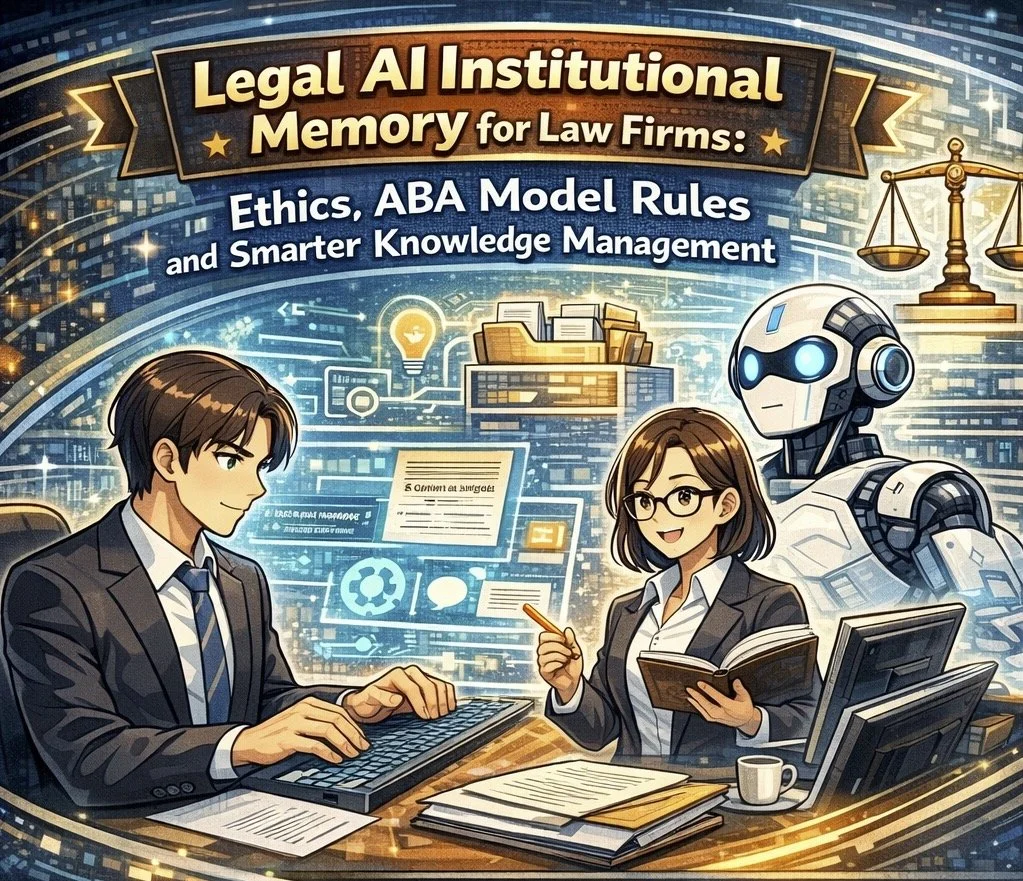
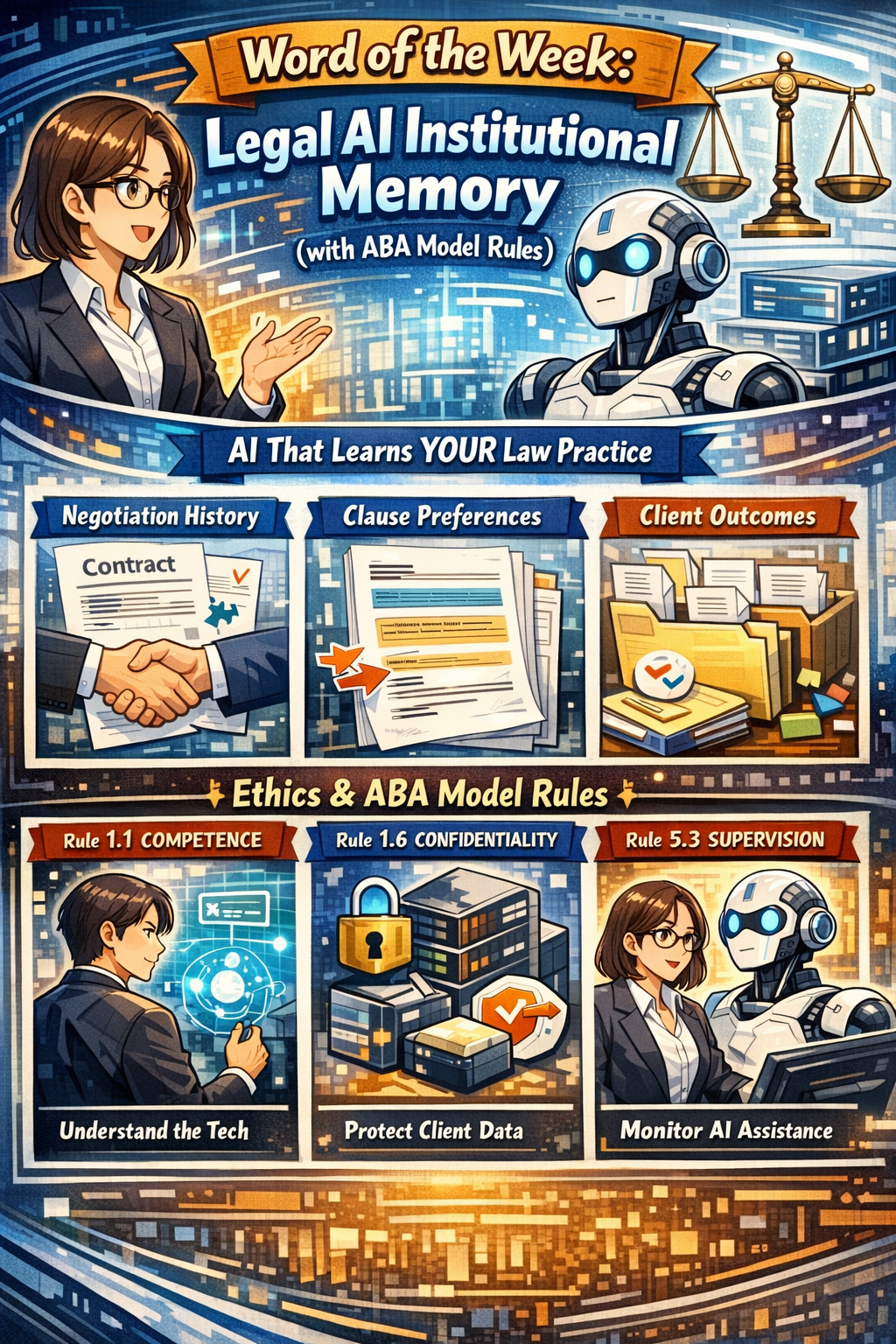
Word of the week: “Legal AI institutional memory” engages core ethics duties under the ABA Model Rules, so it is not optional “nice to know” tech.⚖️🤖

Institutional Memory Meets the ABA Model Rules

“Legal AI institutional Memory” is AI that remembers how your firm actually practices law, not just what generic precedent says. It captures negotiation history, clause choices, outcomes, and client preferences across matters so each new assignment starts from experience instead of a blank page.

From an ethics perspective, this capability sits directly in the path of ABA Model Rule 1.1 on competence, Rule 1.6 on confidentiality, and Rule 5.3 on responsibilities regarding nonlawyer assistance (which now includes AI systems). Comment 8 to Rule 1.1 stresses that competent representation requires understanding the “benefits and risks associated with relevant technology,” which squarely includes institutional‑memory AI in 2026. Using or rejecting this technology blindly can itself create risk if your peers are using it to deliver more thorough, consistent, and efficient work.🧩

Rule 1.6 requires “reasonable efforts” to prevent unauthorized disclosure or access to information relating to representation. Because institutional memory centralizes past matters and sensitive patterns, it raises the stakes on vendor security, configuration, and firm governance. Rule 5.3 extends supervision duties to “nonlawyer assistance,” which ethics commentators and bar materials now interpret to include AI tools used in client work. In short, if your AI is doing work that would otherwise be done by a human assistant, you must supervise it as such.🛡️

Why Institutional Memory Matters (Competence and Client Service)

Tools like Luminance and Harvey now market institutional‑memory features that retain negotiation patterns, drafting preferences, and matter‑level context across time. They promise faster contract cycles, fewer errors, and better use of a firm’s accumulated know‑how. Used wisely, that aligns with Rule 1.1’s requirement that you bring “thoroughness and preparation” reasonably necessary for the representation, and Comment 8’s directive to keep abreast of relevant technology.

At the same time, ethical competence does not mean turning judgment over to the model. It means understanding how the system makes recommendations, what data it relies on, and how to validate outputs against your playbooks and client instructions. Ethics guidance on generative AI emphasizes that lawyers must review AI‑generated work product, verify sources, and ensure that technology does not substitute for legal judgment. Legal AI institutional memory can enhance competence only if you treat it as an assistant you supervise, not an oracle you obey.⚙️

Legal AI That Remembers Your Practice—Ethics Required, Not Optional

How Legal AI Institutional Memory Works (and Where the Rules Bite)

Institutional‑memory platforms typically:

  • Ingest a corpus of contracts or matters.

  • Track negotiation moves, accepted fall‑backs, and outcomes over time.

  • Expose that knowledge through natural‑language queries and drafting suggestions.

That design engages several ethics touchpoints🫆:

  • Rule 1.1 (Competence): You must understand at a basic level how the AI uses and stores client information, what its limitations are, and when it is appropriate to rely on its suggestions. This may require CLE, vendor training, or collaboration with more technical colleagues until you reach a reasonable level of comfort.

  • Rule 1.6 (Confidentiality): You must ensure that the vendor contract, configuration, and access controls provide “reasonable efforts” to protect confidentiality, including encryption, role‑based access, and breach‑notification obligations. Ethics guidance on cloud and AI use stresses the need to investigate provider security, retention practices, and rights to use or mine your data.

  • Rule 5.3 (Nonlawyer Assistance): Because AI tools are “non‑human assistance,” you must supervise their work as you would a contract review outsourcer, document vendor, or litigation support team. That includes selecting competent providers, giving appropriate instructions, and monitoring outputs for compliance with your ethical obligations.🤖

Governance Checklist: Turning Ethics into Action

For lawyers with limited to moderate tech skills, it helps to translate the ABA Model Rules into a short adoption checklist.✅

When evaluating or deploying legal AI institutional memory, consider:

  1. Define Scope (Rules 1.1 and 1.6): Start with a narrow use case such as NDAs or standard vendor contracts, and specify which documents the system may use to build its memory.

  2. Vet the Vendor (Rules 1.6 and 5.3): Ask about data segregation, encryption, access logs, regional hosting, subcontractors, and incident‑response processes; confirm clear contractual obligations to preserve confidentiality and notify you of incidents.

  3. Configure Access (Rules 1.6 and 5.3): Use role‑based permissions, client or matter scoping, and retention settings that match your existing information‑governance and legal‑hold policies.

  4. Supervise Outputs (Rules 1.1 and 5.3): Require that lawyers review AI suggestions, verify sources, and override recommendations where they conflict with client instructions or risk tolerance.

  5. Educate Your Team (Rule 1.1): Provide short trainings on how the system works, what it remembers, and how the Model Rules apply; document this as part of your technology‑competence efforts.

Educating Your Team Is Core to AI Competence

This approach respects the increasing bar on technological competence while protecting client information and maintaining human oversight.⚖️

This approach respects the increasing bar on technological competence while protecting client information and maintaining human oversight.⚖️

📖 WORD OF THE WEEK (WoW): Zero Trust Architecture ⚖️🔐

Zero Trust Architecture and ABA Model Rules Compliance 🛡️

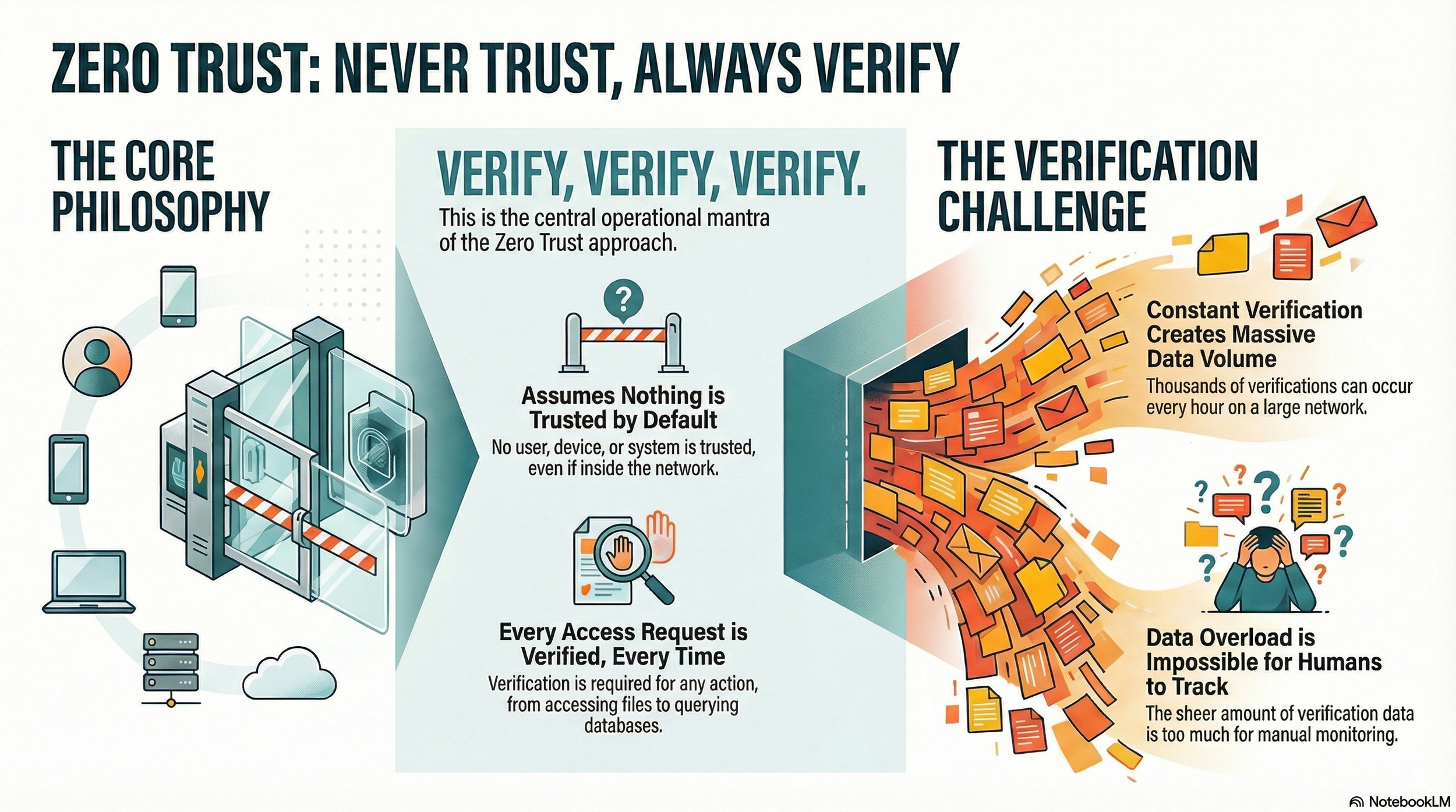
Lawyers need to "never trust, always verify" their network activity!

Zero Trust Architecture represents a fundamental shift in how law firms approach cybersecurity and fulfill ethical obligations. Rather than assuming that users and devices within a firm's network are trustworthy by default, this security model operates on the principle of "never trust, always verify." For legal professionals managing sensitive client information, implementing this framework has become essential to protecting confidentiality while maintaining compliance with ABA Model Rules.

The traditional security approach created a protective perimeter around a firm's network, trusting anyone inside that boundary. This model no longer reflects modern legal practice. Remote work, cloud-based case management systems, and mobile device usage mean that your firm's data exists across multiple locations and devices. Zero Trust abandons the perimeter-based approach entirely.

ABA Model Rule 1.6(c) requires lawyers to "make reasonable efforts to prevent the inadvertent or unauthorized disclosure of, or unauthorized access to, information relating to the representation of a client." Zero Trust Architecture directly fulfills this mandate by requiring continuous verification of every user and device accessing firm resources, regardless of location. This approach ensures compliance with the confidentiality duty that forms the foundation of legal practice.

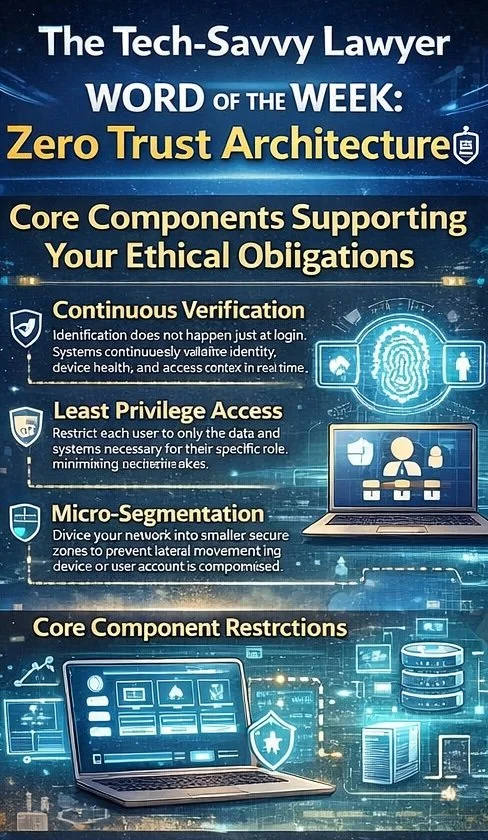
Core Components Supporting Your Ethical Obligations

Zero Trust Architecture operates through three interconnected principles aligned with ABA requirements.

legal professionals do you know the core components of modern cyber security?

  • Continuous verification means that authentication does not happen once at login. Instead, systems continuously validate user identity, device health, and access context in real time.

  • Least privilege access restricts each user to only the data and systems necessary for their specific role. An associate working on discovery does not need access to billing systems, and a paralegal in real estate does not need access to litigation files.

  • Micro-segmentation divides your network into smaller, secure zones. This prevents lateral movement, which means that if a bad actor compromises one device or user account, they cannot automatically access all firm systems.

ABA Model Rule 1.1, Comment 8 requires that lawyers maintain competence, including competence in "the benefits and risks associated with relevant technology." Understanding Zero Trust Architecture demonstrates that your firm maintains technological competence in cybersecurity matters. Additional critical components include multi-factor authentication, which requires users to verify their identity through multiple methods before accessing systems. Device authentication ensures that only approved and properly configured devices can connect to firm resources. End-to-end encryption protects data both at rest and in transit.

ABA Model Rule 1.4 requires lawyers to keep clients "reasonably informed about significant developments relating to the representation." Zero Trust Architecture supports this duty by protecting client information and enabling prompt client notification if security incidents occur.

ABA Model Rules 5.1 and 5.3 require supervisory lawyers and managers to ensure that subordinate lawyers and non-lawyer staff comply with professional obligations. Implementing Zero Trust creates the framework for effective supervision of cybersecurity practices across your entire firm.

Addressing Safekeeping Obligations

ABA Model Rule 1.15 requires lawyers to "appropriately safeguard" property of clients, including electronic information. Zero Trust Architecture provides the security infrastructure necessary to meet this safekeeping obligation. This rule mandates maintaining complete records of client property and preserving those records. Zero Trust's encryption and access controls ensure that stored records remain protected from unauthorized access.

Implementation: A Phased Approach 📋

Implementing Zero Trust need not happen all at once. Begin by assessing your current security infrastructure and identifying sensitive data flows. Establish identity and access management systems to control who accesses what. Deploy multi-factor authentication across all applications. Then gradually expand micro-segmentation and monitoring capabilities as your systems mature. Document your efforts to demonstrate compliance with ABA Model Rule 1.6(c)'s requirement for "reasonable efforts."

Final Thoughts

Zero Trust Architecture transforms your firm's security posture from reactive protection to proactive verification while ensuring compliance with essential ABA Model Rules. For legal practices handling confidential client information, this security framework is not optional. It protects your clients, your firm's reputation, and your ability to practice law with integrity.