
🎙️ Shout Out: 250 Episodes, An Apple Roundup Shout-Out, and Why Android-to-iPhone File Sharing Just Became Every Lawyer's Business

There are weeks in the legal technology calendar that just feel good—and this past week was one of them. ⚖️ Two things landed almost simultaneously, and I want to take a moment to celebrate both properly right here on The Tech-Savvy Lawyer.Page.

Jeff Richardson and Brett Burney celebrate 250 Apple podcast episodes.

First, a genuine, enthusiastic congratulations to Jeff Richardson of iPhone J.D. and Brett Burney of Apps in Law on recording their 250th episode of the In the News podcast. 🎉 If you're not familiar with In the News, here's what you need to know: it is a weekly deep-dive into the Apple universe—iPhones, iPads, Macs, Apple Watch, Vision Pro, iOS updates, app releases, and everything in between. Jeff and Brett, both previous podcast guests, approach it as dedicated Apple enthusiasts who also happen to practice law, which gives the show a grounded, practical quality that pure consumer tech coverage rarely achieves. Two hundred and fifty episodes of consistent, high-quality Apple coverage is a remarkable achievement, full stop. 🏔️

And if you watched the video version of Episode 250, you caught Jeff broadcasting from the breathtaking backdrop of The Broadmoor resort in Colorado—where Jeff's firm, Adams & Reese, was celebrating its own 75th anniversary. That kind of serendipity makes a milestone feel even more earned. Subscribe at inthenewspodcast.com—you will not regret it. 🎧
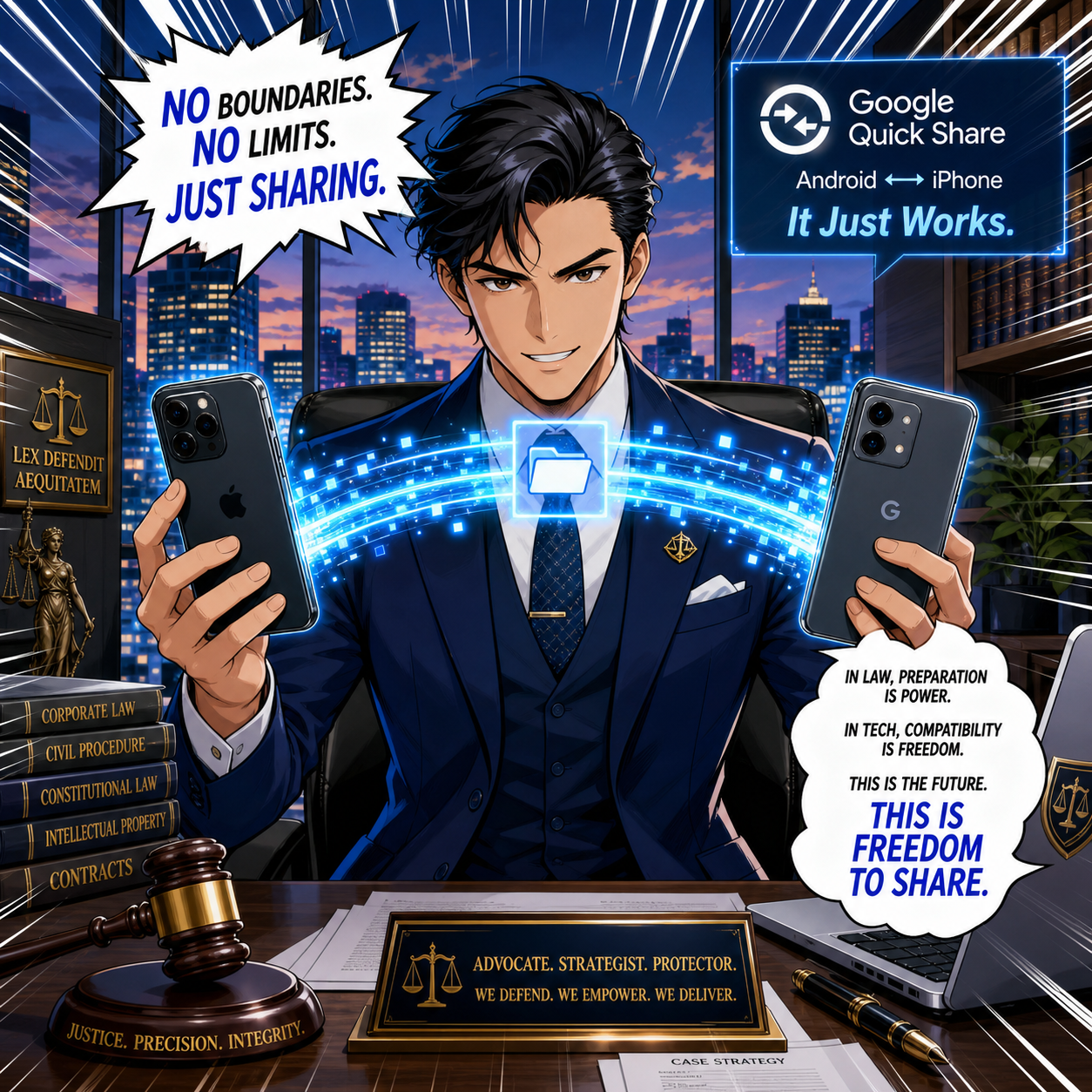
Attorney can use Google Quick Share to bridge iPhone and Android.

Second, in that same week's In the News roundup post, Jeff included a mention of The Tech-Savvy Lawyer.Page—specifically, our article "How to Use Google's 'AirDrop for Android' (Quick Share) in Your Law Practice." 📲 Jeff's write-up of the week covered everything from Apple's sweeping price increases to iOS 27's five incoming apps to why watching Avatar: Fire and Ash on a Vision Pro on a plane might be the best movie experience currently available to humans. It was, in other words, a quintessentially iPhone J.D. roundup—Apple news, clearly explained, with a sharp eye for what actually matters to readers who live in the Apple ecosystem.

And right there, in that roundup, was a single bullet: "Michael D.J. Eisenberg of The Tech Savvy Lawyer explains how Android devices can now more easily use AirDrop to share files with iPhones." 🙌

That sentence is, on the surface, a consumer Apple tech note—and that's exactly what it should be. Jeff covers it because it is genuinely interesting Apple/mobile news for anyone who carries an iPhone. But for attorneys, the implications go considerably further.

Why This Matters Beyond the Apple Ecosystem 💼

Google expanded Quick Share—its answer to AirDrop—to work directly with Apple's AirDrop across Samsung Galaxy, Google Pixel, and a growing list of flagship Android devices . The transfer happens peer-to-peer: no server routing, no cloud intermediary, no data passing through Google's or Apple's infrastructure. ⚡ For an iPhone-carrying attorney receiving a document from an Android-using co-counsel, paralegal, or client, this is a genuine workflow upgrade.

ABA Model Rules 1.1, 1.6, 5.3 guard lawyer confidentiality.

But it also raises questions that an Apple commentator doesn't need to answer—and that we do. Under ABA Model Rule 1.6 (Confidentiality of Information), the peer-to-peer architecture of Quick Share is actually a feature, not just a convenience: files don't transit external servers, which helps satisfy the "reasonable efforts" standard to prevent unauthorized disclosure of client data. Under ABA Model Rule 1.1 (Competence) and its Comment 8, understanding how a file transfer mechanism works—and whether your firm's use of it is appropriate—is part of your professional obligation, not optional continuing education. And under ABA Model Rule 5.3 (Responsibilities Regarding Nonlawyer Assistance), if your staff are using personal Android devices to share files with iPhone-toting colleagues, you need a written BYOD policy that addresses it. ✅

Our article walks through all of this—device compatibility, step-by-step setup, a five-step firm rollout checklist, and a plain-language BYOD policy framework—so that you can implement this capability confidently and in full compliance with your professional responsibilities . And for a visual walkthrough, our TSL.P Labs Video Presentation: Google Quick Share for Lawyers covers every step in a tactical, ethics-first format . 🎥

The Bigger Picture 🌐

What I appreciate most about getting a mention from iPhone J.D. is the nature of what Jeff's blog is. It is an Apple resource—meticulous, reliable, enthusiast-grade Apple coverage, written by someone who genuinely loves this technology and reads everything. When a piece from The Tech-Savvy Lawyer.Page earns a bullet in Jeff's roundup, it is because the article has something genuinely useful to say about the Apple ecosystem. That is a standard I aim for every time I sit down to write. 📡

So, congratulations to Jeff and Brett on 250 episodes of excellent Apple coverage! And if our Quick Share guide gave even one attorney a smoother courthouse-steps file transfer—or a stronger confidentiality argument—then it earned its mention. 🥂

🚨‼️ Emergency BOLO! 🚨‼️ Lawyers on the Go: Essential Tech Strategies for Air Travel During the Government Shutdown ✈️

Be the lawyer savant while dealing with air travel hassle!

The ongoing government shutdown has created unprecedented challenges for air travelers. With over 1,500 flights canceled daily, furloughed FAA and TSA workers, and a mandated 10% reduction in operations at 40 major airports by Friday, lawyers who travel for depositions, court appearances, and client meetings face serious disruptions. The right technology can transform these chaotic conditions from career obstacles into manageable inconveniences.

Track Flights Like Your Case Depends on It

Real-time flight intelligence separates prepared lawyers from stranded ones. Services like FlightAware and Flightradar24 provide push notifications for gate changes, delays, and cancellations before airport displays update. These apps offer predictive reports using historical data, allowing you to rebook proactively rather than reactively. During this shutdown, airlines are canceling flights with minimal notice—sometimes just hours before departure. Set up alerts for your flight and at least two backup options on different carriers.

Mobile Hotspots: Your Smart Device Connection Strategy

Public airport Wi-Fi poses serious ethical risks for lawyers handling confidential client data. (See TSL Blog Post - Malpractice Alert! If you are using a mobile device for your work and not using a VPN, you are exposing yourself to trouble.) Rather than depending solely on hotel and airport networks, transform your smart device—iPhone, iPad, or Android device—into a secure mobile hotspot. Most cellular carriers offer hotspot functionality built directly into your device settings, providing cellular encryption significantly stronger than public Wi-Fi networks. This approach eliminates the need for separate hardware while leveraging existing data plans.

Consider the power of dual carrier coverage by maintaining active plans with two different carriers—for example, AT&T and Verizon. If one network experiences outages or if you have a poor signal during the shutdown's staffing crisis, your second carrier ensures continuous connectivity. iPhones support Dual SIM through eSIM technology, allowing simultaneous carrier activation on a single device. Tablets with cellular capabilities similarly support multiple carriers, offering redundancy that protects against carrier-specific network failures during this period of infrastructure stress.

VPN Protection is Non-Negotiable

When you must access public networks, Virtual Private Networks (See TSL Blog Post - 📰 How to Ensure a Public Wi-Fi Network Is Legitimate (and Why Legal Professionals Must Always Use a VPN)!) encrypt your connection and mask your IP address. VPNs prevent hackers from intercepting privileged communications—a critical safeguard when working from airport lounges during extended delays. Configure your VPN to connect automatically at startup. Every device accessing firm networks or client files requires VPN protection, particularly when traveling internationally where surveillance risks increase. Enable VPN across all your devices simultaneously—iPhone, iPad, and laptop—ensuring consistent protection regardless of which device you're using.

Airport Lounge Access: Productivity Sanctuaries

Extended delays during the shutdown make lounge access invaluable. Priority Pass provides membership to over 1,300 lounges with quiet workspaces, reliable Wi-Fi, and complimentary amenities. For occasional travelers, many pay-per-use platforms offer access without annual fees. Many mid-tier travel credit cards include Priority Pass memberships with several free annual visits.

Power Banks: Anker Delivers Portable Professional Power

A tsa approved backup battery can be a career saver!!!

TSA permits power banks up to 100Wh (approximately 27,000mAh) in carry-on luggage. Anker Prime Power Bank* (26K, 300W) offers exceptional capacity at 26,250mAh, providing powerful performance for simultaneous device charging while meeting TSA requirements. The smart display provides real-time insights into charging speed and battery levels, with dual USB-C ports delivering 140W maximum output per port. This enables charging a MacBook Pro while simultaneously powering an iPhone and iPad—essential during multi-hour delays where multiple devices require constant connectivity.

For lighter travel, the Anker 747 Power Bank (PowerCore 26K) delivers 25,600mAh capacity with 87W rapid charging in a more compact profile. Budget-conscious travelers find the Anker MagGo* series offers excellent value as the best travel-specific Anker option. All Anker models feature multiple charging ports, allowing lawyers to charge phones, tablets, and laptops simultaneously—critical when airport charging stations become competition zones during this crisis.

Note:  If you are going to plug into an available outlet, don’t forget to use a serge protector. A sudden change in current could wipe out your device and leave you in a pickle.

Document Scanning: Adobe Technology on Your Apple Devices

Adobe Document Cloud transforms smartphones and tablets into powerful document management systems. The Adobe Scan app on iPhone and iPad uses optical character recognition to convert printed documents into searchable, editable PDFs. The app automatically detects document edges, straightens images, and enhances text clarity—perfect for scanning contracts, pleadings, or client intake forms from any location.

Adobe Acrobat Reader on iPhone, iPad, and Mac provides seamless document access across your entire Apple ecosystem. Documents opened on your MacBook sync instantly to your iPad or iPhone, allowing you to continue working on depositions notes from your phone during airport delays. The integrated fill-and-sign functionality enables you to execute agreements while in transit, with e-signatures recognized across all Adobe Document Cloud platforms. Importantly, Adobe products maintain cloud synchronization—if you lose cellular connection, previously downloaded documents remain accessible, ensuring you can work offline during flights or in coverage dead zones.youtube 

Practice Management: Download Before You Depart

Cloud-based platforms like Clio enable remote access to case files, time tracking, and client communications from any device. The critical step traveling lawyers often overlook: download all necessary files to your device BEFORE leaving the office. Modern practice management apps allow offline access to downloaded content, ensuring you maintain full productivity even if cellular or Wi-Fi connectivity fails. Flight time, extended airport delays, and coverage-restricted locations won't interrupt your work if essential files are already stored locally. Enable offline mode in your practice management app before traveling, treating it as a mandatory pre-departure checklist item alongside your boarding pass.

Noise-Cancelling Headphones for Focus

Sony WH-1000XM5 and Bose QuietComfort Ultra headphones provide 30-40 hour battery life and industry-leading active noise cancellation. I personally am a fan of Apple AirPods Max* (for flights) and Apple AirPods* (for on the go). These tools enable concentration during flights and allow productive conference calls from crowded gate areas. Budget options like Soundcore Life Q30 deliver comparable performance at reduced cost.

The Apple Ecosystem Advantage for Traveling Lawyers

Seamless integration across iPhone, iPad, and MacBook enables efficiency that standalone devices cannot match. Lawyers leveraging the Apple ecosystem can start a document review on their MacBook, switch to an iPad for annotation during client meetings, and finalize on an iPhone while traveling between appointments. This continuity proves invaluable during travel disruptions when flexibility matters most. Security features including Touch ID, Face ID, and FileVault encryption protect client confidentiality. The closed ecosystem provides transparency and security that appeals to legal professionals handling sensitive information.

TSA PreCheck and Global Entry

While not technology per se, these trusted traveler programs dramatically reduce security wait times—increasingly critical as TSA operates with reduced staffing. PreCheck costs $78 for five years; Global Entry includes PreCheck benefits plus expedited customs for $100 per five years. Applications require background checks and in-person interviews, so apply well before travel needs arise.

Prepare Before You Depart

TSA PRECHECk and Global Entry can add a little piece of mind during stressful air travel times!

Download offline maps, save important case files and documents locally, and fully charge all devices before reaching the airport. Download practice management files, case materials, and Adobe documents ensuring offline access. Screenshot confirmations, boarding passes, and hotel reservations in case connectivity fails. Configure your personal hotspot and dual carriers before travel begins. Store backup chargers in different bags to prevent total power loss. Share itineraries with colleagues who can handle emergencies if you become stranded.

The government shutdown has made air travel unpredictable and frustrating and even when the government “reopens” travel will not return to normal instantly. Lawyers cannot avoid travel obligations, but strategic technology adoption mitigates disruptions. These tools maintain productivity, protect client confidentiality, and preserve professional reputation when flights disappear and airports descend into chaos. Technology transforms crisis management from reactive scrambling into proactive preparation—exactly what clients expect from their counsel.

Be Safe and Happy Lawyering!





