MTC: Why Lawyers Should Wait Before Upgrading to the iPhone 18 Pro Max and Apple Watch Ultra 4, let alone any new hardware upon release 📱⌚⚖️

Why Lawyers Should Wait Before Buying New Hardware!

I'll admit it up front. I love Apple products. 🍎 My desk, my bag, and my wrist tell that story better than I can. Every September, I feel the pull of the keynote and all the reviews that follow. This year, I'm holding back. I haven't upgraded to the iPhone 18 Pro Max or the Apple Watch Ultra 4. Two news stories explain why.

This isn't an anti-Apple column. But it is an early adoption/purchase warning! ⚠️ Apple will likely fix both issues. But lawyers don't get to treat new hardware like a hobby purchase (as much as I’d like to! 🤗). Our devices carry client secrets, court deadlines, and our professional reputations. That changes the math. ⚖️

What Happened With the iPhone 18 Pro Max 📵

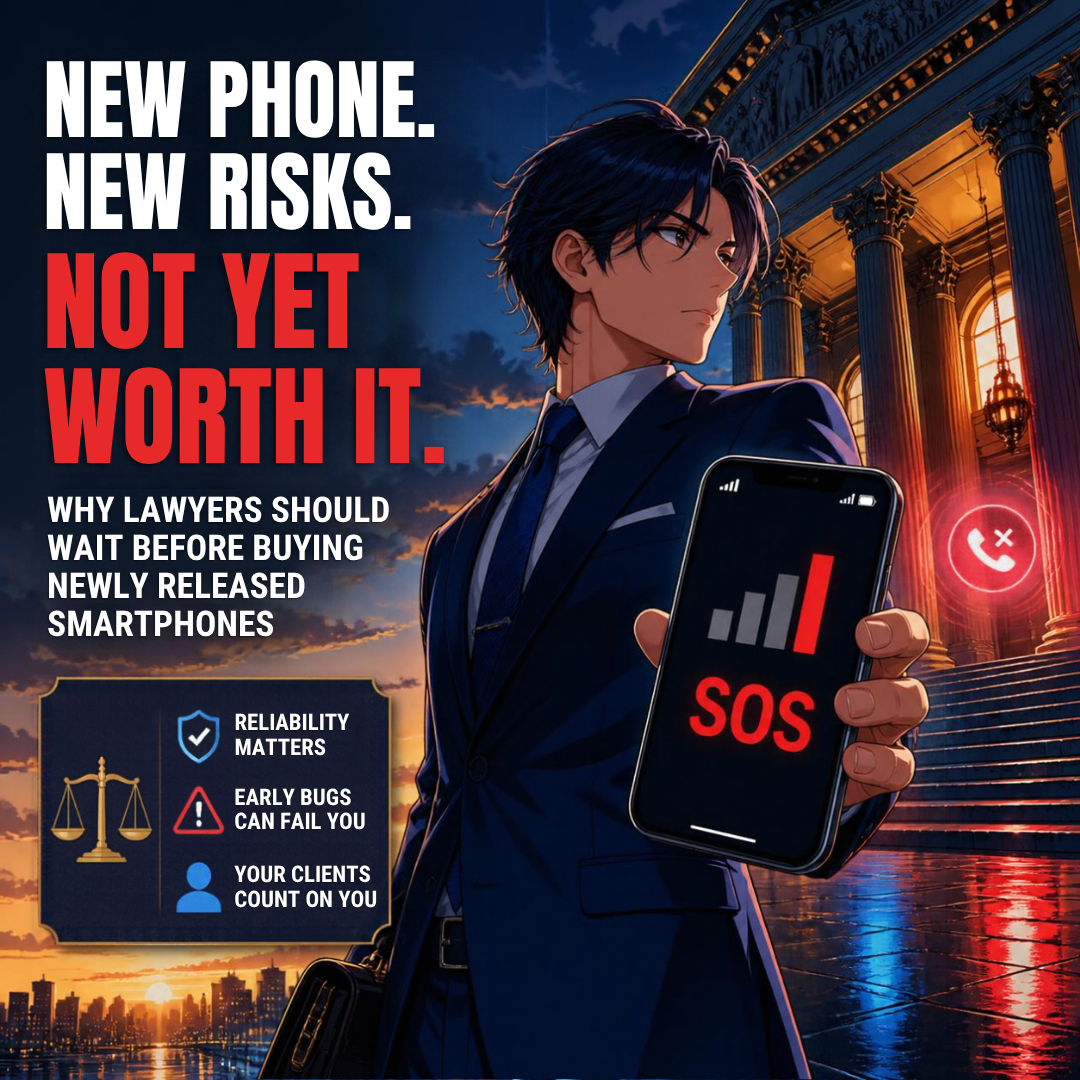
Lifehacker reports that a "small number" of iPhone 18 Pro Max units on AT&T can lose cellular service and show an SOS icon. Affected phones may not be able to make cellular calls. That may include calls to 911. 🚨

Apple released iOS 27.0.1 and an AT&T carrier-settings update. Those updates are meant to prevent the problem. They do not fix a phone that has already lost its connection. According to Lifehacker, the fix for an affected phone is a free exchange through Apple or AT&T. It is treated as a hardware defect under warranty.

Think about what that means for a solo practitioner. Your phone is your office line, your two-factor authenticator, and your client hotline. If it goes dark on a hearing day, the warranty does not help you that morning.

What Happened With the Apple Watch Ultra 4 ⌚🔥

MacRumors reports that some Apple Watch Series 12 and Ultra 4 owners describe a burning sensation and redness under the sensor area. The new models check heart rate every five seconds. They also have a larger ECG electrode surface and larger green LEDs. MacRumors notes that no one yet knows whether those changes cause the irritation.

The Mac Observer adds an important caution. The reports do not establish a widespread defect, and no common cause has been confirmed. Apple's guidance points to band fit, trapped sweat, and soap. Apple also advises anyone with redness or swelling to consult a physician before wearing the watch again. 🩺

Some owners say the irritation cleared up. Others returned their watches. Either way, I'd rather not run that experiment on my own wrist during trial prep.

Rule 1.1: Competence Includes Knowing When Not to Buy 🧠
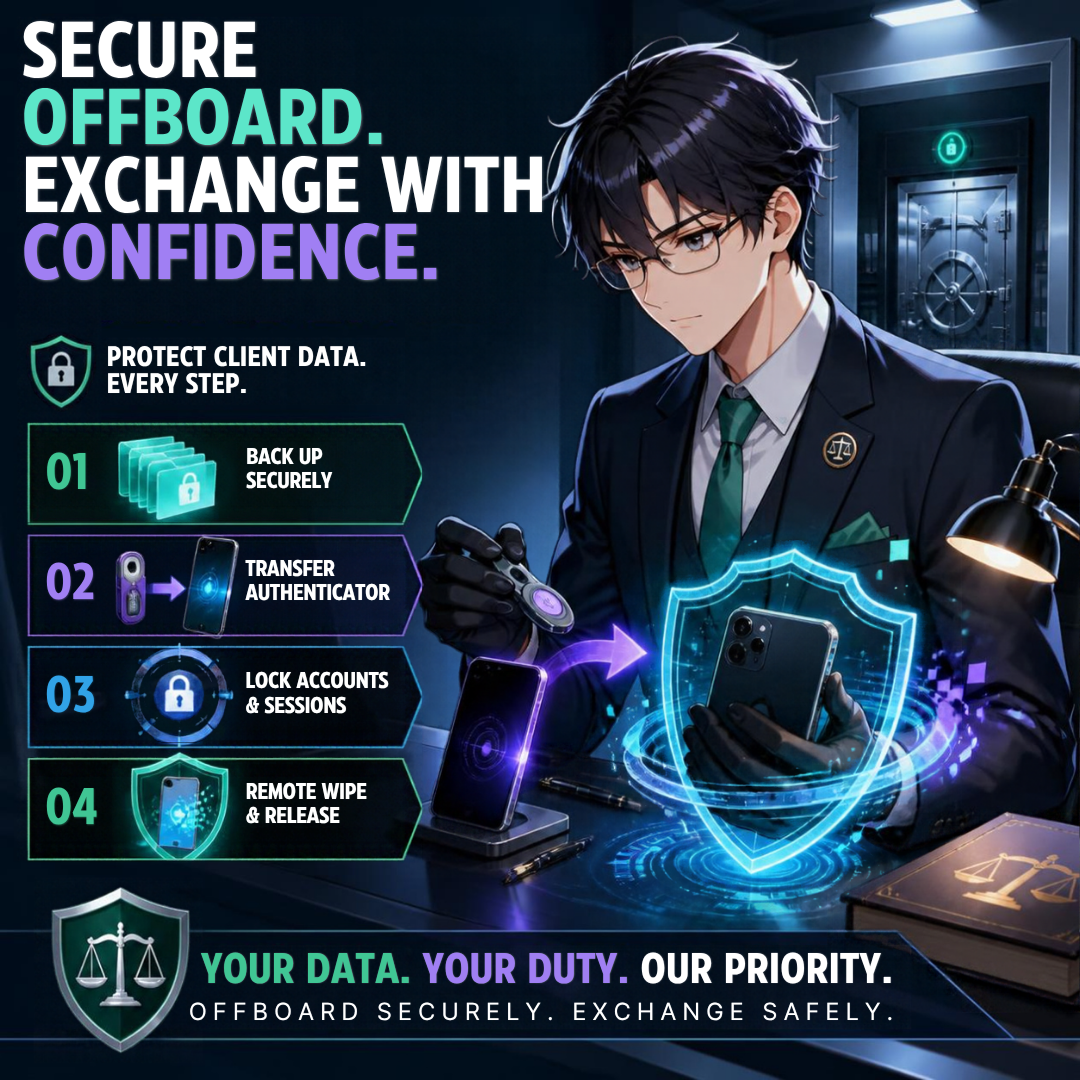
A Lawyer’s Guide to Safer hardware Upgrades.

ABA Model Rule 1.1, and Comment 8, require lawyers to keep up with the benefits and risks of relevant technology. Most of us read that as a duty to adopt. It is also a duty to evaluate. 🔍

Early adopters absorb the first wave of defects. That is a fair trade for a hobbyist. A lawyer's risk tolerance should be lower. Knowing about a known defect and buying anyway is not technology competence. It is impulse.

Rules 1.3 and 1.4: Reachability Is an Ethics Issue 📞

Rule 1.3 requires reasonable diligence and promptness. Rule 1.4 requires you to keep clients reasonably informed and to respond promptly to reasonable requests for information.

A phone stuck on SOS can't take a client's urgent call. It can't receive a text from opposing counsel about a continuance. It can't reach the court clerk. Wi-Fi calling may cover you at the office. It won't cover you in a parking garage outside the courthouse. ⏰

Rule 1.6(c): The Warranty Swap Is a Confidentiality Event 🔐

Here's the part many lawyers miss. A defective device usually ends in an exchange. An exchange means your phone leaves your custody.

Rule 1.6(c) requires reasonable efforts to prevent unauthorized access to client information. Before any device goes back to Apple or a carrier, you need a verified backup. You need to move your authenticator apps. You need to sign out of firm accounts, remove the device from management tools, and complete a secure wipe.

A dead phone makes that harder. If it won't connect, you may struggle to receive verification codes on the very device you're trying to replace. Plan for that before you buy, not after. 🧯

I covered device offboarding in MTC: Apple Upgrade Lease vs. Buying vs. Carrier Financing — Which iPhone 18 Pro Deal Actually Works for Solo and Small Firm Lawyers? That written wipe protocol matters even more when the exchange is unplanned.

The Legal and Logistical Fine Print 📜

Technology Competence Means Waiting Before Every Hardware/software Upgrade!

Defects also raise contract questions. Read them before checkout.

  • Return windows: Apple's standard return window is short. Apple’s return policy is 14 days from receipt for Apple Store purchases. Skin irritation that appears after "several days" can push you close to that line.

  • Carrier lock-in: As I noted in my financing post, some carrier promotions spread bill credits over 36 months. Leaving early can forfeit the remaining credits and leave you responsible for the unpaid balance. A defective phone does not always unwind that deal cleanly.

  • Lease condition terms: Apple Upgrade requires a return in good working condition. Know how a defect exchange affects your lease term and buyout before you sign.

  • Emergency calling: If your phone cannot reach 911, that is a safety issue first. It can also become an employment and liability issue if the firm issued the device to a staff member who travels alone. 🚨

  • Firm-issued devices: If your firm hands staff a new watch or phone, you own part of that rollout. Rules 5.1 and 5.3 require reasonable measures for the conduct of lawyers and nonlawyer staff. That includes device policies. 👥

Treat Apple and your carrier like any other vendor. My Word of the Week on vendor risk management for law firms explains the mindset. Hardware is a vendor relationship too.

A Practical "Wait and Watch" Checklist ✅

  1. Wait 30 to 60 days after launch. Let the first software patches land.

  2. Read the support forums and trusted tech outlets before buying.

  3. Confirm your return window and keep the receipt handy.

  4. Keep your current device working until the new one proves itself. 📱

  5. Back up, verify the backup, and document your authenticator transfers.

  6. Test cellular calls, including your carrier's emergency settings, on day one.

  7. Wear a new watch on a loose band at first. Stop if irritation appears. ⌚

  8. Write it down. A short device-change log shows reasonable efforts under Rule 1.6(c).

If you're still deciding which phone fits your practice, see MTC: iPhone 18 Pro vs. iPhone Duo vs. Samsung and Pixel Foldables — Which Smartphone Is Better for Lawyers? The right device is the one that supports competent, secure representation.

My Bottom Line 🎯

Wait, Watch, and Verify: A Legal Technology Upgrade Checklist!

I still expect to own both devices. Apple has a long track record of fixing launch problems. iOS 27.0.1 is already a sign of that. But "eventually fixed" is not the standard for a law practice. Reliability is. Patience, in this case, is simply good risk management. 🛡️

Let the early adopters of any new electronic hardware find the edges. Let the patches arrive. Then upgrade on your schedule, with a plan, and with your client data protected. Your clients will never thank you for being first in line. They will notice if you can't be reached. 🍎⚖️

MTC
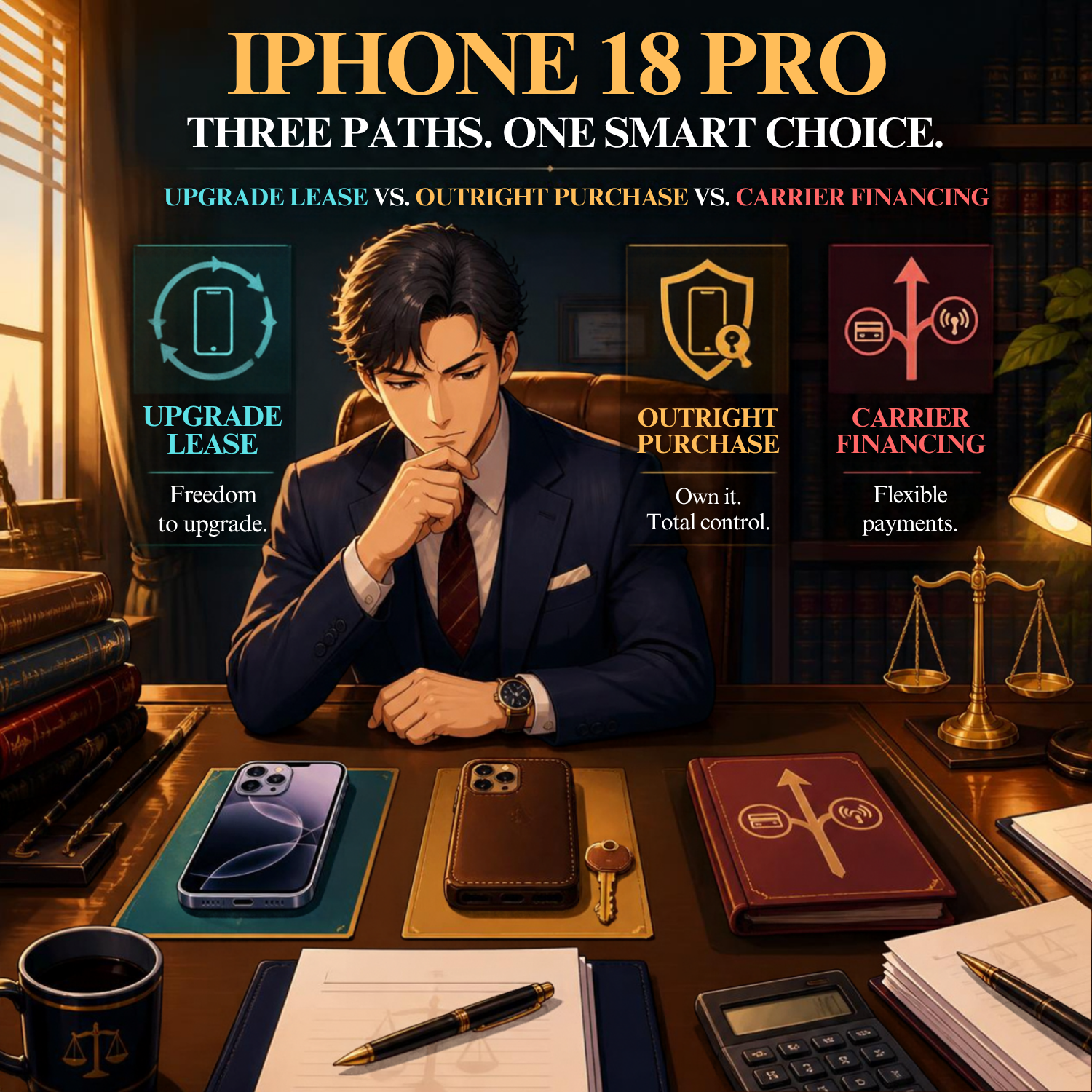
MTC: Apple Upgrade Lease vs. Buying vs. Carrier Financing — Which iPhone 18 Pro Deal Actually Works for Solo and Small Firm Lawyers? 📱⚖️

Should Lawyers Lease, Finance, or Buy an iPhone?

Last week we compared the hardware. In MTC: iPhone 18 Pro vs. iPhone Duo vs. Samsung and Pixel Foldables: Which Smartphone Is Better for Lawyers?, the iPhone 18 Pro won on portability, evidence capture, and price. This week we answer the harder question. 💰

How should you pay for it?

That question got genuinely complicated in July, when Apple retired the iPhone Upgrade Program and launched Apple Upgrade. Leasing is not financing. The difference matters to your balance sheet — and to your ethical obligations.

The Four Paths Before You 🛤️

An iPhone 18 Pro 256GB lists at $1,199. Here is what each path actually costs.

Buy it outright. You own it. You control when it is wiped, when it is replaced, and who ever touches it. Apple Card Monthly Installments spreads that same $1,199 over 24 months at $49.95 per month, 0% APR.

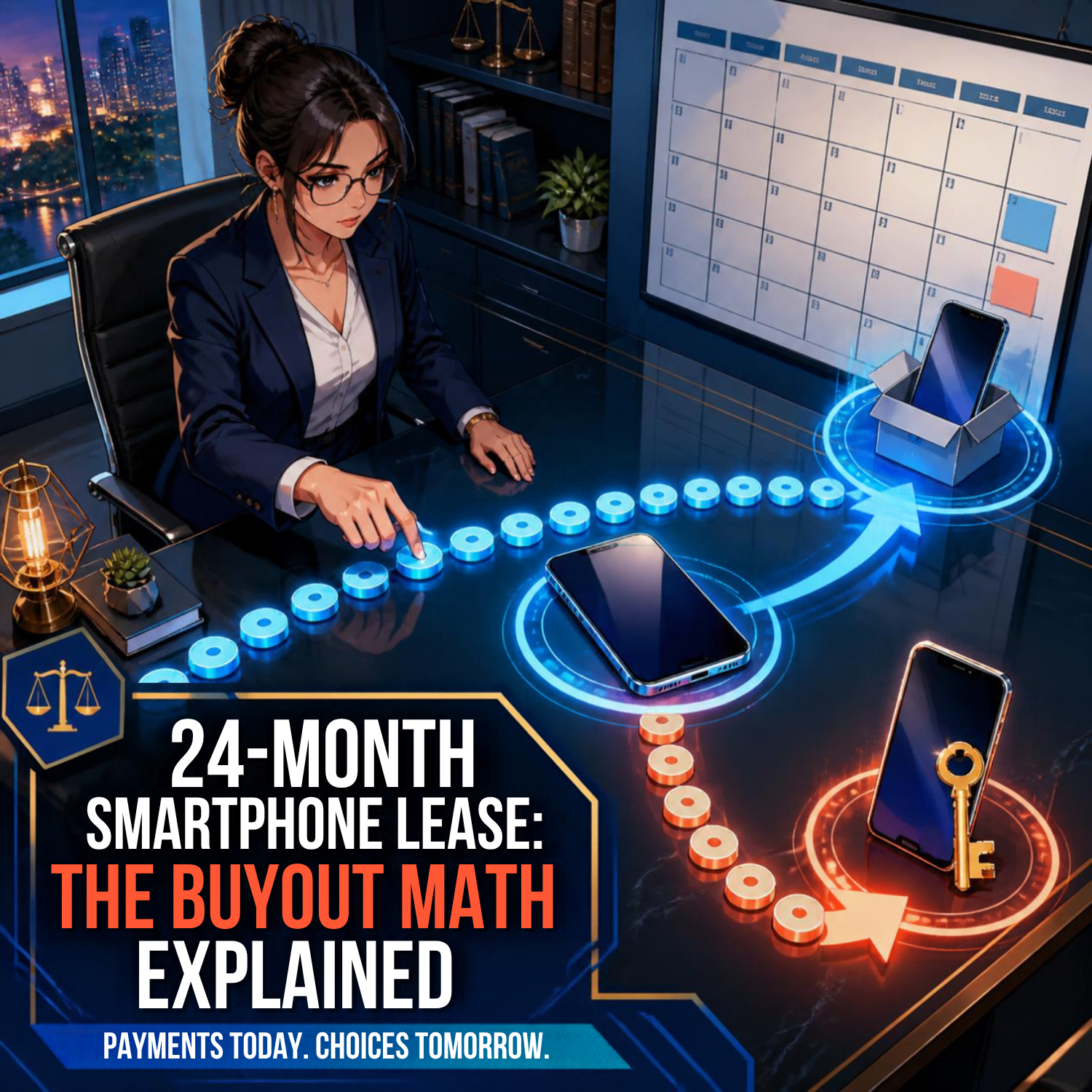
Lease for 24 months. Apple Upgrade charges $34.99 per month, excluding taxes and trade-in credit. That is $839.76 over two years — and you own nothing at the end.

Lease for 12 months. Apple Upgrade charges $49.99 per month. Two consecutive one-year leases run roughly $1,200 across 24 months. You pay a premium of about $360 for the privilege of a new phone every September.

Finance through a carrier. Verizon puts the iPhone 18 Pro at $33.33 per month over 36 months at 0% APR. AT&T and T-Mobile run comparable installment plans.

The Buyout Math Nobody Advertises 🧮

iPhone 18 Pro Financing Options for Solo and Small-Firm Lawyers

Here is the detail that should shape your decision. Apple's buyout price equals the device's list price at signing, minus payments already made.

Run the numbers. Twenty-four payments of $34.99 total $839.76. Buy out at month 24 and you pay $359.24. Your total is $1,199 — exactly list price.

So Apple Upgrade is not a discount. It is a deferral. You pay the same amount either way. The lease simply lets you stop paying at month 24 and walk away with nothing.

That is fine if you upgrade religiously. It is expensive if you do not. Lawyers who keep a phone for four years should buy. 🔒

Trade-In Credit: Where Buying Wins Quietly 🔄

Apple Trade In pays $35 to $885 depending on your device. That credit applies instantly at checkout when you buy.

On a lease, the treatment is murkier. Apple's published lease prices explicitly exclude trade-in credit, and the credit applies only to the initial lease term. Let the lease roll into its month-to-month extension and your payment goes up.

Carriers dangle bigger numbers. AT&T advertises up to $1,200 off with an iPhone 14 or newer in any condition — delivered as $33.34 per month across 36 monthly bill credits. T-Mobile matches that $1,200 on Experience Beyond 2.0 or Go5G Next plans at $100 or more per month.

Read that again. Thirty-six months. Cancel service, switch carriers, or pay the device off early and the remaining credits vanish while the balance comes due immediately. A "free" iPhone is a three-year commitment to one carrier's pricing.

The Annual Upgrade Programs 📆

Should Lawyers Lease, Finance, or Buy when choosing between a flagship v. foldable smartphone?

If you want a new phone every year, three programs compete.

Apple Upgrade, 12-month term: $49.99 per month. No add-on fee. Return in good working condition.

AT&T Next Up Anytime: $10 per month on top of your installment plan. Upgrade after a single monthly payment, up to three times in twelve months, with a qualified turn-in. Note that the $10 never generates bill credits.

Verizon Simplicity Pro: $50 per month for phones priced $830.01 to $1,200. Upgrade twice in any rolling twelve months after one payment and after paying 33% of your 36-month agreement.

AT&T's $10 feature is the cheapest route to annual hardware. Verizon's $50 add-on, stacked on a device payment, is the most expensive. 💸

Android and Pixel: No True Lease Exists 🤖

Worth knowing before you assume the grass is greener. Neither Samsung nor Google offers an Apple Upgrade equivalent. Both rely on installments plus trade-in credits.

The credits are aggressive. AT&T offers up to $1,350 on the Pixel 11 Pro XL — $37.50 monthly over 36 months — and up to $1,100 on the Galaxy Z Fold8. T-Mobile goes to $1,900 off the Galaxy Z Fold 8 with a 24-month commitment on Experience Beyond or Go5G Next.

Bigger headline numbers, same leash.

Smartphone Leasing, Ethics, and Security for Legal Professionals

Considering the foldable iPhone? The iPhone Duo starts at $1,999, or $83.29 monthly over 24 months, and leases from $57.99 per month for 24 months. Pre-orders open October 16.

Your Ethical Obligations If You Lease 🛡️

This is where a payment decision becomes a professional responsibility decision.

ABA Model Rule 1.6(c) requires reasonable efforts to prevent unauthorized disclosure of client information. Rule 1.1, Comment 8 obligates you to understand the benefits and risks of the technology you use. Leasing means handing your device to a third party on a schedule someone else sets.

Verizon requires returned phones to power on, have no cracked screen, and have all password-protected security features turned off, including Find My iPhone. You are surrendering hardware that held privileged communications, with its protections disabled. Wipe it properly first — see Wednesday "How to...": Enable Remote Wipe Capabilities 🧹.

Three more rules deserve attention. Rule 5.3 extends your supervisory duty to nonlawyer assistance, and Klarna and your carrier now sit in that chain. Rule 1.15 governs safeguarding property in your possession. Rule 1.5 applies if you pass device costs to clients — a 36-month bill credit schedule is not obviously a reasonable expense to allocate to a single matter.

One practical trap: Apple Upgrade leases are unavailable through Apple at Work, the Employee Purchase Plan, and government or education programs. If your PLLC buys hardware in the firm's name, leasing may not be available to you at all. 📋

There is also a practical loss. Leased devices get returned before they can become a controlled archive. If your phone carries encrypted case notes or a local model like the one described in HOW TO: How Lawyers Can Run a Private Local LLM on a Smartphone, the migration is yours to manage, annually. Pair any plan with a real backup strategy — Ep. 104: The Importance of Data Backup & Cybersecurity w/ Curtis Preston remains essential listening. Make sure you transfer your data and wipe, i.e., delete the data on your "old" phone before returning/trading it in.!

My Take 🎯

Choosing and financing smartphones is just not a law practice opperation issues, its a legal ethics issue too!

Solo practitioners should buy. Pay cash or use 24-month installments at $49.95. You own the asset, you control the wipe, you keep the trade-in credit, and your CPA can discuss Section 179 treatment. Predictability beats novelty when you are the whole firm.

Small firms with a hardware refresh policy can justify Apple Upgrade's 24-month lease at $34.99 with a disciplined September return ritual and a written wipe protocol. The lower monthly is real. So is the discipline required.

Litigators who depend on current camera hardware should consider AT&T's $10 Next Up Anytime over any 12-month lease. Same annual cadence, meaningfully less money.

Avoid the 36-month carrier bill-credit deals unless you are genuinely happy with that carrier through 2029. As I argued in MTC: AI Won't Replace Solo and Small-Firm Lawyers, our advantage is agility. Do not finance it away. ⚡

Your phone is a filing cabinet, a camera, and a recorder for privileged material. Own the filing cabinet. 🗄️

MTC

🎙️ Shout Out: 250 Episodes, An Apple Roundup Shout-Out, and Why Android-to-iPhone File Sharing Just Became Every Lawyer's Business

There are weeks in the legal technology calendar that just feel good—and this past week was one of them. ⚖️ Two things landed almost simultaneously, and I want to take a moment to celebrate both properly right here on The Tech-Savvy Lawyer.Page.

Jeff Richardson and Brett Burney celebrate 250 Apple podcast episodes.

First, a genuine, enthusiastic congratulations to Jeff Richardson of iPhone J.D. and Brett Burney of Apps in Law on recording their 250th episode of the In the News podcast. 🎉 If you're not familiar with In the News, here's what you need to know: it is a weekly deep-dive into the Apple universe—iPhones, iPads, Macs, Apple Watch, Vision Pro, iOS updates, app releases, and everything in between. Jeff and Brett, both previous podcast guests, approach it as dedicated Apple enthusiasts who also happen to practice law, which gives the show a grounded, practical quality that pure consumer tech coverage rarely achieves. Two hundred and fifty episodes of consistent, high-quality Apple coverage is a remarkable achievement, full stop. 🏔️

And if you watched the video version of Episode 250, you caught Jeff broadcasting from the breathtaking backdrop of The Broadmoor resort in Colorado—where Jeff's firm, Adams & Reese, was celebrating its own 75th anniversary. That kind of serendipity makes a milestone feel even more earned. Subscribe at inthenewspodcast.com—you will not regret it. 🎧

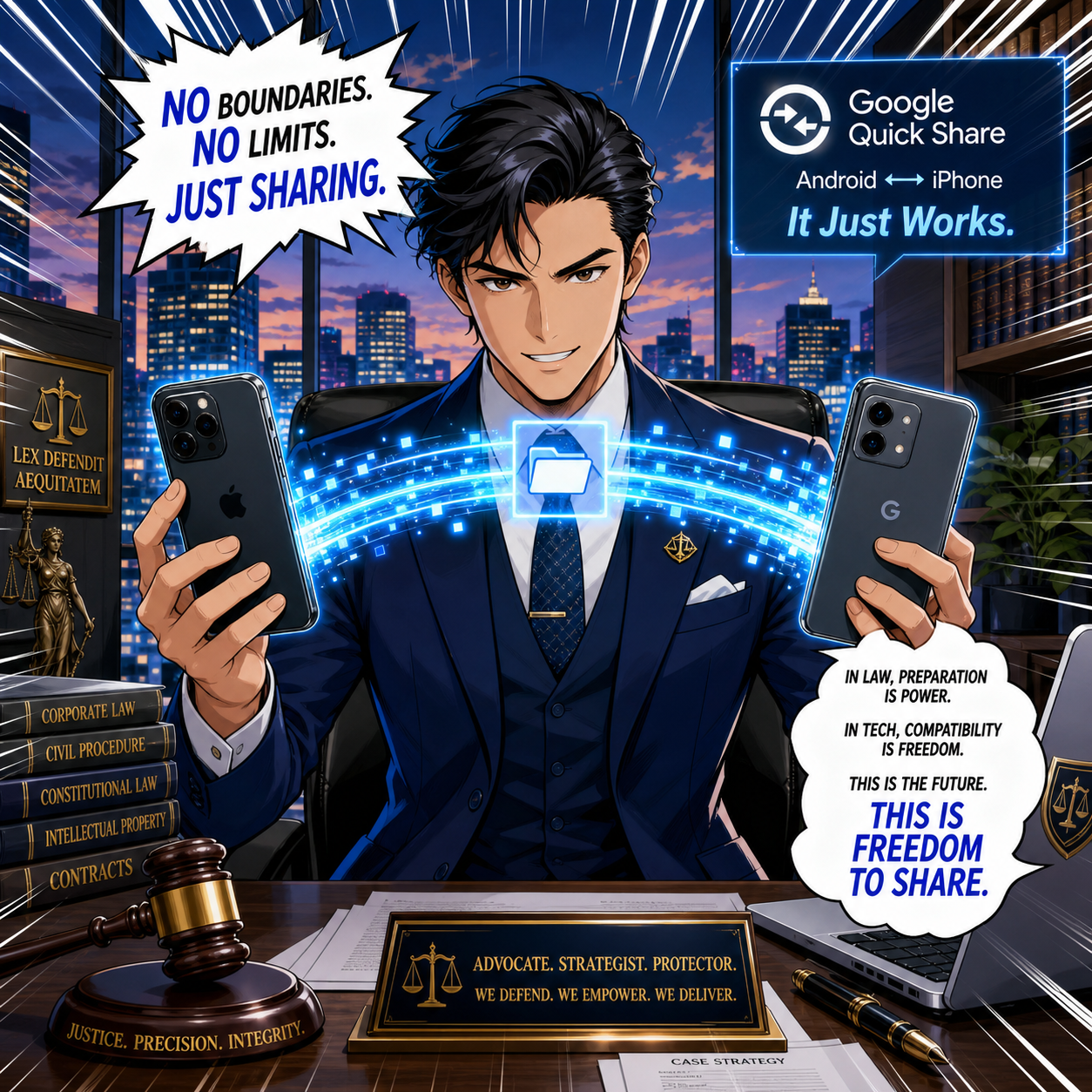
Attorney can use Google Quick Share to bridge iPhone and Android.

Second, in that same week's In the News roundup post, Jeff included a mention of The Tech-Savvy Lawyer.Page—specifically, our article "How to Use Google's 'AirDrop for Android' (Quick Share) in Your Law Practice." 📲 Jeff's write-up of the week covered everything from Apple's sweeping price increases to iOS 27's five incoming apps to why watching Avatar: Fire and Ash on a Vision Pro on a plane might be the best movie experience currently available to humans. It was, in other words, a quintessentially iPhone J.D. roundup—Apple news, clearly explained, with a sharp eye for what actually matters to readers who live in the Apple ecosystem.

And right there, in that roundup, was a single bullet: "Michael D.J. Eisenberg of The Tech Savvy Lawyer explains how Android devices can now more easily use AirDrop to share files with iPhones." 🙌

That sentence is, on the surface, a consumer Apple tech note—and that's exactly what it should be. Jeff covers it because it is genuinely interesting Apple/mobile news for anyone who carries an iPhone. But for attorneys, the implications go considerably further.

Why This Matters Beyond the Apple Ecosystem 💼

Google expanded Quick Share—its answer to AirDrop—to work directly with Apple's AirDrop across Samsung Galaxy, Google Pixel, and a growing list of flagship Android devices . The transfer happens peer-to-peer: no server routing, no cloud intermediary, no data passing through Google's or Apple's infrastructure. ⚡ For an iPhone-carrying attorney receiving a document from an Android-using co-counsel, paralegal, or client, this is a genuine workflow upgrade.

ABA Model Rules 1.1, 1.6, 5.3 guard lawyer confidentiality.

But it also raises questions that an Apple commentator doesn't need to answer—and that we do. Under ABA Model Rule 1.6 (Confidentiality of Information), the peer-to-peer architecture of Quick Share is actually a feature, not just a convenience: files don't transit external servers, which helps satisfy the "reasonable efforts" standard to prevent unauthorized disclosure of client data. Under ABA Model Rule 1.1 (Competence) and its Comment 8, understanding how a file transfer mechanism works—and whether your firm's use of it is appropriate—is part of your professional obligation, not optional continuing education. And under ABA Model Rule 5.3 (Responsibilities Regarding Nonlawyer Assistance), if your staff are using personal Android devices to share files with iPhone-toting colleagues, you need a written BYOD policy that addresses it. ✅

Our article walks through all of this—device compatibility, step-by-step setup, a five-step firm rollout checklist, and a plain-language BYOD policy framework—so that you can implement this capability confidently and in full compliance with your professional responsibilities . And for a visual walkthrough, our TSL.P Labs Video Presentation: Google Quick Share for Lawyers covers every step in a tactical, ethics-first format . 🎥

The Bigger Picture 🌐

What I appreciate most about getting a mention from iPhone J.D. is the nature of what Jeff's blog is. It is an Apple resource—meticulous, reliable, enthusiast-grade Apple coverage, written by someone who genuinely loves this technology and reads everything. When a piece from The Tech-Savvy Lawyer.Page earns a bullet in Jeff's roundup, it is because the article has something genuinely useful to say about the Apple ecosystem. That is a standard I aim for every time I sit down to write. 📡

So, congratulations to Jeff and Brett on 250 episodes of excellent Apple coverage! And if our Quick Share guide gave even one attorney a smoother courthouse-steps file transfer—or a stronger confidentiality argument—then it earned its mention. 🥂

MTC: Small Firm AI Revolution: When Your Main Street Clients Start Expecting Silicon Valley Service 📱⚖️

The AI revolution isn't just transforming corporate legal departments - it's creating unprecedented expectations among everyday clients who are increasingly demanding the same efficiency and innovation from their neighborhood attorneys. Just as Apple's recent automation ultimatum to suppliers demonstrates how tech industry pressures cascade through entire business ecosystems, the AI transformation is now reaching solo practitioners, small firms, and their individual clients in surprising ways.

The Expectation Shift Reaches Main Street

While corporate clients have been early adopters in demanding AI-powered legal services, individual consumers and small business owners are rapidly catching up. Personal injury clients who experience AI-powered customer service from their insurance companies now question why their attorney's document review takes weeks instead of days. Small business owners who use AI for bookkeeping and marketing naturally wonder why their legal counsel hasn't adopted similar efficiency tools.

The statistics reveal a telling gap: 72% of solo practitioners and 67% of small firm lawyers are using AI in some capacity, yet only 8% of solo practices and 4% of small firms have adopted AI widely or universally. This hesitant adoption creates a vulnerability, as client expectations continue to evolve at a faster pace than many smaller firms can adapt to.

Consumer-Driven Demand for Legal AI

Today's clients arrive at law offices with unprecedented technological literacy (and perhaps some unrealistic expectations - think a jury’s “CSI” expectation during a long trial). They've experienced AI chatbots for customer service, used AI-powered apps for financial planning, and watched AI streamline other professional services. This exposure creates natural expectations for similar innovation in legal representation. The shift is particularly pronounced among younger clients who view AI integration not as an optional luxury but as basic professional competence.

Small firms report that clients increasingly ask direct questions about AI use in their cases. Unlike corporate clients, who focus primarily on cost reduction, individual clients emphasize speed, transparency, and improvements in communication. They want faster responses to emails, quicker document turnaround, and more frequent case updates - all areas where AI excels.

The Competitive Reality for Solo and Small Firms

The playing field is rapidly changing. Solo practitioners using AI tools can now deliver services that historically required teams of associates. Document review, which once consumed entire weekends, can now be completed in hours with the assistance of AI, allowing attorneys to focus on high-value client counseling and strategic work. This transformation enables smaller firms to compete more effectively with larger practices while maintaining personalized service relationships.

AI adoption among small firms is creating clear competitive advantages. Firms that began using AI tools early are commanding higher fees, earning recognition as innovative practitioners, and becoming indispensable to their clients. The technology enables solo attorneys to handle larger caseloads without sacrificing quality, effectively multiplying their capacity without the need to hire additional staff.

Technology Competence as Client Expectation

Legal ethics opinions increasingly recognize technology competence as a professional obligation. Clients expect their attorneys to understand and utilize available tools that can enhance the quality and efficiency of their representation. This expectation extends beyond simple awareness to active implementation of appropriate technologies for client benefit.

The ethical landscape supports this evolution. State bar associations from California to New York are providing guidance on the responsible use of AI, emphasizing that lawyers should consider AI tools when they can enhance client service. This regulatory support validates client expectations for technological sophistication from their legal counsel.

The Efficiency Promise Meets Client Budget Reality

AI implementation offers particular value for small firm clients who historically faced difficult choices between quality legal representation and affordability. AI tools enable attorneys to reduce routine task completion time by 50-67%, allowing them to offer more competitive pricing while maintaining service quality. This efficiency gain directly benefits clients through faster turnaround times and potentially lower costs.

The technology is democratizing access to legal services. AI-powered document drafting, legal research, and client communication tools allow small firms to deliver sophisticated services previously available only from large firms with extensive resources. Individual clients benefit from this leveling effect through improved service quality at traditional small firm pricing.

From Reactive to Proactive Service Delivery

Small firms using AI are transforming from reactive service providers to proactive legal partners. AI-powered client intake systems operate 24/7, ensuring potential clients receive immediate responses regardless of office hours. Automated follow-up systems keep clients informed about the progress of their cases, while AI-assisted research enables attorneys to identify potential issues before they become problems.

This proactive approach particularly resonates with small business clients who appreciate preventive legal guidance. AI tools enable solo practitioners to monitor regulatory changes, track compliance requirements, and alert clients to relevant legal developments - services that smaller firms previously couldn't provide consistently.

The Risk of Falling Behind

Small firms that delay AI adoption face increasing competitive pressure from both larger firms and more technologically sophisticated solo practitioners. Clients comparing legal services increasingly favor attorneys who demonstrate technological competence and efficiency. The gap between AI-enabled and traditional practices continues widening as early adopters accumulate experience and refine their implementations.

The risk extends beyond losing new clients to losing existing ones. As clients experience AI-enhanced service from other professionals, their expectations for legal representation naturally evolve. Attorneys who cannot demonstrate similar efficiency and responsiveness risk being perceived as outdated or less competent.

Strategic Implementation for Small Firms

Successful AI adoption in small firms focuses on tools that directly enhance the client experience, rather than simply reducing attorney effort. Document automation, legal research enhancement, and client communication systems provide immediate value that clients can appreciate and experience directly. These implementations create positive feedback loops where improved client satisfaction leads to referrals and practice growth.

The key is starting with client-facing improvements rather than back-office efficiency alone. When clients see faster document production, more thorough legal research, and improved communication, they recognize the value of technological investment and often become advocates for the firm's innovative approach.

🧐 Final Thoughts: The Path Forward for Small Firm Success

clients who see lawyers using ai will be more confident that lawyers are using ai behind the scenes.

Just as Apple's suppliers must invest in automation to maintain business relationships, solo practitioners and small firms must embrace AI to meet evolving client expectations. The technology has moved from an optional enhancement to a competitive necessity. The question is no longer whether to adopt AI, but how quickly and effectively to implement it.

The legal profession's AI transformation is creating unprecedented opportunities for small firms willing to embrace change. Those who recognize client expectations and proactively adopt appropriate technologies will thrive in an increasingly competitive marketplace. The future belongs to attorneys who view AI not as a threat to traditional practice, but as an essential tool for delivering superior client service in the modern legal landscape.  Remember what previous podcast guest, Michigan Supreme Court Chief Judge (ret.) Bridget Mary McCormick shared with us in #65: Technologies impact on access to justice with Bridget Mary McCormick, lawyers who don’t embrace AI will be left behind by those who do!

MTC