

MTC: Why Lawyers Should Wait Before Upgrading to the iPhone 18 Pro Max and Apple Watch Ultra 4, let alone any new hardware upon release 📱⌚⚖️
/
Why Lawyers Should Wait Before Buying New Hardware!
I'll admit it up front. I love Apple products. 🍎 My desk, my bag, and my wrist tell that story better than I can. Every September, I feel the pull of the keynote and all the reviews that follow. This year, I'm holding back. I haven't upgraded to the iPhone 18 Pro Max or the Apple Watch Ultra 4. Two news stories explain why.
This isn't an anti-Apple column. But it is an early adoption/purchase warning! ⚠️ Apple will likely fix both issues. But lawyers don't get to treat new hardware like a hobby purchase (as much as I’d like to! 🤗). Our devices carry client secrets, court deadlines, and our professional reputations. That changes the math. ⚖️
What Happened With the iPhone 18 Pro Max 📵
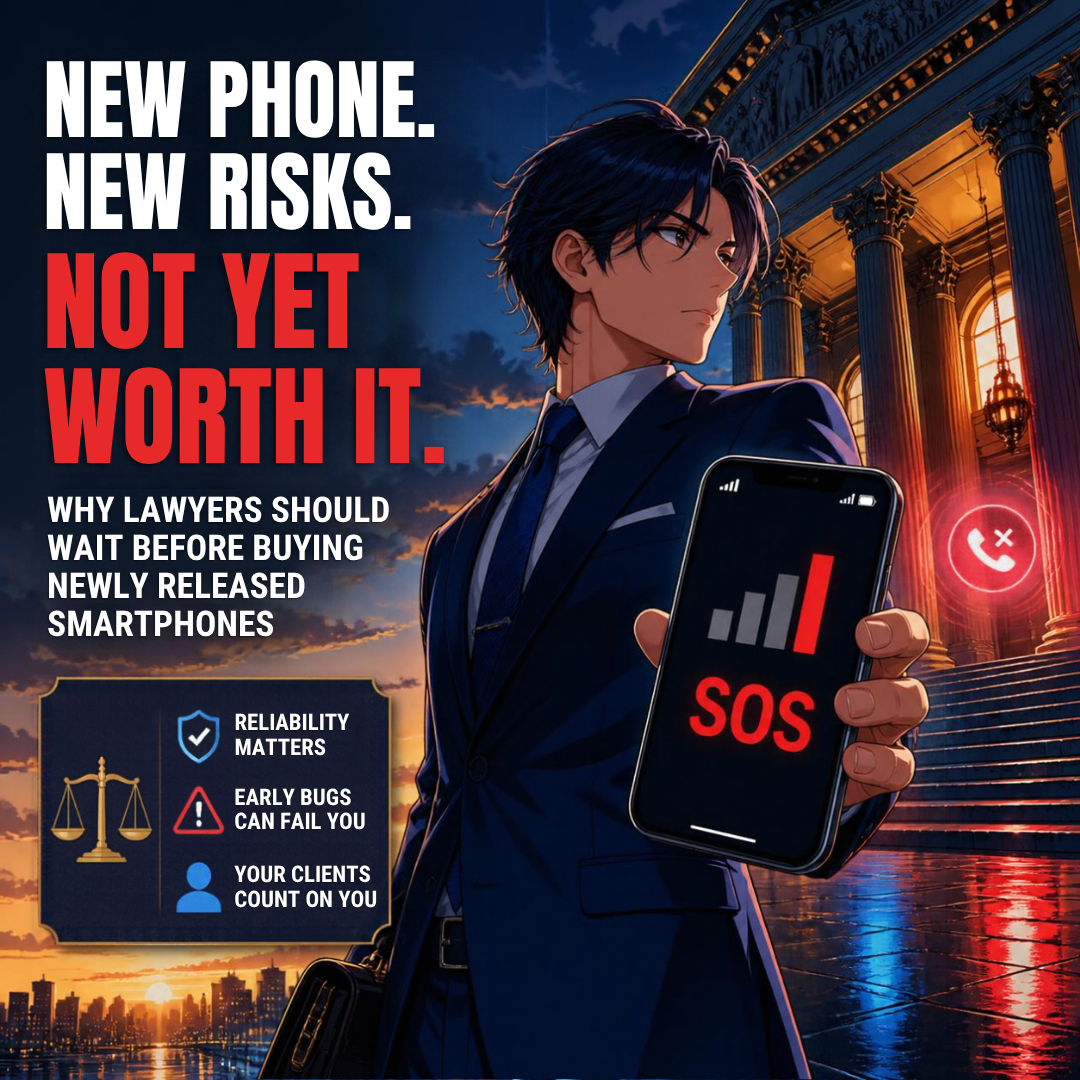
Lifehacker reports that a "small number" of iPhone 18 Pro Max units on AT&T can lose cellular service and show an SOS icon. Affected phones may not be able to make cellular calls. That may include calls to 911. 🚨
Apple released iOS 27.0.1 and an AT&T carrier-settings update. Those updates are meant to prevent the problem. They do not fix a phone that has already lost its connection. According to Lifehacker, the fix for an affected phone is a free exchange through Apple or AT&T. It is treated as a hardware defect under warranty.
Think about what that means for a solo practitioner. Your phone is your office line, your two-factor authenticator, and your client hotline. If it goes dark on a hearing day, the warranty does not help you that morning.
What Happened With the Apple Watch Ultra 4 ⌚🔥
MacRumors reports that some Apple Watch Series 12 and Ultra 4 owners describe a burning sensation and redness under the sensor area. The new models check heart rate every five seconds. They also have a larger ECG electrode surface and larger green LEDs. MacRumors notes that no one yet knows whether those changes cause the irritation.
The Mac Observer adds an important caution. The reports do not establish a widespread defect, and no common cause has been confirmed. Apple's guidance points to band fit, trapped sweat, and soap. Apple also advises anyone with redness or swelling to consult a physician before wearing the watch again. 🩺
Some owners say the irritation cleared up. Others returned their watches. Either way, I'd rather not run that experiment on my own wrist during trial prep.
Rule 1.1: Competence Includes Knowing When Not to Buy 🧠
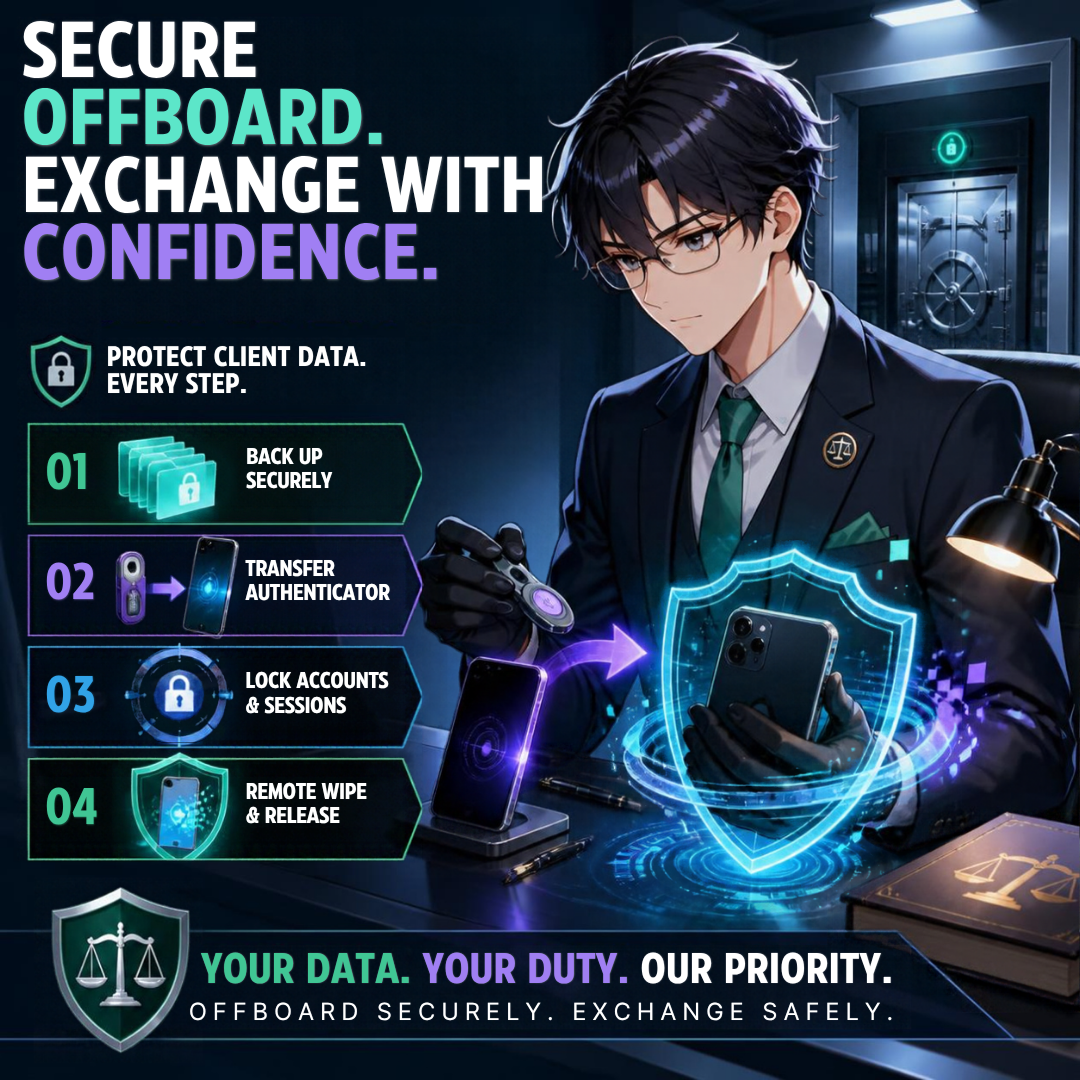
A Lawyer’s Guide to Safer hardware Upgrades.
ABA Model Rule 1.1, and Comment 8, require lawyers to keep up with the benefits and risks of relevant technology. Most of us read that as a duty to adopt. It is also a duty to evaluate. 🔍
Early adopters absorb the first wave of defects. That is a fair trade for a hobbyist. A lawyer's risk tolerance should be lower. Knowing about a known defect and buying anyway is not technology competence. It is impulse.
Rules 1.3 and 1.4: Reachability Is an Ethics Issue 📞
Rule 1.3 requires reasonable diligence and promptness. Rule 1.4 requires you to keep clients reasonably informed and to respond promptly to reasonable requests for information.
A phone stuck on SOS can't take a client's urgent call. It can't receive a text from opposing counsel about a continuance. It can't reach the court clerk. Wi-Fi calling may cover you at the office. It won't cover you in a parking garage outside the courthouse. ⏰
Rule 1.6(c): The Warranty Swap Is a Confidentiality Event 🔐
Here's the part many lawyers miss. A defective device usually ends in an exchange. An exchange means your phone leaves your custody.
Rule 1.6(c) requires reasonable efforts to prevent unauthorized access to client information. Before any device goes back to Apple or a carrier, you need a verified backup. You need to move your authenticator apps. You need to sign out of firm accounts, remove the device from management tools, and complete a secure wipe.
A dead phone makes that harder. If it won't connect, you may struggle to receive verification codes on the very device you're trying to replace. Plan for that before you buy, not after. 🧯
I covered device offboarding in MTC: Apple Upgrade Lease vs. Buying vs. Carrier Financing — Which iPhone 18 Pro Deal Actually Works for Solo and Small Firm Lawyers? That written wipe protocol matters even more when the exchange is unplanned.
The Legal and Logistical Fine Print 📜
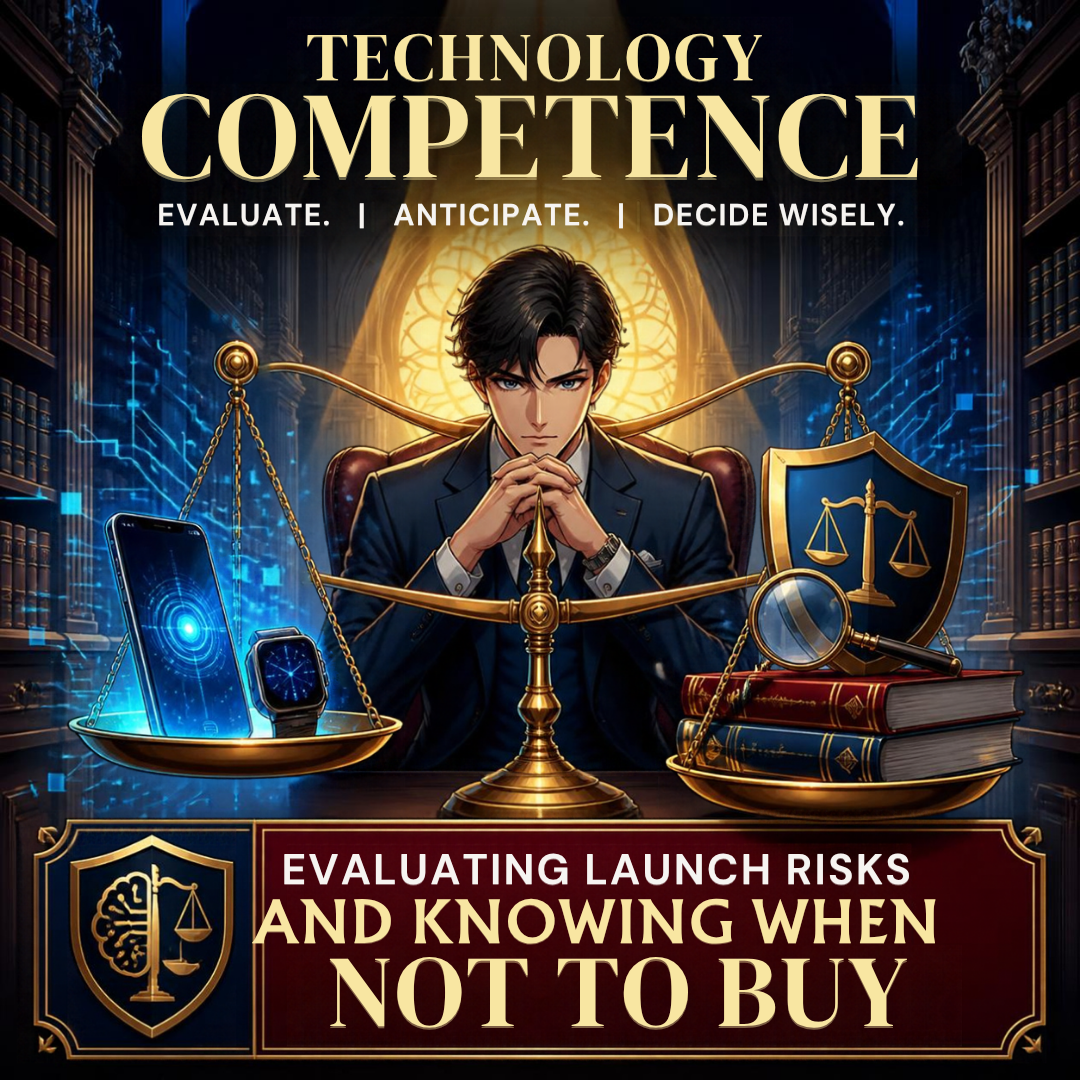
Technology Competence Means Waiting Before Every Hardware/software Upgrade!
Defects also raise contract questions. Read them before checkout.
Return windows: Apple's standard return window is short. Apple’s return policy is 14 days from receipt for Apple Store purchases. Skin irritation that appears after "several days" can push you close to that line.
Carrier lock-in: As I noted in my financing post, some carrier promotions spread bill credits over 36 months. Leaving early can forfeit the remaining credits and leave you responsible for the unpaid balance. A defective phone does not always unwind that deal cleanly.
Lease condition terms: Apple Upgrade requires a return in good working condition. Know how a defect exchange affects your lease term and buyout before you sign.
Emergency calling: If your phone cannot reach 911, that is a safety issue first. It can also become an employment and liability issue if the firm issued the device to a staff member who travels alone. 🚨
Firm-issued devices: If your firm hands staff a new watch or phone, you own part of that rollout. Rules 5.1 and 5.3 require reasonable measures for the conduct of lawyers and nonlawyer staff. That includes device policies. 👥
Treat Apple and your carrier like any other vendor. My Word of the Week on vendor risk management for law firms explains the mindset. Hardware is a vendor relationship too.
A Practical "Wait and Watch" Checklist ✅
Wait 30 to 60 days after launch. Let the first software patches land.
Read the support forums and trusted tech outlets before buying.
Confirm your return window and keep the receipt handy.
Keep your current device working until the new one proves itself. 📱
Back up, verify the backup, and document your authenticator transfers.
Test cellular calls, including your carrier's emergency settings, on day one.
Wear a new watch on a loose band at first. Stop if irritation appears. ⌚
Write it down. A short device-change log shows reasonable efforts under Rule 1.6(c).
If you're still deciding which phone fits your practice, see MTC: iPhone 18 Pro vs. iPhone Duo vs. Samsung and Pixel Foldables — Which Smartphone Is Better for Lawyers? The right device is the one that supports competent, secure representation.
My Bottom Line 🎯
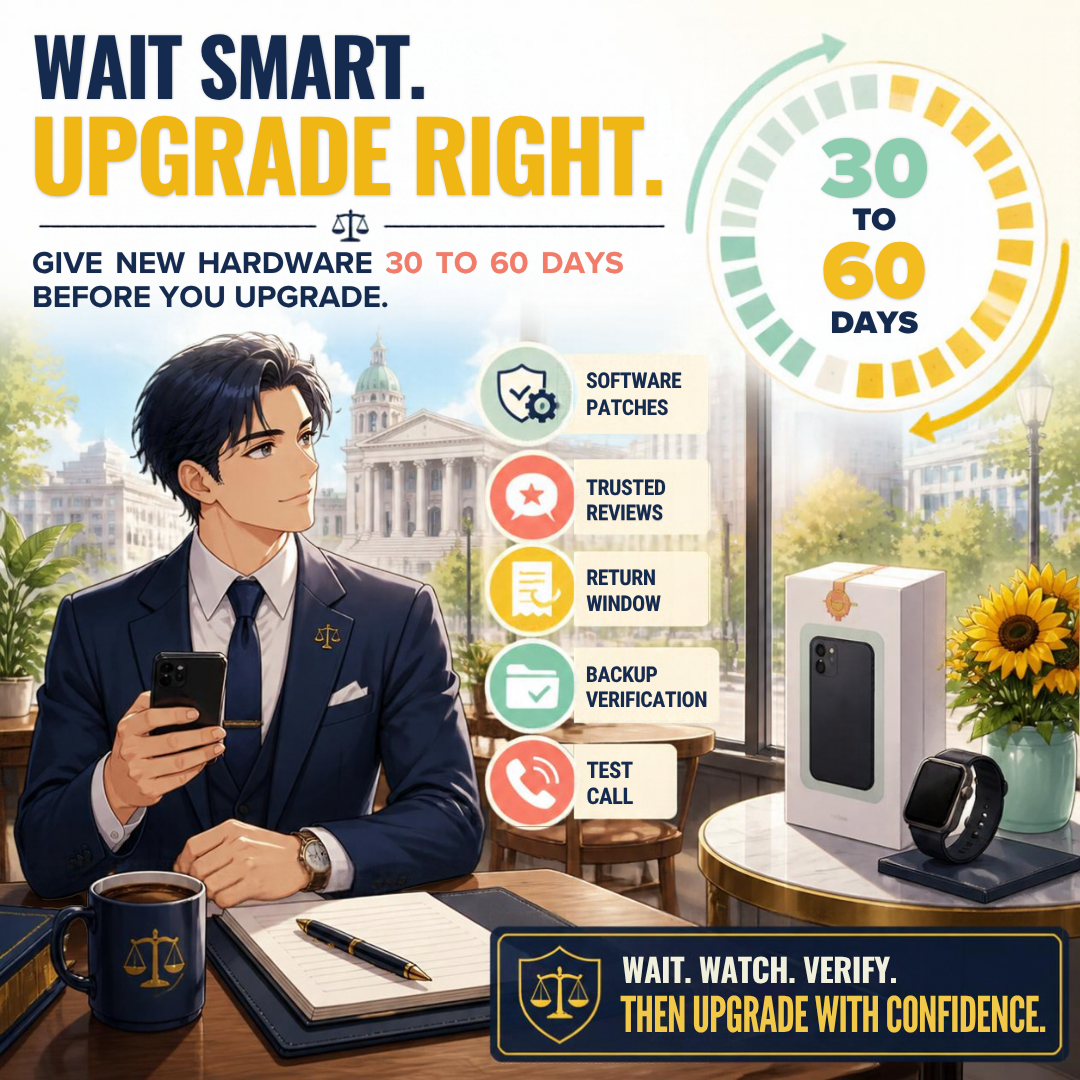
Wait, Watch, and Verify: A Legal Technology Upgrade Checklist!
I still expect to own both devices. Apple has a long track record of fixing launch problems. iOS 27.0.1 is already a sign of that. But "eventually fixed" is not the standard for a law practice. Reliability is. Patience, in this case, is simply good risk management. 🛡️
Let the early adopters of any new electronic hardware find the edges. Let the patches arrive. Then upgrade on your schedule, with a plan, and with your client data protected. Your clients will never thank you for being first in line. They will notice if you can't be reached. 🍎⚖️
MTC










