WoW: The Meaning of "eSIM" for Lawyers: What It Is, Why It Matters, and How to Switch Carriers Without Compromising Client Data 📱⚖️
/
eSIMs for Lawyers: Smarter Mobile Security and Client-Data Protection
eSIM is short for “embedded SIM.” It is the digital replacement for the small plastic SIM (subscriber identity module) card that once connected your phone to a wireless carrier.
For most lawyers, eSIM is not exciting because it is new. It matters because it changes how quickly you can activate a phone, change carriers, add a work line, travel internationally, and recover from a lost or damaged device. It also changes parts of your firm’s mobile-security workflow. 🔐
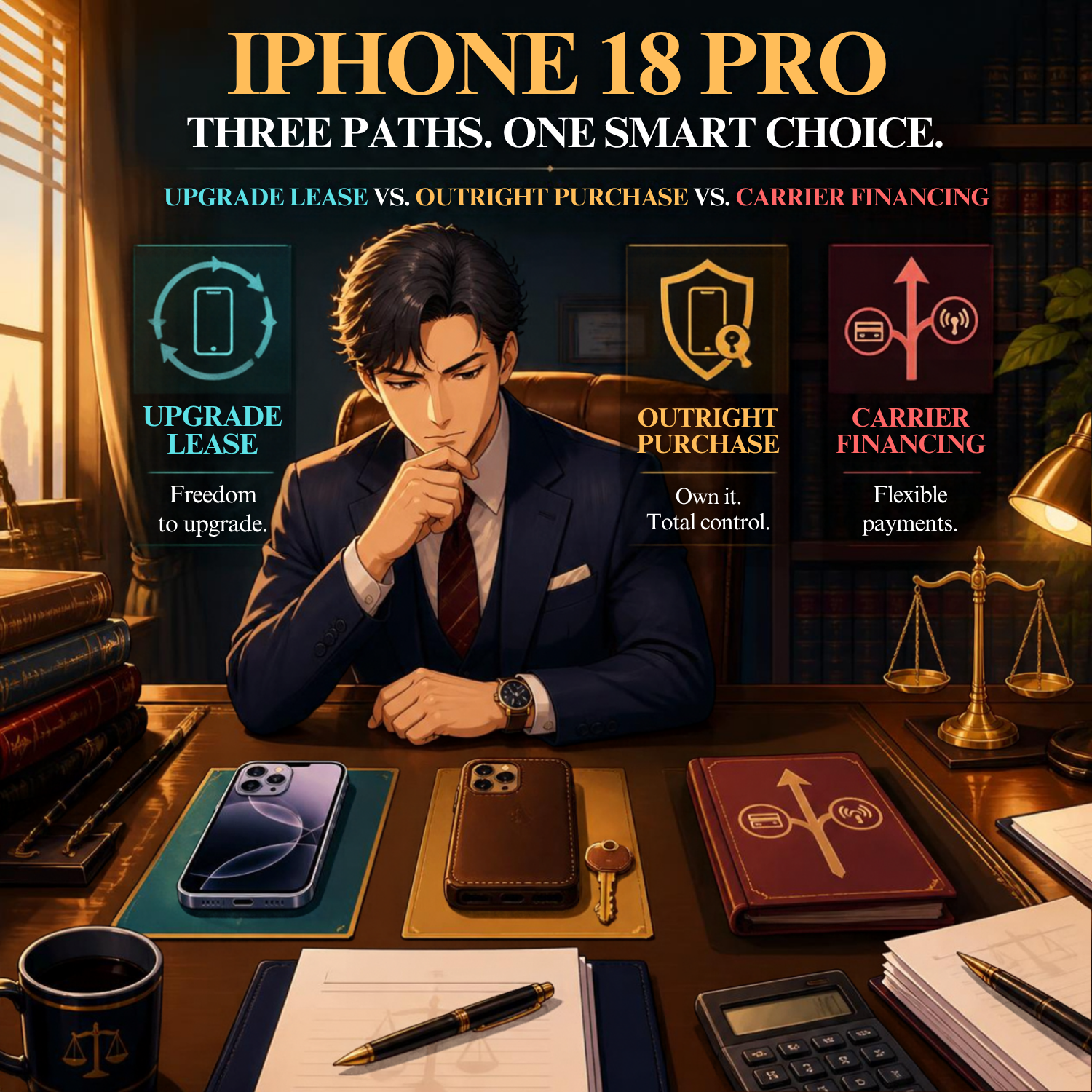
If you recently read my post, “MTC: Apple Upgrade Lease vs. Buying vs. Carrier Financing — Which iPhone 18 Pro Deal Actually Works for Solo and Small Firm Lawyers?,” you know that phone financing affects more than cash flow. It affects your ability to switch providers, control your device, and manage confidential information. eSIM sits at the center of each issue.
What an eSIM Does

Travel-Ready eSIMs for Lawyers: Stay Connected, Protect Client Data
A traditional SIM card is a physical chip. Your carrier activates it. You place it in your phone. The chip identifies your cellular account to the network.
An eSIM performs the same basic function. The key difference is that the SIM is built into the device. Your carrier sends a digital activation profile to the phone. In many situations, you can set up service through an app, a QR code, or the phone’s settings.
That can make a new-phone setup faster. It can also make a second line easier to manage.
For example, a solo lawyer might use:
One eSIM line for firm calls and text messages.
A second eSIM line for personal use.
A temporary travel eSIM for data outside the United States.
A replacement eSIM after a lost or stolen phone.
The technology is useful. It is not self-managing.
Why eSIM Matters to Law Practice

eSIM Security for Lawyers: Prevent SIM Swaps and Account Takeover
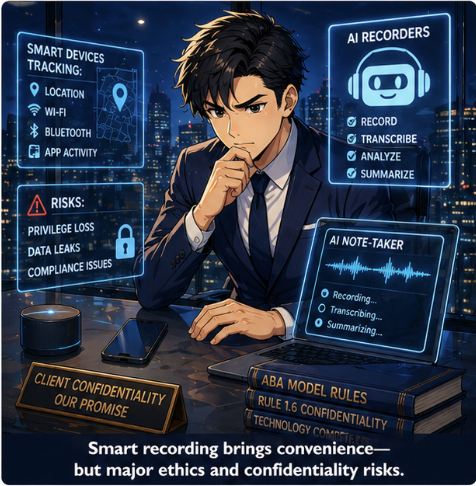
Your phone may be your camera, recorder, authenticator, document scanner, password-manager vault, email terminal, and client-communication device. The prior iPhone 18 Pro analysis described it accurately as a “filing cabinet, a camera, and a recorder for privileged material.”
eSIM does not itself store your client files. It does, however, control a critical part of your identity on the mobile network: your phone number.
That matters because many firms still use text-message codes as a multifactor-authentication method. A criminal who takes control of your mobile number may receive those codes. That risk is commonly known as a SIM-swap attack.
The attacker may persuade or manipulate a carrier into transferring your number to another device. With access to your number, the attacker may try to reset passwords for email, banking, cloud storage, practice-management software, or other accounts.
eSIM reduces the need to handle a physical SIM card. It does not eliminate account-takeover risk. A carrier can still transfer a number digitally. Your security must therefore extend beyond the phone itself. 🛡️
The ABA Ethics Connection
ABA Model Rule 1.1 requires competent representation. Comment 8 explains that competent lawyers should keep abreast of the benefits and risks associated with relevant technology. An eSIM is not a specialty topic anymore. It is part of ordinary smartphone use.
ABA Model Rule 1.6(c) requires lawyers to make reasonable efforts to prevent the unauthorized disclosure of, or unauthorized access to, client information. If a compromised phone number helps an attacker access your email, cloud account, or case-management platform, the consequences can extend far beyond a missed call.
The ABA Model Rules also identify Rule 5.3, concerning responsibilities regarding nonlawyer assistance. Your carrier, device-management provider, IT consultant, and cloud vendors all play roles in your technology environment. You remain responsible for making reasonable choices and supervising the systems on which your practice depends.
No ethics rule requires a particular carrier or authentication app. The rules do require reasonable safeguards that fit the sensitivity of the information you handle.
Five Practical eSIM Safeguards

Secure eSIM Strategies for Lawyers Protecting Confidential Client Information
Set a carrier account PIN or passcode. Do not reuse your phone unlock code. Ask your carrier about number-port-out protection or transfer locks.
Use an authenticator app or hardware security key when available. Avoid relying exclusively on text-message authentication for critical accounts. Text messages are convenient. They are not the strongest option.
Separate firm and personal use thoughtfully. A dual-SIM setup can help. It does not substitute for a written mobile-device policy, strong passcodes, encryption, and remote-wipe capability.
Treat carrier changes as security events. Confirm which accounts use your mobile number for recovery. Update authentication methods before moving a number to a new carrier or device.
Document the offboarding process. Before returning, trading in, or replacing a phone, migrate data, transfer authentication access, remove the old device from firm accounts, and complete a secure wipe. That is especially important if you lease hardware or use annual-upgrade programs.
eSIM and Carrier Lock-In
eSIM makes changing service technically easier. Carrier financing can make it financially harder.
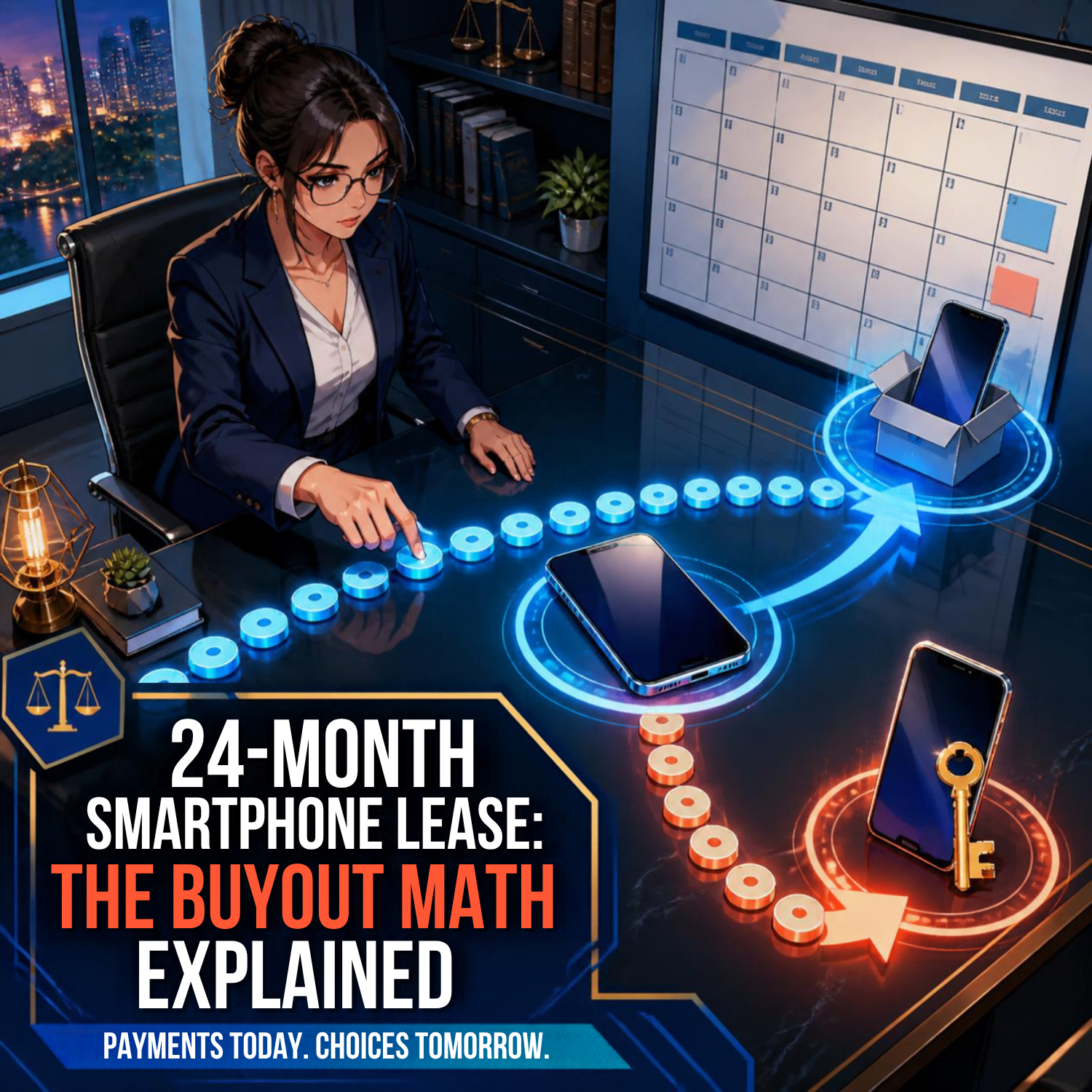
As discussed in the iPhone 18 Pro financing post, some promotions spread bill credits over 36 months. If you cancel, change carriers, or pay off the phone early, the remaining credits may disappear and the unpaid device balance may become due. The phone may be easy to activate elsewhere. The contract may not be easy to leave.
That distinction matters for solo and small-firm lawyers. Flexibility has value. A law practice may need to change carriers because of coverage, cost, travel, office relocation, client-service needs, or a security concern.
Do not let a “free phone” offer obscure a three-year commitment. Review the device agreement. Review the carrier’s transfer rules. Confirm what happens to your bill credits before you move your number. 💡
The Bottom Line

eSIM Flexibility vs. Carrier Lock-In for Modern Law Practices
eSIM is a useful technology. It supports faster activation, multiple lines, and more flexible service arrangements. Yet it also turns your phone number into an even more important security asset.
Treat your mobile number like a key to the firm. Protect it with a carrier PIN. Reduce dependence on text-message authentication. Plan carrier transitions. Include eSIM transfers in your device-replacement checklist.
Technology competence is not about chasing every new feature. It is about understanding how the technology you already carry affects client confidentiality, firm continuity, and professional judgment. 📲