TSL Labs Bonus Podcast: Google’s Notebook LLM “Deep Dive” on December 1st, 2025, editorial on the the Lawyer’s Defense Against Holiday Scams and ‘Bargain’ Tech Traps!

Listen in as Google's Notebook LLM provides an AI-powered conversation unpacks our December 1st, 2025 editorial examining how the holiday digital marketplace transforms into a lucrative hunting ground for device compromise and credential theft. We explore why attorneys and paralegals—trained to spot hidden clauses and anticipate risk—often abandon professional skepticism when faced with shiny gadgets bearing 70% off stickers. Our discussion arms you with actionable strategies to protect your practice, safeguard client confidentiality, and prevent the kind of security breaches that trigger bar complaints and operational shutdowns. Whether you're a solo practitioner or part of a large firm, this episode delivers the technical insights you need without the jargon.

Join Google's Notebook LLM as we discuss the following three questions and more!

  1. How do bargain tech deals create hidden professional liabilities that extend far beyond wasted money, and what specific technical deficits should lawyers avoid in discount hardware?

  2. What free forensic tools can legal professionals use to distinguish genuine discounts from manipulated pricing schemes, and how do these tools apply procurement-level rigor to personal shopping decisions?

  3. Which three active scam vectors target high-value professionals during the holiday season, and what mandatory four-point protocol ensures comprehensive protection against credential theft and device compromise?

In our conversation, we cover the following:

  • [00:00:00] Welcome to TSL Labs Bonus Episode: AI-powered deep dive on holiday shopping risks

  • [00:01:00] Why legal professionals abandon professional skepticism during holiday sales

  • [00:02:00] The high stakes: credential theft, device compromise, and operational lockdown

  • [00:03:00] The bargain trap: understanding technical debt in cheap vs. inexpensive hardware

  • [00:04:00] Processor bottleneck red flags: older generation chips that consume billable time

  • [00:05:00] Screen resolution hazards: how 1366x768 displays create genuine error risks

  • [00:06:00] RAM deficits and security longevity: when devices become e-waste and compliance gaps

  • [00:07:00] Introduction to forensic price tracking tools for procurement-level shopping

  • [00:08:00] CamelCamelCamel, Keepa, and Honey: free tools that reveal true pricing history

  • [00:09:00] Malwarebytes 2025 holiday scam report: three attack vectors targeting professionals

  • [00:10:00] Scam #1: urgent delivery smishing attacks exploiting package expectations

  • [00:11:00] Scam #2: malvertising minefield—when legitimate ads redirect to cloned fraud sites

  • [00:12:00] Scam #3: gift card emergency scams posing as court clerks and government officials

  • [00:13:00] Bonus threat: social media marketplace fraud and payment protection gaps

  • [00:14:00] The mandatory four-point protocol for holiday shopping protection

  • [00:15:00] Final thoughts: applying contract-reading diligence to every link you click

Resources

Hardware Mentioned in the Conversation

Software & Cloud Services Mentioned in the Conversation

📻 BONUS: Tech-Savvy Lawyer on Law Practice Today Podcast — Essential Trust Account Tips for Solo & Small Law Firms w/ Terrell Turner

🙏 Special Thanks to Terrell Turner and the ABA for having me on the Law Practice Today Podcast, produced by the Law Practice Division of the American Bar Association. We have an important discussion on trust account management. We cover essential insights on managing trust accounts using online services. This episode has been edited for time, but no information was altered. We are grateful to the ABA and the Law Practice Today Podcast for allowing us to share this valuable conversation with our audience.

🎯 Join Terrell and me as we discuss the following three questions and more!

  1. What precautions should lawyers using online services to manage trust accounts be aware of?

  2. How can solo and small firm attorneys find competent bookkeepers who understand legal trust accounting?

  3. What security measures should attorneys implement when using online payment processors for client funds?

⏱️ In our conversation, we cover the following:

00:00 – Introduction & Preview: Trust Accounts in the Digital Age

01:00 – Welcome to the Law Practice Today Podcast

01:30 – Today's Topic: Online Services for Payments

02:00 – Guest Introduction: Michael D.J. Eisenberg's Background

03:00 – Michael's Experience with Trust Accounts

04:00 – Challenges for Solo and Small Practitioners

05:00 – Ensuring Security in Online Services

06:00 – Questions to Ask Online Payment Providers

07:00 – Password Security & Two-Factor Authentication

08:00 – Finding a Competent Legal Bookkeeper

09:00 – Why 8AM Law Pay Works for Attorneys

10:00 – Daily Monitoring of Trust Accounts

11:00 – FDIC Insurance & Silicon Valley Bank Lessons

13:00 – Researching Trust Account Best Practices

15:00 – Closing Remarks & Podcast Information

📚 Resources

🔗 Connect with Terrell

💼 LinkedIn: https://www.linkedin.com/in/terrellturner/

🌐 Website: https://www.tlturnergroup.com/

🎙️ Law Practice Today Podcast – https://lawpracticetoday.buzzsprout.com

📰 Mentioned in the Episode

💻 Software & Cloud Services Mentioned in the Conversation

  • 8AM Law Pay – Legal payment processing designed for trust account compliance – https://www.8am.com/lawpay/

  • 1Password – Password manager for generating and syncing complex passwords – https://1password.com/

  • LastPass – Mentioned as a password manager with noted security concerns – https://www.lastpass.com/

MTC (Holiday Special🎁): Cyber Monday 2025: A Lawyer’s Defense Against Holiday Scams and ‘Bargain’ Tech Traps

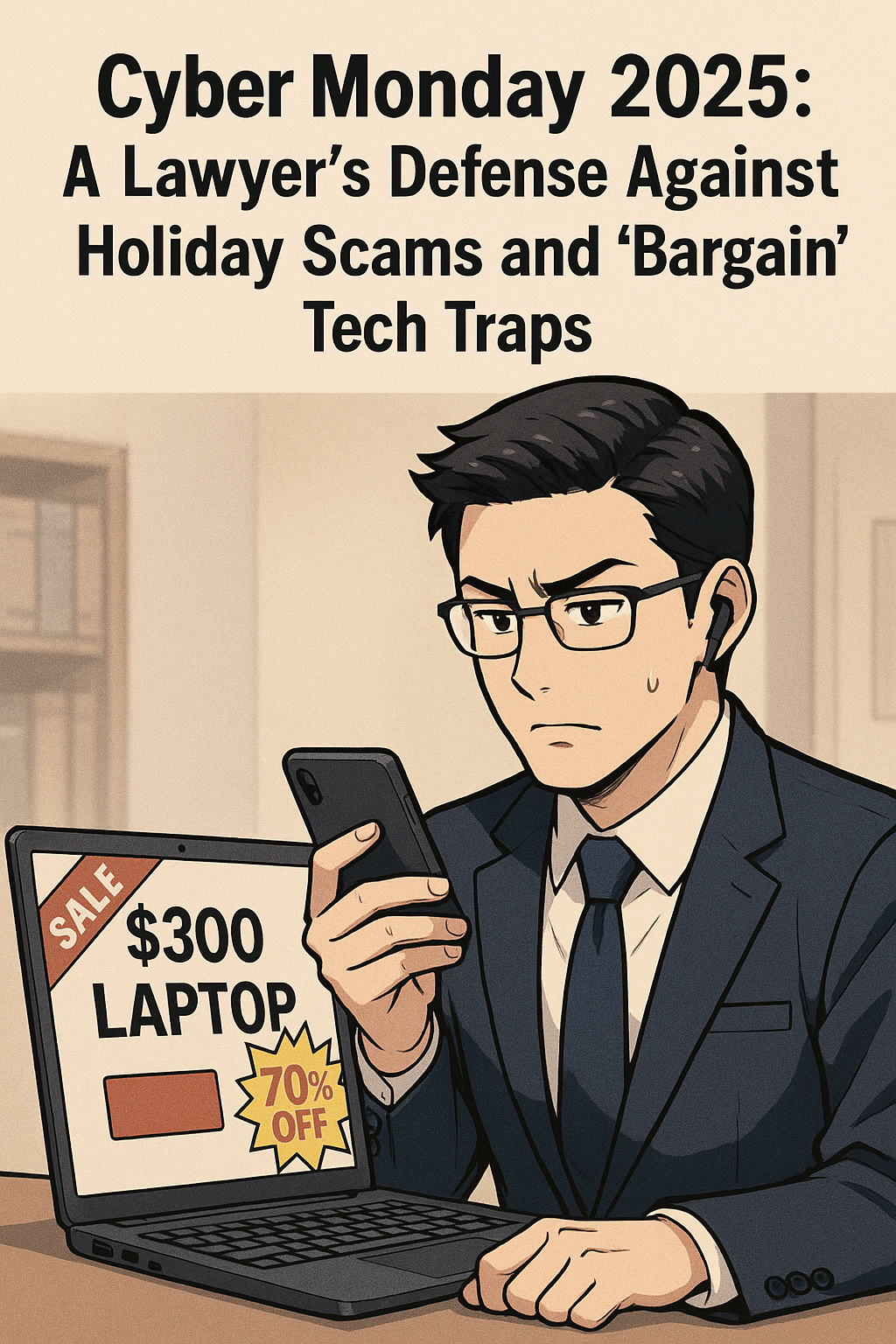
The “Billable Hour” Defense: Why That $300 Laptop and "Urgent" Delivery Text Are Liabilities, Not Deals

That “deal” for a “cheaper” computer may not be worth the lack of performance issues that come with a “cheap” computer!

As legal professionals, we are trained to spot inconsistencies in testimony, identify hidden clauses in contracts, and anticipate risks before they manifest. Yet, when the holiday shopping season arrives, the same skepticism that protects our clients often evaporates in the face of a 70% off sticker.

During Cyber Mondays, lawyers must tread carefully. The digital landscape is not just a marketplace; it is a hunting ground. For a law practice, the risks of holiday shopping go beyond a wasted purchase. A compromised device or a clicked phishing link can breach attorney-client privilege, trigger ethical violations, and lock down firm operations with ransomware.

Before you open your wallet or click that “track package” link, consider this your final briefing on the threats lurking behind the holiday hype.

The "Bargain" Trap: Why Cheap Tech is Expensive for Lawyers

We all love a deal. But in the world of legal technology, there is a profound difference between "inexpensive" and "cheap."

You may see "doorbuster" deals for laptops priced under $300. The marketing copy promises they are perfect for "light productivity" or "students." You might be tempted to pick one up for a paralegal, a home office, or even a law student family member.

Resist this impulse.

Tech experts and consumer watchdogs, including Lifehacker and PCMag, consistently warn about these "derivative" holiday models. Manufacturers often build specific units solely for Black Friday and Cyber Monday (SKUs [stock keeping unit] that do not exist the rest of the year). They achieve these rock-bottom prices by cutting corners that matter deeply to legal professionals:

  • The Processor Bottleneck: Many of these bargain laptops run on Celeron or Pentium chips (or older generations of Core i3). For a lawyer running practice management software, multiple PDF contracts, and video conferencing simultaneously, these processors are insufficient. The resulting lag isn't just annoying; it costs billable time.

  • The Screen Resolution Hazard: To save costs, these laptops often feature 1366 x 768 (720p) screens. In 2025, this is unacceptable for reviewing documents. The low resolution makes text pixelated and reduces the amount of a contract you can see on screen at once, increasing eye strain and the likelihood of missing a critical detail in a clause.

  • The RAM Deficit: 4GB of RAM is common in these deals. In a modern Windows environment, the operating system alone consumes nearly that much. Once you open a web browser with your firm's research tabs, the system will crawl.

  • Security Longevity: Perhaps most critically for a law firm, these bargain-bin devices often reach their "End of Service" life much faster. They may not support the latest secure operating systems or encryption standards required by your firm’s compliance insurance.

The Verdict: A $300 laptop that frustrates your staff and cannot handle encryption is not an asset; it is e-waste in the making. Stick to business-class hardware (Lenovo, HP, Dell, Apple, inter alia.) purchased through verified channels, even if it costs more. Your peace of mind is worth the premium.

BONUS: Price Tracking Tools

Successful online shopping during promotional periods requires distinguishing genuine discounts from artificial markups. Price tracking tools provide historical data that reveals authentic savings opportunities.

CamelCamelCamel tracks Amazon price history, creating visual charts showing price fluctuations over weeks, months, and years. This free tool sends email notifications when products drop below specified price thresholds and monitors both Amazon-direct and third-party seller pricing.

Honey extends beyond its widely-known coupon functionality to offer robust price tracking across multiple retailers through its "Droplist" feature. The browser extension automatically applies discount codes during checkout and compares prices across competing stores.

Keepa provides similar Amazon-focused price tracking with browser integration that displays historical pricing directly on Amazon product pages. The tool's detailed charts reveal seasonal patterns and help identify optimal purchase timing.

For legal professionals managing firm purchasing, enterprise-grade solutions such as Prisync, Price2Spy, and Competera offer comprehensive competitor monitoring, automated pricing adjustments, and real-time market data. These platforms serve businesses tracking multiple products across various marketplaces, but require subscription fees.

The Scam Landscape 2025: You Are a High-Value Target

Be wary when purchasing items online - always use a vpn when using public wifi!

According to Malwarebytes’ 2025 Holiday Scam report, shoppers are increasingly mobile, fast, and distracted. For lawyers, who are often managing high-stress caseloads alongside holiday obligations, this distraction is dangerous.

Scammers know that law firms move money. They know we manage sensitive data. And they know that during the holidays, our guards are down. Here are the three specific vectors attacking legal professionals this season.

1. The "Urgent Delivery" Smishing Attack
We all have packages in transit. You likely receive legitimate texts from Amazon, FedEx, or UPS daily. Scammers exploit this by sending "Smishing" (SMS phishing) messages claiming a package is "delayed" or "requires a delivery fee."

For a lawyer waiting on a court transcript or a client file, the instinct to "fix" the delivery issue is strong. But clicking that link often downloads malware or leads to a credential-harvesting site that looks identical to the courier’s login page.

  • The Defense: Never click a tracking link in a text message. Copy the tracking number and paste it directly into the courier’s official app or website. If the text doesn’t have a tracking number, it’s a scam.

2. The "Malvertising" Minefield
You are searching for a specific piece of hardware—perhaps a new scanner or ergonomic chair for the office. You see an ad on Google or social media for the exact item at a beat-to-beat price.

Malwarebytes warns that "Malvertising" (malicious advertising) is surging. Scammers buy ad space on legitimate platforms. When you click the ad, you aren't taken to the retailer; you are redirected to a cloned site designed to steal your credit card info, or worse, your firm’s login credentials.

  • The Defense: Treat ads as tips, not links. If you see a deal for a Dell monitor, close the ad and navigate manually to Dell.com or BestBuy.com to find it.

3. The "Gift Card" Emergency
This is a classic that has evolved. In the past, it was a fake email from the "Managing Partner" asking an associate to buy gift cards for a client. Now, it’s more sophisticated. Scammers may pose as court clerks or government officials, claiming a "fine" or "filing fee" must be paid immediately to avoid a bench warrant, and—due to a "system error"—they can only accept payment via gift cards or crypto.

  • The Defense: Courts do not accept gift cards. Period. If you receive an urgent financial demand via text or email, verify it by calling the person or entity on a known, public number.

The "Social" Threat: Marketplace Scams

Social media marketplaces (Facebook Marketplace, OfferUp) are now major hubs for holiday shopping. They are also unregulated.

A common scam involves a "seller" offering a high-demand item (like the latest iPad or game console) at a reasonable, but slightly low, price. They claim to be a local seller but then invent a reason why they can't meet up (e.g., "I'm deployed overseas," "I moved for work"). They ask for payment via Zelle or Venmo, promising to ship the item.

Once the money is sent, the seller vanishes. For a lawyer, the embarrassment of being defrauded is compounded by the potential exposure if you used a device or account linked to your firm.

Safeguarding the Firm: A Cyber Monday Protocol

The savings you made in buying the “cheaper” tech online may amount to the loss of much more, like the loss of client confidentiality and your license!

As you navigate the sales this week, apply the same rigor to your shopping as you do to your practice.

  1. Segregate Your Tech: Do not use your firm-issued laptop for personal holiday shopping. The risk of drive-by downloads from shady "deal" sites is too high.

  2. Credit, Not Debit: Always use a credit card, not a debit card. Credit cards offer robust fraud protection and do not expose your actual bank account funds.

  3. Two-Factor Everything: Ensure 2FA is enabled on your shopping accounts (Amazon, Walmart, etc.). If a scammer gets your password, 2FA is your last line of defense.

  4. The "Too Good to Be True" Rule: If a site you’ve never heard of is selling a MacBook for $500, it is a scam. Domain age checkers (like Whois) can reveal if a website was created yesterday—a sure sign of fraud.

Final Thoughts
Your data is your most valuable currency. No discount on a laptop or gadget is worth jeopardizing your firm’s integrity or your client’s trust. This Cyber Monday, shop smart, stay skeptical, and remember: if you wouldn't sign a contract without reading it, don't click a link without checking it.

📖 Word ("Phrase") of the Week: Mobile Device Management: Essential Security for Today's Law Practice 📱🔒

Mobile Device Management is an essential concept for lawyers.

Mobile Device Management (MDM) has become essential for law firms navigating today's mobile-first legal landscape. As attorneys increasingly access confidential client information from smartphones, tablets, and laptops outside traditional office settings, MDM technology provides the security framework necessary to protect sensitive data while enabling productive remote work.

Understanding MDM in Legal Practice

MDM refers to software that allows IT teams to remotely manage, secure, and support mobile devices used across an organization. For law firms, this technology provides centralized control to enforce password requirements, encrypt data, install security updates, locate devices, and remotely lock or wipe lost or stolen devices. These capabilities directly address the ethical obligations attorneys face under the ABA Model Rules of Professional Conduct.

Ethical Obligations Drive MDM Adoption

The legal profession faces unique ethical requirements regarding technology use. ABA Model Rule 1.1 requires lawyers to maintain technological competence, including understanding "the benefits and risks associated with relevant technology". Rule 1.6 mandates that lawyers "make reasonable efforts to prevent the inadvertent or unauthorized disclosure of, or unauthorized access to, information relating to the representation of a client".

ABA Formal Opinion 498 specifically addresses virtual practice considerations. The opinion cautions that lawyers should disable listening capabilities of smart speakers and virtual assistants while discussing client matters unless the technology assists the law practice. This guidance underscores the importance of thoughtful technology implementation in legal practice.

Core MDM Features for Law Firms

Device encryption forms the foundation of MDM security. All client data should be encrypted both in transit and at rest, with granular permissions determining who accesses specific information. Remote wipe capabilities allow immediate data deletion when devices are lost or stolen, preventing unauthorized access to sensitive case information.

Application management enables IT teams to control which applications can access firm resources. Maintaining an approved application list and regularly scanning for vulnerable or unauthorized applications reduces security risks. Containerization separates personal and professional data, ensuring client information remains isolated and secure even if the device is compromised.

Compliance and Monitoring Benefits

lawyers, do you know where your mobile devices are?

MDM solutions help law firms maintain compliance with ABA guidelines, state bar requirements, and privacy laws. The systems generate detailed logs and reports on device activity, which prove vital during audits or internal investigations. Continuous compliance monitoring ensures devices meet security standards while automated checks flag devices falling below required security levels.

Implementation Best Practices

Successful MDM implementation requires establishing clear policies outlining device eligibility, security requirements, and user responsibilities. Firms should enforce device enrollment and compliance, requiring all users to register devices before accessing sensitive systems. Multi-factor authentication enhances security for sensitive data access.

Regular training ensures staff understand security expectations and compliance requirements. Automated software updates and security patches keep devices protected against evolving threats. Role-based access controls prevent unauthorized access to corporate resources by assigning permissions based on job functions.

MDM technology has evolved from optional convenience to ethical necessity. Law firms that implement comprehensive MDM strategies protect client confidentiality, meet professional obligations, and maintain competitive advantage in an increasingly mobile legal marketplace.

Keep Your Practice Safe - Stay Tech Savvy!!!

🎙️ Ep. 122: Cybersecurity Essentials for Law Firms: Proven Strategies from Navy Veteran & Attorney Cordell Robinson

My next guest is Cordell Brion Robinson, CEO of Brownstone Consulting Firm and a decorated US Navy veteran who brings an extraordinary combination of expertise to cybersecurity. With a background in Computer Science, Electrical Engineering, and law, plus experience as a Senior Intelligence Analyst, Cordell has created cybersecurity programs that comply with the National Institute of Standards and Technology, the Federal Information Security Management Act, and the Office of Management and Budget standards for both government and commercial organizations. His firm specializes in compliance services, performing security framework assessments globally for commercial and government entities. Currently, he's innovating the cybersecurity space through automation for security assessments. Beyond his professional accomplishments, Cordell runs the Shaping Futures Foundation, a nonprofit dedicated to empowering youth through education, demonstrating his commitment to giving back to the community.

Join Cordell Robinson and me as we discuss the following three questions and more! 🎙️

1. What are the top three cybersecurity practices that lawyers should immediately adopt to secure both client data and sensitive case material in their practice?

2. From your perspective as both a legal and cybersecurity expert, what are the top three technology tools or platforms that can help lawyers streamline compliance and governance requirements in a rapidly evolving regulatory environment?

3. What are the top three steps lawyers can take to overcome resistance to technology adoption in law firms, ensuring these tools actually improve outcomes and efficiency rather than just adding complexity

In our conversation, we cover the following: ⏱️

- 00:00:00 - Introduction and welcome to the podcast

- 00:00:30 - Cordell's current tech setup - Windows laptop, MacBook, and iPhone

- 00:01:00 - iPhone 17 Pro Max features including 48MP camera, 2TB storage, and advanced video capture

- 00:01:30 - iPhone 17 Air comparison and laptop webcam discussion

- 00:02:00 - VPN usage strategies - Government VPN for secure client communications

- 00:02:30 - Commercial client communications and secure file sharing practices

- 00:03:00 - Why email encryption matters and Mac Mail setup tutorial

- 00:04:00 - Bonus question: Key differences between commercial and government security work

- 00:05:00 - Security protocols comparison and navigating government red tape

- 00:06:00 - Question 1: Top three cybersecurity practices lawyers must implement immediately

- 00:06:30 - Understanding where client data comes from and having proper IT security professionals

- 00:07:00 - Implementing cybersecurity awareness training for all staff members

- 00:07:30 - Practical advice for solo and small practitioners without dedicated IT staff

- 00:08:00 - Proper email practices and essential security awareness training skills

- 00:08:30 - Handling data from average clients in sensitive cases like family law

- 00:09:00 - Social engineering considerations in contentious legal matters such as divorces

- 00:10:00 - Screening threats from seemingly reliable platforms - Google Play slop ads as recent example

- 00:10:30 - Tenable vulnerability scanning tool recommendation (approximately $1,500/year)

- 00:11:00 - Question 2: Technology tools for streamlining compliance and governance

- 00:11:30 - GRC tools for organizing compliance documentation across various price points

- 00:12:00 - SharePoint security lockdown and importance of proper system configuration

- 00:12:30 - Monitoring tools discussion - why no perfect solution exists and what to consider

- 00:13:00 - Being amenable to change and avoiding long-term contracts with security tools

- 00:14:00 - Question 3: Strategies for overcoming resistance to technology adoption

- 00:14:30 - Demonstrating efficiency and explaining the full implementation process

- 00:15:00 - Converting time savings to dollars and cents for senior attorney buy-in

- 00:15:30 - Mindset shift for billable hour attorneys and staying competitive in the market

- 00:16:00 - Being a technology Guinea pig and testing tools yourself first

- 00:16:30 - Showing real results to encourage buy-in from colleagues

- 00:17:00 - Real-world Microsoft Word example - styles, cross-references, and table of contents time savings

- 00:17:30 - Showing value add and how technology can bring in more revenue

- 00:18:00 - Where to find Cordell Robinson - LinkedIn, www.bcf-us.com, Brownstone Consulting Firm

- 00:18:30 - Company description and closing remarks

Resources 📚

Connect with Cordell Robinson:

Government & Compliance Frameworks:

Software & Tools:

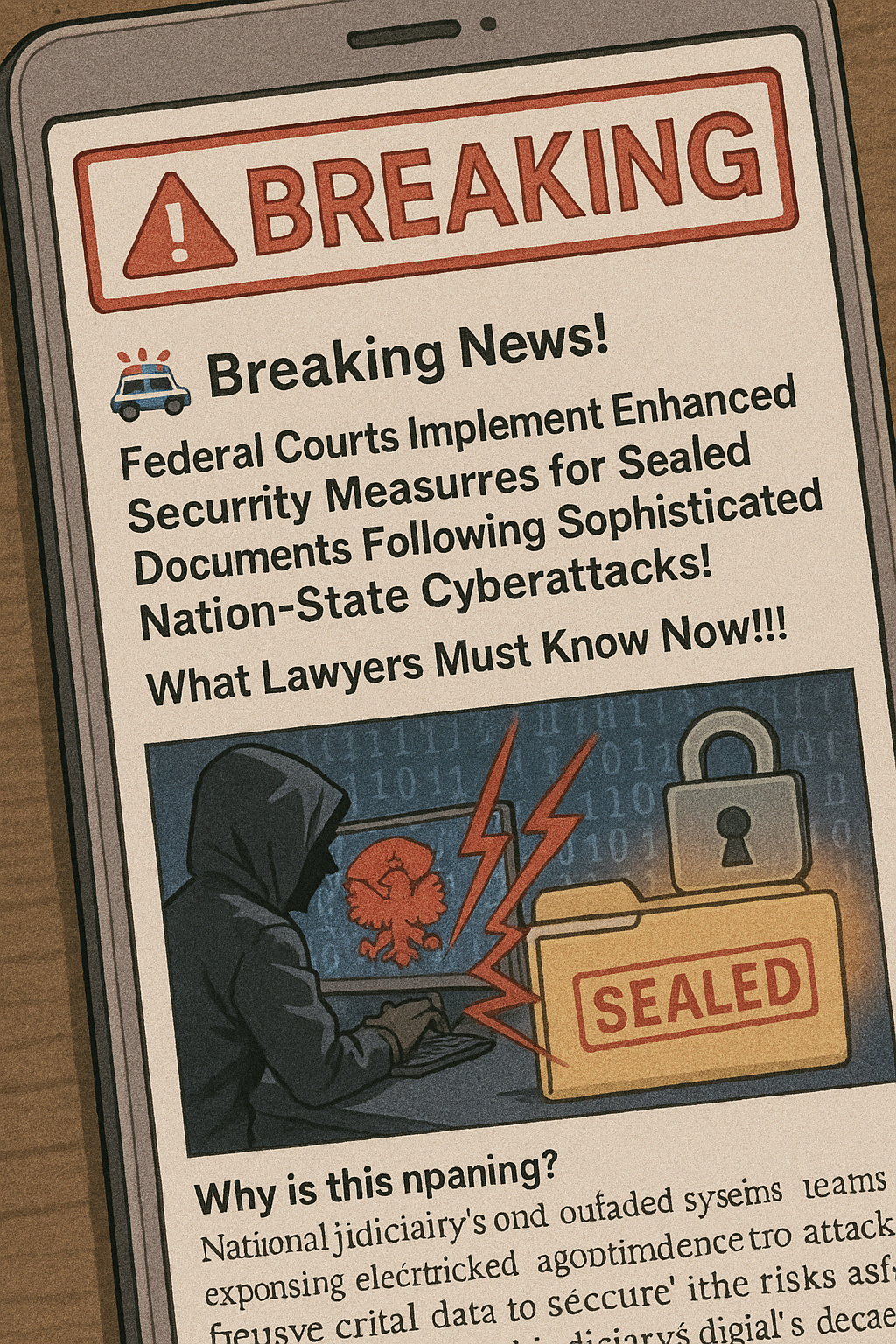
🚨 Breaking News! Federal Courts Implement Enhanced Security Measures for Sealed Documents Following Sophisticated Nation-State Cyberattacks! What Lawyers Must Know Now!!!

Federal courts have launched sweeping new protocols restricting electronic access to sealed documents after a widespread cyberattack linked to Russian actors exposed critical vulnerabilities in the federal judiciary’s decades-old digital infrastructure. As previously reported here, the breach compromised highly confidential information—such as sealed indictments and informant data—across numerous districts, prompting courts to eliminate electronic viewing of sealed filings and require paper-only procedures for sensitive court documents.

what do lawyers need to do as Federal courts respond to cyber attacks?

Why is this happening?
Nation-state cyber threats and outdated systems left federal courts open to attack, as repeatedly warned by The Tech-Savvy Lawyer.Page. The blog has consistently flagged the risks associated with aging technology, weak authentication, and the need for law firms to adopt advanced cybersecurity practices. The recent breach brings these warnings to life, forcing immediate changes for all legal professionals.

What lawyers must do:
Attorneys must now file sealed documents according to new court protocols—usually paper filings—and cannot access them electronically. This transformation demands lawyers take proactive steps to secure confidential information at all times, in line with ABA Model Rule 1.6. Practitioners should review The Tech-Savvy Lawyer.Page for practical tips on ethical compliance and digital preparedness, such as those featured in its “go bag” guide for legal professionals.

Most importantly, consult your local federal court’s website or clerk for the latest procedures, as requirements may vary by district. Safeguarding client confidentiality remains central to legal ethics—stay vigilant, stay informed, and stay tech-savvy.

Word of the Week: “Phishing” 🎣 in the Legal Profession - What Every Lawyer Needs to Know in 2025 🛡️

Lawyers Battle phishing on a daily basis.

Phishing is one of the most persistent and dangerous cyber threats facing law firms today. Phishing is a form of computer and internet fraud in which criminals use fake emails, websites, or messages to trick recipients into revealing sensitive information such as passwords, bank details, or client data. For lawyers and legal professionals, the stakes are especially high: law firms hold vast amounts of confidential client information, making them prime targets for cybercriminals. The American Bar Association (ABA) Model Rules for Professional Conduct, particularly Rule 1.6 (Confidentiality of Information) and Rule 1.1 (Competence), require lawyers to protect client data and maintain competence in technology relevant to their practice.

How Phishing Targets Law Firms

Phishing attacks against law firms have become more sophisticated in 2025. Criminals now use generative AI to craft emails that closely mimic real communications from clients, colleagues, or even senior partners. These messages often create a sense of urgency, pressuring recipients to act quickly—such as transferring funds, sharing login credentials, or downloading malicious attachments. Business Email Compromise (BEC) scams are particularly damaging, as attackers impersonate managing partners or clients to divert wire transfers or request sensitive documents.

Impersonation: The Hidden Dangers in Your Inbox

Attackers often use email spoofing to manipulate the display name and email address, making a message appear to come from someone you trust. The display name (the name that appears in your inbox) can be set to any familiar contact, but the actual email address may be subtly altered or completely fake. For example, a scammer might use “john.smith@lawfirm.com”or “John Smith of ….” as the display name, but the underlying address could be “jjohn.smith@lawf1rm.com” or “john..john.smith@lawfirm.co@lawfirm.co.” These changes are often just a single character off, designed to trick you into replying or clicking a malicious link.

Lawyers should always examine the full email address, not just the display name, before responding or acting on any request. On many smartphones and email clients, only the display name is shown by default, so you may need to click or tap to reveal the actual sender’s email address. If the message requests sensitive information, money transfers, or urgent action, verify the request through a separate communication channel, such as a phone call using a known number—not one provided in the suspicious email. This vigilance aligns with ABA Model Rule 1.1, which requires lawyers to maintain competence, including understanding risks associated with technology.

Recent Phishing Incidents Involving Lawyers

Phishing Email Threatens Law Firm Cybersecurity Defense

What Lawyers Should Watch For

  • Impersonation: Always check the sender’s full email address, not just the display name. Watch for addresses that are off by one or more characters.

  • Urgency and Pressure: Be cautious of emails that demand immediate action, especially those involving money or confidential data.

  • Suspicious Links or Attachments: Hover over links to check their true destination, and never open unexpected attachments.

  • Unusual Requests: Be wary of requests outside normal procedures, such as buying gift cards or changing payment instructions.

Prevention and Best Practices

  • Employee Training: Regular cybersecurity awareness training is crucial. Staff should be able to recognize phishing attempts and know how to report them. This supports ABA Model Rule 5.3 (Responsibilities Regarding Nonlawyer Assistance).

  • Multi-Factor Authentication (MFA): MFA adds an extra layer of security, making it harder for attackers to access accounts even if credentials are compromised.

  • Incident Response Plan: Every law firm should have a clear plan for responding to phishing incidents, including communication protocols and legal obligations for breach notification.

  • Client Education: Educate clients about phishing risks and encourage them to verify any unusual requests that appear to come from your firm.

Professional Responsibility and Phishing

lawyers need to be proactive Against Cybersecurity Threats in 2025!

The ABA Model Rules make clear that lawyers must take reasonable steps to prevent unauthorized access to client information (Rule 1.6(c)). Lawyers must also keep abreast of changes in technology and its associated risks (Rule 1.1, Comment 8). Failing to implement basic cybersecurity measures, such as phishing awareness and email verification, may expose lawyers to disciplinary action and civil liability.

Final Thoughts

Phishing is not just an IT problem—it’s a business risk that can compromise client trust, cause financial loss, and result in legal liability. By staying vigilant, investing in training, and adopting robust security measures, lawyers can protect themselves, their clients, and their reputations in an increasingly digital world. Compliance with the ABA Model Rules is not optional—it's essential for ethical and effective law practice.

📖 Word(s) of the Week (Wow): "Service as a Service" (SaaS) & "Hardware as a Service" (HaaS)!

SaaS vs. HaaS: What Law Firms Need to Know About Service as a Service and Hardware as a Service in 2025 ⚖️💻

Exploring SaaS vs. HaaS in Legal Tech!

Legal practices are rapidly embracing cloud-based solutions, and two models stand out: Software as a Service (SaaS) and Hardware as a Service (HaaS). Understanding these models is essential for law firms seeking efficiency, security, and cost-effectiveness in 2025.

What is SaaS?
SaaS is a cloud-based software delivery model. Instead of buying software outright and installing it on each device, law firms subscribe to web-hosted applications. This means no more managing physical servers or complex installations. Leading SaaS providers handle updates, security, and maintenance, freeing attorneys to focus on clients and cases.

Benefits of SaaS for Law Firms:

  • Centralized, secure document management—enabling paperless workflows and real-time collaboration.

  • Cost savings by eliminating expensive hardware and IT support. Firms pay only for what they use and can scale up or down as needed.

  • Remote access to case files, calendars, and billing from anywhere, supporting hybrid and remote work environments.

  • Automatic updates and improved security, with providers responsible for compliance and data protection.

  • Specialized legal features, such as document automation, calendaring, and legal billing, tailored for law practices.

Legal Considerations for SaaS:
SaaS agreements replace traditional software licenses. They must clearly define service levels, data privacy, and compliance with regulations. SaaS lawyers play a crucial role in drafting contracts, protecting intellectual property, and ensuring regulatory compliance across jurisdictions.

What is HaaS?
HaaS provides physical hardware—like computers, servers, or networking equipment—on a subscription basis. Law firms avoid large upfront purchases and instead pay a monthly fee for access, support, and maintenance. HaaS often includes installation, configuration, troubleshooting, and ongoing monitoring.

Benefits of HaaS for Law Firms:

Knowing your SAAS and Haas agreement terms is essential to maintaining client confidentiality and security

  • Predictable budgeting with no surprise hardware expenses.

  • Up-to-date equipment and proactive maintenance, reducing downtime.

  • Comprehensive support agreements, including warranties and rapid response times.

  • Enhanced security and compliance, as providers manage device updates and data protection.

Legal Considerations for HaaS:
HaaS contracts should specify the scope of services, pricing, service-level agreements (SLAs), liability, data privacy, and dispute resolution. Clear terms protect both the law firm and the provider, ensuring accountability and compliance with industry standards.

Challenges Law Firms Face in Using SaaS and HaaS

Law firms adopting SaaS and HaaS face several notable challenges:

  • Security Vulnerabilities: SaaS platforms can be susceptible to misconfigured access controls, inadequate monitoring, and insufficient threat detection. These weaknesses make law firms prime targets for cyberattacks, such as unauthorized access and data breaches, as seen in high-profile incidents involving major firms.

  • Data Breaches and Compliance Risks: Sensitive client data stored in SaaS environments is at risk if proper security measures are not in place. Breaches can expose confidential information, leading to regulatory penalties, reputational damage, and class action lawsuits if firms fail to notify affected parties promptly.

  • Integration Challenges: As law firms rely on multiple SaaS vendors, integrating various software platforms can become complex. Poor integration may disrupt workflows and reduce efficiency, especially if systems do not communicate seamlessly.

  • Shared Responsibility Confusion: SaaS providers typically secure the platform, but law firms are responsible for data security and access controls. Many firms mistakenly believe vendor security alone is sufficient, which can leave critical data exposed.

  • Reliable and consistent internet access: Reliable and consistent internet access is essential for law firms using SaaS and HaaS, as these cloud-based solutions require an active connection to access software, documents, and case management tools; any internet outage or slow connectivity can disrupt workflows, limit access to critical information, and impact client service. (What if you are on travel and the airplane, hotel, or location does have (reliable) internet connection - how do you get your work done?)

  • Business Email Compromise (BEC): SaaS ecosystems increase the risk of BEC attacks. Compromised email accounts can be exploited for fraud, impersonation, and data theft, often going undetected for extended periods.

  • Data Classification and Visibility Issues: Rapid adoption of SaaS can lead to scattered data across multiple platforms. Without a formal data classification strategy, firms may lose track of where sensitive information resides, complicating compliance and incident response.

  • Legal and Contractual Complexities: SaaS contracts involve nuanced licensing agreements, third-party vendor relationships, and service level commitments. Discrepancies between vendor terms and client expectations can result in disputes and legal challenges.

  • Dependency on Providers: Both SaaS and HaaS models make firms dependent on external vendors for uptime, support, and updates. Service disruptions or vendor instability can directly impact firm operations.

  • Hardware Lifecycle Management: With HaaS, firms avoid upfront hardware costs but must rely on the provider for timely upgrades, maintenance, and support. Poor vendor performance can lead to outdated equipment, downtime, or security gaps.

  • Cost Over Time: While SaaS and HaaS reduce initial capital expenditures, ongoing subscription fees may add up, potentially exceeding the cost of traditional ownership in the long term if not carefully managed.

Lawyers need to know the pros and cons in using saas and haas products!

While SaaS and HaaS offer significant advantages, law firms must address these risks through robust security practices, careful contract negotiation, and ongoing vendor management to protect sensitive data and maintain operational integrity. This may be easier for large law firms but difficult if not nearly impossible for mid- to small- to solo-size law practices.

Why Law Firms Should Care
Both SaaS and HaaS offer flexibility, scalability, and security that traditional IT models cannot match. By leveraging these services, law firms can modernize operations, improve client service, and reduce risk. The right contracts and due diligence are critical to ensure business continuity and compliance in a rapidly evolving legal tech landscape.