

🎙️ Ep. 138: How US Legal Support Integrates AI, Security, and Remote Depositions into Your Litigation Tech Stack ⚖️💻
/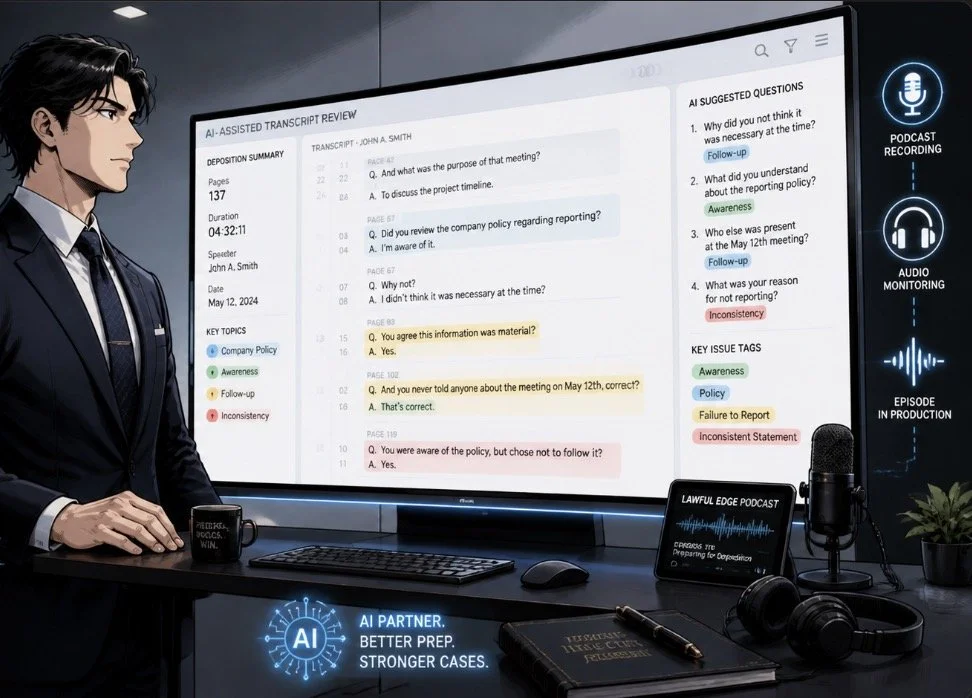
use AI transcript review to streamline complex deposition analysis!
My next guest is Jimmie Bridwell of US Legal Support, a Houston‑based litigation support company that manages depositions, record retrieval, trial technology, and graphics generation for law firms nationwide. In this post, we dive into how US Legal Support blends security, integration, and AI‑driven tools to help solos, small firms, and AM Law practices modernize their tech stack, streamline discovery, and run more effective remote depositions.⚖️💡
Join Jimmie Bridwell and me as we discuss the following three questions and more!
What are the top three ways lawyers should expect companies like US Legal Support’s technology platforms — whether remote deposition solutions, transcription services, or document management — to integrate seamlessly into a law firm’s existing tech stack to eliminate duplicative data entry and streamline trial preparation?
What are the top three technology investments or skillsets that lawyers consistently overlook, but would dramatically improve their practice efficiency and client services in 2026?
Based on US Legal Support’s experience facilitating over 245,000 remote events annually, what are the top three technology mistakes you see lawyers making during remote depositions or virtual proceedings, and how can they course correct to deliver more efficient client representation?
In our conversation, we cover the following
[00:00:00] Jimmie’s personal tech stack: Surface Pro laptop, 47‑inch curved Samsung monitor, HyperCast microphone, and Logitech Brio camera in a Microsoft‑based environment with Microsoft Cloud.
[00:00:45] Managing dual smartphones (Apple for work, Android for personal) and why Apple’s security posture matters in litigation and device holds.
[00:01:20] How US Legal Support uses Apple computers in graphics studios while the broader organization runs on Microsoft infrastructure.
[00:02:00] Defining the first big question: how vendors like US Legal Support should integrate with law firm tech stacks to prevent duplicate data entry.
[00:02:15] Why integration, security, and data management form the core triad for any law‑firm‑to‑vendor data exchange.
[00:03:00] The importance of a single, trusted first input for case data so humans aren’t re‑keying information across multiple systems.
[00:03:40] Inside US Legal Support’s security model: SOC 2 Type 2, HIPAA, NIST protocols, Microsoft and Amazon cloud, and internal security validation.
[00:04:40] Concrete questions lawyers should ask prospective vendors about encryption, security reviews, and penetration tests.
[00:06:00] Data breach reporting expectations and the need for a clearly published, timely incident response framework.
[00:07:30] Data management and access: preventing unauthorized secondary use of client data and guaranteeing 24/7 access to discovery and litigation documents.
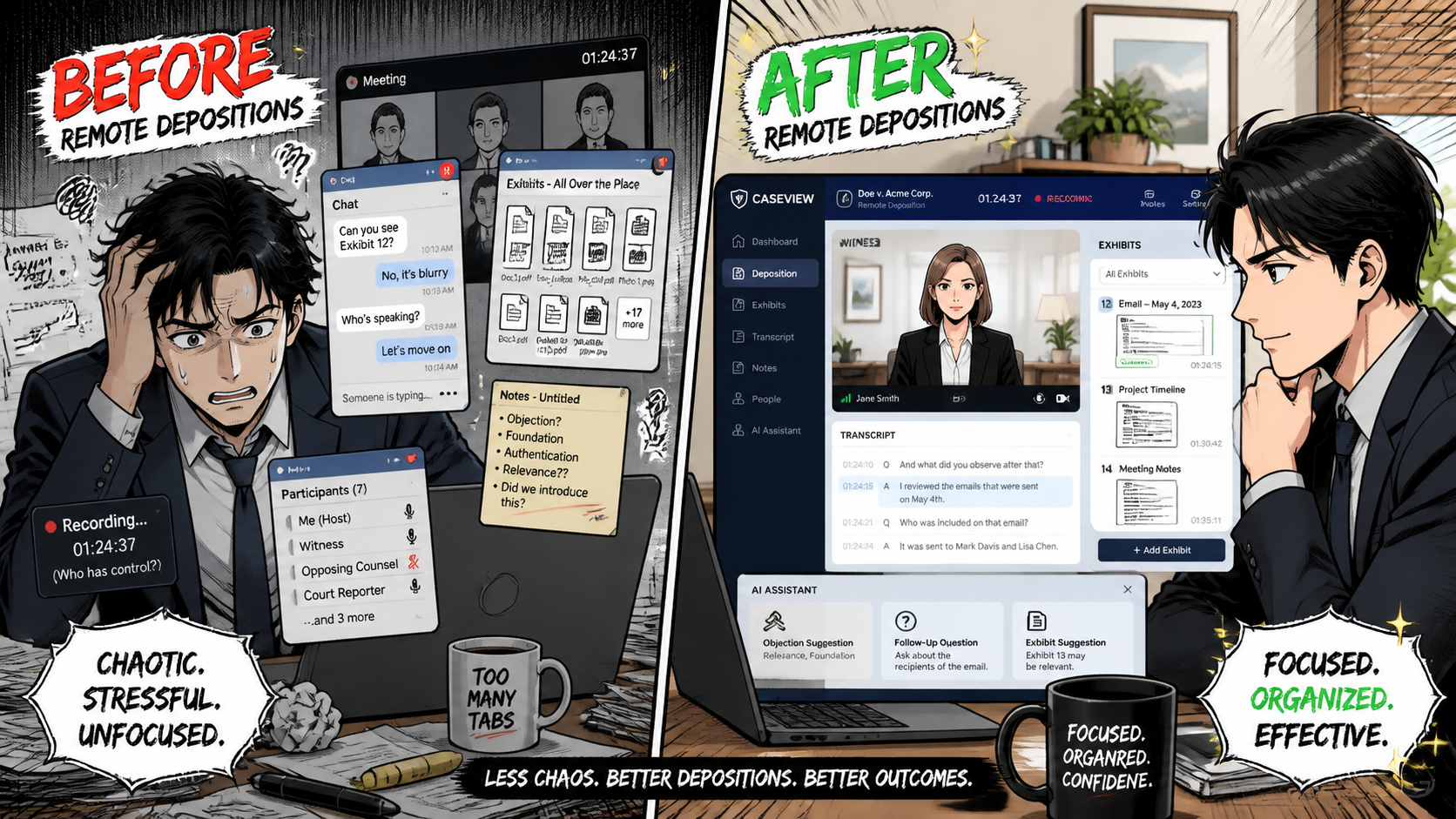
proper ai use can help prevent chaotic Zoom deposition versus calm litigation!
[00:08:30] Integration patterns: standardized vs customized APIs, multipoint data flows, and the importance of vendor integration experience with law firm case management tools.
[00:11:00] Reframing overlooked tech investments and skills, with an emphasis on AI‑powered transcript review in 2026.
[00:11:15] How AI‑assisted transcript review condenses multi‑day depositions into summarized, keyworded, and key‑point‑driven outputs for faster strategy decisions.
[00:12:20] Why AI hallucination risk is lower when models work directly from the underlying deposition record.
[00:14:10] AI‑assisted deposition tools: secure portals that ingest exhibits and records, identify pre‑existing conditions, output outlines, and suggest deposition questions.
[00:15:40] Comparing legacy OCR workflows to today’s generative AI tools and how template‑free extraction speeds up discovery.
[00:17:00] Evaluating partners with holistic litigation solutions versus piecemeal, point‑solution vendors.
[00:18:00] The maturation of the litigation support market from small shops with thin tech budgets to larger organizations with in‑house dev teams.
[00:19:10] Why US Legal Support favors transactional BPaaS pricing over long subscription contracts in a fast‑moving tech landscape.
[00:22:00] Common mistakes in remote depositions, including heavy reliance on general meeting tools like Zoom for litigation‑specific workflows.
[00:22:10] Litigation‑ready platforms vs. meeting tools: exhibit management, date stamping, annotations, real‑time feeds, and AI enhancements.
[00:24:00] The evolution of case management platforms from generic workflow systems to highly tuned legal solutions.
[00:26:00] Emerging horizon tools, including facial recognition and facial sentiment analytics for remote proceedings.
[00:26:40] The long‑tail impact of COVID: remote depositions moving from nearly 0% to roughly 60–70% of proceedings, and how that forced adoption changed lawyer attitudes.
[00:27:30] Internal adoption challenges in medium and large firms: inconsistent processes, under‑used tech, and the operational cost of “every lawyer does it differently.”
[00:29:00] Applying manufacturing‑style process discipline to law firm workflows while respecting attorney autonomy.
[00:30:00] Where to find US Legal Support online and how they serve clients across the United States.
RESOURCES
Connect with Jimmie Bridwell

lawyers make sure your cloud platforms are SOC 2, HIPAA, NIST‑compliant!
US Legal Support: https://www.uslegalsupport.com
Hardware mentioned in the conversation
Logitech Brio camera - https://www.logitech.com/en-us/products/webcams/brio-4k-hdr-webcam.html
Surface Pro laptop - https://www.microsoft.com/en-us/surface/devices/surface-pro
47‑inch curved Samsung monitor - https://www.samsung.com/us/monitors/all-monitors/
Software & Cloud Services mentioned in the conversation
Android operating systems and devices - https://www.android.com/
Apple operating systems and devices - https://www.apple.com/
Microsoft Cloud and Microsoft Office - https://www.microsoft.com/en-us/microsoft-365/onedrive/online-cloud-storage
Zoom - http://www.zoom.com/










