

Dynamic Random-Access Memory (DRAM): Why It Matters for Law Firm Performance and Data Security ⚖️💻
/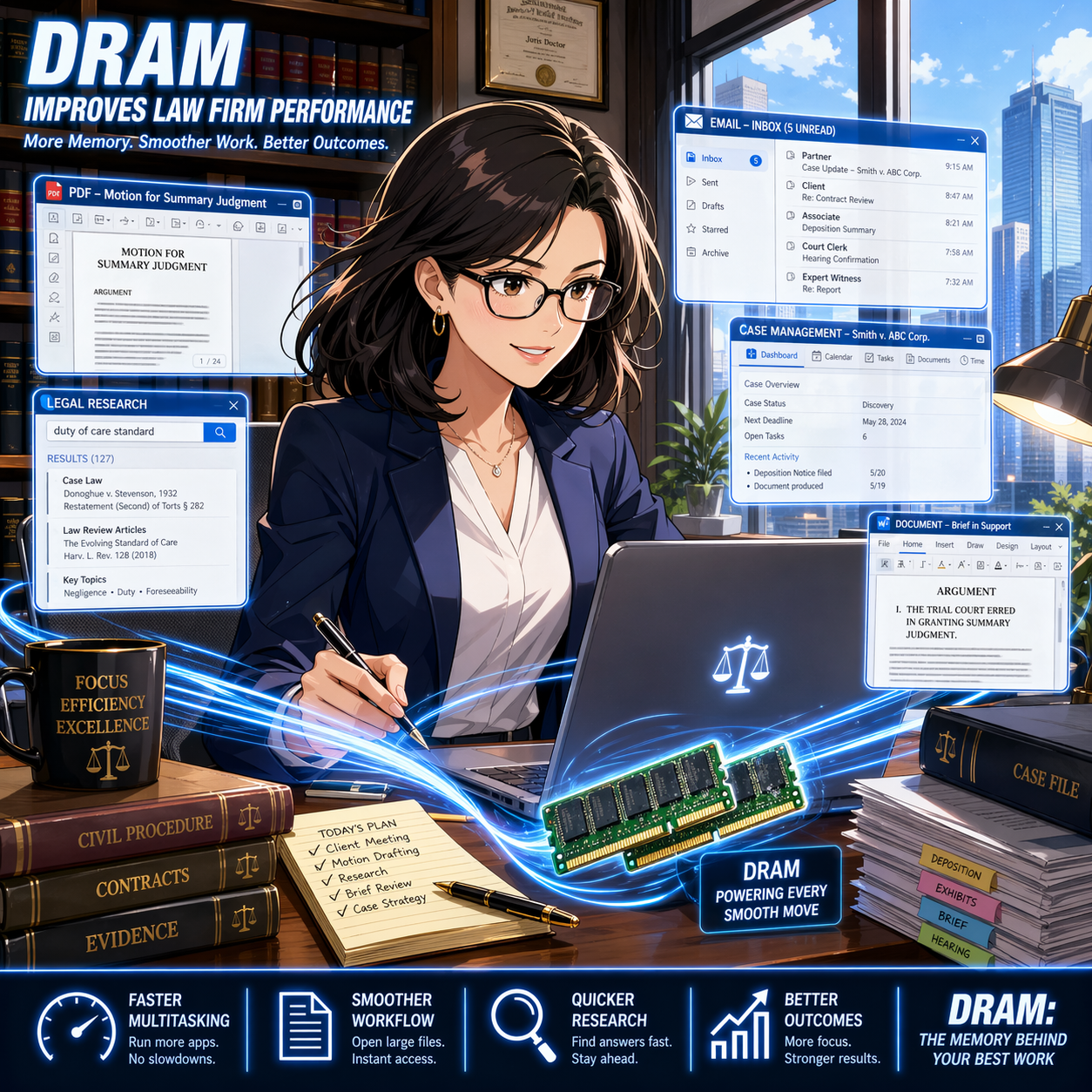
DRAM powers smoother multitasking for faster legal research, drafting, and case management.
Dynamic Random-Access Memory (DRAM aka “RAM”) is the short-term memory your computer uses to run active tasks. It holds data that your system needs right now. This includes open documents, browser tabs, and legal software processes. When you close a program or shut down your device, DRAM clears. It does not store information permanently. 📂
For legal professionals, DRAM plays a direct role in daily productivity. Every time you open a large PDF, review discovery files, or run a case management system, your computer relies on DRAM. If there is not enough memory available, your system slows down. You may notice lag, freezing, or delayed responses. 🐢 These issues interrupt workflow and increase frustration.
In a legal setting, slow systems are more than an inconvenience. They can affect client service. Delays in accessing documents or responding to communications can create risk. Under ABA Model Rule 1.1, lawyers must maintain competence. This includes understanding the benefits and risks of relevant technology (see Comment 8). 💡 Knowing how DRAM impacts performance is part of that duty.
DRAM also connects to data security. While DRAM itself is temporary, system performance influences how securely lawyers handle client information. A slow or overloaded system may lead users to adopt risky workarounds. For example, attorneys may save files locally instead of using secure systems. They may also delay updates or avoid security tools that slow performance further. 🔒 These behaviors can increase exposure to data breaches.
ABA Model Rule 1.6 requires lawyers to safeguard client confidentiality. Reliable hardware supports this obligation. Adequate DRAM helps systems run security software smoothly. It also supports encryption processes and secure cloud access. When systems perform well, lawyers are more likely to follow proper security protocols. ✅

Strong DRAM performance helps law firms protect confidential data and secure workflows.
Understanding DRAM also helps when purchasing or upgrading hardware. Many law firms invest in software but overlook system specifications. Memory is a key factor in performance. A modern legal practice often requires at least 16 GB of DRAM for standard workloads.* Larger litigation matters or heavy e-discovery tools may require more. 📊 Without sufficient memory, even the best software cannot perform effectively.
Consider a common scenario. An attorney is reviewing thousands of documents in an e-discovery platform. Each file requires memory to open and process. If the system lacks DRAM, documents load slowly. Searches take longer. The attorney may lose time waiting instead of analyzing. With adequate DRAM, the same task becomes faster and more efficient. ⚡
DRAM also supports multitasking. Lawyers often run multiple applications at once. Email, document management systems, research tools, and video conferencing may all run simultaneously. Each application consumes memory. When DRAM is sufficient, switching between tasks is seamless. When it is not, the system may stall or crash.
It is important to distinguish DRAM from storage. Storage, such as a hard drive or solid-state drive, holds data long-term. DRAM handles active processes. Both are important, but they serve different purposes. Confusing the two can lead to poor purchasing decisions. 💻
Cloud computing does not eliminate the need for DRAM. Even cloud-based legal tools rely on local system memory. Your browser and operating system still require DRAM to function. A fast internet connection helps, but it does not replace adequate memory. 🌐
Law firm leaders should view DRAM as part of risk management. Investing in proper hardware reduces downtime. It improves efficiency and supports compliance with professional obligations. It also enhances the user experience, which can reduce errors caused by frustration or delay.

Smart hardware planning starts with the right DRAM for modern legal practice.
In practical terms, firms should review device specifications regularly. They should align hardware with the demands of their practice areas. Litigation, transactional work, and regulatory practices may have different requirements. IT professionals can assist with these assessments.
In summary, DRAM is a foundational component of legal technology. It affects speed, reliability, and security. Lawyers do not need deep technical knowledge, but they should understand its impact. This awareness supports better decisions and stronger compliance with ABA Model Rules. ⚖️ By prioritizing performance and security, firms can deliver more effective and responsible client service. 🚀










