

How To! Evaluate Buying the Shiny New Tech Option Before Buying: In this case, a Touchscreen MacBook for Lawyers
/
Touchscreen MacBook for Lawyers: Impressive Feature or Useful Practice Tool?
Let me confess something: the new OLED touchscreen MacBook Pro has my attention. If you are considering a touchscreen MacBook for lawyers, I understand the temptation. That screen looks beautiful in Apple’s presentation. I am practically drooling. 💻
Apple announced its first touchscreen MacBook Pro today, with preorders opening now and availability beginning November 6. This is my reaction to the announcement, not a hands-on review. My purchasing advice: admire the display before reaching for your wallet.
Separate the beautiful screen from the useful tool
OLED image quality and touchscreen input are separate buying questions. Wanting the first does not establish a need for the second.
Apple describes its tandem OLED display as delivering deep blacks, striking contrast, and vivid color. I can appreciate that appeal without pretending those qualities will improve my next motion. A gorgeous display deserves admiration. It still needs a practical justification before becoming a business expense.
For my legal work, I want comfortable reading, accurate document navigation, reliable applications, and a keyboard that lets me keep moving. I do not need my laptop to make every interaction feel like a product demonstration.
Keep your hands where your work happens ⌨️
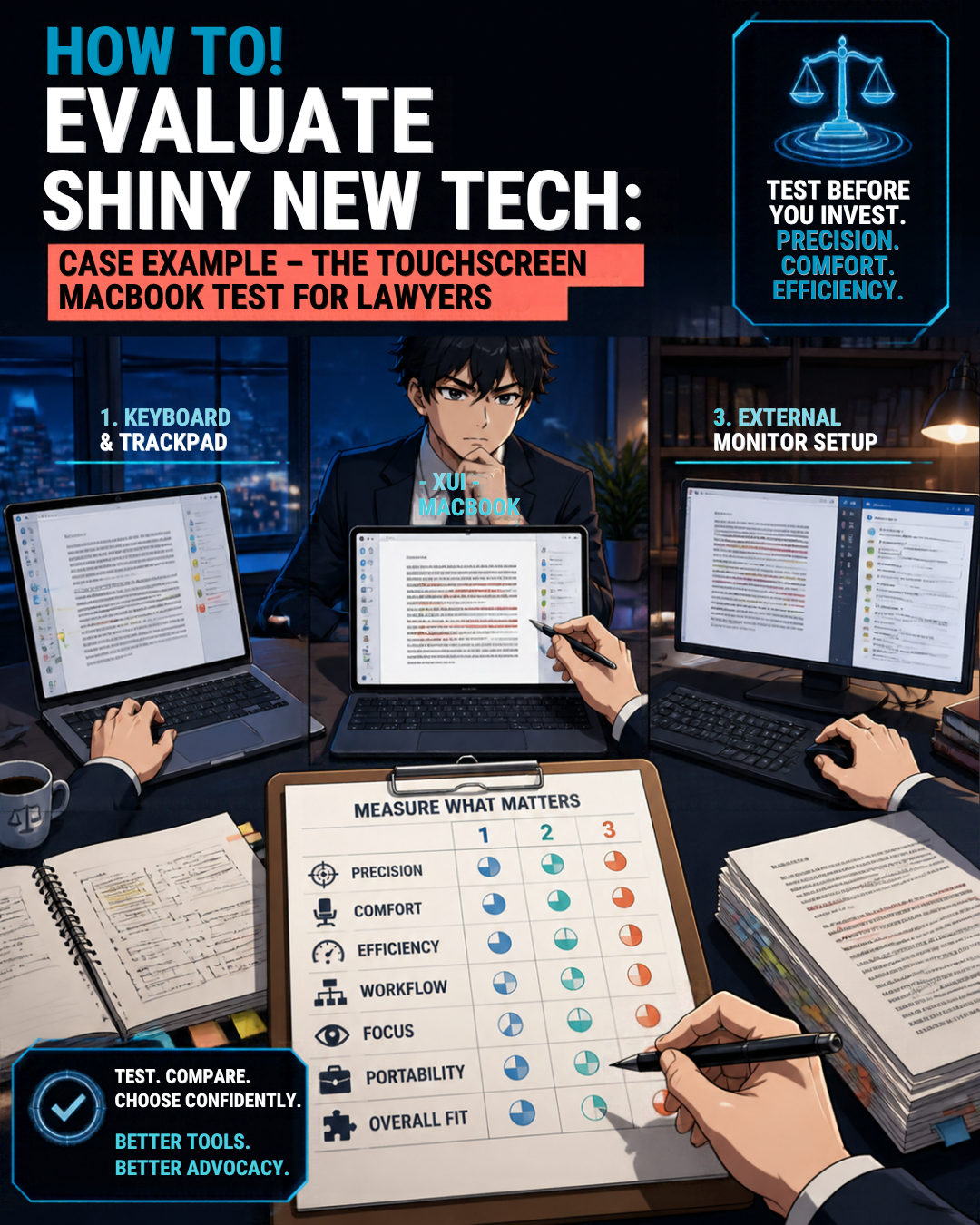
Keyboard-Centered Legal Workflows: Do Touchscreens Improve Lawyer Productivity?
Consider drafting a brief while checking citations and reviewing exhibits. My hands belong near the keyboard, with the trackpad nearby when I need it.
Reaching up to tap the screen interrupts that rhythm for me. Then I must bring my hand back down and resume typing. Repeat that through an afternoon of revisions, and the feature starts looking like unnecessary movement rather than meaningful progress.
Your experience may differ. My point is not that touching a laptop screen is inherently wrong. It is that an additional input method should earn its place in your workflow, not merely occupy space on a feature list.
Apple says touch works alongside familiar keyboard shortcuts and trackpad gestures. You can therefore buy this computer without making screen tapping your preferred habit.
Steve Jobs identified the right question
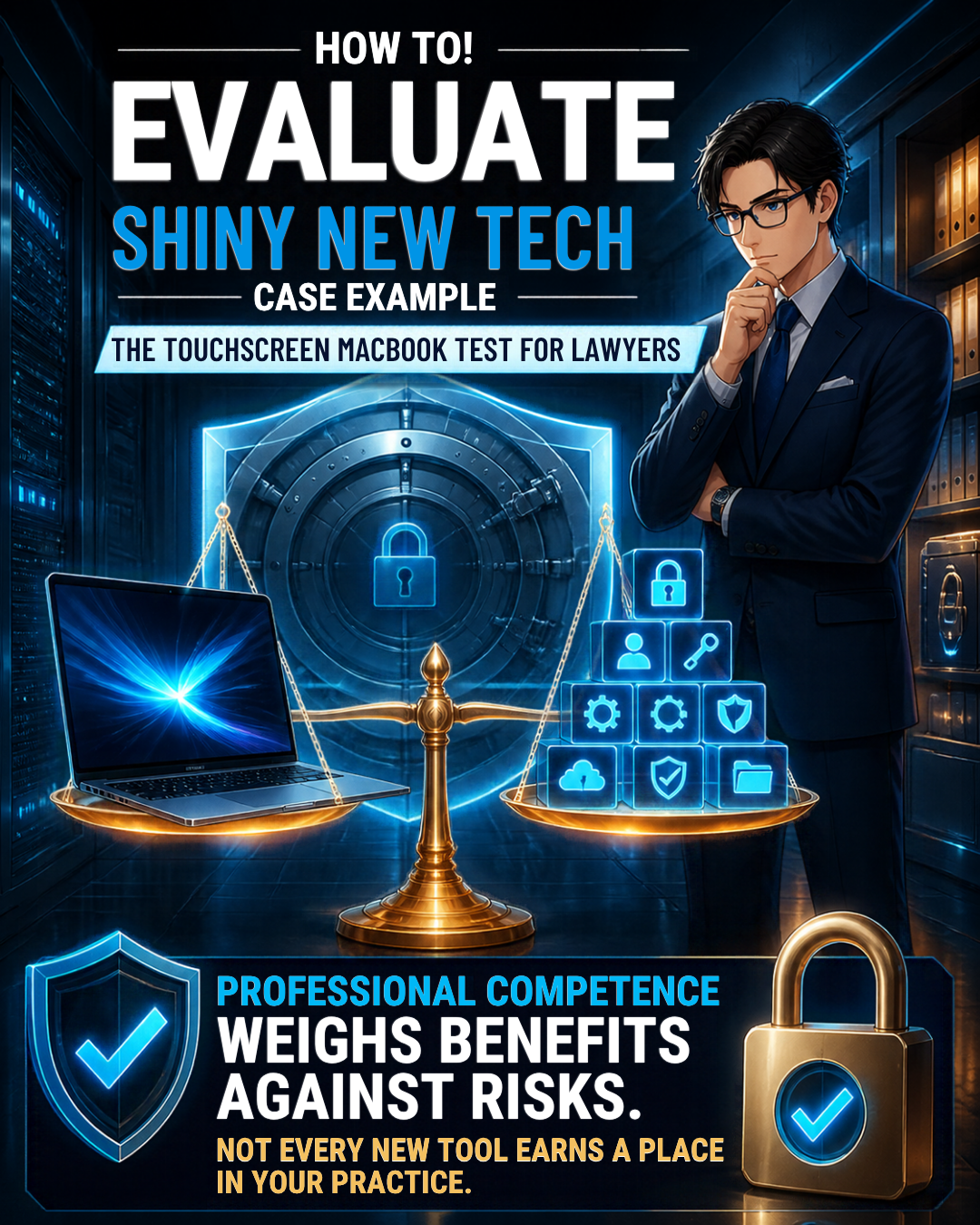
Legal Technology Buying Guide: Balance Innovation, Security, and Confidentiality!
In 2010, Steve Jobs said vertical touch surfaces gave “great demo” before warning about fatigue from extended use. His argument still resonates with me when I picture hours of legal drafting.
That does not establish that every touchscreen laptop is useless. It does remind us to distinguish a compelling demonstration from a comfortable workday. For keyboard-centered legal work, I think Jobs had the better instinct.
I also have little interest in fingerprints and smudges across the document I am reading. Nor do I want screen tapping to become another distraction while concentrating on an argument.
Apple says it redesigned the hinge for greater stability during touch use. I have no basis to claim normal touching will damage it. My objection is unnecessary interaction, not an invented hardware defect.
Make the touchscreen MacBook for lawyers pass a test
Before buying, write down the problem your current computer cannot solve. “The new screen is gorgeous” belongs on the personal wish list, not automatically on the practice needs list.
Then run a realistic comparison using public or fictional documents. Draft a page, revise tracked changes, navigate a long PDF, and move between research and writing. Try the same sequence with the keyboard and trackpad. Note which method feels more precise, comfortable, and efficient.
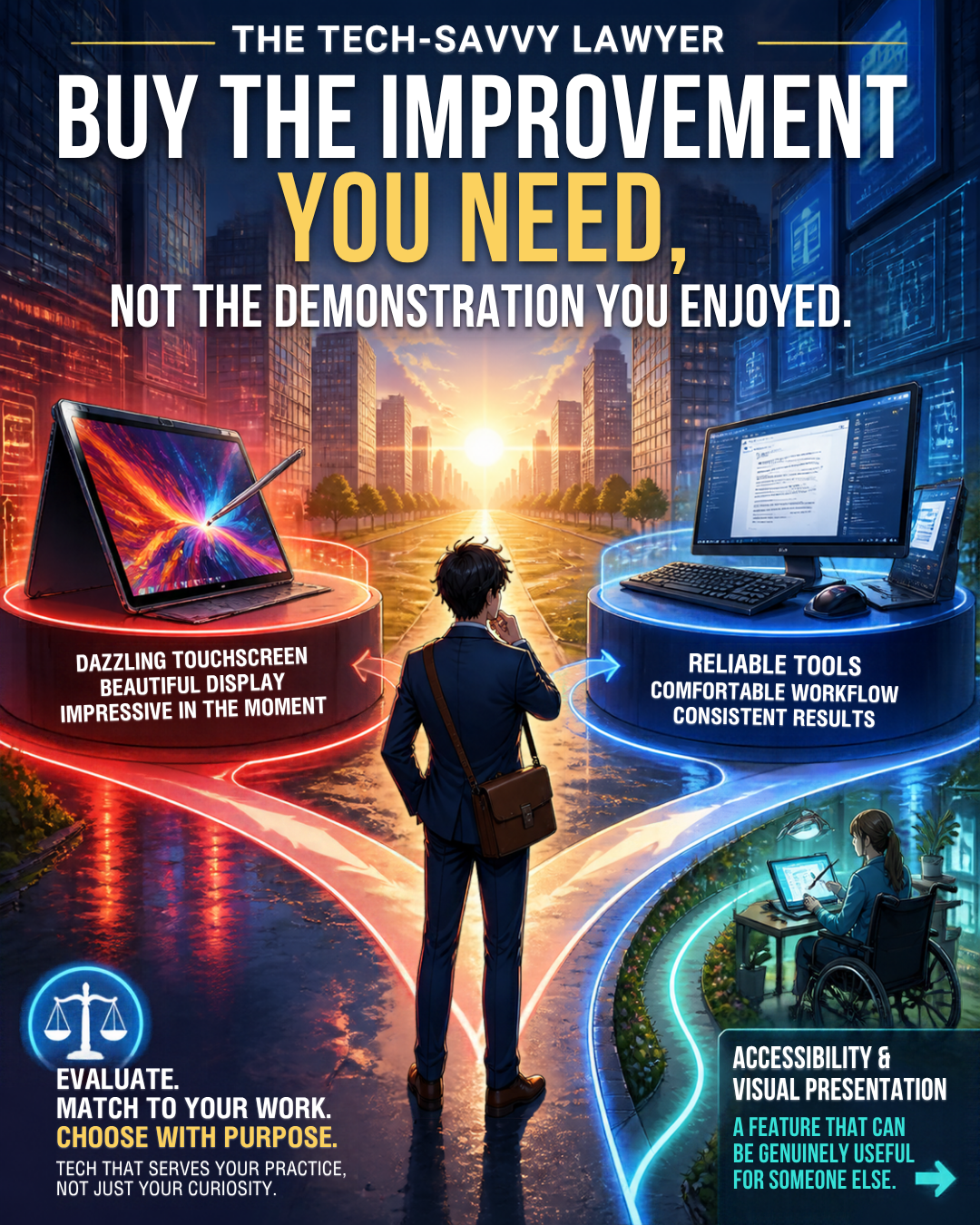
Lawyer Tech Buying Advice: Choose Practical Productivity Over Shiny Features
Ask whether the improvement occurs daily or only during an occasional presentation. If you cannot identify a recurring benefit, wait. A purchase delayed is not a professional opportunity lost.
Include the rest of your setup in that comparison. If your laptop spends most days connected to an external monitor with its lid closed, ask how often you would even see the display you are paying to admire.
If you travel frequently, evaluate the screen in the conditions where you actually work. Check document readability at your preferred text size. Try selecting a footnote and moving between pages. A useful purchase should survive those very ordinary questions without needing a spectacular launch video.
Finally, compare the complete cost with a suitable alternative. Apple’s announced U.S. starting prices are $2,899 for the 14-inch model and $3,399 for the 16-inch model. Those are computer prices with a touchscreen surcharge - do we need to spend the money ... for something we may not use enough to justify the added expense?
Competence does not require the newest gadget ⚖️
ABA Model Rule 1.1, Comment 8 calls for keeping abreast of relevant technology’s benefits and risks. It does not say lawyers must buy every new device. Evaluate the tool against your responsibilities. Check the professional conduct rules applicable in your jurisdiction.
Confidentiality matters more than showroom appeal. Model Rule 1.6(c) requires reasonable efforts to prevent unauthorized access to, or disclosure of, client information.
For a replacement laptop, prioritize secure configuration, access controls, software updates, and a verified migration. Use nonconfidential material during demonstrations. None of those priorities requires a touchscreen.
Remember what you actually bought last time
I explored this distinction in “My Two Cents: Initial Impressions: My Hands-On Experience with Apple’s Vision Pro!”. I admired the experience without finding enough work productivity value to buy it.
My “Hardware Thursdays with an Editorial Bent - Why I Chose Two Samsung 27 Viewfinity S9 Series Monitors Over the Apple Vision Pro (and also the Apple Studio Display).” explained the alternative: invest in the equipment that serves the work.
That remains my approach here. Buy the improvement you need, not the demonstration you enjoyed.
Leave room for a genuine exception
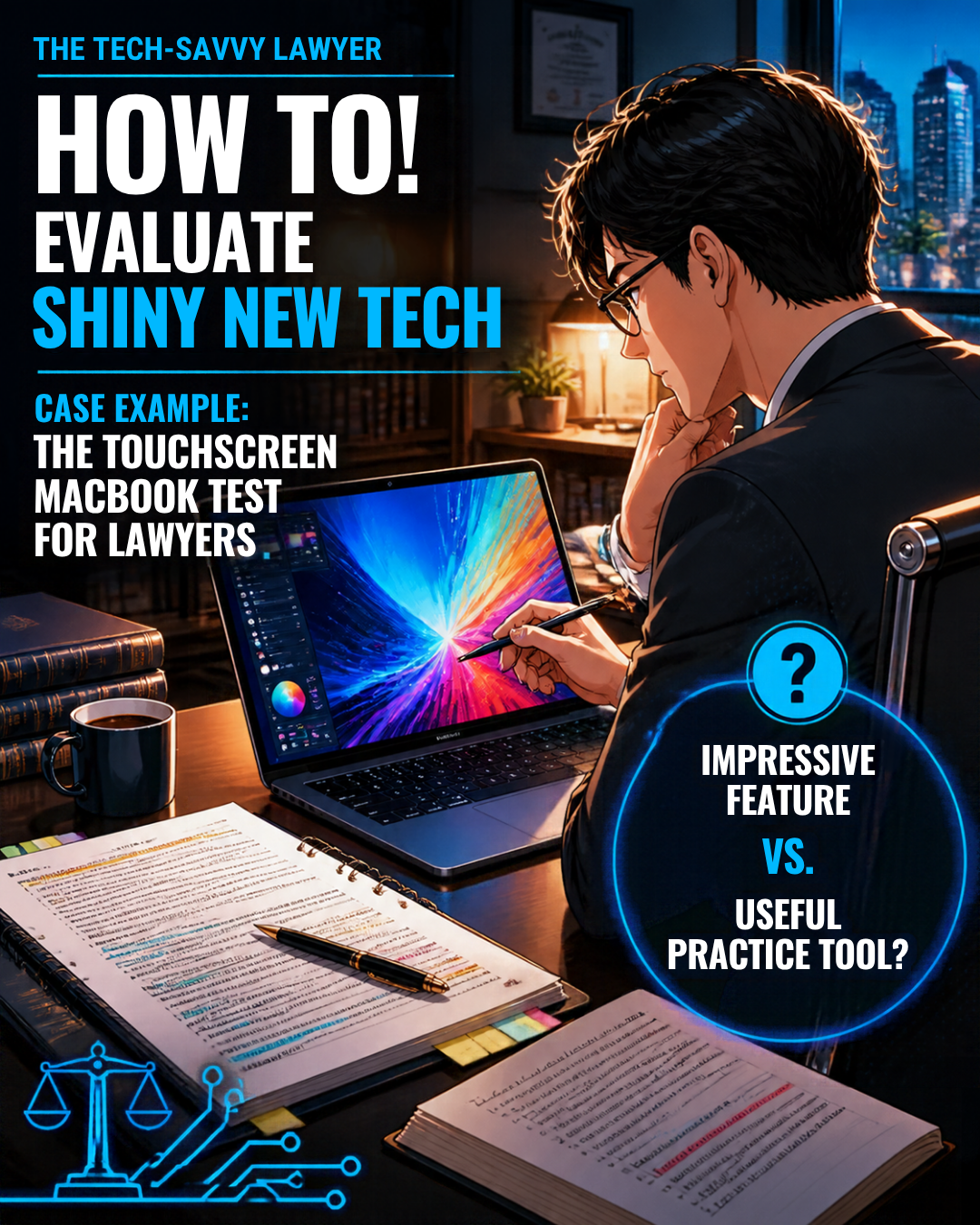
How Lawyers Should Test New Legal Technology Before Investing!
Touch may suit your accessibility needs, visual presentations, or preferred way of navigating material. And those issues may be very good reasons to purchase this option. So test those needs individually rather than accepting my preferences as universal.
If the OLED display itself materially improves your working experience, that can be a legitimate reason to consider the computer. Personal enjoyment is legitimate, too. Just distinguish a discretionary luxury from a necessary practice investment.
For my keyboard-centered work, I expect limited practical value from touch. Unless testing reveals a real benefit, I plan to pass and suggest similarly situated lawyers do the same. Keep the money for something that solves an actual problem.
However, that screen is beautiful ... that new tech option might be drool worthy. But we can admire it without buying it. 😉










