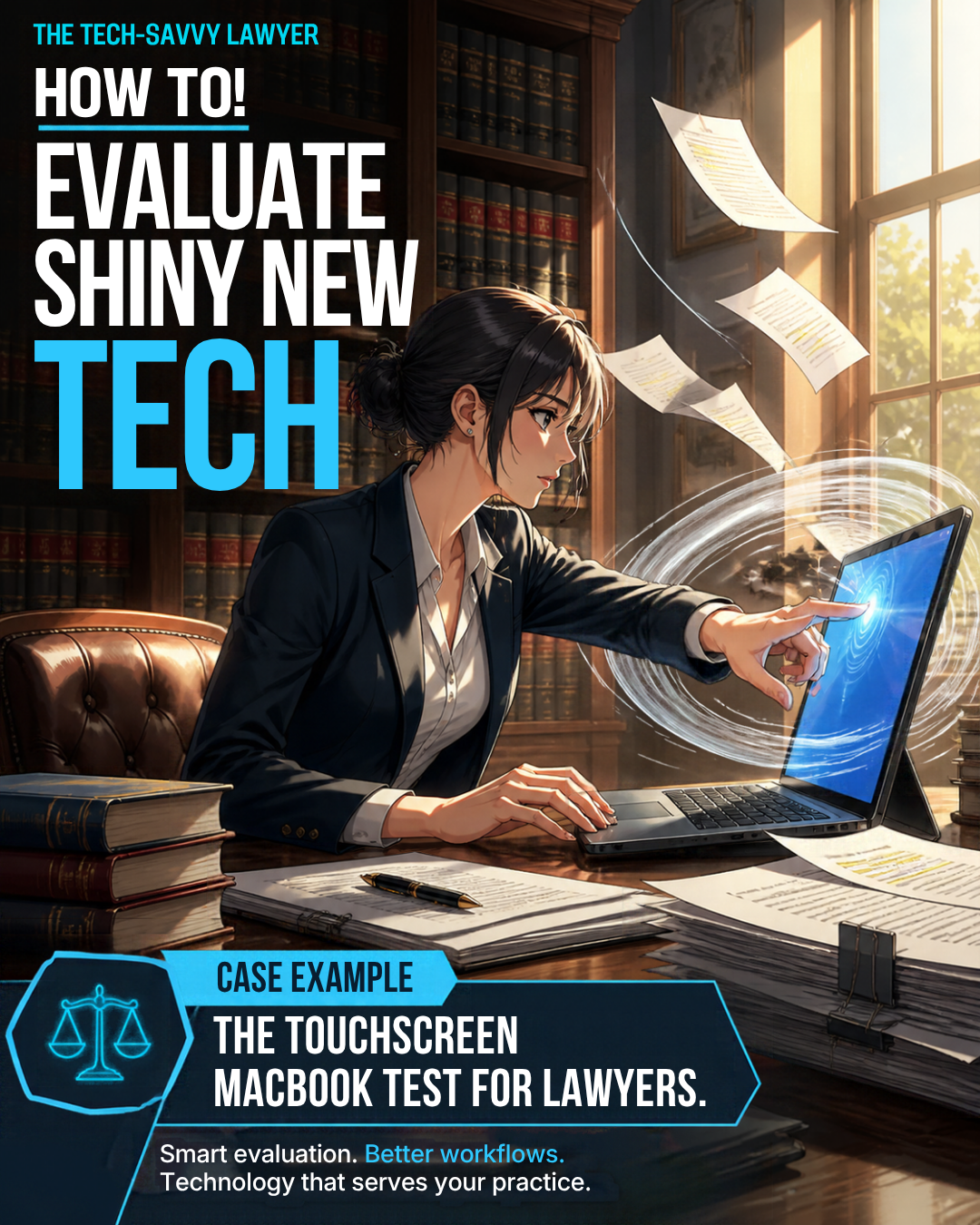
How To! Evaluate Buying the Shiny New Tech Option Before Buying: In this case, a Touchscreen MacBook for Lawyers

Touchscreen MacBook for Lawyers: Impressive Feature or Useful Practice Tool?

Let me confess something: the new OLED touchscreen MacBook Pro has my attention. If you are considering a touchscreen MacBook for lawyers, I understand the temptation. That screen looks beautiful in Apple’s presentation. I am practically drooling. 💻

Apple announced its first touchscreen MacBook Pro today, with preorders opening now and availability beginning November 6. This is my reaction to the announcement, not a hands-on review. My purchasing advice: admire the display before reaching for your wallet.

Separate the beautiful screen from the useful tool

OLED image quality and touchscreen input are separate buying questions. Wanting the first does not establish a need for the second.

Apple describes its tandem OLED display as delivering deep blacks, striking contrast, and vivid color. I can appreciate that appeal without pretending those qualities will improve my next motion. A gorgeous display deserves admiration. It still needs a practical justification before becoming a business expense.

For my legal work, I want comfortable reading, accurate document navigation, reliable applications, and a keyboard that lets me keep moving. I do not need my laptop to make every interaction feel like a product demonstration.

Keep your hands where your work happens ⌨️
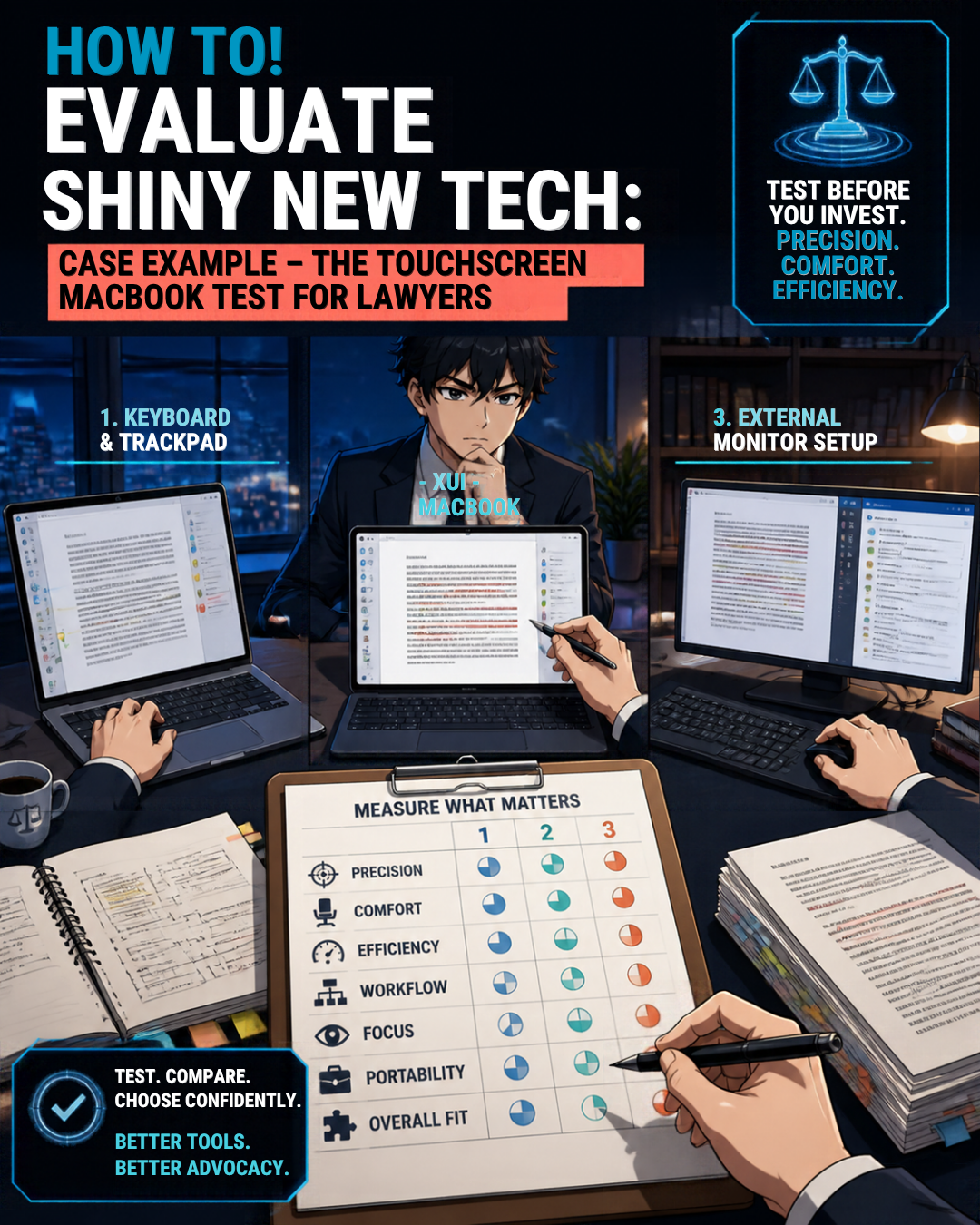
Keyboard-Centered Legal Workflows: Do Touchscreens Improve Lawyer Productivity?

Consider drafting a brief while checking citations and reviewing exhibits. My hands belong near the keyboard, with the trackpad nearby when I need it.

Reaching up to tap the screen interrupts that rhythm for me. Then I must bring my hand back down and resume typing. Repeat that through an afternoon of revisions, and the feature starts looking like unnecessary movement rather than meaningful progress.

Your experience may differ. My point is not that touching a laptop screen is inherently wrong. It is that an additional input method should earn its place in your workflow, not merely occupy space on a feature list.

Apple says touch works alongside familiar keyboard shortcuts and trackpad gestures. You can therefore buy this computer without making screen tapping your preferred habit.

Steve Jobs identified the right question
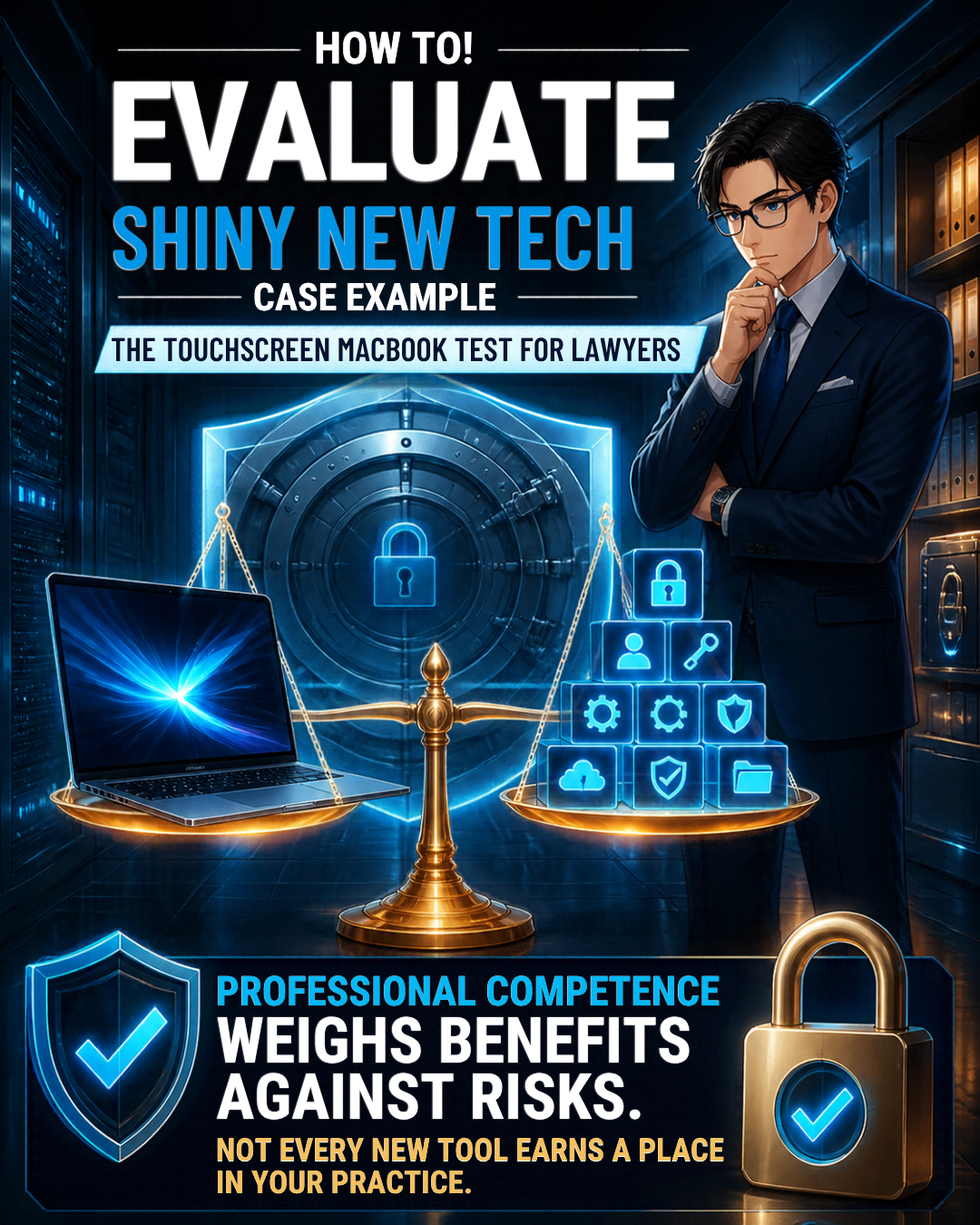
Legal Technology Buying Guide: Balance Innovation, Security, and Confidentiality!

In 2010, Steve Jobs said vertical touch surfaces gave “great demo” before warning about fatigue from extended use. His argument still resonates with me when I picture hours of legal drafting.

That does not establish that every touchscreen laptop is useless. It does remind us to distinguish a compelling demonstration from a comfortable workday. For keyboard-centered legal work, I think Jobs had the better instinct.

I also have little interest in fingerprints and smudges across the document I am reading. Nor do I want screen tapping to become another distraction while concentrating on an argument.

Apple says it redesigned the hinge for greater stability during touch use. I have no basis to claim normal touching will damage it. My objection is unnecessary interaction, not an invented hardware defect.

Make the touchscreen MacBook for lawyers pass a test

Before buying, write down the problem your current computer cannot solve. “The new screen is gorgeous” belongs on the personal wish list, not automatically on the practice needs list.

Then run a realistic comparison using public or fictional documents. Draft a page, revise tracked changes, navigate a long PDF, and move between research and writing. Try the same sequence with the keyboard and trackpad. Note which method feels more precise, comfortable, and efficient.
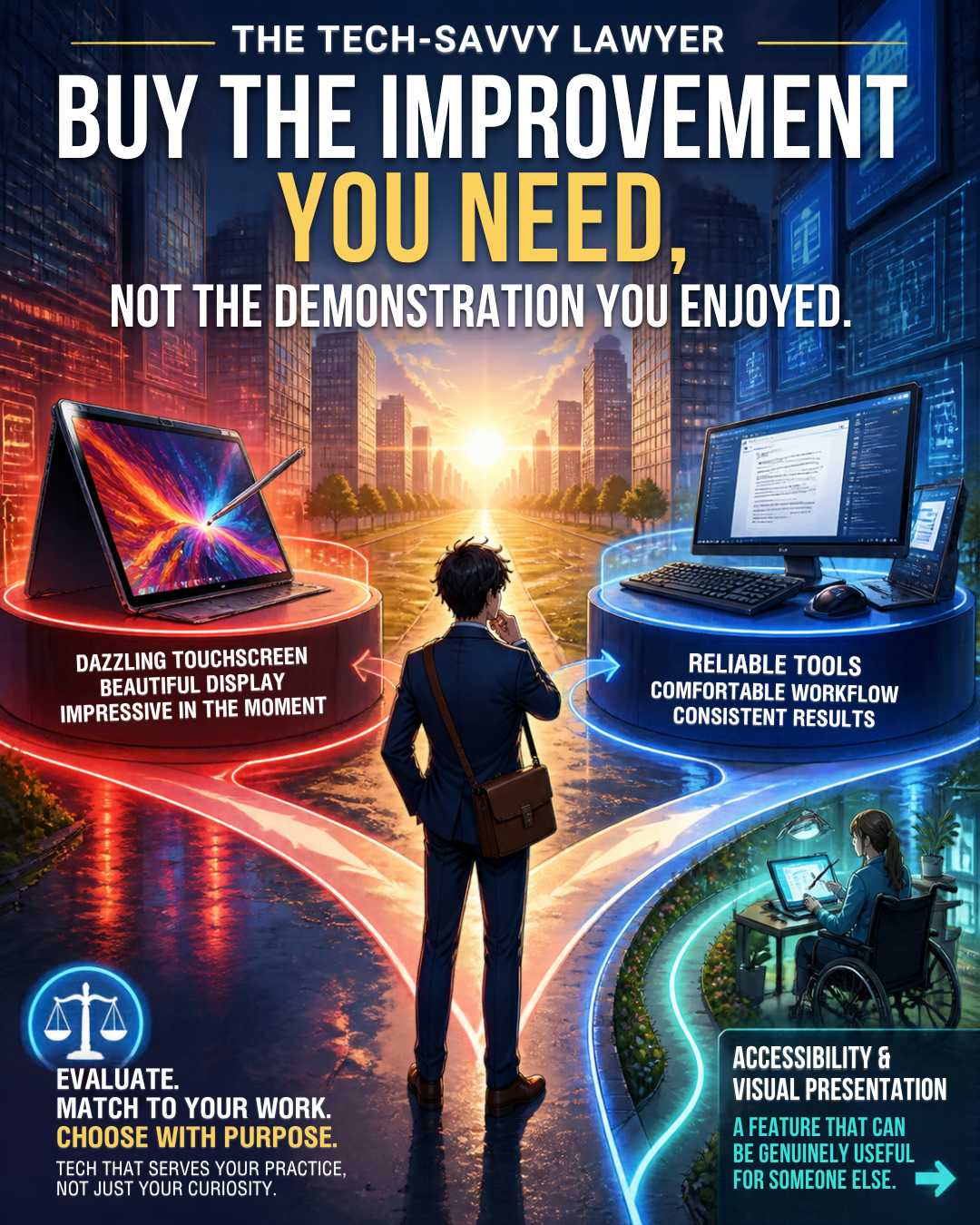
Lawyer Tech Buying Advice: Choose Practical Productivity Over Shiny Features

Ask whether the improvement occurs daily or only during an occasional presentation. If you cannot identify a recurring benefit, wait. A purchase delayed is not a professional opportunity lost.

Include the rest of your setup in that comparison. If your laptop spends most days connected to an external monitor with its lid closed, ask how often you would even see the display you are paying to admire.

If you travel frequently, evaluate the screen in the conditions where you actually work. Check document readability at your preferred text size. Try selecting a footnote and moving between pages. A useful purchase should survive those very ordinary questions without needing a spectacular launch video.

Finally, compare the complete cost with a suitable alternative. Apple’s announced U.S. starting prices are $2,899 for the 14-inch model and $3,399 for the 16-inch model. Those are computer prices with a touchscreen surcharge - do we need to spend the money ... for something we may not use enough to justify the added expense?

Competence does not require the newest gadget ⚖️

ABA Model Rule 1.1, Comment 8 calls for keeping abreast of relevant technology’s benefits and risks. It does not say lawyers must buy every new device. Evaluate the tool against your responsibilities. Check the professional conduct rules applicable in your jurisdiction.

Confidentiality matters more than showroom appeal. Model Rule 1.6(c) requires reasonable efforts to prevent unauthorized access to, or disclosure of, client information.

For a replacement laptop, prioritize secure configuration, access controls, software updates, and a verified migration. Use nonconfidential material during demonstrations. None of those priorities requires a touchscreen.

Remember what you actually bought last time

I explored this distinction in “My Two Cents: Initial Impressions: My Hands-On Experience with Apple’s Vision Pro!”. I admired the experience without finding enough work productivity value to buy it.

My “Hardware Thursdays with an Editorial Bent - Why I Chose Two Samsung 27 Viewfinity S9 Series Monitors Over the Apple Vision Pro (and also the Apple Studio Display).” explained the alternative: invest in the equipment that serves the work.

That remains my approach here. Buy the improvement you need, not the demonstration you enjoyed.

Leave room for a genuine exception
How Lawyers Should Test New Legal Technology Before Investing!

Touch may suit your accessibility needs, visual presentations, or preferred way of navigating material. And those issues may be very good reasons to purchase this option.  So test those needs individually rather than accepting my preferences as universal.

If the OLED display itself materially improves your working experience, that can be a legitimate reason to consider the computer. Personal enjoyment is legitimate, too. Just distinguish a discretionary luxury from a necessary practice investment.

For my keyboard-centered work, I expect limited practical value from touch. Unless testing reveals a real benefit, I plan to pass and suggest similarly situated lawyers do the same. Keep the money for something that solves an actual problem.

However, that screen is beautiful ... that new tech option might be drool worthy. But we can admire it without buying it. 😉


🎙️🎁 TSL Labs Bonus: The Ultimate 2025 Tech Gift Guide for Attorneys — Expert-Curated Gadgets, AI Tools, and Must-Have Devices Every Lawyer Needs!

🎯 In this TSL Labs Bonus episode, we are experimenting with Google’s Notebook LLM to do a “Deep Dive” on our November 24th editorial on the ultimate 2025 tech gift guide for attorneys. We use this AI-powered conversation to unpack the key themes, ethical challenges, and actionable recommendations. Whether you're a solo practitioner, big law associate, or tech-curious partner, this episode delivers expert-curated insights on gadgets, AI tools, and must-have devices that support technological competence as a professional obligation.

If you're a busy legal professional seeking practical tech recommendations that enhance daily practice rather than collect digital dust, join us for this insightful conversation that explores how the right technology investments can improve your practice, safeguard your clients, and help prevent unnecessary bar complaints.

🤔 Join Google AI Deep Dive as they discuss the following three questions and more!

  1. What are the essential low-cost tech gifts under $25 that can make an immediate impact on an attorney's practice, and why do items like cables and tracking devices matter for professional competence?

  2. Which professional-grade tools under $100 deliver the best value for attorneys seeking to fulfill their ethical duty to work smarter and faster through AI integration and productivity enhancements?

  3. Why should premium technology investments over $100—including physical infrastructure like ergonomic chairs—be considered essential to an attorney's professional obligation to their clients?

In our conversation, we cover the following:

[00:00:00] — Episode introduction and TSL Labs Bonus overview

[00:01:00] — Navigating the perfect tech gift for attorneys: unique needs like security, portability, focus, and raw power

[00:02:00] — The three seismic forces driving tech choices: AI integration, cloud-based practice management, and heightened ethical duties

[00:03:00] — Target audience: solo practitioners, big law associates, and tech-curious partners who need technology that lasts

[00:04:00] — Essential low-cost gifts under $25: OWC Thunderbolt 4 USB-C cable and Apple AirTag for security and reliability

[00:05:00] — Productivity essentials: Logitech Pebble M350 silent mouse and Anker 7-in-1 USB-C Hub for presentations

[00:06:00] — AI tools for "forced competence": ChatGPT Plus one-month subscription as a low-risk nudge toward AI exploration

[00:07:00] — Professional grade tools under $100: Apple Pencil (1st Gen) for document annotation and Logitech MX Keys Mini keyboard

[00:08:00] — Focus and noise cancellation: Soundcore Space One headphones with 40+ hours battery life

[00:09:00] — Precision document navigation: Logitech MX Master 3S mouse with horizontal scrolling for wide documents

[00:10:00] — Premium mobile computing sweet spots: iPad Air with M3 chip ($599) and MacBook Air M4 ($999)

[00:11:00] — Physical infrastructure as health technology: Herman Miller Aeron chair ($1,351) for sustained high-quality work

[00:12:00] — Ultra-wide monitor benefits: LG 34" 5K 2K ($315) for seamless document comparison and reduced cognitive strain

[00:13:00] — Virtual practice essentials: Logitech Brio 4K webcam ($160) and Samsung T7 SSD ($109) for secure data management

[00:14:00] — The ultimate organizational hub: CalDigit TS3 Plus dock ($280) with 15 ports for cable clutter elimination

[00:15:00] — Strategic gift-giving advice: Understanding ecosystem (Apple, Windows, Android) and workflow considerations

📚 Resources

🖥️ Hardware Mentioned in the Conversation

Under $25:

  • OWC Thunderbolt 4 USB-C Cable (~$19.99) — Universal cable supporting 40Gb/s data, 100W power delivery, up to 8K video —(https://www.owc.com)

  • Apple AirTag (Single Pack) ($24) — Bluetooth tracking device using Find My network —(https://www.apple.com/airtag)

  • Logitech Pebble M350 Wireless Mouse (~$19.99) — Silent click, 90% noise reduction, 18-month battery — (https://www.logitech.com)

  • Anker 341 USB-C Hub (7-in-1) (~$19.99) — HDMI 4K@30Hz, USB ports, SD card slots — https://www.anker.com)

  • ORICLE 65W USB Travel Power Strip — Flat plug, 4-foot cord, 7-in-1 hub for travel —(https://oricotechs.com)

Under $100:

Premium Over $100:

  • iPad Air with M3 Chip (Starting at $599) — 8-core CPU, 9-core GPU, ideal balance of power and portability — (https://www.apple.com/ipad-air)

  • MacBook Air M4 (Starting at $999) — 10-core CPU, 10-core GPU, up to 18 hours battery life —(https://www.apple.com/macbook-air)

  • Herman Miller Aeron Chair (~$1,351) — Ergonomic office chair with PostureFit SL, three sizes for 1st-99th percentile —(https://www.hermanmiller.com)

  • LG 34" Ultrawide 5K 2K Monitor (~$315) — 3440x1440 resolution, curved display for seamless multitasking — (https://www.lg.com/us/monitors)

  • Logitech Brio 4K Ultra HD Webcam (~$160) — 4K@30fps, RightLight 3 HDR, adjustable 65°/78°/90° FOV — (https://www.logitech.com)

  • Samsung T7 Portable SSD (1TB) (~$109.99) — 1,050MB/s read speed, AES 256-bit encryption, 2m drop resistant — (https://www.samsung.com)

  • CalDigit TS3 Plus Thunderbolt 3 Dock (~$280) — 15 ports, 87W laptop charging, dual 4K display support — (https://www.caldigit.com)

💻 Software & Cloud Services Mentioned in the Conversation

  • ChatGPT Plus ($20/month) — OpenAI's premium AI assistant with GPT-4 access for research and drafting — (https://chat.openai.com)

  • Grammarly Premium (~$96/year on sale; $144/year regular) — AI-powered writing assistant with plagiarism detection —(https://www.grammarly.com)

  • Apple Find My — Location tracking app for AirTags and Apple devices — https://www.icloud.com/find

📌 Disclaimer: Prices mentioned throughout this episode and show notes are approximate and based on manufacturer suggested retail prices around the time of the publication date; actual pricing may vary depending on manufacturer availability, retailer promotions, seasonal sales, and geographic location, and we recommend verifying current pricing before making any purchase decisions.

🎙️ Ep. #125: Transforming Law Practice: Allison Johs on Legal Tech Productivity, AI Ethics & Automation Strategies.

My next guest is Allison Johs, former Chair of the ABA Legal Technology Resource Center and founder of Legal Ease Consulting. 🎯 Allison has spent nearly two decades helping law firms prevent "lawyer meltdown" by guiding them through digital transformation, boosting productivity, and providing practical tech solutions for modern legal professionals. With 15 years of practicing law and experience growing a firm from 15 to over 50 attorneys, Allison brings real-world expertise to the challenges lawyers face when balancing technology adoption with successful client service.

Join Allison Johs and me as we discuss the following three questions and more! 🤔

  1. What are the top three foundational mistakes lawyers make when implementing new legal technology, and how can solo and small firms avoid these pitfalls to ensure their technology investments actually improve their practice rather than just create additional complexity?

  2. What are your top three recommendations for lawyers who want to responsibly integrate AI into their practice while maintaining ethical compliance and ensuring client confidentiality?

  3. What are the top three technology-driven strategies lawyers can implement immediately to automate routine tasks and reclaim billable hours?

In our conversation, we cover the following: ⏱️

  • [00:00:00] – Episode introduction and guest welcome

  • [00:01:00] – Allison's current tech setup: Dell laptop, HP all-in-one desktop, Logitech Brio webcam, Microsoft 365

  • [00:02:00] – Discussion of portable monitors (INNOCN) and dual-screen productivity setups

  • [00:03:00] – Document scanning workflow with ScanSnap scanner and going paperless

  • [00:04:00] – OCR considerations for different practice areas, Adobe Acrobat for occasional OCR needs

  • [00:05:00] – Mistake #1: Not considering roles of all people who will use the technology in the firm

  • [00:06:00] – Including staff input during technology selection and implementation

  • [00:07:00] – Coaching resistant employees through technology adoption

  • [00:08:00] – Addressing legitimate objections vs. fear of change; demonstrating value to staff

  • [00:09:00] – Mistake #2: Not checking how new technology integrates with existing systems

  • [00:10:00] – Hidden costs of technology transitions: running parallel systems for 6-8 months

  • [00:11:00] – Budgeting for duplicate CRM/LPM subscriptions during migration

  • [00:12:00] – Mistake #3: Failing to appropriately invest in ongoing training

  • [00:13:00] – Training new hires and keeping up with subscription software updates

  • [00:14:00] – AI Recommendation #1: Thoroughly investigate how AI tools handle data, security, and training

  • [00:15:00] – AI Recommendation #2: Setting and strictly enforcing AI usage policies; mandatory human review

  • [00:16:00] – The importance of reviewing AI outputs—lawyers should know precedents in their practice area

  • [00:17:00] – AI Recommendation #3: Start with non-client-facing AI work (internal processes, marketing, financials)

  • [00:18:00] – Ethical considerations: using AI on published court decisions for legal analysis

  • [00:19:00] – Using AI to find contrary precedents and distinguishing cases

  • [00:20:00] – Duty to supervise: real-world consequences when AI use goes wrong

  • [00:21:00] – Automation Strategy #1: Appointment booking tools (Calendly, Microsoft Bookings)

  • [00:22:00] – Automation Strategy #2: Templates, document assembly, AI chatbots for client intake

  • [00:23:00] – Automation Strategy #3: Automated time tracking and AI-powered billing review

  • [00:23:30] – Text Expander discussion: saving 2-5 hours weekly on repetitive typing

  • [00:24:00] – Allison's top automation tools: Calendly, Microsoft Power Automate, Microsoft Bookings

  • [00:25:00] – Discovering hidden features in Microsoft 365 (Ben Schorr webinar reference)

  • [00:26:00] – Using AI for travel planning: Google AI for trip itineraries, Perplexity AI for route optimization

  • [00:27:00] – Maximizing productivity during travel and conference attendance

  • [00:28:00] – Where to find Allison: websites, social media, and YouTube channel

Resources 📚

Connect with Allison Johs:

Mentioned in the Episode:

  • 📖 ABA Legal Technology Resource Center – americanbar.org/groups/departments_offices/legal_technology_resources

  • 📖 How to Do More in Less Time (2nd Edition, 2023) – ABA Law Practice Division book co-authored by Allison Johs - https://www.amazon.com/How-More-Less-Time-Productivity/dp/1639052283

  • 📖 Make LinkedIn Work for You: A Practical Handbook for Lawyers and Other Legal Professionals – Co-authored with Dennis Kennedy - https://www.amazon.com/Make-LinkedIn-Work-You-Professionals/dp/1734076321

  • 👤 Ben Schorr – Microsoft 365 expert, now with Affinity Consulting Group - https://www.affinityconsulting.com/team/ben-m-schorr/

  • 🏛️ Universal Migrator – CRM/LPM data migration tool - https://www.universalmigrator.com/

Hardware Mentioned in the Conversation:

  • 💻 Dell Laptop - https://www.dell.com/en-us/shop/dell-laptops/scr/laptops?_gl=1*78tbrz*_up*MQ..*_gs*MQ..&gclid=EAIaIQobChMIgerxro6QkQMVdUpHAR0BUBUOEAAYASAAEgJ_R_D_BwE&gclsrc=aw.ds

  • 🖥️ HP All-in-One Desktop Computer - https://www.hp.com/us-en/shop/vwa/desktops/form=All-in-One

  • 🖥️ INNOCN Portable Monitor (1080p mobile screen) – innocn.com

  • 📷 Logitech Brio Webcam (4K with built-in microphone) – logitech.com/brio

  • 🖨️ HP Printer - https://www.hp.com/us-en/shop/vwa/printers

  • 📄 Fujitsu ScanSnap Scanner (duplex document scanner) – scansnap.com

Software & Cloud Services Mentioned in the Conversation:

🎙️ Ep. 121: Iowa Personal Injury Lawyer Tim Semelroth on AI Expert Testimony Prep, Claude for Legal Research and Client Communications Tech!

My next guest is Tim Semelroth. Tim is an Iowa personal injury attorney from RSH Legal, who leverages cutting-edge AI tools, including Notebook LM for expert testimony preparation, Claude AI for dictation, and SIO for medical records analysis. He shares practical strategies for maintaining client relationships through e-signatures, texting integration, and automated birthday card systems while embracing legal technology. All this and more, enjoy.

Join Tim Semelroth and me as we discuss the following three questions and more!

  1. What are the top three ways lawyers can leverage AI tools like ChatGPT and Notebook LM to prepare for expert testimony or cross-examination? And how do you ensure client confidentiality when using these tools?

  2. What are the top three technology tools or systems that personal injury attorneys should implement to streamline their practice when handling cases involving trucking accidents, medical records analysis, and insurance negotiations?

  3. What are the top three strategies you recommend for attorneys to maintain personal relationships with clients and community involvement, while also embracing cutting-edge legal technology to improve practice efficiency?

In our conversation, we cover the following:

[00:01:00] Introduction and guest tech setup discussion

[00:02:00] Dell hardware specifications and IT outsourcing strategy

[00:03:00] Smartphone preferences - iPhone 16 and iPad Pro

[00:04:00] Cross-platform compatibility between Windows and Mac environments

[00:05:00] Web-based software solutions for remote work flexibility

[00:06:00] Plaud AI dictation hardware - features and use cases

[00:07:00] Dictation while exercising and driving - mobile workflows

[00:08:00] Essential software stack - File Vine, Lead Docket, and SIO

[00:09:00] AI tools for expert testimony preparation and HIPAA compliance

[00:10:00] Simplifying complex legal language for jury comprehension

[00:11:00] Using AI to brainstorm cross-examination topics and preparation

[00:12:00] Notebook LM audio overview feature for testimony preparation

[00:13:00] Client communication preferences - e-signatures and texting

[00:14:00] File Vine texting integration for client communications

[00:15:00] Case management alerts and notification systems

[00:17:00] Client preferences for phone vs. video communication

[00:18:00] Rural client challenges and electronic communication benefits

[00:20:00] SIO AI platform for medical records analysis

[00:21:00] Medical chronology automation and document management

[00:22:00] Jurisdiction-specific customization for demand letters

[00:23:00] Content repurposing strategy across multiple platforms

[00:24:00] LinkedIn marketing for lawyer referral relationships

[00:25:00] Multi-channel newsletter approach - digital and print

[00:26:00] Print newsletter effectiveness for legal professionals

[00:27:00] SEO benefits and peer recognition from content marketing

[00:28:00] Client communication policy - 30-day contact requirements

[00:29:00] Proactive client outreach through text messaging

[00:30:00] Automated birthday card system for client retention

[00:31:00] The Marv Stallman Rule - personal marketing through cards

[00:32:00] Technology-enabled client relationship management

[00:33:00] Contact information and social media presence

RESOURCES

Connect with Tim!

Hardware mentioned in the conversation

Software & Cloud Services mentioned in the conversation

Subscribe to The Tech-Savvy Lawyer.Page podcast on Apple Podcasts, Spotify, or wherever you get your podcasts. Don't forget to leave us a five-star review! ⭐️⭐️⭐️⭐️⭐️

📢 ANNOUNCEMENT: Tech-Savvy Saturdays Takes a Brief Hiatus - Continuing to Empower Lawyers with Legal Tech Insights Through Blogs and Podcasts.

Hey everyone!

My goal with Tech-Savvy Saturdays (TSS) is to consistently serve as a cornerstone resource for legal professionals seeking to navigate the evolving landscape of legal technology. Due to other obligations, I need to take a pause on TSS.  But fear not, TSS will return in several months. Meanwhile, you can still stay updated on all things legal tech through the Tech-Savvy Lawyer Blog and Podcast.

Stay safe and Tech-Savvy!

Your Friend,
Michael D.J.

It's Happening This Saturday! Tech-Savvy Saturday Goes Live at 12 PM EST! 🎉💻

The wait is over! This Saturday, August 30, 2025 at 12:00 PM EST, we're finally presenting "Preparing Your Old Office Technology for Your Kids' Back-to-School Success" – and it's going to be incredible! 🚀

As your award-winning host at The Tech-Savvy Lawyer.Page, I've crafted a comprehensive, action-packed session that transforms the way legal professionals approach family technology. This isn't just about repurposing equipment – it's about creating secure, efficient learning environments while maintaining the ethical standards our profession demands.

What makes this session extraordinary:

  • Step-by-step device sanitization protocols specifically designed for legal professionals.

  • Family cybersecurity strategies that protect both your practice and your children.

  • Attorney-client privilege protection during device transitions.

Your patience has been rewarded with enhanced content, deeper insights, and practical solutions you won't find anywhere else. Join hundreds of legal professionals who are already registered for what promises to be our most valuable session yet!

You can Register Here for free!

Mark your calendar: Saturday, August 30, 2025 at 12:00 PM EST ⏰

See you there! 🌟

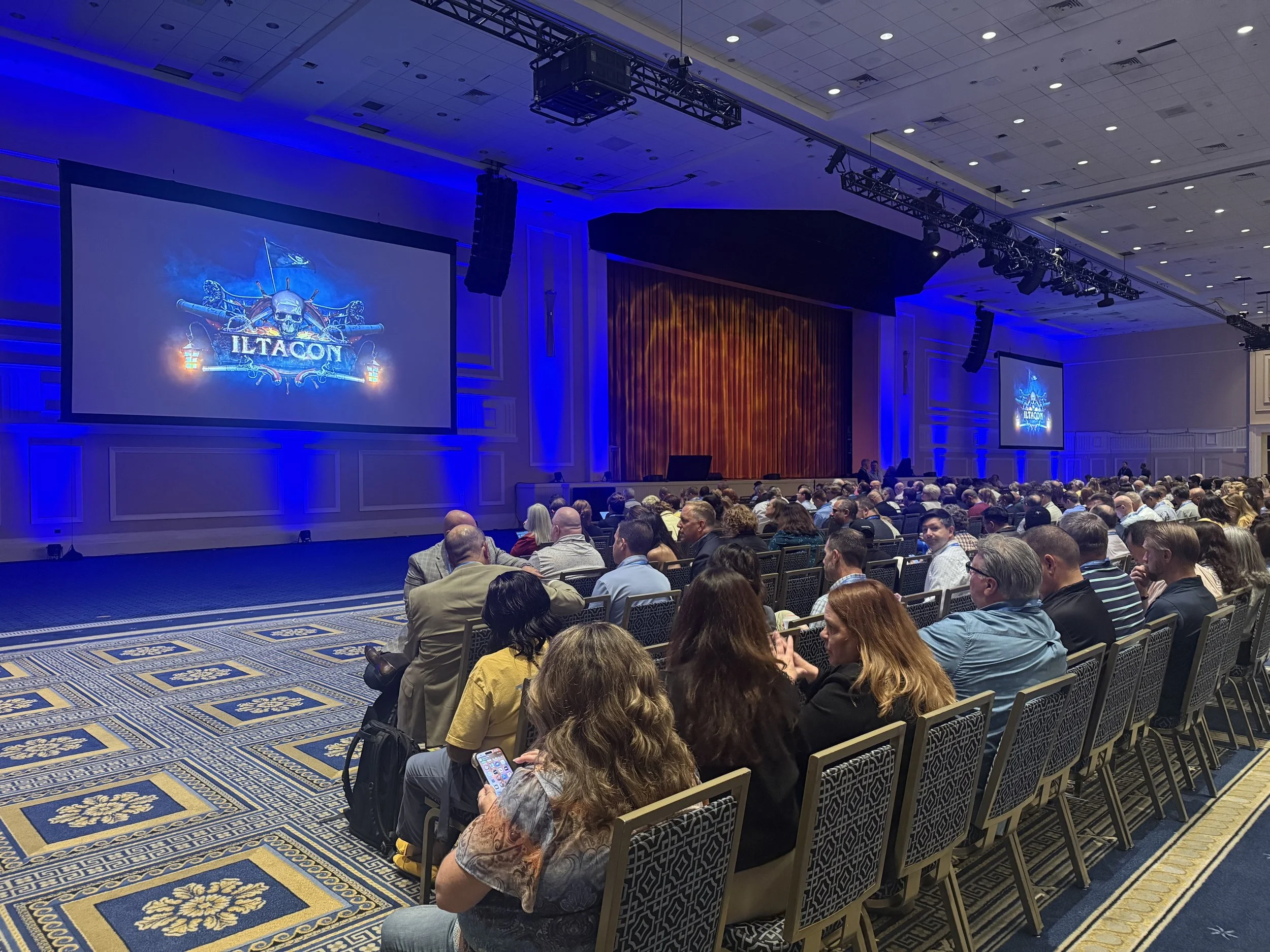
ILTACON 2025 Opening: Navigating the Legal Tech Treasure Trove ⚓

Get your legal tech plunder at #ILTACON2025

Ahoy, legal tech voyagers! ⛵ ILTACON 2025 has officially set sail at the magnificent Gaylord National Resort & Convention Center in National Harbor, Maryland, and what a spectacular opening it's been. From August 10-14, over 4,000 legal professionals interested in legal technology are charting their course through the most comprehensive bounty of legal tech innovations ever assembled.

This year's pirate theme couldn't be more fitting. Legal professionals have truly become modern-day treasure hunters, seeking out the digital gold that will transform their practices. The opening reception on Monday morning perfectly captured this spirit, with maritime merriment setting the tone for what promises to be an extraordinary week of discovery.

Among the distinguished crew of attendees, we spotted previous podcast guest Stephen Embry, the brilliant mind behind the TechLaw Crossroads blog and former chair of the American Bar Association’s Law Practice Division. His insights on artificial intelligence adoption and legal technology competency continue to guide practitioners navigating the choppy waters of digital transformation. Also making waves is Brett Burney, Vice President of NextPoint Law Group, whose expertise in bridging the chasm between legal and technology frontiers has made him a sought-after guide for firms embracing Discovery solutions.

The exhibit hall, themed as the "Pirate's Bounty," features over 225 vendors displaying their technological treasures. From AI-powered legal research tools to advanced case management systems, the bounty available to legal professionals has never been more abundant. The challenge isn't finding technology—it's selecting the right tools that will genuinely enhance practice efficiency without overwhelming existing workflows.

What makes ILTACON unique is its peer-driven approach to education. Unlike vendor-heavy conferences, ILTACON sessions are crafted by practitioners who have firsthand experience with the challenges facing legal technology professionals. This year's 80+ educational sessions span eight focus areas, ensuring every legal professional finds relevant insights to take back to their firm.

For firms with limited to moderate technology skills, ILTACON provides the perfect environment to learn from peers who have successfully navigated similar challenges. The networking opportunities alone justify the investment, as connections made here often lead to solutions for specific practice challenges.

The pirate theme extends beyond mere decoration—it represents the adventurous spirit required to succeed in today's legal technology landscape. Legal professionals must be willing to explore uncharted territories, test new solutions, and occasionally take calculated risks to discover the innovations that will give their practices a competitive edge.

#ILTACON2025

As we sail through this week of discovery, remember that the real treasure isn't the technology itself—it's the enhanced client service, improved efficiency, and competitive advantages these tools provide when properly implemented.

May fair winds fill your sails as you navigate this legal tech treasure trove! ⚓

#ILTACON2025

🎙️ Ep. 117: Legal Tech Revolution,  How Dorna Moini Built Gavel.ai to Transform the Practice of Law with AI and Automation.

Dorna Moini, CEO and Founder of Gavel, discusses how generative AI is transforming the way legal professionals work. She explains how Gavel helps lawyers automate their work, save time, and reach more clients without needing to know how to code. In the conversation, she shares the top three ways AI has improved Gavel's tools and operations. She also highlights the most significant security risks that lawyers should be aware of when using AI tools. Lastly, she provides simple tips to ensure AI-generated results are accurate and reliable, as well as how to avoid false or misleading information.

Join Dorna and me as we discuss the following three questions and more!

  1. What are the top three ways generative AI has transferred Gavel's offerings and operations?

  2. What are the top three most critical security concerns legal professionals should be aware of when using AI-integrated products like Gavel?

  3. What are the top three ways to ensure the accuracy and reliability of AI-generated results, including measures to prevent false or misleading information or hallucinations?

In our conversation, we cover the following:

[01:16] Dorna's Tech Setup and Upgrades

[03:56] Discussion on Computer and Smartphone Upgrades

[08:31] Exploring Additional Tech and Sleeping Technology

[09:32] Generative AI's Impact on Gavel's Operations

[13:13] Critical Security Concerns in AI-Integrated Products

[16:44] Playbooks and Redline Capabilities in Gavel Exec

[20:45] Contact Information

Resources: 

Connect with Dorna:

Websites & SaaS Products:

  • Apple Podcasts — Podcast platform (for reviews)

  • Apple Podcasts — Podcast platform (for reviews)

  • ChatGPT — AI conversational assistant by OpenAI

  • ChatGPT — AI conversational assistant by OpenAI

  • Gavel — AI-powered legal automation platform (formerly Documate)

  • Gavel Exec — AI assistant for legal document review and redlining (part of Gavel)

  • MacRumors — Apple news and product cycle information

  • MacRumors — Apple news and product cycle information

  • Notion — Workspace for notes, databases, and project management

  • Notion — Workspace for notes, databases, and project management

  • Slack — Team communication and collaboration platform 

Hardware:

Other:

🎙️ Ep. 108: Women Leading Legal Tech: Sonya Palmer on AI, Apple Setup And Essential Tools.

Our next guest is Sonya Palmer, COO of Rankings.io and host of the LawHer podcast.

Today, Sonya shares her expertise on women's roles in legal tech, AI-powered marketing, and optimizing workflows within the Apple ecosystem. She addresses common misconceptions about women in law and technology, offers top tech tips for using social media to grow a legal practice, and highlights frequent mistakes professionals make when adopting AI. Sonya also provides practical advice for disconnecting from work, especially for attorneys, and explores how men and women approach tech-based disconnection differently.

Join Sonya and me as we discuss the following three questions and more!

  1. It's an interesting fact that more women than men play video games. What are the top three misconceptions people have about women in technology and the practice of law?

  2. What are our guest's top three tech tips for using social media to promote a law practice?

  3. What are our guest's top three tech tips for disconnecting from work to get peace of mind while maintaining oversight of the practice? Is there a difference between how men and women better disconnect? If so, what are the top three differences and top three similarities between the two?

In our conversation, we cover the following:

[00:56] Sonya's Tech Setup

[06:15] Misconceptions About Women in Technology and Law

[08:07] Tech Tips for Social Media Promotion in Law Practice

[12:30] Common Errors in Using AI for Marketing

[16:03] Tech Tips for Disconnecting from Work

[20:54] Differences and Similarities in Disconnecting for Men and Women

[22:35] Contact Information

Resources:

Connect with Sonya:

Podcasts Mentioned in the episode:

Hardware mentioned in the conversation:

Software & Cloud Services mentioned in the conversation: