

🚨 BREAKING NEWS! Microsoft Outlook Outage: What Lawyers Need to Do When Microsoft 365 Email Fails ⚠️
/
lawyers are you prepared if your e-mail server goes down?!
The Microsoft Outlook and Exchange Online outage reported on August 31 is a timely warning for every law practice that relies on Microsoft 365 for email, calendars, document access, and client communication. This was not simply an inconvenience. For lawyers, a cloud-service disruption can become a deadline, confidentiality, supervision, and client-service problem within hours. ⚖️
Thousands of users reported Outlook problems beginning shortly before noon Eastern Time on August 31. Reports peaked at nearly 6,000 shortly after 12:24 p.m. ET. The most common complaint involved receiving email. Users also reported login and app-access problems. Microsoft initially confirmed degraded functionality in Exchange Online, its cloud-hosted email platform.
The situation later appeared broader than Outlook alone. Reporting on Microsoft’s service updates indicated that the incident affected Exchange Online and could affect Microsoft 365 services including OneDrive for Business, SharePoint Online, Teams, Purview, and Defender XDR. Microsoft attributed the incident to a core authentication-configuration issue. By early September 1, mailbox connectivity had reportedly been restored, although Microsoft was still addressing search functionality and the clearing of backlogged mail queues.
For a law firm, that combination matters. An outage can interrupt email. A related Microsoft 365 disruption can also interfere with matter files, calendar access, Teams meetings, e-discovery workflows, secure sharing, retention tools, and even the ability to authenticate into the firm’s normal systems.
The lesson is not that lawyers should abandon cloud technology. Microsoft 365 remains an important platform for many legal organizations. The lesson is that every firm needs a practical, tested continuity plan for the days when a trusted vendor’s systems are unavailable. 🔐
Why This Is a Legal-Practice Issue
Lawyers often treat email as an everyday administrative tool. Clients do not. To a client, email is often the firm’s front door, the place where urgent instructions arrive, and the record of whether counsel responded when it mattered.
When Outlook or Exchange Online stops working, several risks arise at once:
A client may send time-sensitive instructions that do not reach the firm promptly.
Opposing counsel may serve a filing, discovery response, settlement demand, or meet-and-confer request by email.
A court may issue a notice, hearing link, electronic filing notice, or order through a system that the lawyer normally monitors through Outlook.
Firm staff may be unable to locate calendar invitations or Teams links for hearings, mediations, depositions, and client meetings.
Messages sent during the outage may be delayed. They may arrive later in a batch, which can create confusion about when the message was actually sent or received.
Lawyers may resort to personal email, text messages, or improvised file-sharing tools without considering confidentiality, security, and retention obligations.
That is why a service outage is not merely an IT ticket. It is a business-continuity event. A solo lawyer can face the same core risk as a large firm, although a solo lawyer may have fewer people available to spot the problem and activate a fallback process.
The ABA Model Rules provide the framework. ABA Model Rule 1.1 requires competent representation. Comment 8 explains that competence includes keeping abreast of the benefits and risks associated with relevant technology. A lawyer who depends on cloud email does not need to become a Microsoft systems engineer. The lawyer does need to understand the operational risks of that dependency and make reasonable preparations for an outage.
That obligation is especially practical in 2026. Technology competence includes knowing where the firm will look for alerts, who decides that an outage is material, how the firm will communicate with clients, and how the firm will protect confidential information when normal workflows fail.
🚨The Ethics During an Outage ⚖️

lawyers need a firm-wide policy whnen their e-mail server goes down.
An outage does not suspend professional duties. It changes the way a lawyer must satisfy them.
Competence: ABA Model Rule 1.1
Model Rule 1.1 calls for the legal knowledge, skill, thoroughness, and preparation reasonably necessary for the representation. Comment 8 adds the technology dimension. A firm should have a basic plan for interrupted email and cloud access. That is preparation, not overengineering.
A reasonable plan may include:
A designated person to monitor the Microsoft 365 Service Health Dashboard and vendor-status notices.
A current list of urgent matters, upcoming deadlines, hearings, and client contacts.
An alternative communication channel approved by the firm.
Instructions for capturing and documenting communications received through a fallback channel.
A process for reconciling delayed or queued email after service is restored.
A clear escalation path for lawyers and staff when an outage affects a deadline-sensitive matter.
The plan should match the firm’s size, practice areas, client base, and risk profile. A litigation practice with frequent electronic filing deadlines has different needs from a transactional practice, although neither can assume that email will always work.
Confidentiality: ABA Model Rule 1.6
Model Rule 1.6 requires lawyers to "make reasonable efforts" to protect information relating to client representation. Paragraph (c) specifically requires reasonable efforts to prevent inadvertent or unauthorized disclosure of, or unauthorized access to, that information.
That duty is particularly important when normal systems are down. An Outlook outage creates pressure. Pressure can lead someone to forward client documents to a personal Gmail account, upload a file to an unsanctioned consumer platform, or conduct substantive client business by unprotected text message.
Those choices may create more risk than the outage itself.
The better approach is to decide now which alternatives the firm permits. For example, the firm might maintain an approved secondary secure email platform, a secure client portal, or an encrypted communication tool. It should also decide how those communications will be preserved in the client file once Microsoft 365 services return.
Do not let individual lawyers invent their own workaround in the middle of a disruption. That is not a criticism of ingenuity. It is a recognition that confidentiality, security, and recordkeeping require a coordinated response. 🔒
Diligence and Communication: ABA Model Rules 1.3 and 1.4
Model Rule 1.3 requires diligence. Model Rule 1.4 requires reasonable communication with clients. An outage can affect both.
If a client’s matter has a filing deadline, hearing, closing, or urgent negotiation, the firm should actively determine whether a disruption is affecting communications or access to essential documents. A lawyer should not assume that the absence of incoming email means that no message has been sent.
Likewise, if an outage materially affects the firm’s ability to receive or send client communications, a short client notice can be appropriate:
“We are experiencing a temporary interruption affecting our primary email service. If your matter is urgent or deadline-sensitive, please contact our office by telephone at [number] or use our secure client portal at [link]. We will respond as soon as possible.”
That message is concise, useful, and professional. It informs the client without disclosing unnecessary details about the firm’s systems or creating undue alarm.
Supervision: ABA Model Rules 5.1 and 5.3
Partners and lawyers with managerial authority must make reasonable efforts to ensure that the firm has measures giving reasonable assurance that all lawyers conform to professional obligations. Lawyers who supervise nonlawyer staff have a related duty. An email-outage protocol is one of those measures. See generally Rules 5.1 and 5.3.
Staff members need to know:
Which matters require immediate escalation.
Which phone numbers, portals, or backup channels are authorized.
Whether they may use personal devices or personal accounts for firm communications.
How to record calls, messages, and documents received outside normal systems.
Who is authorized to communicate externally about the incident.
A simple one-page playbook can prevent a great deal of uncertainty. 📋
What To Do Today
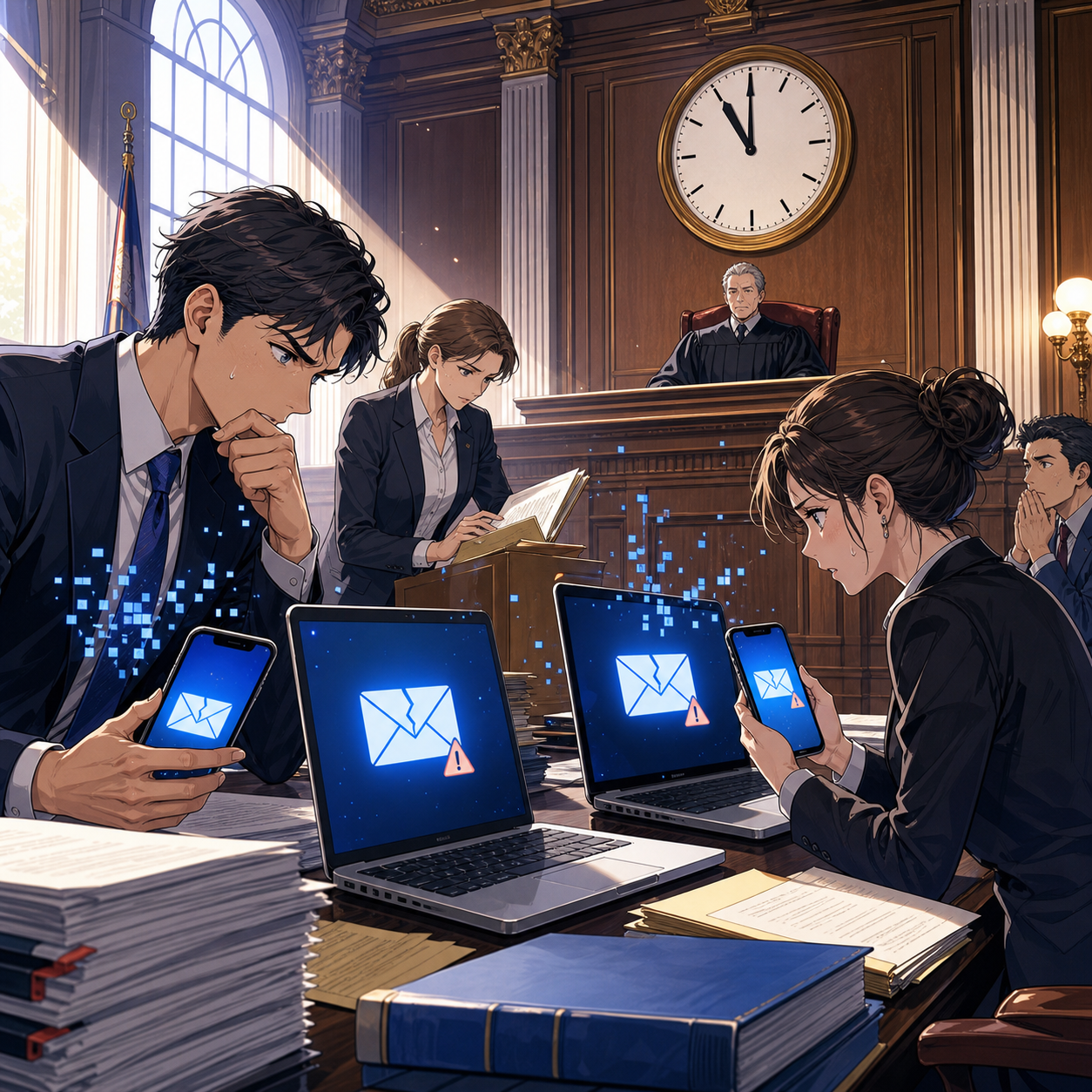
don’t be caught unprepared if your e-mail server goes down!
The August 31 Microsoft 365 incident should prompt a short, focused review. You do not need a 75-page disaster-recovery manual before taking useful action.
1. Confirm the Scope Before You Improvise
When Outlook appears to fail, first determine whether the problem is local or broader:
Check Microsoft 365 Service Health through the Microsoft 365 admin center.
Check whether Outlook on the web works if the desktop application does not.
Test access from a different network or device.
Confirm whether the problem is limited to one user, one office, the firm’s domain, or a larger Microsoft service event.
Check reputable outage reporting only as a supplemental source. Crowdsourced reports can signal a problem, but they do not replace the vendor’s tenant-specific status information.
During the August 31 disruption, Microsoft identified effects that included email delays or failures, mailbox-search issues, authentication errors, and trouble with Exchange administration and mailbox operations.
That distinction matters. A lawyer may be able to open Outlook but still experience delayed mail flow or incomplete search results. “It seems to be working again” is not the same as “all messages and matter records are available and current.”
2. Protect Deadlines First
Create a brief list of matters with time-sensitive events in the next 24 to 72 hours:
Court filing deadlines.
Administrative filing deadlines.
Statutes of limitation or notice deadlines.
Depositions, mediations, arbitrations, and hearings.
Closings and settlement deadlines.
Client commitments requiring same-day action.
Then verify communications through an approved backup method. If electronic filing is involved, review the court’s rules, emergency procedures, and clerk’s office notices. A Microsoft outage does not automatically extend a filing deadline. The relevant court rule, filing system status, and the particular judge’s procedures control.
Document what happened. Note the date, time, service involved, affected matter, communications attempted, and action taken. That contemporaneous record can be essential if a deadline issue later needs explanation.
3. Use Approved Backup Channels
A good backup channel is secure, accessible, documented, and familiar to the client and the firm. It might include:
A secure client portal.
A firm-approved encrypted email solution.
The firm’s phone system and a documented telephone-call protocol.
A secure collaboration system that remains available.
A secondary, firm-controlled domain or mailbox that has been vetted in advance.
The right answer is not necessarily “use text messages.” Texting may be useful for a limited logistical notice, such as asking a client to call the office. It may be unsuitable for substantive communications or transmission of client documents unless the firm has assessed the platform, the client’s consent, security controls, retention, and applicable state ethics guidance.
4. Reconcile Email After Recovery
Once Microsoft reports recovery, do not assume the episode is over. Microsoft warned that mail queues might take time to clear and that search could remain affected.
The firm should:
Review incoming and outgoing email around the outage window.
Confirm receipt of all time-sensitive communications.
Check Sent Items, drafts, outbox folders, and message-tracking tools where available.
Re-run critical mailbox searches when search functionality is confirmed restored.
Ask clients or opposing counsel to resend urgent communications if delivery status remains uncertain.
Save an internal incident note for affected matters.
This is particularly important for e-filing notices, service emails, and client instructions. A delayed message can cause a lawyer to act on incomplete information.
5. Preserve the Lesson
After the immediate problem ends, conduct a short post-incident review. Keep it practical:
What did not work?
Which staff members knew how to respond?
Were clients able to reach the firm?
Did the firm have access to critical contact information?
Did anyone use an unapproved tool because no approved alternative was clear?
How long would the firm have remained operational if the outage had lasted another day?
The goal is not to assign blame. The goal is to reduce the risk of disruption next time. 💡
AI Tools Need Continuity Too

lawyers, meet your ethical compliance, be prepared for the unexpected, and come out the superstar to your clients!
The August 31 event also included reported disruption to ChatGPT. USA TODAY reported that ChatGPT functionality was restored while Outlook issues remained ongoing. For AI-curious lawyers, that overlap underscores a broader point: no cloud-based tool should become a single point of failure in a legal workflow.
Generative AI can assist with drafting, issue-spotting, summarization, and internal knowledge work. It should not be the only route to a critical work product. Keep source documents accessible. Preserve the lawyer’s independent judgment. Maintain a non-AI process for urgent drafting and legal research.
That approach aligns with the central lesson from our profession’s ongoing technology-competence discussion: the appropriate question is not whether a tool is innovative. The better question is whether the firm understands its benefits, limitations, confidentiality implications, and continuity risks. Rule 1.1 Comment 8 expressly frames technological competence in terms of both benefits and risks.
A practical rule of thumb: if the platform is unavailable for four hours, can your firm still identify the deadline, reach the client, access the critical document, and make a defensible decision? If the answer is no, that workflow needs attention.
The Bottom Line
Microsoft’s Outlook and Microsoft 365 disruption is a useful reminder that professional responsibility does not depend on whether a vendor’s status page is green. Lawyers need reliable systems, but they also need workable alternatives when reliable systems fail.
The best response is not panic. It is preparation. Maintain approved backup channels. Train staff. Protect confidential information. Monitor time-sensitive matters. Reconcile communications after recovery. Document what occurred.
For solo and small-firm lawyers, this can be accomplished without enterprise-level complexity. A current contact list, a secure fallback channel, a deadline triage checklist, and a 15-minute staff drill can materially improve the firm’s ability to serve clients when technology takes an unexpected day off. 📧⚖️










