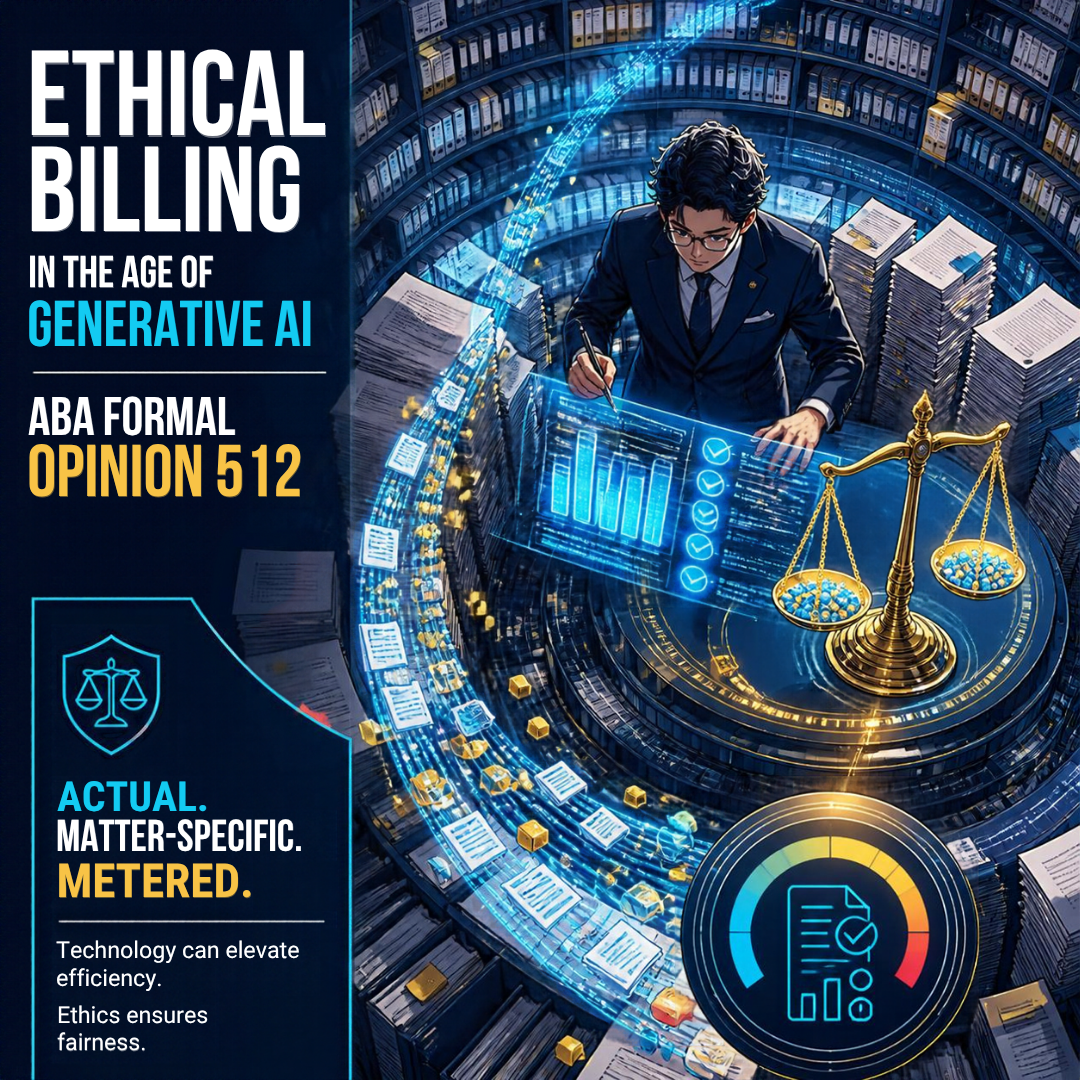
MTC: How Should Lawyers Bill for AI? Time, Tokens, Overhead, and Flat Fees Under ABA Formal Opinion 512 ⚖️🤖

Matter-specific AI costs: bill actual, metered expenses transparently.

Every lawyer using AI eventually faces the same question at invoice time. 🧾 The draft took eight minutes instead of three hours. The research platform charged a premium for its AI tier. The e-discovery vendor billed by the token. So what goes on the client's bill?

The good news is that the ethics rules already answer most of this. They simply ask us to think more carefully. ABA Formal Opinion 512, issued July 29, 2024, applies Model Rule 1.5 directly to generative AI. There is no AI exception. Your fees and expenses must be reasonable. You must also explain how you charge before or within a reasonable time after the representation begins. 📜

Let's walk through several billing option lawyers are considering and see which ones hold up.

Option 1: Billing the AI's "Time" as Your Time ❌

This one is the easiest to reject. AI does not have billable hours. You do. Opinion 512 is blunt: lawyers who bill hourly "must bill for their actual time." If you spend 15 minutes crafting a prompt and 45 minutes reviewing the output, you bill one hour. You do not bill the three hours the task "used to take."

Billing phantom hours is not a gray area. It violates Rule 1.5(a). It may also implicate Rule 8.4(c), which prohibits dishonesty, fraud, deceit, or misrepresentation. 🚫 Watch your AI-powered timekeeping tools, too. Auto-generated time entries are suggestions. Verify them before they reach the client.

Remember the flip side. Your verification time is real legal work. Checking citations, testing the analysis against the record, and editing for judgment are all billable. Under Rules 1.1 and 3.3, that review is not optional anyway. I made this point in MTC: Even Though AI Hallucinations Are Down: Lawyers STILL MUST Verify AI, Guard PII, and Follow ABA Ethics Rules. ✅

Option 2: Absorbing AI Costs as Overhead 🏢
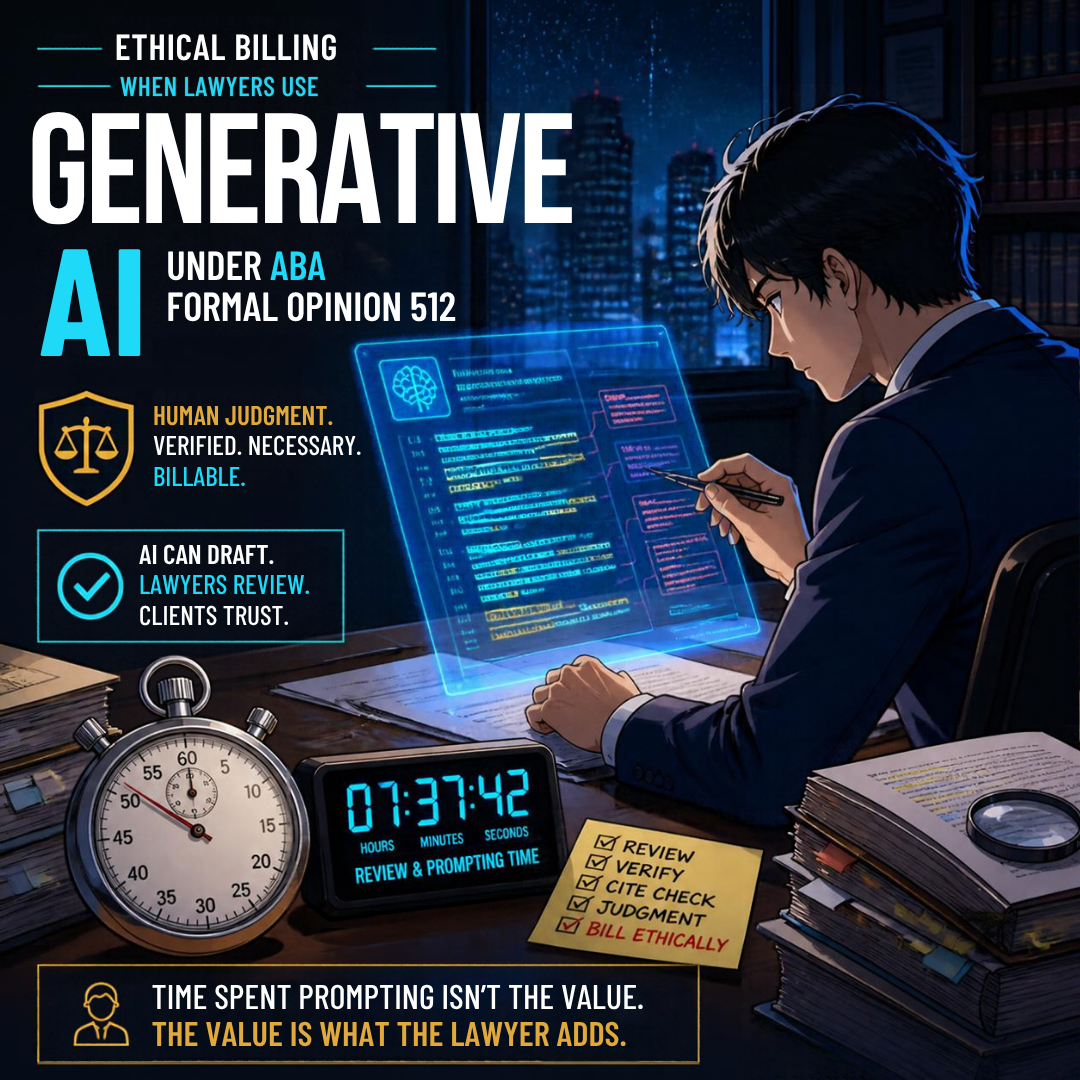
AI legal review: verify citations and bill actual lawyer time.

For most solo and small-firm lawyers, this is the default answer. Opinion 512 treats tools that function like "equipping and maintaining a legal practice" as overhead. Think of Microsoft 365 Copilot, the AI features inside your practice-management software, or a general-purpose ChatGPT or Claude subscription. You would not bill a client for your word processor. You should not bill them for its AI assistant either, absent advance disclosure and agreement.

Many of these features arrive quietly through software updates. I explored that problem in TSL Labs! MTC: The Hidden AI Crisis in Legal Practice: Why Lawyers Must Unmask Embedded Intelligence Before It's Too Late! If you did not know the AI was running, you cannot justify charging for it. 🕵️

Option 3: Passing Through Access Fees and Token Costs 🔢
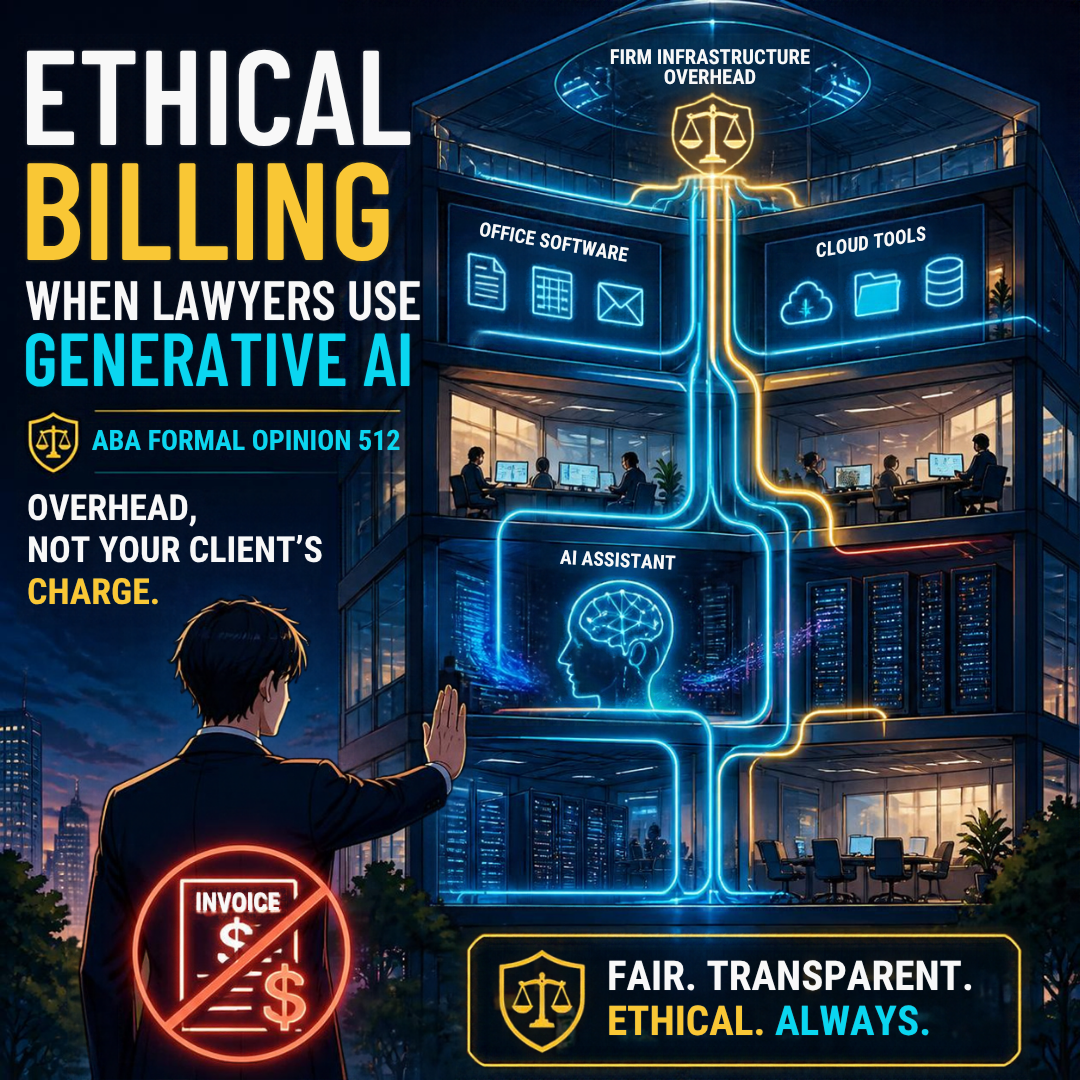
AI subscriptions are overhead, not charges passed to clients.

Here the analysis shifts. Opinion 512 offers a helpful example. A lawyer uses a third-party AI service to review thousands of contracts for one client. The vendor charges per use. Billing the client for that actual out-of-pocket cost is ordinarily reasonable.

The key words are matter-specific, metered, and actual. If you need a refresher on how tokens drive AI pricing, see my Word of the Week: What Is a "Token" in AI Parlance? Token usage can be tracked to a specific matter. That makes it look more like a deposition transcript than office rent. 📊

Three guardrails apply:

  1. Bill the actual cost. Do not add a surcharge without clear advance disclosure.

  2. Pass along discounts. If the vendor gives you a volume rate, the client gets it too.

  3. Do not double-dip. If a subscription is already overhead, you cannot also charge per-matter "AI fees" for the same tool.

What about proprietary or in-house AI tools? Absent an agreement, Opinion 512 permits the direct cost plus a reasonable allocation of expenses directly tied to providing the tool. Appropriate disclosure is still required.

Option 4: Flat Fees and Value-Based Pricing 💡

AI competence and disclosure: protect confidentiality, earn client trust.

Flat fees reward efficiency. That is why many observers see AI as the push the billable hour has long needed. My TSL.P Labs episode, Why 96% AI Accuracy Still Fails Lawyers: Ethics, Hallucinations, and the Future of the Billable Hour, explores this tension. So does my shout-out, AI Revolution Challenges Legal Billing: Steve Embry Exposes Shadow AI Use Crisis in Law Firms.

But flat fees are not a loophole. Opinion 512 warns that charging the same flat fee may be unreasonable if AI lets you finish much faster. In its words, "A fee charged for which little or no work was performed is an unreasonable fee." The Rule 1.5(a) factors still govern. They include the skill required, the novelty of the issues, your experience, the results obtained, and the customary fee in your market.

The ethical approach is to price the value of your judgment. A will, a demand letter, or a VA supplemental claim has value because of your expertise. Its value does not come from the minutes on the clock. Set the price on that basis. Then reassess when AI materially changes your workload. Some commentators, writing in ABA Law Practice Today, argue that Opinion 512 applies Rule 1.5 too rigidly. They may be right. Until the guidance evolves, reasonableness remains the test. ⚖️

What You Cannot Bill: Your Learning Curve 🎓

Learning AI is part of your Rule 1.1 duty of technological competence under Comment 8. It is not client work. Opinion 512 says you generally cannot bill for it. The narrow exception applies when a client specifically asks you to use a particular tool. Then you may charge for learning that tool.

Disclosure Ties It All Together 🤝

Rule 1.5(b) requires you to communicate the basis of your fees and expenses, preferably in writing. Rule 1.4 requires reasonable consultation about the means you use. Rule 1.6 may require informed consent before you enter confidential information into certain tools, especially self-learning ones. Rules 5.1 and 5.3 require partners and supervisors to set firm-wide AI billing policies and train staff on them. 🔐

Practically, add a short AI paragraph to your engagement letter. Identify which tools are overhead. Identify which matter-specific AI costs, if any, will pass through at cost. Confirm that hourly entries reflect actual lawyer time only. Sample language might read: "The firm uses AI tools as part of its general overhead at no added charge. If your matter requires a specialized, usage-based AI service, we will tell you in advance and bill only its actual cost." ✍️ Clients appreciate that candor. It also protects you in a fee dispute.

My Two Cents: A Simple Framework ✅

Value-based AI billing: charge for legal judgment, not saved hours.

Here is how I apply all of this:

  • General AI tools → Overhead. Absorb them. 🏢

  • Matter-specific, metered AI services → Pass through at actual cost, disclosed in writing. 🔢

  • Your prompting and review time → Bill it accurately if you bill hourly. ⏱️

  • Time the AI saved → Belongs to the client under hourly billing. 🤝

  • Repeatable, AI-enhanced tasks → Consider a reasonable, value-based flat fee. 💡

  • Your learning curve → Your investment, not the client's. 🎓

  • Put your AI costs terms in your engagement letters → The last thing you need is a fee/cost dispute with your clients! 😤

AI changes how fast we work. It does not change who we work for. 💼 Price your judgment. Disclose your costs. Never bill a machine's minutes as your own.

MTC

Happy Lawyering!

MTC: Meta Muse, Google Gemini Spark, and Apple's Full Disk Access Warning: What Lawyers Must Know Before Letting a Personal AI Agent Run Their Computer 🤖⚖️🔐

AI Agents and Legal Ethics: What Lawyers Must Know!

The personal AI agent has arrived. It is not a chatbot that waits for your next question. It is software that works on your behalf, around the clock, while your laptop sits closed on the kitchen table. 🕒

Meta launched Muse in September 2026 and described it as a personal agent that "actually does the work." Days later, Meta released a Mac version of Muse that can act directly on your computer with permission. It can organize your Downloads folder, find files, and summarize your Messages, Calendar, and notes. Google is on the same path. Its Gemini Spark agent, announced at Google I/O 2026, runs on dedicated virtual machines in Google Cloud. It keeps working after you lock your phone, and Google has promised Mac desktop support for local files. OpenAI joined the race on September 29 with Dots. Business Standard reports that each Dots agent has its own cloud computer and browser and can connect to more than 4,000 applications.

Then Apple spoke up. 🍎

Apple's Warning Is Not Just Corporate Grumbling 🚨

On October 2, 2026, Apple announced additional controls for macOS Full Disk Access. Apple explained that the permission largely sidesteps its other privacy controls. It was designed for backup apps. Now some developers ask users to grant it routinely. That can expose files, mail, messages, and browsing history without users fully understanding the consequences. Apple named the growing risk from AI agents, with Meta's Muse and OpenAI's Dots cited as examples. Going forward, users who want to grant this "extraordinary level of access" will have to take "very explicit user action." Apple has not yet said when the controls will arrive.

Some will dismiss this as Apple protecting its turf. Lifehacker frames the change as Apple "making it harder to run agentic AI on your Mac." It also notes that Apple does not offer frontier models of its own the way OpenAI and Anthropic do. Competitive motives may well be present. But lawyers should focus on the substance. Apple's most important point is this: Full Disk Access does not only expose you. It can expose everyone you communicate with. 📨

For a lawyer, "everyone you communicate with" means clients, opposing counsel, courts, and witnesses. That is the heart of the problem.

What Lawyers Should Actually Worry About ⚠️

The Lawyer’s Checklist for Responsible Personal AI Agents!

  1. Confidentiality under ABA Model Rule 1.6. Rule 1.6(c) requires reasonable efforts to prevent the unauthorized disclosure of, or access to, client information. A personal agent with full-disk rights can read every privileged email, client text, and draft brief on your machine. If that agent sends content to a vendor's cloud for processing, you have disclosed client information to a third party. You must understand that flow before you click "Allow." ABA Formal Opinion 512 makes clear that the existing rules apply fully to generative AI. There is no AI exception.

  2. Competence under Model Rule 1.1. Comment 8 requires lawyers to keep abreast of the benefits and risks of relevant technology. Competence here means knowing what the agent can see, what it can do in your name, and whether its actions are logged. Consumer marketing pages are not enough. Read the terms on data retention, model training, and subprocessors. 📚

  3. Prompt injection and "overaction." Lifehacker highlights a chilling scenario: a poisoned prompt hidden on a website manipulates an agent into exposing bank access. I covered this danger in MTC: When AI Lawyers' Assistants Start Acting as an Agent: Why Autonomous Agents Cannot Be Given the Keys to Your Law Practice ⚖️. The dangerous combination is untrusted content, broad access to sensitive data, and authority to act. Full Disk Access delivers the second ingredient in one click. 🧨

  4. Supervision under Model Rules 5.1 and 5.3. Software that acts for you is functionally nonlawyer assistance. Partners and supervising lawyers must have measures in place to ensure its conduct is compatible with your professional obligations. "The agent did it" will not persuade a disciplinary counsel.

  5. Communication and fees under Model Rules 1.4 and 1.5. Some clients will want to know whether a consumer agent touches their files. Opinion 512 also warns against billing clients for time a tool saved or for learning a tool you chose to adopt.

How Do Cloud Personal Agents Compare with Self-Hosted AI? 🖥️☁️

Cloud AI vs. Local AI: What is a lawyer’s best set up that follows bar ethic rules?!

This is where the conversation gets practical. In MTC: Should Lawyers Host Their Own AI (or Hybrid AI)?, I explained that Opinion 512 neither requires nor forbids self-hosting. The main advantage of local or hybrid AI is control. You decide where client data lives and which files and apps the AI can reach. A dedicated, sandboxed Mac mini can be kept separate from your primary network and cloud storage, with access limited to selected folders.

Compare that architecture with a consumer agent on your everyday Mac. The cloud agent's reach is broad by design. Its "memory" of you lives on someone else's servers. Its training and retention policies can change. The self-hosted model's reach is whatever you allow. Nothing leaves the box unless you configure it to.

Self-hosting is not a magic shield, though. 🛡️ That same May editorial warned that firms unable to manage patches, access controls, backups, and audit logs may increase their risk by going local. A well-vetted cloud provider with strong contractual commitments may be the safer choice for some solos.

The same caution applies at the smallest scale. My guide, HOW TO: How Lawyers Can Run a Private Local LLM on a Smartphone: A Practical, Ethical Guide 📱🔒, explains that "local" may describe only the text-generation engine. Web search, cloud backup, and third-party integrations can quietly change the privacy analysis. Local models are also smaller and less capable. A hallucinated case does not become real because it was hallucinated on your own hardware.

The honest comparison looks like this:

  • Cloud personal agents 🌐 offer the most capability and convenience. They also carry the broadest access, the greatest vendor dependence, and the largest prompt-injection exposure.

  • Self-hosted or sandboxed agents 🏠 offer the most control and auditability. They demand real technical discipline and accept some loss of capability.

  • Hybrid setups 🔀 often fit best. Routine, sanitized work goes to vetted cloud tools. Sensitive matters stay on controlled hardware.

A Practical Checklist Before You Click "Allow" ✅

  • Never grant Full Disk Access to a consumer AI agent on the computer that holds client files.

  • Test agents on a separate machine or user account with dummy data first.

  • Grant least-privilege access by app and by folder, not by disk.

  • Require human approval before any email, upload, form submission, or payment.

  • Confirm you can review activity logs and revoke access instantly.

  • Put it in a written AI policy and train your staff on it.

The Bottom Line 🎯

AI Automation Meets Legal Ethics: Supervision, Privacy, and Control!

Apple's warning may be self-interested. It is also correct. Muse, Spark, and Dots are impressive tools, and they will get better. But a lawyer's computer is not an ordinary consumer device. It is a vault of other people's secrets. Before you hand any agent the keys, whether it lives in Meta's cloud, Google's cloud, or a Mac mini under your desk, make sure you can answer three questions. What can it see? What can it do? Who answers for it? Under the ABA Model Rules, the answer to the last question is always you. ⚖️

Happy Lawyering! 😊

MTC!