MTC: When Your Phone's "Self-Destruct" Button Becomes a Federal Crime: Duress Passwords, Spoliation & the Duty to Preserve ⚖️📱
/
lawyers should know the interplay among Duress Passcodes, Border Searches, and Smartphone Evidence Destruction
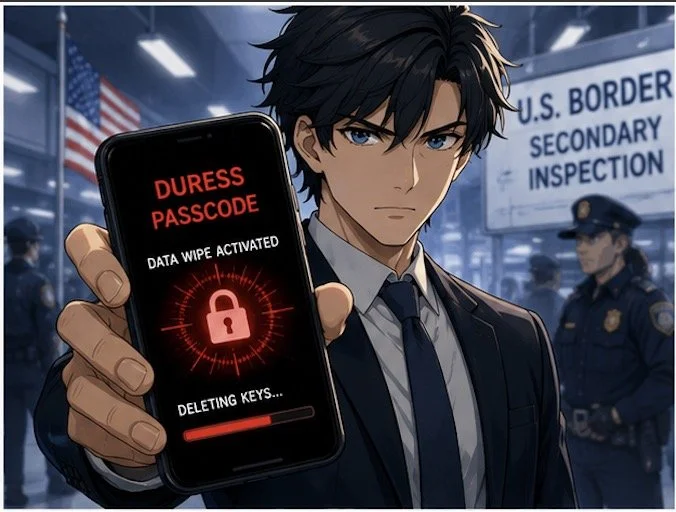
The Justice Department just indicted an Atlanta man for handing border agents a "duress passcode" that wiped his phone during a secondary inspection. It's believed to be the first prosecution of its kind — and it should put every lawyer (and every client with a smartphone) on notice. 🔔
"Duress passwords" — sometimes called "panic codes" or "coercion PINs" — are a real feature in iOS, Android, and third-party privacy apps. Enter one code and the device unlocks normally. Enter the duress code and the phone quietly obliterates its encryption keys, rendering the data unrecoverable. For journalists, activists, and anyone crossing borders with sensitive material, they're a shield. For prosecutors, they look like a loaded gun pointed at the evidence locker. 🔫💾
Here's where the professional-responsibility rubber meets the road. ABA Model Rule 3.4(a) makes it professional misconduct to "unlawfully obstruct another party's access to evidence or unlawfully alter, destroy or conceal a document or other material having potential evidentiary value." Comment 2 to Rule 3.4 clarifies that the duty attaches when a lawyer knows or reasonably should know that litigation is pending or reasonably foreseeable. A border inspection of a device you know contains responsive data? That's reasonably foreseeable. 📋
lawyers need to know the ABA Ethics Rules for Lawyers Protecting Digital Client Data!
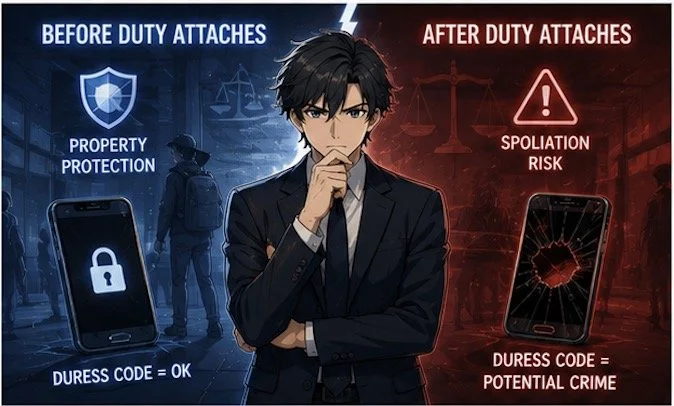
But Rule 1.15 (Safekeeping Property) and Rule 1.6 (Confidentiality) also impose affirmative duties to protect client data. A lawyer who carries privileged communications across a border has a genuine tension: the duty to preserve vs. the duty to safeguard. The duress password sits exactly on that fault line. If you trigger it before a preservation obligation attaches — say, because your phone is stolen — it's property protection. If you trigger it after a subpoena, a litigation hold, or a border detention you knew was coming, it's spoliation. 🧨
The line isn't always bright. Good-faith accident — dropping your phone in coffee, a toddler factory-resetting your iPad — is not a crime. But intent is inferred from circumstances: Did you enable the duress feature after learning of the investigation? Did you select the code specifically for the border crossing? Did you fail to issue a litigation hold to yourself? Courts draw adverse inferences from all three. 📉
Practical takeaways for your practice:
1. Audit your own devices now. If you use a duress feature, document why and when you enabled it — before any matter makes it suspect. 📝
2. Issue written preservation notices to yourself the moment litigation is reasonably foreseeable.
3. Advise clients in writing about duress features before they travel. A client who wipes a phone at the border because you never mentioned the risk creates a Rule 1.1 (Competence) and Rule 1.4 (Communication) problem for you. ✉️
4. Use encrypted cloud backups with immutable retention (“WORM” [Write Once, Read Many] storage) so a local wipe doesn't equal total loss. That's preservation and property protection. ☁️🔒
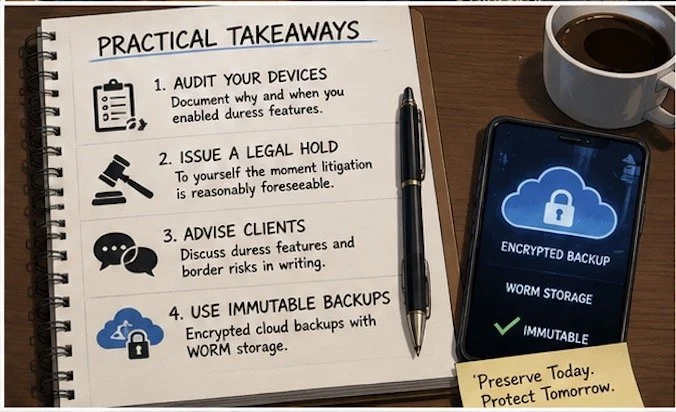
what are the four takeaways lawyers should know when it comes to protecting client data at the boarder!
The Atlanta case will test whether providing a duress code to law enforcement is "destruction" under 18 U.S.C. § 1519 or the Federal Rules' spoliation doctrine. But you don't need the verdict to know your ethical north star: preservation obligations attach when you know — or should know — the data matters. The duress code doesn't suspend that duty; it just makes the violation faster and harder to detect. ⚡
Stay tech-savvy. Stay ethical. And maybe keep a spare phone in the carry-on or use a different phone specifically for travel. 🧳📱
MTC*
* Please remember this is an editorial not legal advice nor create an attorney-client relationship. You should contact an attorney for legal advice about your situation should the need arise.