WoW: The Meaning of "eSIM" for Lawyers: What It Is, Why It Matters, and How to Switch Carriers Without Compromising Client Data 📱⚖️

eSIMs for Lawyers: Smarter Mobile Security and Client-Data Protection

eSIM is short for “embedded SIM.” It is the digital replacement for the small plastic SIM (subscriber identity module) card that once connected your phone to a wireless carrier.

For most lawyers, eSIM is not exciting because it is new. It matters because it changes how quickly you can activate a phone, change carriers, add a work line, travel internationally, and recover from a lost or damaged device. It also changes parts of your firm’s mobile-security workflow. 🔐

If you recently read my post, “MTC: Apple Upgrade Lease vs. Buying vs. Carrier Financing — Which iPhone 18 Pro Deal Actually Works for Solo and Small Firm Lawyers?,” you know that phone financing affects more than cash flow. It affects your ability to switch providers, control your device, and manage confidential information. eSIM sits at the center of each issue.

What an eSIM Does

Travel-Ready eSIMs for Lawyers: Stay Connected, Protect Client Data

A traditional SIM card is a physical chip. Your carrier activates it. You place it in your phone. The chip identifies your cellular account to the network.

An eSIM performs the same basic function. The key difference is that the SIM is built into the device. Your carrier sends a digital activation profile to the phone. In many situations, you can set up service through an app, a QR code, or the phone’s settings.

That can make a new-phone setup faster. It can also make a second line easier to manage.

For example, a solo lawyer might use:

  • One eSIM line for firm calls and text messages.

  • A second eSIM line for personal use.

  • A temporary travel eSIM for data outside the United States.

  • A replacement eSIM after a lost or stolen phone.

The technology is useful. It is not self-managing.

Why eSIM Matters to Law Practice

eSIM Security for Lawyers: Prevent SIM Swaps and Account Takeover

Your phone may be your camera, recorder, authenticator, document scanner, password-manager vault, email terminal, and client-communication device. The prior iPhone 18 Pro analysis described it accurately as a “filing cabinet, a camera, and a recorder for privileged material.”

eSIM does not itself store your client files. It does, however, control a critical part of your identity on the mobile network: your phone number.

That matters because many firms still use text-message codes as a multifactor-authentication method. A criminal who takes control of your mobile number may receive those codes. That risk is commonly known as a SIM-swap attack.

The attacker may persuade or manipulate a carrier into transferring your number to another device. With access to your number, the attacker may try to reset passwords for email, banking, cloud storage, practice-management software, or other accounts.

eSIM reduces the need to handle a physical SIM card. It does not eliminate account-takeover risk. A carrier can still transfer a number digitally. Your security must therefore extend beyond the phone itself. 🛡️

The ABA Ethics Connection

ABA Model Rule 1.1 requires competent representation. Comment 8 explains that competent lawyers should keep abreast of the benefits and risks associated with relevant technology. An eSIM is not a specialty topic anymore. It is part of ordinary smartphone use.

ABA Model Rule 1.6(c) requires lawyers to make reasonable efforts to prevent the unauthorized disclosure of, or unauthorized access to, client information. If a compromised phone number helps an attacker access your email, cloud account, or case-management platform, the consequences can extend far beyond a missed call.

The ABA Model Rules also identify Rule 5.3, concerning responsibilities regarding nonlawyer assistance. Your carrier, device-management provider, IT consultant, and cloud vendors all play roles in your technology environment. You remain responsible for making reasonable choices and supervising the systems on which your practice depends.

No ethics rule requires a particular carrier or authentication app. The rules do require reasonable safeguards that fit the sensitivity of the information you handle.

Five Practical eSIM Safeguards

Secure eSIM Strategies for Lawyers Protecting Confidential Client Information

  1. Set a carrier account PIN or passcode. Do not reuse your phone unlock code. Ask your carrier about number-port-out protection or transfer locks.

  2. Use an authenticator app or hardware security key when available. Avoid relying exclusively on text-message authentication for critical accounts. Text messages are convenient. They are not the strongest option.

  3. Separate firm and personal use thoughtfully. A dual-SIM setup can help. It does not substitute for a written mobile-device policy, strong passcodes, encryption, and remote-wipe capability.

  4. Treat carrier changes as security events. Confirm which accounts use your mobile number for recovery. Update authentication methods before moving a number to a new carrier or device.

  5. Document the offboarding process. Before returning, trading in, or replacing a phone, migrate data, transfer authentication access, remove the old device from firm accounts, and complete a secure wipe. That is especially important if you lease hardware or use annual-upgrade programs.

eSIM and Carrier Lock-In

eSIM makes changing service technically easier. Carrier financing can make it financially harder.

As discussed in the iPhone 18 Pro financing post, some promotions spread bill credits over 36 months. If you cancel, change carriers, or pay off the phone early, the remaining credits may disappear and the unpaid device balance may become due. The phone may be easy to activate elsewhere. The contract may not be easy to leave.

That distinction matters for solo and small-firm lawyers. Flexibility has value. A law practice may need to change carriers because of coverage, cost, travel, office relocation, client-service needs, or a security concern.

Do not let a “free phone” offer obscure a three-year commitment. Review the device agreement. Review the carrier’s transfer rules. Confirm what happens to your bill credits before you move your number. 💡

The Bottom Line

eSIM Flexibility vs. Carrier Lock-In for Modern Law Practices

eSIM is a useful technology. It supports faster activation, multiple lines, and more flexible service arrangements. Yet it also turns your phone number into an even more important security asset.

Treat your mobile number like a key to the firm. Protect it with a carrier PIN. Reduce dependence on text-message authentication. Plan carrier transitions. Include eSIM transfers in your device-replacement checklist.

Technology competence is not about chasing every new feature. It is about understanding how the technology you already carry affects client confidentiality, firm continuity, and professional judgment. 📲
MTC: London's iPhone Theft Crisis: Critical Mobile Device Security Lessons for Traveling Lawyers 📱⚖️

lawyers can learn about cyber mobile security from the recent iphone thefts in london

Recent events in London should serve as a wake-up call for every legal professional who carries client data beyond the office walls. London police recently dismantled a sophisticated international theft ring responsible for smuggling approximately 40,000 stolen iPhones to China in just twelve months. This operation revealed thieves earning up to £300 per stolen device, with phones reselling overseas for as much as $5,000. With over 80,000 phones stolen in London last year alone, this crisis underscores critical vulnerabilities that lawyers must address when working remotely.

The sophistication of these operations is alarming. Criminals on electric bikes snatch phones from unsuspecting victims and immediately wrap devices in aluminum foil to block tracking signals. This industrial-scale crime demonstrates that our mobile devices—which contain privileged communications, case strategies, and confidential client data—are valuable targets for organized criminal networks operating globally.

Your Ethical Obligations Are Clear

ABA Model Rule 1.1 requires lawyers to maintain competence, including understanding "the benefits and risks associated with relevant technology". This duty of technological competence has been adopted by over 40 states and isn't optional—it's fundamental to ethical practice. Model Rule 1.6(c) mandates that lawyers "make reasonable efforts to prevent the inadvertent or unauthorized disclosure of, or unauthorized access to, information relating to the representation of a client".

When your phone disappears—whether through theft, loss, or border seizure—you face potential violations of these ethical duties. Recent data shows U.S. Customs and Border Protection searched 14,899 devices between April and June 2025, a 16.7% increase from previous surges. Lawyers traveling internationally face heightened risks, and a stolen or searched device can compromise attorney-client privilege instantly.

Essential Security Measures for Mobile Lawyers

Before leaving your office, implement these non-negotiable protections. Enable full-device encryption on all smartphones, tablets, and laptops. For iPhones, setting a passcode automatically enables encryption; Android users must manually activate this feature in security settings. Strong passwords matter—use alphanumeric combinations of at least 12 characters, avoiding easily guessed patterns.

lawyer need to know how to protect their client’s pii when crossing the boarder!

Two-factor authentication (2FA) adds critical protection layers. Even if someone obtains your password, 2FA requires secondary verification through your phone or authentication app. This simple step dramatically reduces unauthorized access risks. Configure remote wipe capabilities before traveling. If your device is stolen, you can erase all data remotely, protecting client information even when physical recovery is impossible.

Disable biometric authentication when traveling internationally. Face ID and fingerprint scanners can be used against you at borders where Fourth Amendment protections are diminished. Restart your device before crossing borders to force password-only access. Consider carrying a "clean" device for international travel, accessing files only through encrypted cloud storage rather than storing sensitive data locally.

Coffee Shops, Airports, and Public Spaces

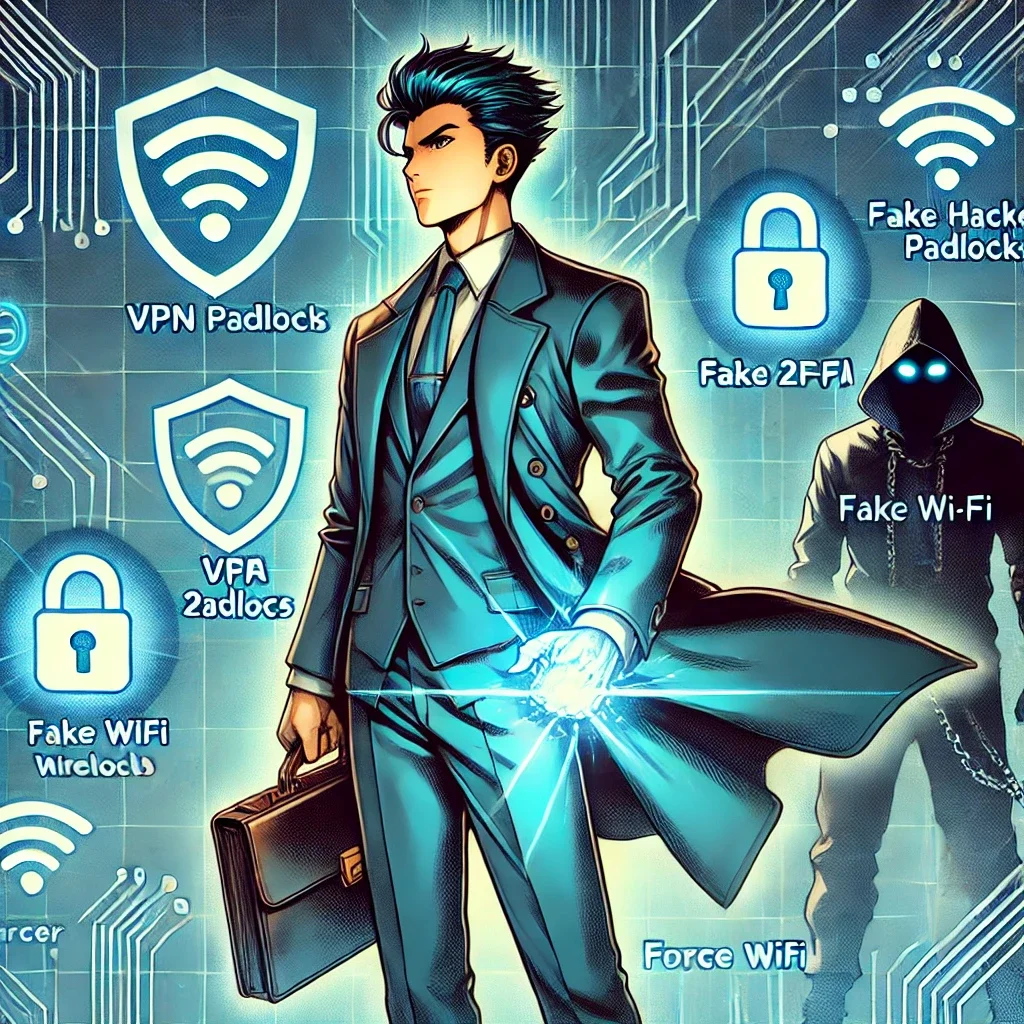
Public Wi-Fi networks pose serious interception risks. Hackers create fake hotspots with legitimate-sounding names, capturing everything you transmit. As lawyers increasingly embrace cloud-based computing for their work, encryption when using public Wi-Fi becomes non-negotiable

Always use a trusted VPN (Virtual Private Network) when connecting to public networks. VPNs encrypt your internet traffic, preventing interception even on compromised networks. Alternatively, use your smartphone's personal hotspot rather than connecting to public Wi-Fi. Turn off file sharing on all mobile devices. Avoid accessing highly sensitive client files in public spaces altogether—save detailed case work for secure, private connections.

Physical security deserves equal attention. Visual privacy screens prevent shoulder surfing. Position yourself with your back to walls in coffee shops so others cannot observe your screen. Be alert to your surroundings and maintain physical control of devices at all times. Never leave laptops, tablets, or phones unattended, even briefly.

Border Crossings and International Travel

Lawyers crossing international borders face unique challenges. CBP policies permit extensive device searches within 100 miles of borders under the border search exception, significantly reducing Fourth Amendment protections. New York State Bar Association Ethics Opinion 2017-5 addresses lawyers' duties when traveling with client data across borders.

The reasonableness standard governs your obligations. Evaluate whether you truly need to bring confidential information across borders. If travel requires client data, bring only materials professionally necessary for your specific purpose. Consider these strategies: store files in encrypted cloud services rather than locally; use strong passwords and disable biometric authentication; carry your bar card to identify yourself as an attorney if questioned; identify which files contain privileged information before reaching the border.

If border agents demand device access, clearly state that you are an attorney and the device contains privileged client communications. Ask whether the request is optional or mandatory. If agents conduct a search, document what occurred and consider whether client notification is required under Rule 1.4. New York Rule 1.6 requires taking reasonable steps to prevent unauthorized disclosure, with heightened precautions necessary when government agencies are opposing parties.

Practical Implementation Today

Create firm policies addressing mobile device security. Require immediate reporting of lost or stolen devices. Implement Mobile Device Management (MDM) software to monitor, secure, and remotely wipe all connected devices. Conduct regular security awareness training covering email practices, phishing recognition, and social engineering tactics.

Develop an Incident Response Plan before breaches occur. Know which experts to contact, document cybersecurity policies, and establish notification protocols. Under various state laws and regulations like California Civil Code § 1.798.82 and HIPAA's Breach Notification Rule, lawyers may be legally required to notify clients of data breaches.

Lawyers are on the front line of cybersecurity when on the go!

Communicate with clients about security measures. Obtain informed consent regarding electronic communications and any security limitations. Some firms include these discussions in engagement letters, setting clear expectations about communication methods and encryption use.

Stay current with evolving threats. Subscribe to legal technology security bulletins. The Tech-Savvy Lawyer blog regularly covers mobile security issues, including recent coverage of the SlopAds malware campaign that compromised 224 Android applications on Google Play Store. Technology competence requires ongoing learning as threats and safeguards evolve.

The Bottom Line

The London iPhone theft crisis demonstrates that our devices are valuable targets for sophisticated criminal networks operating internationally. Every lawyer who works outside the office—whether at coffee shops, client meetings, or international destinations—must take mobile security seriously. Your ethical obligations under Model Rules 1.1 and 1.6 demand it. Your clients' confidential information depends on it. Your professional reputation requires it.

Implementing these security measures isn't complicated or expensive. Enable encryption. Use strong passwords and 2FA. Avoid public Wi-Fi or use VPNs. Disable biometrics when traveling. Maintain physical control of devices. These straightforward steps significantly reduce risks while allowing you to work effectively from anywhere.

The legal profession has embraced mobile technology's benefits—now we must address its risks with equal commitment. Don't wait for a theft, loss, or border seizure to prompt action. Protect your clients' confidential information today.

MTC