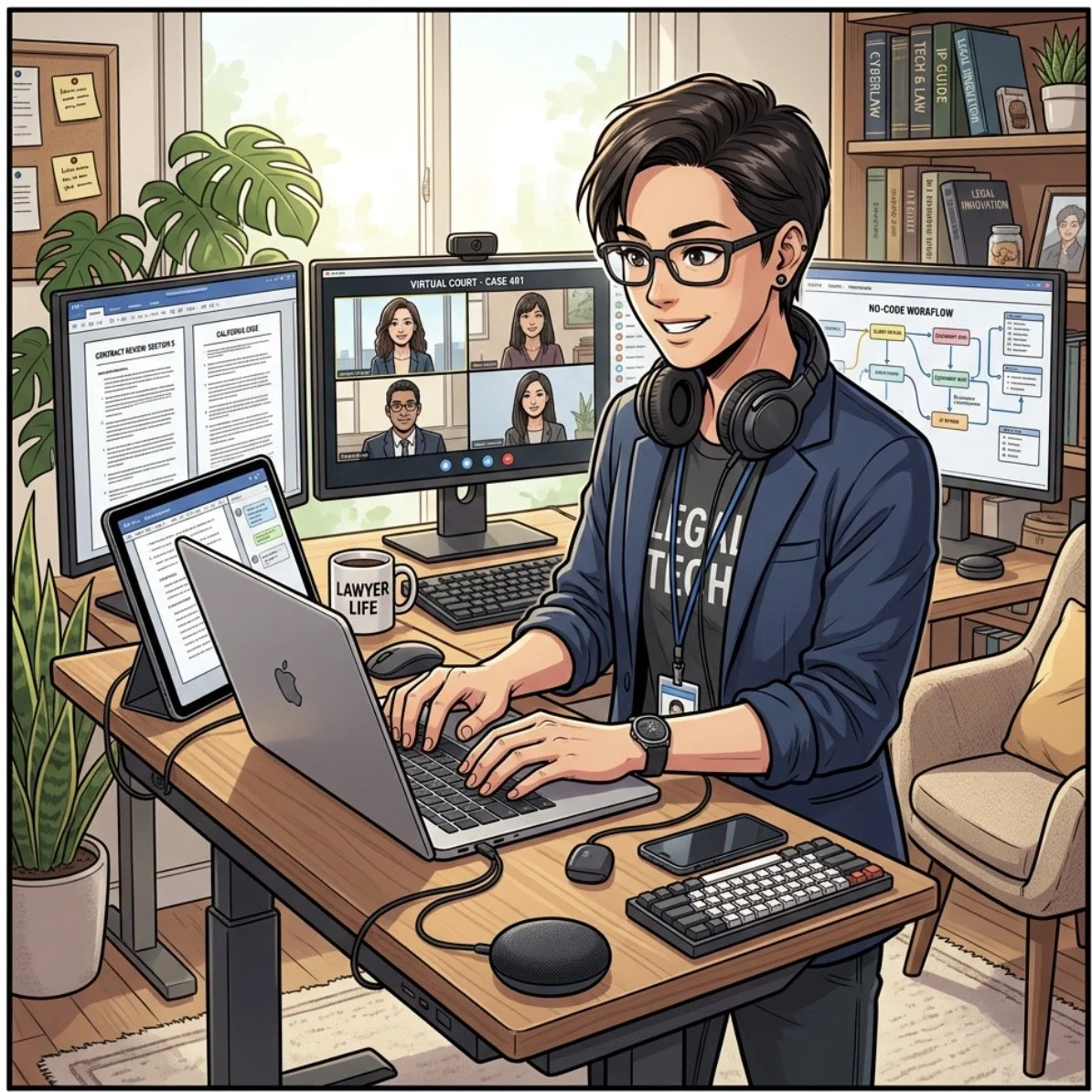
📰 ABA TECHSHOW 2026 Recap: From AI Hype to LLM Reality, Google Workspace, and Ethical Lawyering in the Age of Bots ⚖️🤖

The Real Story Behind ABA TECHSHOW 2026

The techshow is the conference to go to keep your pulse on the technology lawyers should be using every day!

Walking into ABA TECHSHOW 2026 this year, I wasn’t thinking about shiny gadgets; I was thinking about competence, client service, and what it will mean to practice law in an era dominated not just by “AI,” but by large language models (LLMs) quietly shaping almost everything we see and share online. During my work on The Tech-Savvy Lawyer.Page blog and podcast, I keep running into the same pattern: lawyers know they should understand legal technology, yet they worry they’ll break something, breach a rule, or look foolish in front of their staff. TECHSHOW 2026 aimed directly at that anxiety — but this year, the conversation needs to go beyond what AI and generative AI can do and toward how LLMs and search bots are already shaping our professional identities online and offline. ⚖️💻

Keynotes: The “AI Dividend” and Your Time

The keynote lineup captured the tension between promise and risk. Legal market analysts highlighted what some called the “AI Dividend”: when machines take over routine drafting and research, lawyers gain time to think, advise, and advocate at a higher level. The real question — one I’ve been hammering on The Tech-Savvy Lawyer.Page for years — is what you will do with the time technology gives back (some of that time should include reviewing your work, e.g., your case citations). Tech-savvy speakers pushed attendees to look past vendor hype and focus on the broader digital environment, where consumer-facing tools, search engines, and recommendation algorithms are setting new expectations for speed, transparency, and availability.

Practical AI in the Sessions

Inside the conference rooms, the “Taming the Machines” and related AI tracks met baseline concerns (some with hands-on workshops) focused on realistic use cases: assisted drafting, pattern spotting in discovery, and summarizing voluminous documents. These sessions were built for lawyers who live in Word, Outlook, Google Workspace, and practice management systems and who simply want to stop retyping the same paragraphs. The faculty hammered home a critical point: generative AI is an assistant, not a decision-maker; you remain the lawyer, responsible for accuracy, judgment, and ethics under the ABA Model Rules. 🤖📄

Google Workspace, Microsoft 365, and Using What You Already Own

Mathew Krebis’ session on Google Workspace drove that message home in very practical terms. He showed how many firms are only scratching the surface of tools they already pay for: shared Drives with well-structured permissions, real-time collaboration in Google Docs, Gmail automation for intake and follow-up, and Google Calendar combined with Tasks to keep matter timelines under control. When you layer in emerging AI features in Workspace — smart replies, document summaries, suggested outlines — you see how even modest use of these tools can dramatically reduce friction in daily practice, and the tools Mathew discussed are not isolated to “law practice management” systems.

The takeaway was powerful: before you chase a new platform, fully exploit the ecosystem you already have. For many firms, “being more tech-savvy” starts with properly configuring their Google Workspace, Microsoft 365, or other SaaS platform, rather than buying yet another service.

Podcasting, Social Media, and LLM-Driven Visibility

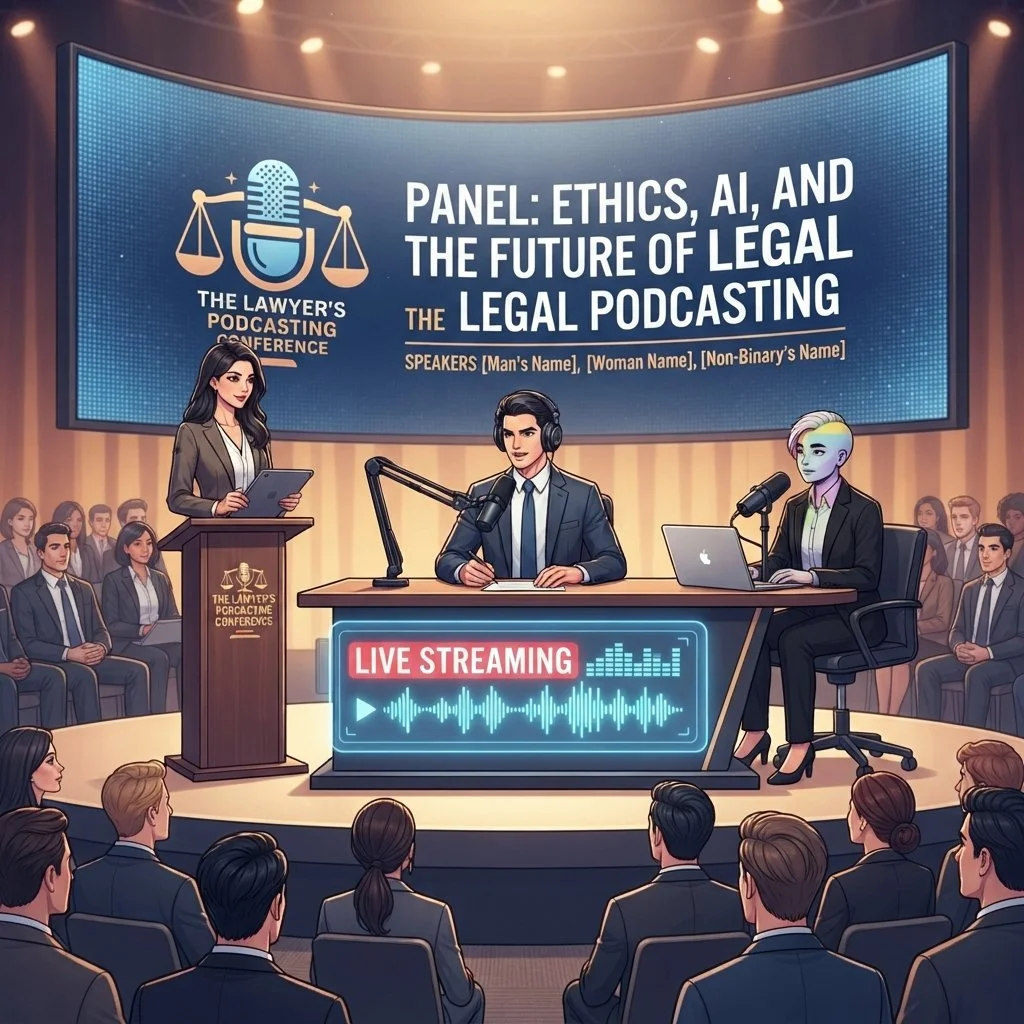
Meanwhile, one other yet important frontier — and one that still feels underexplored — is what happens when LLMs and search bots become the primary lens through which clients, colleagues, and even opposing counsel discover you. That’s where my panel, 🎧 Podcasting for Lawyers: The Truth Behind the Mic, came in.

Ruby L. Powers, Gyi Tsakalakis, Stephanie Everett, and I discussed podcasting and social media not just as marketing channels, but as structured signals fed into LLM-driven engines that are constantly indexing, ranking, and inferring who is an authority on a given topic. Whether you talk about appellate practice, family law, or even a hobby outside the law, your content becomes training data for Generative Engine Optimization/LLM bots that decide which voices surface first when someone types a question into an AI chatbox. 🎙️🌐

In other words, your digital footprint is no longer static. It is being interpreted, reassembled, and presented as answers — often without you ever seeing the intermediate steps. That reality raises a new layer of ethical questions under the ABA Model Rules. Model Rule 7.1’s prohibition on false or misleading communications about the lawyer or the lawyer’s services takes on a new twist when LLMs remix snippets of your posts, podcasts, Google Workspace–hosted client alerts, and blog articles into composite “advice.”

You might be scrupulously accurate in your content, but if an LLM mischaracterizes it or presents it out of context, what then? TECHSHOW 2026 addressed traditional risks like hallucinated case citations, but there is room for a deeper, explicit conversation about how LLM-driven discovery intersects with advertising, communication, and competence duties.

EXPO Hall: Tools, Timekeeping, and Vendor Reality Checks

The EXPO Hall, as always, served as a laboratory of possibilities. Practice management platforms, billing tools, document automation, and a wave of AI-enhanced products competed for attention. Timekeeping tools that automatically capture activity across devices and applications and then propose draft time entries have grown dramatically since last year. For lawyers still reconstructing their days from memory and sticky notes, this is more than a marginal upgrade; it directly affects revenue, work-life balance, and accuracy.

But the fair warning comes here: make sure vendors are showing you what their product can do today, not what they hope it will do someday. In the LLM era, marketing decks are often several steps ahead of deployed reality. 🧾⏱️

Remember, you have an obligation under Model Rule 1.1 (competence) and Model Rule 5.3 (responsibilities regarding non-lawyer assistance) to understand the capabilities and limitations of any tech you “delegate” work to. Asking hard questions about current functionality, data handling, and audit trails is not being difficult; it is part of your duty of care.

Cybersecurity, Confidentiality, and LLM Risk

networking oppOrtunities like the taste of tecHshow” is a great way to talk with and learn from other lawyers about using tech in the practice of law.

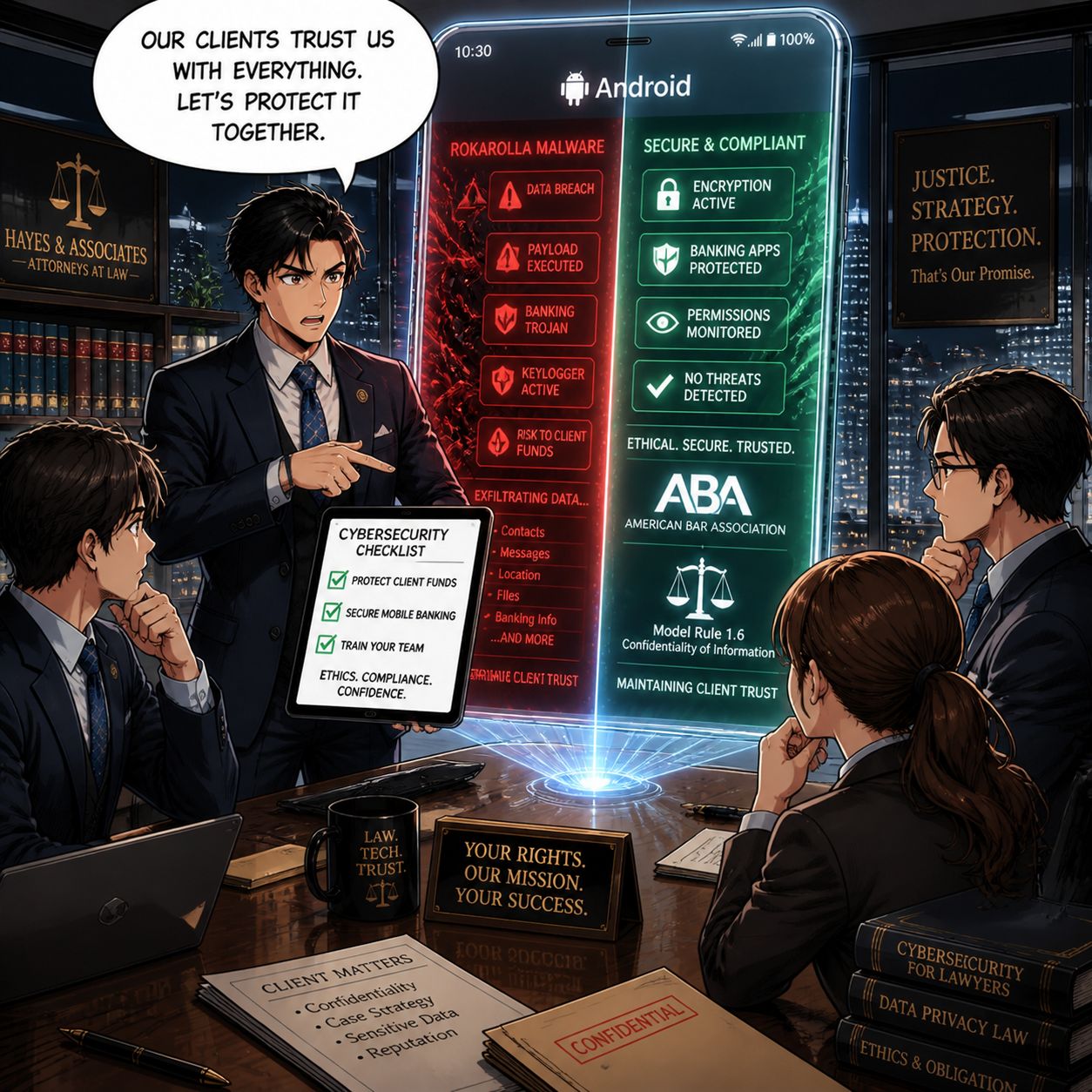
The sessions on cybersecurity and confidentiality continued to do vital work. Under Model Rule 1.6, our obligation to protect client information extends to cloud storage, email, video conferencing, and the mobile devices we casually use in airport lounges. The “Guardians of the Data” track walked through practical checklists rather than abstract fearmongering: password managers, multi-factor authentication, properly configured backups, and vendor due diligence.

For firms running on Google Workspace, that translated into concrete steps: enforcing two-step verification, tightening Drive sharing settings, using client-specific shared Drives instead of ad hoc personal folders, and monitoring admin logs for suspicious access. The move from generic “AI” to LLM-powered services on any platform increases data risk, because many tools rely on ingesting your content — sometimes including client information — to improve their models. If you don’t understand where your data is going and how it is used, you cannot credibly say you are meeting confidentiality obligations. 🔐☁️

Competence, Human-in-the-Loop, and Everyday Workflows

You have an obligation under Model Rule 1.1 (competence) and Model Rule 5.3 (responsibilities regarding non-lawyer assistance) to understand the capabilities and limitations of any tech you “delegate” work to. Asking hard questions about current functionality, data handling, and audit trails is part of your duty of care.

Balancing this skepticism, though, is an equally important truth: becoming proficient with AI and LLM-based tools is not a spectator sport. You cannot satisfy your duty of technological competence from the sidelines. You have to use the tools first on a small scale, then progressively in more critical workflows, always with appropriate supervision and verification.

That might mean piloting an AI drafting feature in Google Docs and Microsoft Word for internal templates, or testing structured intake forms and automations inside Google Workspace or Microsoft 365 before rolling them out firm-wide. Ignoring AI because it feels uncomfortable is no longer the safer option. In some practices, failing to integrate it intelligently — while peers and opposing counsel do — may itself raise competence concerns as expectations evolve in courts and among clients. 🧩📈

Saturday Sessions: From “Use AI” to “Use AI Responsibly”

On Saturday, the 9 a.m. conversation among ABA President Michelle A. Behnke, Immediate Past President William R. “Bill” Bay, and President-Elect Barbara J. Howard, underscored how all of this ties into the rule of law and access to justice, framing AI as something lawyers now have a responsibility to actually use, not simply watch from the sidelines. The 10 a.m. session with Judge Timothy S. Driscoll then shifted the focus from “use AI or be left behind” to “use AI responsibly,” making it clear that judges, too, are integrating AI into their work and that they are not immune from mistakes when they rely on it.

The message for everyone in the courtroom ecosystem was simple and blunt: “Review, review, and review” any work touched by AI, because AI is a non‑infallible tool that does make errors and can mislead the unwary. Together, these sessions acknowledged the growing digital divide: lawyers and clients who can’t or won’t adopt technology risk falling out of the mainstream of legal services, while those who adopt it recklessly risk eroding confidence in both their own work and the justice system as a whole.

We are not merely debating convenience; we are deciding who gets effective representation and who is left out because the lawyer they might have hired never appeared in their LLM‑driven search results — or appeared with AI‑boosted visibility but poor ethical judgment. Technology, in this sense, is not optional; it is one of the few levers we have to expand meaningful access to legal help, provided we wield it with intent, humility, and rigorous human review. ⚖️🧠

LLM Literacy: The Next Core Competency

That balance — between caution and experimentation — is where TECHSHOW 2026 both excelled and showed its next frontier. Many sessions made AI approachable, breaking down concepts for lawyers with limited to moderate tech skills and providing concrete workflows they could apply on Monday. What I would like to see more explicitly next year is programming that treats LLM literacy as a core competency: understanding how LLMs are built, how they index and surface information, how your content feeds into them, and how that affects everything from client intake to reputation, whether you are working in Microsoft 365, Google Workspace, or a specialized legal platform.

From my vantage point as a legal tech ambassador at The Tech-Savvy Lawyer, the most successful sessions respected that many lawyers are highly capable professionals who simply haven’t had the time or guidance to modernize their workflows. They don’t need to become prompt engineers. They need guardrails, roadmaps, and clear examples of how to align AI, LLM tools, and mainstream platforms like Microsoft 365 and Google Workspace with the ABA Model Rules and local bar guidance. When faculty focused on incremental steps — tightening cybersecurity configurations, adding a layer of AI-assisted drafting under strict human review, building a consistent content strategy that LLMs can reliably recognize — the room should lead in.

A Tough-Love Takeaway for Lawyers

If you are a lawyer who still feels behind, here’s the core message I took away from TECHSHOW 2026, with a bit of tough love: you don’t need to chase every new tool, but you can’t afford to ignore LLM-driven AI and the platforms you already live in, like Microsoft 365 and Google Workspace, any longer. Understand the basics; pilot one or two well-vetted tools to start improving your efficiency without sacrificing the need for a true human-in-the-loop.

SEE YOU IN CHICAGO FOR ABA TECHSHOW 2027!!!

Read your jurisdiction’s ethics opinions on AI and technology. Build habits that protect client data by default. Use your own content — whether blog posts, newsletters, or podcasts — to train the bots to see you as a trusted authority rather than a digital afterthought. Ultimately, your bar license may be at more risk from not engaging with AI than from engaging with it carefully and intelligently.

The future of legal practice will not wait until we are all comfortable; it is here now, embedded in the search boxes, recommendation engines, and tools your clients already use. TECHSHOW 2026 made that clear. The next move is yours. 🚀⚖️

MTC

MTC: Is Apple’s MacBook Neo the Real Game Changer for Lawyers Stuck Between Windows and Mac? 🤔💼

A lawyer’s choice between the MacBook Neo vs. Windows is not only a strategic business choice but a professional ethics one too!

For years, many lawyers have treated the move from Windows to Mac as a luxury upgrade rather than a strategic business decision. 💻⚖️ Apple new MacBook Neo, with its $599 starting price (and lower with education discounts), directly challenges that mindset by bringing a true macOS laptop into the same budget range as many mid-tier Windows machines. The question for lawyers on the fence is no longer “Can I justify a Mac?” but “Is the Neo a responsible, ethically sound choice for my law practice, under both my budget and my professional duties?”

From a hardware and price perspective, the Neo matters because it compresses the long‑standing price gap between Windows laptops and MacBooks. At around $599, it lives squarely in the territory where most solos and small firms previously defaulted to Windows PCs or even Chromebooks, not because they preferred them, but because MacBooks seemed out of reach. Apple is using its Apple Silicon and tight supply chain control to keep Neo’s price relatively stable even as RAM, SSD, and CPU prices push other laptop prices up as much as 40 percent. In an environment where many PC makers must raise prices or cut corners, the Neo offers lawyers a predictable, brand‑name option that is less vulnerable to component price spikes in the short to mid term.

Dream itTech‑Savvy Lawyers: If your workflow already runs on Microsoft 365, webmail like Gmail, cloud‑based practice management, and browser‑based legal research tools, your computer’s operating system is now just invisible plumbing 🧑‍🔧 —focus on security, value, and productivity, not whether it’s Windows or Mac. 🔔

Dream itTech‑Savvy Lawyers: If your workflow already runs on Microsoft 365, webmail like Gmail, cloud‑based practice management, and browser‑based legal research tools, your computer’s operating system is now just invisible plumbing 🧑‍🔧 —focus on security, value, and productivity, not whether it’s Windows or Mac. 🔔

That said, lawyers should not mistake the Neo for a no‑compromise replacement for every Windows laptop. The device cannot run Windows natively, and running Windows in a virtual machine on Apple Silicon is possible but not ideal as a core strategy. If your practice still depends on a specific legacy Windows desktop app that has no modern web or Mac equivalent—think an older on‑premises case management system or niche desktop timekeeping tool—you must factor that in, because the Neo is not the machine for you. For everyone else, especially those whose workflow is already centered on Microsoft 365, webmail (e.g., Google), cloud practice management, and browser‑based research tools, the operating system is increasingly just the plumbing under the hood.

This is where today’s SaaS‑driven legal stack changes the analysis. Many of the core tools lawyers now rely on—cloud practice management, document automation, e‑signature, e‑billing, calendaring, and research platforms—are delivered through the browser or platform‑agnostic apps. 🌐 Most modern law‑focused SaaS platforms are built to be OS‑agnostic so they can serve both Windows and Mac firms with a single codebase, and they function similarly across Chrome, Edge, and Safari. That means the historical “Windows has all the legal software” argument is rapidly losing relevance for general practice, especially for solos and small firms that choose mainstream platforms over custom legacy systems.

The ABA Model Rules, however, keep this from being just a hardware shopping discussion. ABA Model Rule 1.1, and especially Comment 8, recognizes that competence now includes understanding “the benefits and risks associated with relevant technology.” That duty of technological competence does not require you to buy the most expensive device, but it does require you to make informed, reasonable choices about the systems you use to handle client information and conduct your practice. When you evaluate the Neo, you are not just deciding what laptop you prefer—you are deciding whether this platform lets you meet your obligations around confidentiality, reliability, uptime, and data handling in a way that is at least as competent as what you have on Windows.

Short‑term costs are where the MacBook Neo is most obviously attractive. At its launch price, it competes directly with mid‑range Windows laptops that often sacrifice build quality, thermals, or battery life to hit a number on the sticker. The Neo offers a brighter display, premium build, and Apple Silicon performance in that same price band, which can translate into less time fighting sluggish hardware and more time focused on client work. For a lawyer with limited to moderate tech skills, that smoother baseline experience can reduce friction, support better document handling, and lower the odds of user‑induced system instability. 🚀

Can Attorneys juggle a macbook Neo, their firm’s SaaS tools, and their ethical duties?

Mid‑term costs—three to five years—are where Apple’s supply chain and design decisions become relevant. Industry reports suggest that rising memory and CPU costs could force many Windows laptop manufacturers to push prices up sharply, while Apple’s long‑term supplier agreements help buffer its MacBooks from the worst of these increases. At the same time, the Neo introduces a more modular, repair‑friendly design than previous MacBooks, with lower out‑of‑warranty battery replacement costs, making mid‑life repairs less painful. For a law firm budgeting over the life of a device, this combination of more stable pricing and more manageable repair costs can make the total cost of ownership more predictable than a similarly priced Windows machine that may face steeper price hikes or cheaper construction.

Long‑term expenses involve more than just hardware. You must consider training, support, integration, and the risk of vendor lock‑in or disruptive platform changes. The Neo ties you more deeply into the macOS ecosystem, which can be a strength if you commit to it, but may introduce friction in a mixed Windows–Mac environment. On the Windows side, there are signs that Microsoft may move more aggressively toward subscription‑driven Windows licensing, especially for Pro editions, which could affect firms that rely heavily on Windows‑specific features. Lawyers already shoulder subscriptions for research services, practice management, and office suites, so a shift toward OS‑level subscription pricing could make the Mac’s relatively stable OS model more attractive over time.tech.

From an ethical perspective, the operating system decision intersects directly with data security and confidentiality. ABA technology‑competence guidance stresses that lawyers must understand the risks of the tools they use, including operating systems, cloud storage, and third‑party services. MacOS offers strong sandboxing, disk encryption, and built‑in security protections, but Windows has mature security controls as well, especially in managed environments. The real question is whether, given your own tech comfort level, can you configure and maintain a secure environment more reliably on Windows or macOS? For many small firms without dedicated IT, the Neo’s controlled hardware–software stack may reduce complexity and thereby reduce risk.(One added, but separate, benefit option is the availability to purchase AppleCare; this is Apple’s well-regarded extended warranty program, which can alleviate some of your concerns about future repairs.)

Still, the Neo is not a universal solution. If you are a litigator embedded in a court system that mandates Windows‑only e‑filing tools, if your firm uses an on‑prem Windows server that depends on Windows‑only integrations, or if you rely on specialized Windows‑only deposition or trial software, you will either need to keep a Windows machine in parallel or stay with Windows as your primary platform. Under Model Rule 1.1, knowingly moving to a platform that breaks critical parts of your workflow without a realistic workaround would raise competence concerns. In that sense, the Neos’s OS limitations force you to map your actual workflow—software, integrations, court requirements—rather than treating this as a purely personal preference decision.

can a lawyer leverage a macbook Neo and cloud platforms for secure practice?

So does the MacBook Neo qualify as a true “game changer” for lawyers sitting on the Windows‑to‑Mac fence? For a large subset of practitioners—especially solos and small firms who primarily use browser‑based SaaS tools, Microsoft 365, PDF software, and mainstream practice management platforms—the answer is increasingly yes. ✅ The Neo dramatically lowers the entry cost of joining the Mac ecosystem while offering a stable supply‑chain story and credible mid‑term repairability, all within a security model that can satisfy ABA technology‑competence expectations when used thoughtfully.

For others—those deeply tied to legacy Windows software or court‑mandated tools—the Neo may be more of a secondary device than a replacement. But even in those cases, its presence will pressure Windows OEMs to improve build quality, pricing transparency, and long‑term value, which benefits the legal profession regardless of which platform individual lawyers choose. In short, the MacBook Neo is less about abandoning Windows and more about forcing every lawyer to ask a more sophisticated, ethics‑aware question: which platform—Windows, Mac, or a hybrid—best supports competent, secure, and sustainable representation for my clients in the decade ahead?

MTC

Word of the Week: Vendor Risk Management for Law Firms in 026: Lessons from the Clio–Alexi CRM Fight ⚖️💻

Clio vs. Alexi: CRM Litigation COULD THREATEN Law Firm Data

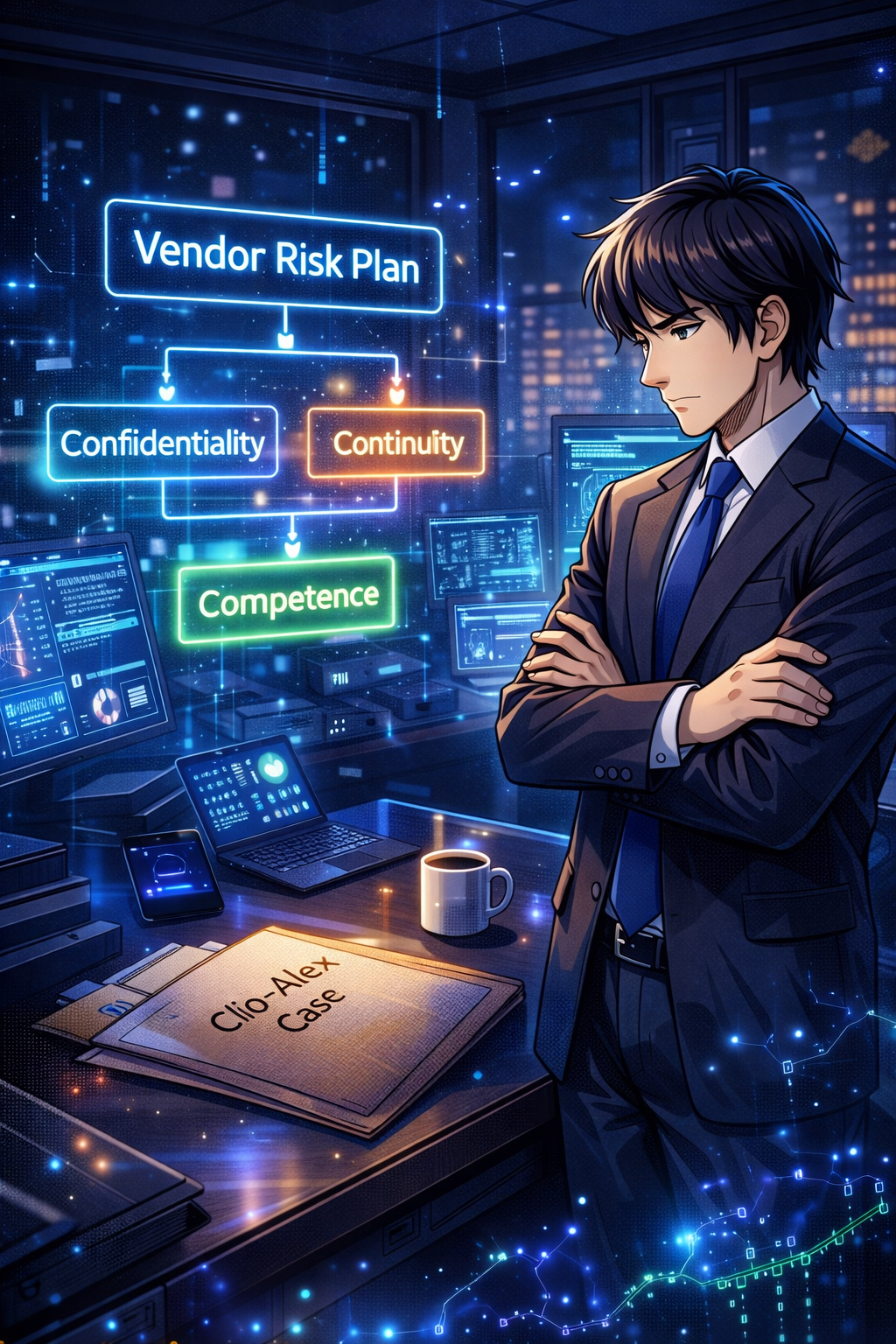
“Vendor risk management” is no longer an IT buzzword; it is now a core law‑practice skill for any attorney who relies on cloud‑based tools, CRMs, or AI‑driven research platforms.⚙️📊 The Tech‑Savvy Lawyer.Page’s February 2, 2026 editorial on the Clio–Alexi CRM litigation showed how a dispute between legal‑tech companies can reach straight into your client list, calendars, and workflows.⚖️🧾

In that piece, Clio and Alexi’s legal fight over data, AI training, and competition was framed not as “tech drama,” but as a live test of how well your firm understands its dependencies on vendors that control client‑related information.🧠📂 When the platform that hosts your CRM, matter data, or AI research tools becomes embroiled in high‑stakes litigation, your risk profile changes even if you never set foot in that courtroom.⚠️🏛️

Under ABA Model Rule 1.1, competence includes a practical understanding of the technology that underpins your practice, and that now clearly includes vendor risk.📚💡 You do not have to reverse‑engineer APIs, yet you should be able to answer basic questions: Which vendors are mission‑critical, what data do they hold, how would you respond if one faced an injunction, outage, or rushed acquisition.🧩🚨 That is vendor risk management at a level that is realistic for lawyers with limited to moderate tech skills.🙂🧑‍💼

LawyerS NEED TO Build Vendor Risk Plan for Ethical Compliance

Model Rule 1.6 on confidentiality sits at the center of this analysis, because litigation involving a vendor can expose or pressure the systems that hold client information.🔐📁 Our February 2 article emphasized the need to know where your data is hosted, what the contracts say about subpoenas and law‑enforcement requests, and how quickly you can export data if your ethics analysis changes.⏱️📄 Vendor risk management, therefore, includes reviewing terms of service, capturing “current” versions of online agreements, and documenting export rights and notice obligations.📝🧷

Model Rule 5.3 requires reasonable efforts to ensure that non‑lawyer assistance is compatible with your professional duties, and 2026 legal‑tech commentary increasingly treats vendors as supervised extensions of the law office.🧑‍⚖️🤝 CRMs, AI research tools, document‑automation platforms, and e‑billing systems all act as non‑lawyer assistants for ethics purposes, which means you must screen them before adoption, monitor them for material changes, and reassess when events like the Clio–Alexi dispute surface.📡📊

Recent legal‑tech reporting has described 2026 as a reckoning year for vendors, with AI‑driven tools under heavier regulatory and client scrutiny, which makes disciplined vendor risk management a competitive advantage rather than a burden.📈🤖 Practical steps include maintaining a simple vendor inventory, ranking systems by criticality, reviewing cyber and data‑security representations, and identifying a plausible backup provider for each crucial function.📋🛡️

LAWYERS NEED TO SHIELD THEIR CLIENT DATA FROM CRM LITIGATION AS MUCH AS THEY NEED TO PROTECT THEIR EthicS DUTIES!

Vendor risk management, properly understood, turns your technology stack into part of your professional judgment instead of a black box that “IT” owns alone.🧱🧠 For solo and small‑firm lawyers, that shift can feel incremental rather than overwhelming: start by reading the Clio–Alexi editorial, pull your top three vendor contracts, and ask whether they let you protect competence, confidentiality, and continuity if your vendors suddenly become the ones needing legal help.🧑‍⚖️🧰