MTC: First Microsoft, Then the FAA Ground Stop—So What's Next, Given Everything Happens in Threes? 🚨 A Lawyer's Backup Plan for When Clio, Smokeball, or Your Practice Management System Goes Dark ⚖️

Lawyers Need Backup Plans for Cloud Outages!

Last week gave lawyers two free lessons. Neither one cost us a client. The third one might. 😬

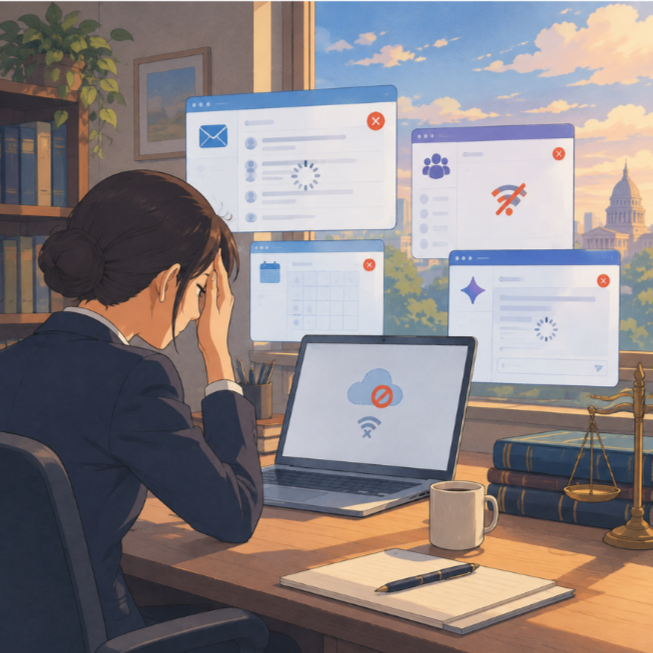
On Thursday, November 12, Microsoft 365 went down. Outlook, Teams, and Copilot stalled across the country. At the peak, Downdetector logged more than 130,000 Outlook problem reports in the United States, and the disruption stretched into Friday (Reuters). Microsoft later said the incident "was introduced by an issue during an earlier network capacity upgrade that surfaced following a recent network change" (Deadline). It was not a cyberattack.

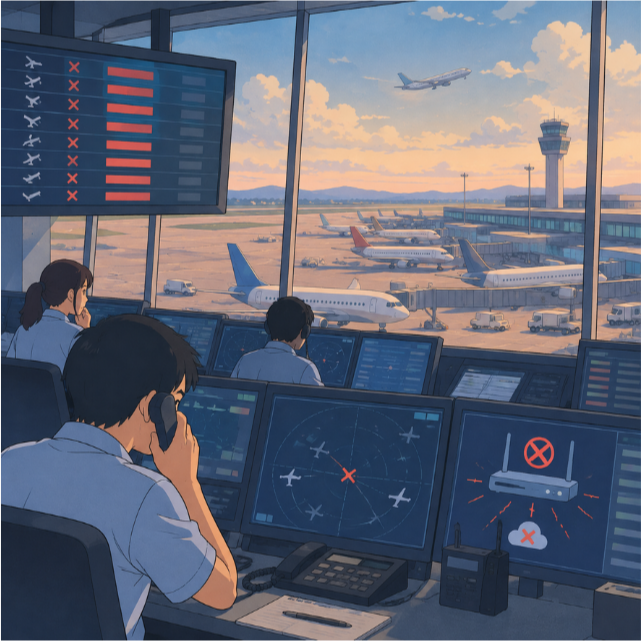
Then, on Friday afternoon, the Federal Aviation Administration ordered a nationwide ground stop. Travelers felt it at TSA checkpoints and departure boards. The failure, however, sat inside the FAA's air traffic control communications. Transportation Secretary Sean Duffy said a router being worked on during a copper wire upgrade began flooding other systems (BBC). The stop lasted more than four hours. More than 3,500 flights were canceled on Saturday alone (BBC). Homeland Security Secretary Markwayne Mullin could not rule out another outage (WUWM). Officials also said the two events were not connected (CNN).

Two unrelated failures. One common thread. A routine change to critical infrastructure took down systems that millions of people assumed would simply work. 🛫📧

Folk wisdom says everything happens in threes. I don't practice law by superstition. But I do plan for the third shoe to drop. For many of you, that third shoe is the cloud platform that holds your entire practice. It might be Clio, Smokeball, MyCase, PracticePanther, Filevine, or whichever practice management system runs your day. *Note that this editorial is not a criticism of any of these or other LPMs, just an example of what is out there.

The Hidden Dependency Problem 🔗
When Legal Technology Fails, Lawyers Need Resilience

I covered the immediate response in 🚨 Breaking News: Microsoft 365 Outage Update for Lawyers! and in my September post, BREAKING NEWS! Microsoft Outlook Outage: What Lawyers Need to Do When Microsoft 365 Email Fails. This editorial asks a bigger question. What happens when the system that holds your deadlines, contacts, trust records, and documents goes dark?

Here is the part many lawyers miss. Your practice management platform can stay "up" and still fail you. During the Microsoft outage, Smokeball's support hub warned that the disruption "may impact some areas of Smokeball, especially with emails" (Smokeball Support Hub). Smokeball's incident history also records an issue that was fixed only when "Amazon has resolved the issue" (Smokeball Status). That is not a criticism of Smokeball. It is a reminder that every cloud vendor rests on other vendors.

Ask yourself three questions:

  • Do you sign in to your practice management system with your Microsoft or Google account? If that login provider fails, can you still get in?

  • Does your calendar sync through Outlook? If the sync stalls, which calendar is the source of truth?

  • Does your backup system send its alerts by email? If email is what's down, who sees the alert?

A fallback that depends on the failed service is not a fallback. It is a second point of failure.

Picture an ordinary Tuesday. ⏰ You have a 10:00 a.m. hearing and a brief due at 5:00 p.m. Your practice management system will not load. The hearing notice, the judge's standing order, and opposing counsel's cell number all live inside it. Your client calls the main line and asks whether today's settlement conference is still on. You cannot see the calendar. You cannot open the file. You cannot send the client a secure message through the portal. None of this requires a hacker. It only requires one vendor's bad afternoon.

Solo practitioners feel this most. There is no IT department to call and no colleague with a printed docket. Small and mid-sized firms face a different problem. Everyone assumes someone else has the backup plan. In both settings, the fix is the same. Write the plan down, assign an owner, and test it before you need it.

What the ABA Model Rules Expect ⚖️
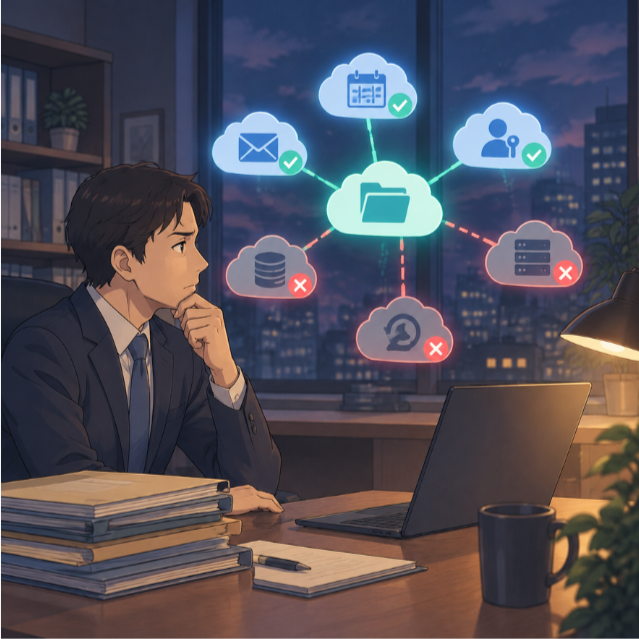
Protecting Law Firms from Practice Management Outages

The Model Rules do not require you to avoid the cloud. They require you to use it competently.

·      Rule 1.1, Comment 8 asks lawyers to keep abreast of "the benefits and risks associated with relevant technology." Concentration risk is one of those risks.

·      Rule 1.3 requires diligence. A missed deadline is still a missed deadline, even when the vendor caused the outage.

·      Rule 1.4 requires reasonable client communication. Clients need to know how to reach you when your normal channels fail.

·      Rule 1.6(c) requires reasonable efforts to prevent unauthorized disclosure. That rules out panicked workarounds, such as forwarding client files to a personal Gmail account. 🔒

·      Rule 1.15 requires safekeeping of client property and complete trust account records. If your trust ledger lives only in the cloud, know how you would reconstruct it.

·      Rules 5.1 and 5.3 make supervising lawyers responsible for reasonable measures. Your staff needs to know the plan, not just you.

ABA Formal Opinion 482 on lawyers' obligations after disasters is worth rereading too. It expects lawyers to plan for continued access to files and clients when ordinary systems fail. A ten-hour cloud outage is a small disaster. Treat it as a rehearsal.

🚨As always, check your own jurisdiction. Your state's adopted rules control.

Eight Backup Strategies for When Your Practice Management System Goes Dark 🛠️

Eight Ways Lawyers Can Prepare for System Failures

  1. Map your dependencies. 🗺️ List every system your practice touches on a normal day. Note what each one relies on: login, email, calendar sync, payments, e-signature, and storage. My checklist in MTC: When Your Staff Leaves, Does Their Access Leave Too? 🔐 A SaaS Access Governance Checklist for Lawyers and Law Firms ⚖️ gives you a ready-made starting inventory.

  2. Turn on your vendor's backup tools. 💾 Clio offers Data Escrow, which sends a weekly copy of your Clio information and documents to a secure location (Clio Help Center). Clio's standard CSV export, by contrast, covers structured data and not the document files themselves (SendtoCase). Smokeball offers a full data backup from its import/export settings (Clio Help Center). Whatever your platform, learn its export path now. Do not learn it during an outage. Third-party backup services exist as well. Vet any of them under Rules 1.6 and 5.3 before you connect them to client data.

  3. Build an "outage go-bag." 🎒 Once a week, export the essentials: the next 30 days of deadlines and hearings, active client contacts, opposing counsel and clerk numbers, and current trust balances. Store them on an encrypted drive or in separate, firm-approved storage. Never keep the go-bag only inside the system it is meant to replace.

  4. Follow the 3-2-1 rule. 🧮 Keep three copies of your data, on two types of media, with one copy offsite. I explained it in Help Prevent Your Law Office's Data Loss! and discussed it with Curtis Preston in 🎙️ Ep. 104: The Importance of Data Backup & Cybersecurity w/ Mr. Backup, Curtis Preston. Remember that sync is not backup. A sync tool will faithfully copy a deletion everywhere.

  5. Keep a second docket. 📅 Mirror critical deadlines in a calendar that does not depend on your practice management sync. A printed weekly docket counts. Paper does not need a server.

  6. Set up an independent communication channel. 📞 Decide in advance how clients, staff, and courts will reach you. Choose a channel that runs independently of the failed service, such as a firm phone line, a firm-approved texting tool, a website banner, or a voicemail greeting. Never disclose client information in a public notice.

  7. Get status alerts by text. 📲 Clio, Smokeball, and Microsoft all publish status pages. If those alerts arrive only in Outlook, you will miss them when Outlook is the problem.

  8. Review your contract and run a drill. 📑 Check your agreement for data export rights, incident notice, and service levels. I discussed those contract safety valves in MTC: Clio–Alexi Legal Tech Fight: What CRM Vendor Litigation Means for Your Law Firm, Client Data and ABA Model Rule Compliance ⚖️💻. Then run a 15-minute drill. Can your team reach a client, find a key document, and confirm tomorrow's deadline without your practice management system? If not, you have found your December project.

Don't Overcorrect 🧭

None of this means abandoning the cloud. Reputable cloud platforms are often more secure and resilient than the server closet many of us left behind. The lesson from the CrowdStrike meltdown, which I wrote about in Lessons Lawyers Can Learn from the Financial Impact of the Crowdstrike Software Error 💼💻, still holds. Technology fails. Professionals plan for it. My earlier tips in Maintaining Legal Operations During Internet Outages apply here as well.

So, What's Next? 🔮

Cloud Outages and the Lawyer’s Backup Plan

I don't know what the third outage will be. It could be your internet provider, a court e-filing system, a payment processor, or your practice management platform. I do know this. Lawyers who plan this week will barely notice it. Lawyers who don't may spend that day explaining a missed deadline. They may explain it to a client, a judge, or a bar counsel. None of those conversations is pleasant, and every one of them is avoidable.

Pick one strategy from this list and finish it before Friday. Next week, pick another. That is what competence under Rule 1.1 looks like in practice: small, steady, documented steps. ✅

Happy Lawyering!

Michael D.J. Eisenberg

MTC

📰 ABA TECHSHOW 2026 Recap: From AI Hype to LLM Reality, Google Workspace, and Ethical Lawyering in the Age of Bots ⚖️🤖

The Real Story Behind ABA TECHSHOW 2026

The techshow is the conference to go to keep your pulse on the technology lawyers should be using every day!

Walking into ABA TECHSHOW 2026 this year, I wasn’t thinking about shiny gadgets; I was thinking about competence, client service, and what it will mean to practice law in an era dominated not just by “AI,” but by large language models (LLMs) quietly shaping almost everything we see and share online. During my work on The Tech-Savvy Lawyer.Page blog and podcast, I keep running into the same pattern: lawyers know they should understand legal technology, yet they worry they’ll break something, breach a rule, or look foolish in front of their staff. TECHSHOW 2026 aimed directly at that anxiety — but this year, the conversation needs to go beyond what AI and generative AI can do and toward how LLMs and search bots are already shaping our professional identities online and offline. ⚖️💻

Keynotes: The “AI Dividend” and Your Time

The keynote lineup captured the tension between promise and risk. Legal market analysts highlighted what some called the “AI Dividend”: when machines take over routine drafting and research, lawyers gain time to think, advise, and advocate at a higher level. The real question — one I’ve been hammering on The Tech-Savvy Lawyer.Page for years — is what you will do with the time technology gives back (some of that time should include reviewing your work, e.g., your case citations). Tech-savvy speakers pushed attendees to look past vendor hype and focus on the broader digital environment, where consumer-facing tools, search engines, and recommendation algorithms are setting new expectations for speed, transparency, and availability.

Practical AI in the Sessions

Inside the conference rooms, the “Taming the Machines” and related AI tracks met baseline concerns (some with hands-on workshops) focused on realistic use cases: assisted drafting, pattern spotting in discovery, and summarizing voluminous documents. These sessions were built for lawyers who live in Word, Outlook, Google Workspace, and practice management systems and who simply want to stop retyping the same paragraphs. The faculty hammered home a critical point: generative AI is an assistant, not a decision-maker; you remain the lawyer, responsible for accuracy, judgment, and ethics under the ABA Model Rules. 🤖📄

Google Workspace, Microsoft 365, and Using What You Already Own

Mathew Krebis’ session on Google Workspace drove that message home in very practical terms. He showed how many firms are only scratching the surface of tools they already pay for: shared Drives with well-structured permissions, real-time collaboration in Google Docs, Gmail automation for intake and follow-up, and Google Calendar combined with Tasks to keep matter timelines under control. When you layer in emerging AI features in Workspace — smart replies, document summaries, suggested outlines — you see how even modest use of these tools can dramatically reduce friction in daily practice, and the tools Mathew discussed are not isolated to “law practice management” systems.

The takeaway was powerful: before you chase a new platform, fully exploit the ecosystem you already have. For many firms, “being more tech-savvy” starts with properly configuring their Google Workspace, Microsoft 365, or other SaaS platform, rather than buying yet another service.

Podcasting, Social Media, and LLM-Driven Visibility

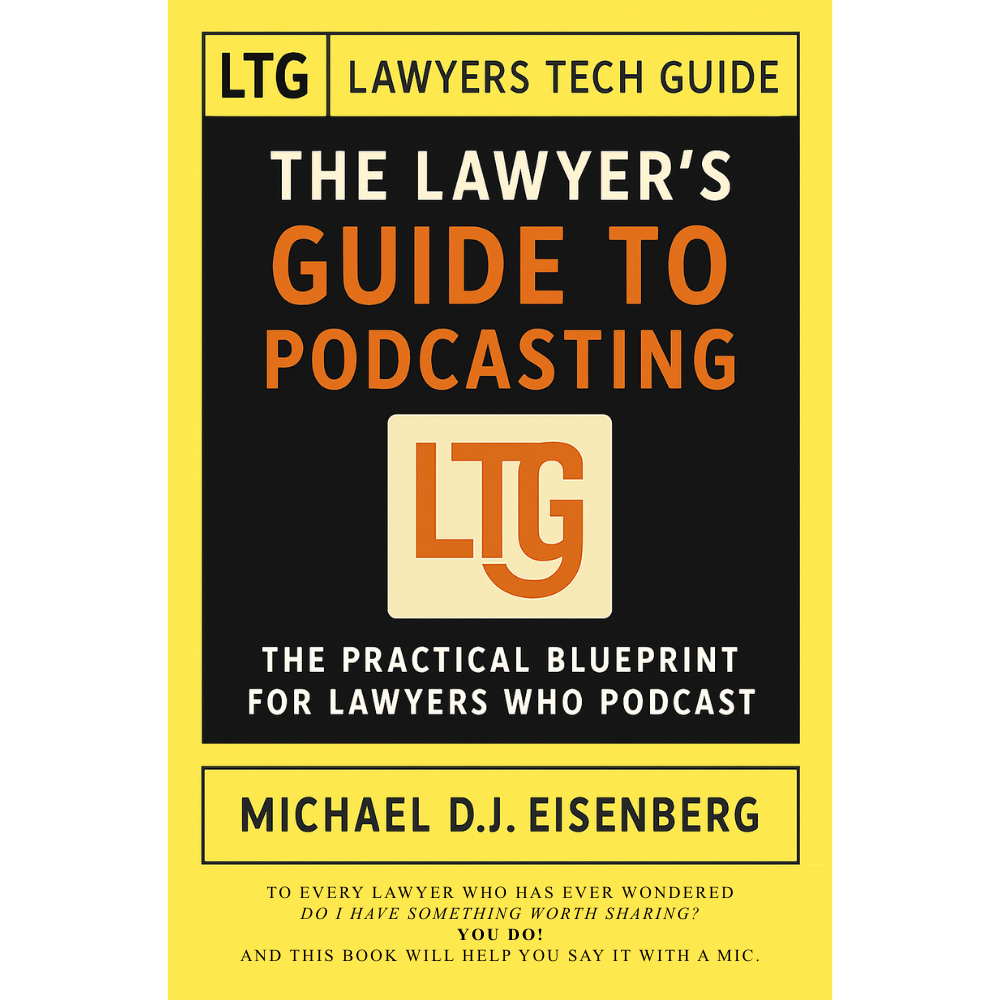
Meanwhile, one other yet important frontier — and one that still feels underexplored — is what happens when LLMs and search bots become the primary lens through which clients, colleagues, and even opposing counsel discover you. That’s where my panel, 🎧 Podcasting for Lawyers: The Truth Behind the Mic, came in.

Ruby L. Powers, Gyi Tsakalakis, Stephanie Everett, and I discussed podcasting and social media not just as marketing channels, but as structured signals fed into LLM-driven engines that are constantly indexing, ranking, and inferring who is an authority on a given topic. Whether you talk about appellate practice, family law, or even a hobby outside the law, your content becomes training data for Generative Engine Optimization/LLM bots that decide which voices surface first when someone types a question into an AI chatbox. 🎙️🌐

In other words, your digital footprint is no longer static. It is being interpreted, reassembled, and presented as answers — often without you ever seeing the intermediate steps. That reality raises a new layer of ethical questions under the ABA Model Rules. Model Rule 7.1’s prohibition on false or misleading communications about the lawyer or the lawyer’s services takes on a new twist when LLMs remix snippets of your posts, podcasts, Google Workspace–hosted client alerts, and blog articles into composite “advice.”

You might be scrupulously accurate in your content, but if an LLM mischaracterizes it or presents it out of context, what then? TECHSHOW 2026 addressed traditional risks like hallucinated case citations, but there is room for a deeper, explicit conversation about how LLM-driven discovery intersects with advertising, communication, and competence duties.

EXPO Hall: Tools, Timekeeping, and Vendor Reality Checks

The EXPO Hall, as always, served as a laboratory of possibilities. Practice management platforms, billing tools, document automation, and a wave of AI-enhanced products competed for attention. Timekeeping tools that automatically capture activity across devices and applications and then propose draft time entries have grown dramatically since last year. For lawyers still reconstructing their days from memory and sticky notes, this is more than a marginal upgrade; it directly affects revenue, work-life balance, and accuracy.

But the fair warning comes here: make sure vendors are showing you what their product can do today, not what they hope it will do someday. In the LLM era, marketing decks are often several steps ahead of deployed reality. 🧾⏱️

Remember, you have an obligation under Model Rule 1.1 (competence) and Model Rule 5.3 (responsibilities regarding non-lawyer assistance) to understand the capabilities and limitations of any tech you “delegate” work to. Asking hard questions about current functionality, data handling, and audit trails is not being difficult; it is part of your duty of care.

Cybersecurity, Confidentiality, and LLM Risk

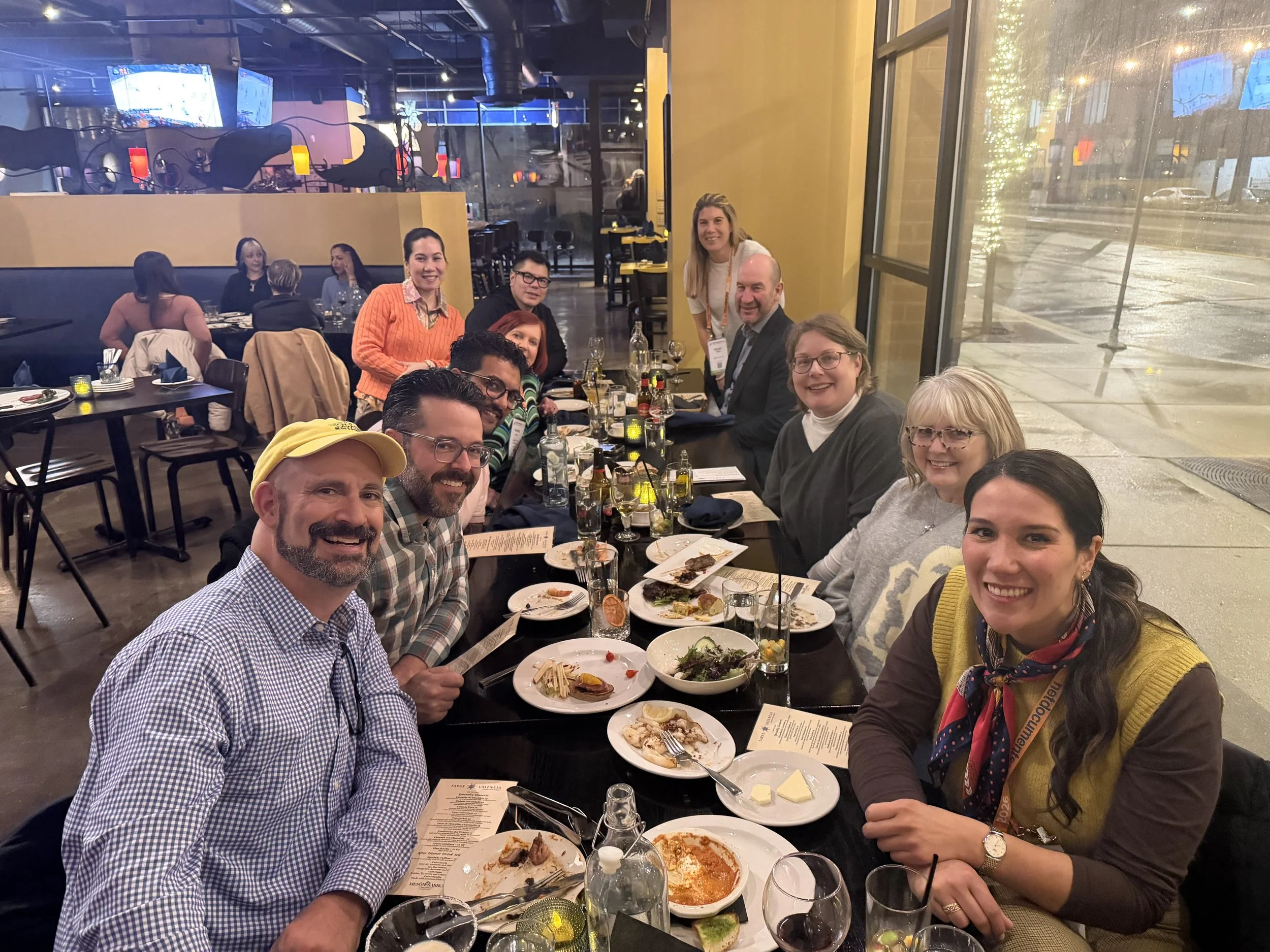
networking oppOrtunities like the taste of tecHshow” is a great way to talk with and learn from other lawyers about using tech in the practice of law.

The sessions on cybersecurity and confidentiality continued to do vital work. Under Model Rule 1.6, our obligation to protect client information extends to cloud storage, email, video conferencing, and the mobile devices we casually use in airport lounges. The “Guardians of the Data” track walked through practical checklists rather than abstract fearmongering: password managers, multi-factor authentication, properly configured backups, and vendor due diligence.

For firms running on Google Workspace, that translated into concrete steps: enforcing two-step verification, tightening Drive sharing settings, using client-specific shared Drives instead of ad hoc personal folders, and monitoring admin logs for suspicious access. The move from generic “AI” to LLM-powered services on any platform increases data risk, because many tools rely on ingesting your content — sometimes including client information — to improve their models. If you don’t understand where your data is going and how it is used, you cannot credibly say you are meeting confidentiality obligations. 🔐☁️

Competence, Human-in-the-Loop, and Everyday Workflows

You have an obligation under Model Rule 1.1 (competence) and Model Rule 5.3 (responsibilities regarding non-lawyer assistance) to understand the capabilities and limitations of any tech you “delegate” work to. Asking hard questions about current functionality, data handling, and audit trails is part of your duty of care.

Balancing this skepticism, though, is an equally important truth: becoming proficient with AI and LLM-based tools is not a spectator sport. You cannot satisfy your duty of technological competence from the sidelines. You have to use the tools first on a small scale, then progressively in more critical workflows, always with appropriate supervision and verification.

That might mean piloting an AI drafting feature in Google Docs and Microsoft Word for internal templates, or testing structured intake forms and automations inside Google Workspace or Microsoft 365 before rolling them out firm-wide. Ignoring AI because it feels uncomfortable is no longer the safer option. In some practices, failing to integrate it intelligently — while peers and opposing counsel do — may itself raise competence concerns as expectations evolve in courts and among clients. 🧩📈

Saturday Sessions: From “Use AI” to “Use AI Responsibly”

On Saturday, the 9 a.m. conversation among ABA President Michelle A. Behnke, Immediate Past President William R. “Bill” Bay, and President-Elect Barbara J. Howard, underscored how all of this ties into the rule of law and access to justice, framing AI as something lawyers now have a responsibility to actually use, not simply watch from the sidelines. The 10 a.m. session with Judge Timothy S. Driscoll then shifted the focus from “use AI or be left behind” to “use AI responsibly,” making it clear that judges, too, are integrating AI into their work and that they are not immune from mistakes when they rely on it.

The message for everyone in the courtroom ecosystem was simple and blunt: “Review, review, and review” any work touched by AI, because AI is a non‑infallible tool that does make errors and can mislead the unwary. Together, these sessions acknowledged the growing digital divide: lawyers and clients who can’t or won’t adopt technology risk falling out of the mainstream of legal services, while those who adopt it recklessly risk eroding confidence in both their own work and the justice system as a whole.

We are not merely debating convenience; we are deciding who gets effective representation and who is left out because the lawyer they might have hired never appeared in their LLM‑driven search results — or appeared with AI‑boosted visibility but poor ethical judgment. Technology, in this sense, is not optional; it is one of the few levers we have to expand meaningful access to legal help, provided we wield it with intent, humility, and rigorous human review. ⚖️🧠

LLM Literacy: The Next Core Competency

That balance — between caution and experimentation — is where TECHSHOW 2026 both excelled and showed its next frontier. Many sessions made AI approachable, breaking down concepts for lawyers with limited to moderate tech skills and providing concrete workflows they could apply on Monday. What I would like to see more explicitly next year is programming that treats LLM literacy as a core competency: understanding how LLMs are built, how they index and surface information, how your content feeds into them, and how that affects everything from client intake to reputation, whether you are working in Microsoft 365, Google Workspace, or a specialized legal platform.

From my vantage point as a legal tech ambassador at The Tech-Savvy Lawyer, the most successful sessions respected that many lawyers are highly capable professionals who simply haven’t had the time or guidance to modernize their workflows. They don’t need to become prompt engineers. They need guardrails, roadmaps, and clear examples of how to align AI, LLM tools, and mainstream platforms like Microsoft 365 and Google Workspace with the ABA Model Rules and local bar guidance. When faculty focused on incremental steps — tightening cybersecurity configurations, adding a layer of AI-assisted drafting under strict human review, building a consistent content strategy that LLMs can reliably recognize — the room should lead in.

A Tough-Love Takeaway for Lawyers

If you are a lawyer who still feels behind, here’s the core message I took away from TECHSHOW 2026, with a bit of tough love: you don’t need to chase every new tool, but you can’t afford to ignore LLM-driven AI and the platforms you already live in, like Microsoft 365 and Google Workspace, any longer. Understand the basics; pilot one or two well-vetted tools to start improving your efficiency without sacrificing the need for a true human-in-the-loop.

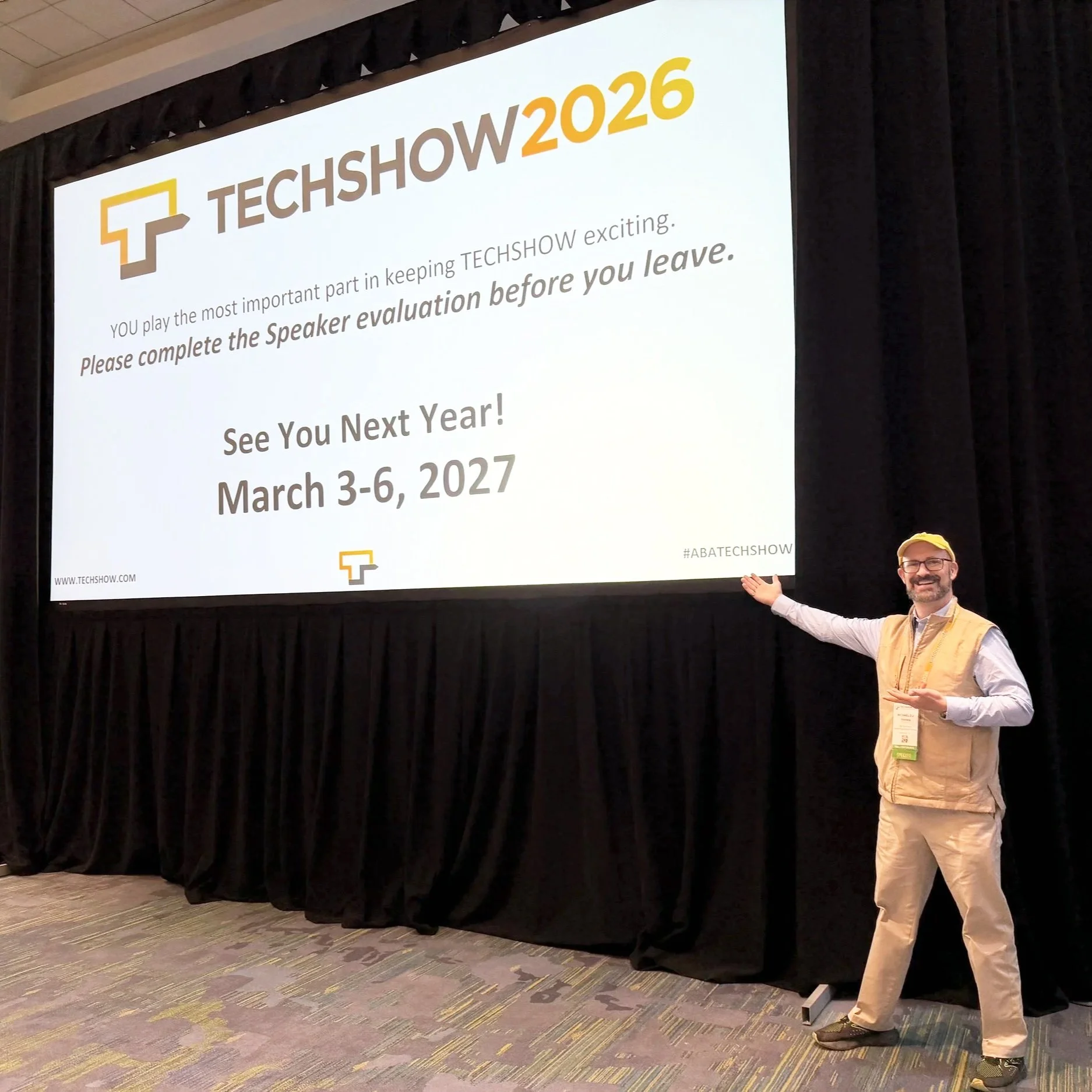
SEE YOU IN CHICAGO FOR ABA TECHSHOW 2027!!!

Read your jurisdiction’s ethics opinions on AI and technology. Build habits that protect client data by default. Use your own content — whether blog posts, newsletters, or podcasts — to train the bots to see you as a trusted authority rather than a digital afterthought. Ultimately, your bar license may be at more risk from not engaging with AI than from engaging with it carefully and intelligently.

The future of legal practice will not wait until we are all comfortable; it is here now, embedded in the search boxes, recommendation engines, and tools your clients already use. TECHSHOW 2026 made that clear. The next move is yours. 🚀⚖️

MTC