MTC: Why Rising PC and AI Tool Prices (for Windows and Apple) Should Be on Every Lawyer’s Radar in 2026
/
Law firms need to plan Windows, Mac, and AI refresh strategy
If you feel like every new laptop quote is 15–20% higher than last year, you are not imagining things. 📈 And if your favorite AI drafting or transcript tool pinged you with a “small” price adjustment this spring, welcome to the club. 🤖
In our December 2025 editorial, “MTC: The 2026 Hardware Hike: Why Law Firms Must Budget for the ‘AI Squeeze’ Now!”, we warned that a perfect storm in the hardware market was forming: DRAM shortages, surging AI infrastructure demand, and shifting trade policy were about to push PC prices up by 15–20% in 2026. 💻 Then, in April 2026’s “MTC: Why 2026’s PC Price Hikes Put Law Firms at Risk (and Why Many Lawyers Are Quietly Switching to Macs)”, we explored how rising Windows laptop prices were reshaping law firm hardware decisions and eroding the old assumption that “Windows is always cheaper than Mac.”
Those forecasts are now reality across both Windows PCs and Macs, and the question I keep hearing from solo and small firm lawyers is simple: Should I be worried?
The short answer is yes—concerned, not paralyzed. The better question is: how do we respond strategically, in a way that respects both our budgets and our ethical obligations under ABA Model Rules 1.1 (Competence) and 1.6 (Confidentiality)?
A quick recap: what’s driving the price surge?
Let’s start with the “why,” because context matters when you sit down with your next-year budget spreadsheet. 📊
Industry analysts now confirm that average PC prices are rising in the 15–20% range for 2026, with memory costs as the biggest driver. AI data centers—those massive server farms powering tools like ChatGPT and other LLMs—are soaking up an estimated majority of advanced DRAM production, leaving less capacity for business laptops and desktops of all flavors, whether they run Windows or macOS. When memory becomes scarce and expensive, everything that relies on it gets pricier.
You can see this in both ecosystems:

Lawyers need t plan their 2026 law firm hardware budget amid rising costs
Windows side: In April, Microsoft sharply raised prices across its Surface lineup, including the Surface Pro and Surface Laptop families, many lawyers rely on. Entry-level machines that once started under 1,000 dollars now begin well above that mark, with some configurations jumping several hundred dollars over launch prices and in some cases exceeding roughly comparable MacBook configurations.
Apple side: In June, Apple CEO Tim Cook told The Wall Street Journal that Apple will raise prices because the company can no longer absorb skyrocketing memory and storage costs, calling the situation a “hundred-year flood” and saying he has “never seen anything like it in any area in over 40 years,” describing these increases as “unavoidable.” Apple to Raise Prices Due to Memory Chip Crunch, Tim Cook Says.
When both Microsoft and Apple are telling you that memory costs and component shortages are forcing them to push prices up, that is not a platform rivalry story. It is a signal that the entire hardware market—Windows and Mac alike—is being repriced around the AI era.
On top of that, trade policy and tariffs have increased costs for components and final assembly in key manufacturing hubs like China and Taiwan. Vendors have responded by tightening quote windows and baking in risk premiums, which is why the Windows laptop or Mac you priced in Q4 2025 quietly jumped in Q2 2026. 💸
In “MTC: The 2026 Hardware Hike”, we urged firms to accelerate planned refreshes where possible, prioritize RAM over storage, and budget for stronger machines instead of downgrading specs. In the April 2026 editorial, we drilled into how those same forces made some Mac configurations look surprisingly competitive—and why lawyers should stop treating “Windows versus Mac” as a matter of habit and start treating it as a structured evaluation tied to performance, security, and ethical duties. All of that guidance still holds.
Budgeting like a law practice, not a gadget hobby (PC‑neutral framing)
The theme of “MTC: The 2026 Hardware Hike” was simple: treat your tech like a planned, recurring investment—not a last-minute scramble when a laptop dies in the middle of trial prep. The April 2026 follow-up on PC price hikes showed how that planning must now account for both Windows and Mac options, since price gaps have narrowed or flipped depending on configuration.
Here is the approach I recommend for solos and small firms, regardless of platform:
Inventory and classify your devices across platforms.
Capture which users are on Windows, which are on macOS, and what roles those machines play. Prioritize devices used for active litigation, client communications, and high-sensitivity matters.Set a realistic refresh cycle that is OS‑aware.
For most law practices, a 3–5 year cycle for primary laptops and desktops is reasonable, but the exact timing should reflect each platform’s support timeline—Windows 10 reaching end of support, macOS versions aging out, and vendor firmware commitments.Budget for “competence grade” hardware on both sides.
As we argued in both the December and April MTC pieces, it is better to buy fewer, well‑specced machines—whether that is a mid-range Surface Laptop or a MacBook Air with sufficient RAM—than to chase the absolute lowest price and end up with systems that choke under AI‑enhanced workflows.Run a structured Windows vs. Mac evaluation, not a loyalty contest.
Following the April article’s recommendation, build a simple matrix comparing specific Windows and Mac models on price, RAM, storage, performance, security features (like Secure Boot, Secure Enclave, or TPM), support life, and compatibility with your core practice software. Tie that matrix explicitly to your responsibilities under ABA Model Rules 1.1 and 1.6 so you can show you exercised reasonable diligence.Cull redundant subscriptions before sacrificing baseline hardware on either platform.
Before you decide that “Macs are too expensive now” or “Windows machines are out of reach,” examine your monthly AI and SaaS spend. Many firms can free up budget for better Windows or Mac hardware by retiring overlapping tools that deliver marginal benefits.
This is not about declaring a winner in the Windows vs. Mac debate. It is about recognizing that both ecosystems are affected by the same structural forces—AI‑driven memory demand, supply constraints, tariffs—and that your ethical obligations apply regardless of logo. ⚖️
So, should lawyers be worried? (PC‑neutral conclusion)
Concern is justified. Panic is not. 😅
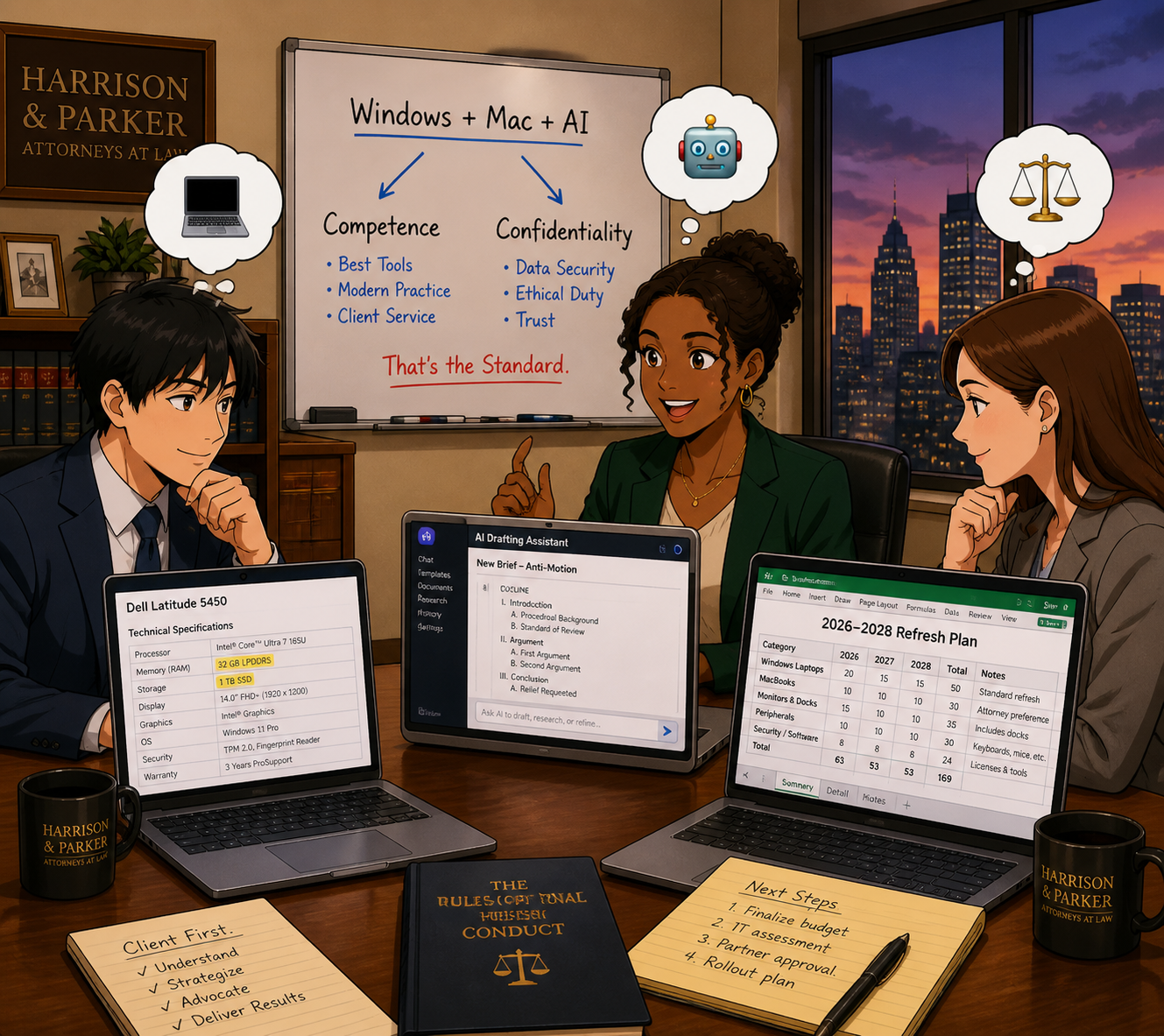
Law firmS of every size need to plan Windows, Mac, and AI refresh strategy
Yes, Windows PC and Mac prices are rising and are likely to remain elevated through at least 2027, given ongoing DRAM constraints and AI demand. Yes, AI and cloud tools are adjusting their pricing and tiers in ways that can catch an unprepared firm off guard. And yes, when Microsoft raises Surface prices, and Tim Cook says he has never seen a memory crunch like this in over 40 years and calls it a “hundred-year flood,” those are market‑wide signals—not platform‑centric marketing talking points.
But you still have levers to pull, no matter which platform you use:
Plan your hardware lifecycle instead of reacting to failures.
Prioritize “competence grade” devices and security over optional features, whether that is a mid‑range Windows laptop or a MacBook with enough RAM.
Rationalize your AI and SaaS stack so you pay for what actually moves the needle.
Treat your tech stack as part of your ethics compliance, not just overhead. ⚖️
Lawyers on both Windows and Mac should treat 2026’s hardware and AI price hikes as a market‑wide issue that affects competence, confidentiality, and client service—not as a referendum on one platform. 💻⚖️
MTC