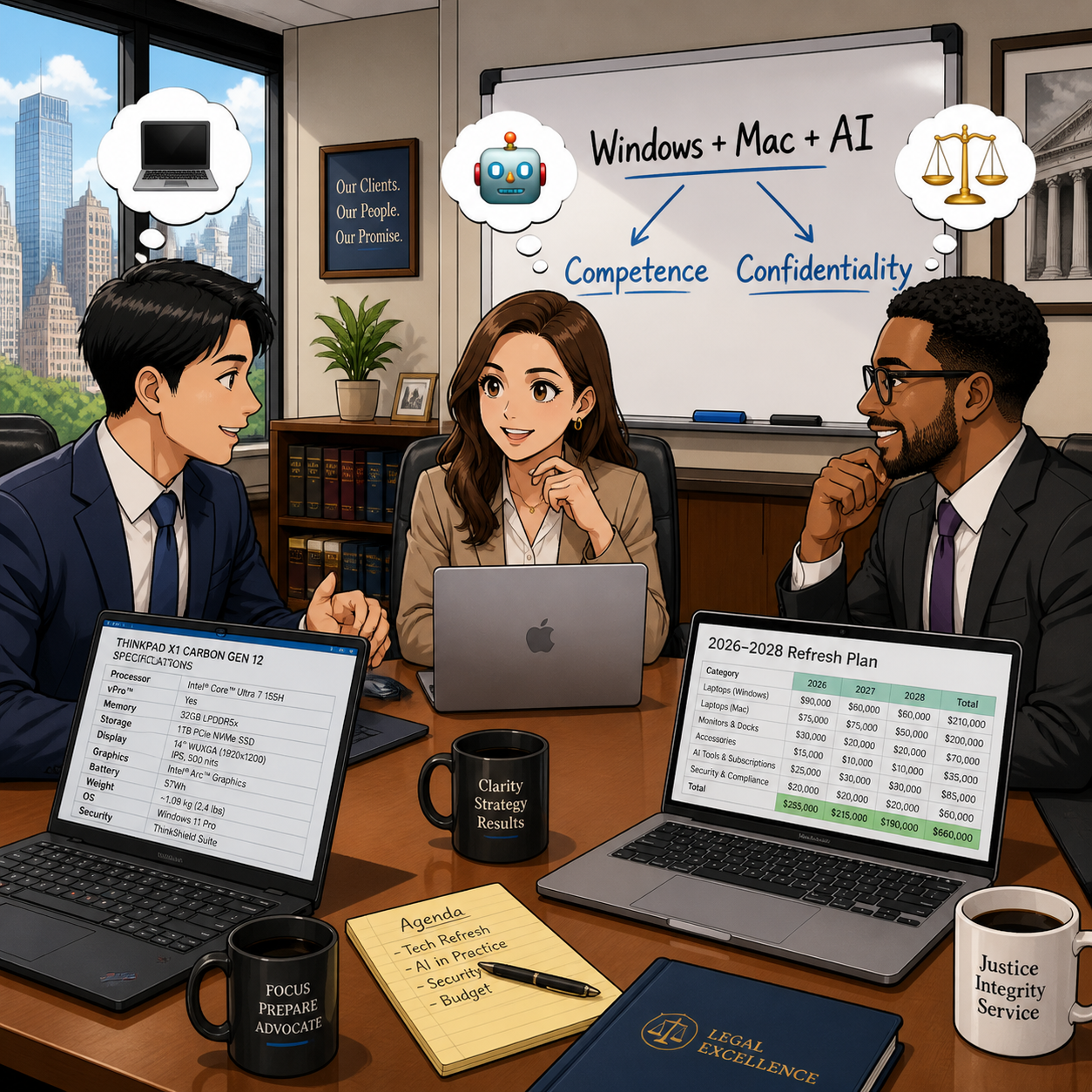
MTC: Why Rising PC and AI Tool Prices (for Windows and Apple) Should Be on Every Lawyer’s Radar in 2026

Law firms need to plan Windows, Mac, and AI refresh strategy

If you feel like every new laptop quote is 15–20% higher than last year, you are not imagining things. 📈 And if your favorite AI drafting or transcript tool pinged you with a “small” price adjustment this spring, welcome to the club. 🤖

In our December 2025 editorial, “MTC: The 2026 Hardware Hike: Why Law Firms Must Budget for the ‘AI Squeeze’ Now!”, we warned that a perfect storm in the hardware market was forming: DRAM shortages, surging AI infrastructure demand, and shifting trade policy were about to push PC prices up by 15–20% in 2026. 💻 Then, in April 2026’s “MTC: Why 2026’s PC Price Hikes Put Law Firms at Risk (and Why Many Lawyers Are Quietly Switching to Macs)”, we explored how rising Windows laptop prices were reshaping law firm hardware decisions and eroding the old assumption that “Windows is always cheaper than Mac.”

Those forecasts are now reality across both Windows PCs and Macs, and the question I keep hearing from solo and small firm lawyers is simple: Should I be worried?

The short answer is yes—concerned, not paralyzed. The better question is: how do we respond strategically, in a way that respects both our budgets and our ethical obligations under ABA Model Rules 1.1 (Competence) and 1.6 (Confidentiality)?

A quick recap: what’s driving the price surge?

Let’s start with the “why,” because context matters when you sit down with your next-year budget spreadsheet. 📊

Industry analysts now confirm that average PC prices are rising in the 15–20% range for 2026, with memory costs as the biggest driver. AI data centers—those massive server farms powering tools like ChatGPT and other LLMs—are soaking up an estimated majority of advanced DRAM production, leaving less capacity for business laptops and desktops of all flavors, whether they run Windows or macOS. When memory becomes scarce and expensive, everything that relies on it gets pricier.

You can see this in both ecosystems:

Lawyers need t plan their 2026 law firm hardware budget amid rising costs

  • Windows side: In April, Microsoft sharply raised prices across its Surface lineup, including the Surface Pro and Surface Laptop families, many lawyers rely on. Entry-level machines that once started under 1,000 dollars now begin well above that mark, with some configurations jumping several hundred dollars over launch prices and in some cases exceeding roughly comparable MacBook configurations.

  • Apple side: In June, Apple CEO Tim Cook told The Wall Street Journal that Apple will raise prices because the company can no longer absorb skyrocketing memory and storage costs, calling the situation a “hundred-year flood” and saying he has “never seen anything like it in any area in over 40 years,” describing these increases as “unavoidable.” Apple to Raise Prices Due to Memory Chip Crunch, Tim Cook Says.

When both Microsoft and Apple are telling you that memory costs and component shortages are forcing them to push prices up, that is not a platform rivalry story. It is a signal that the entire hardware market—Windows and Mac alike—is being repriced around the AI era.

On top of that, trade policy and tariffs have increased costs for components and final assembly in key manufacturing hubs like China and Taiwan. Vendors have responded by tightening quote windows and baking in risk premiums, which is why the Windows laptop or Mac you priced in Q4 2025 quietly jumped in Q2 2026. 💸

In “MTC: The 2026 Hardware Hike”, we urged firms to accelerate planned refreshes where possible, prioritize RAM over storage, and budget for stronger machines instead of downgrading specs. In the April 2026 editorial, we drilled into how those same forces made some Mac configurations look surprisingly competitive—and why lawyers should stop treating “Windows versus Mac” as a matter of habit and start treating it as a structured evaluation tied to performance, security, and ethical duties. All of that guidance still holds.

Budgeting like a law practice, not a gadget hobby (PC‑neutral framing)

The theme of “MTC: The 2026 Hardware Hike” was simple: treat your tech like a planned, recurring investment—not a last-minute scramble when a laptop dies in the middle of trial prep. The April 2026 follow-up on PC price hikes showed how that planning must now account for both Windows and Mac options, since price gaps have narrowed or flipped depending on configuration.

Here is the approach I recommend for solos and small firms, regardless of platform:

  1. Inventory and classify your devices across platforms.
    Capture which users are on Windows, which are on macOS, and what roles those machines play. Prioritize devices used for active litigation, client communications, and high-sensitivity matters.

  2. Set a realistic refresh cycle that is OS‑aware.
    For most law practices, a 3–5 year cycle for primary laptops and desktops is reasonable, but the exact timing should reflect each platform’s support timeline—Windows 10 reaching end of support, macOS versions aging out, and vendor firmware commitments.

  3. Budget for “competence grade” hardware on both sides.
    As we argued in both the December and April MTC pieces, it is better to buy fewer, well‑specced machines—whether that is a mid-range Surface Laptop or a MacBook Air with sufficient RAM—than to chase the absolute lowest price and end up with systems that choke under AI‑enhanced workflows.

  4. Run a structured Windows vs. Mac evaluation, not a loyalty contest.
    Following the April article’s recommendation, build a simple matrix comparing specific Windows and Mac models on price, RAM, storage, performance, security features (like Secure Boot, Secure Enclave, or TPM), support life, and compatibility with your core practice software. Tie that matrix explicitly to your responsibilities under ABA Model Rules 1.1 and 1.6 so you can show you exercised reasonable diligence.

  5. Cull redundant subscriptions before sacrificing baseline hardware on either platform.
    Before you decide that “Macs are too expensive now” or “Windows machines are out of reach,” examine your monthly AI and SaaS spend. Many firms can free up budget for better Windows or Mac hardware by retiring overlapping tools that deliver marginal benefits.

This is not about declaring a winner in the Windows vs. Mac debate. It is about recognizing that both ecosystems are affected by the same structural forces—AI‑driven memory demand, supply constraints, tariffs—and that your ethical obligations apply regardless of logo. ⚖️

So, should lawyers be worried? (PC‑neutral conclusion)

Concern is justified. Panic is not. 😅
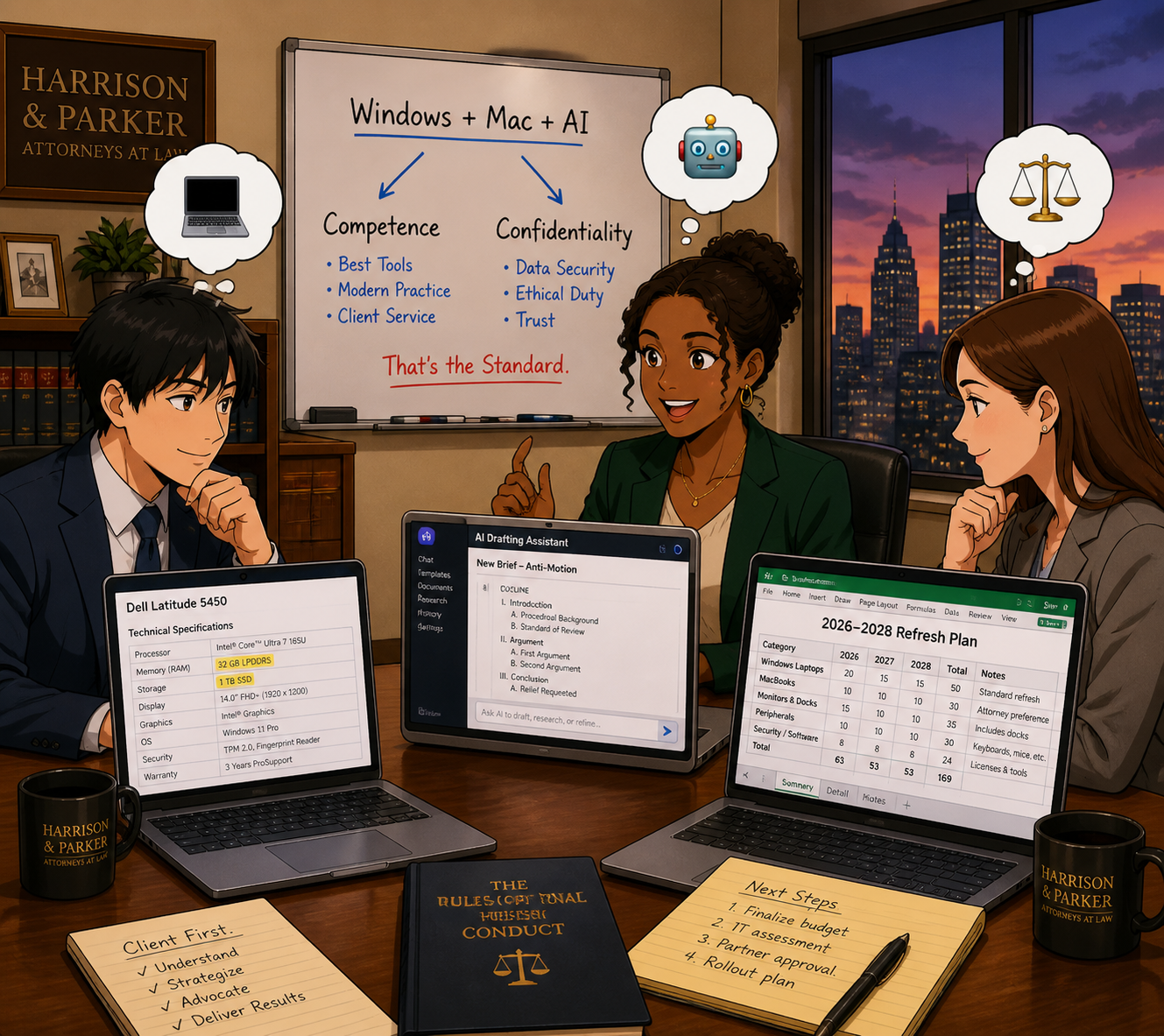
Law firmS of every size need to plan Windows, Mac, and AI refresh strategy

Yes, Windows PC and Mac prices are rising and are likely to remain elevated through at least 2027, given ongoing DRAM constraints and AI demand. Yes, AI and cloud tools are adjusting their pricing and tiers in ways that can catch an unprepared firm off guard. And yes, when Microsoft raises Surface prices, and Tim Cook says he has never seen a memory crunch like this in over 40 years and calls it a “hundred-year flood,” those are market‑wide signals—not platform‑centric marketing talking points.

But you still have levers to pull, no matter which platform you use:

  • Plan your hardware lifecycle instead of reacting to failures.

  • Prioritize “competence grade” devices and security over optional features, whether that is a mid‑range Windows laptop or a MacBook with enough RAM.

  • Rationalize your AI and SaaS stack so you pay for what actually moves the needle.

  • Treat your tech stack as part of your ethics compliance, not just overhead. ⚖️

Lawyers on both Windows and Mac should treat 2026’s hardware and AI price hikes as a market‑wide issue that affects competence, confidentiality, and client service—not as a referendum on one platform. 💻⚖️

MTC
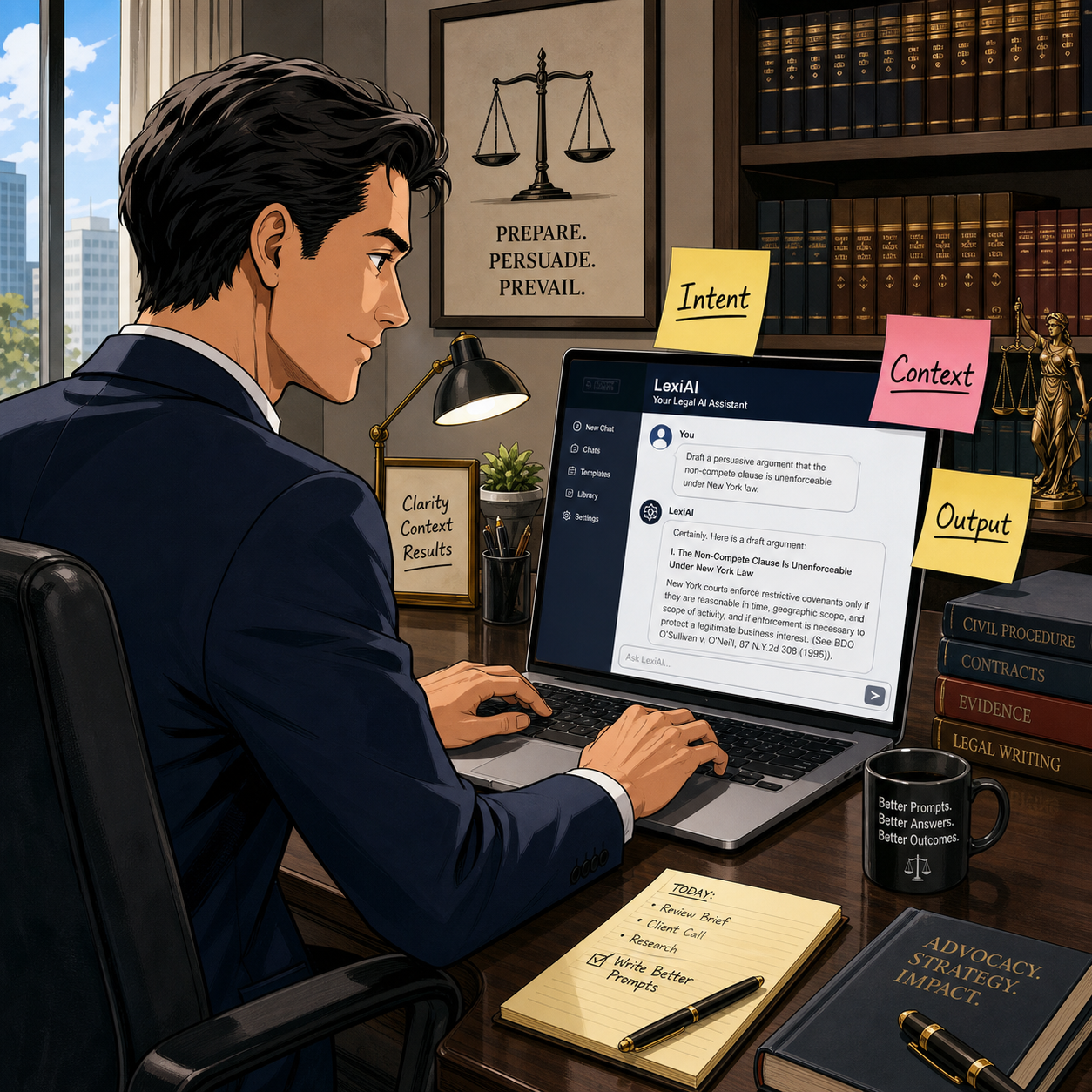
How (To) Lawyers Can Write Better AI Prompts (In Minutes) with PromptCowboy 🤠

today’s Lawyer need to master AI prompts in a modern tech-savvy law office 📚🤖

Large language models (LLMs) are not magic wands. They are very fast, very convincing parrots. When you ask sloppy questions, you get sloppy answers. When you ask clear, structured questions, you start to see real value in your law practice.

That’s why prompt quality is now a lawyering skill, not a party trick—and tools like PromptCowboy can help you build that skill quickly and safely.

In earlier Tech-Savvy Lawyer posts like “🎙️ TSL Lab’s Deep Dive into Our May 18, 2027, editorial, “AI Won’t Replace Solo and Small Firm Lawyers. It Will Supercharge Them”!” and podcast episodes discussing AI workflows, I’ve stressed the same core message: you cannot delegate your professional judgment to an LLM. You can, however, use an LLM to accelerate competent lawyering—if you stay in control of the instructions you give it and the outputs you accept.

Why prompt quality is an ethics issue 💼

The ABA’s technology competence mandate under Model Rule 1.1 now clearly extends to understanding the risks and benefits of generative AI tools. ABA Formal Opinion 512 emphasizes that lawyers may use generative AI to deliver faster and more efficient legal services, but only if they maintain independent professional judgment, supervise results, and comply with duties of confidentiality, candor, and reasonable fees.

That means “prompt engineering” is not a hobby; it’s part of staying reasonably informed about relevant technology and using it responsibly. When you use a tool like PromptCowboy to structure your prompts, you are not outsourcing judgment—you are standardizing how you exercise it.

What PromptCowboy actually does for lawyers 🤠⚖️

PromptCowboy is a guided prompt generator. You type in a rough idea (“help me sanity-check a demand letter” or “summarize this deposition transcript for trial prep”), and it walks you through targeted questions that transform that rough idea into a structured, reusable prompt.

For lawyers, three capabilities matter most:

  • It enforces structure: role, task, context, constraints, and output format.

  • It preserves prompts: you can reuse, tweak, and standardize prompts across matters and teams.

  • It supports multiple LLMs: you can paste the same prompt into your preferred tools (e.g., a legal-specific AI plus a general LLM).

If you’ve ever stared at a blank chat box and thought, “I don’t even know how to ask this,” PromptCowboy is the bridge between your legal brain and the AI chat window.

Why not just type directly into the LLM? 🤔

If you’re comfortable drafting a tight brief from a messy client email, you can learn to write good prompts directly in ChatGPT, Claude, or your preferred tool. The question is not “Can I?”—it’s “Is that the best use of my time and attention?”

PromptCowboy sits between your legal brain and the AI chat box and gives you three advantages that are hard to get from freehand prompting alone.

1. It forces you into best practices by default

Most prompt-engineering guides tell you: be specific, define the role, give context, specify the audience, and tell the model what format you want. When you type straight into an LLM, you have to remember all of that and translate your legal problem into structured instructions.

PromptCowboy automates that discipline:

  • It asks targeted follow-up questions about audience, use case, and output format.

  • Its “improve your prompt” style features can take your “lazy prompt” and suggest refinements, like adding jurisdiction, tone, or specific constraints.

  • It then assembles a complete, structured prompt you can copy into your LLM.

From an ethics standpoint, this matters because better-structured prompts reduce the risk of vague, misleading, or overconfident AI outputs that you might otherwise overlook—helping you meet your competence duty under Model Rule 1.1 and the quality expectations outlined in ABA Formal Opinion 512.

2. It gives you reusable, auditable prompt “precedent”

When you type directly into a chat window, your “good prompts” disappear into the scroll unless you remember to save them elsewhere. Lawyers would never run a litigation practice without templates and prior forms, yet many start from scratch every time they open an AI tool.

PromptCowboy provides:

SOLO AND Small-firm attorneys CAN COMPETE WITH LARGER FIRMS BY CREATING POWERFUL AI prompt templates for clients ⚖️💬

  • Prompt history and private templates in its paid tiers, so you can reuse and iterate on prompts like you do with forms.

  • Centralized prompt management, so a firm can standardize prompts for common tasks (client email drafts, discovery checklists, status updates) and keep everyone using the same baseline instructions.

  • A clean separation between “prompt drafting” and “AI execution,” which makes it easier to document how you instructed the AI if you ever need to explain or audit your process.

That last point goes to Model Rules 5.1 and 5.3—supervision of lawyers and nonlawyer assistants—because LLMs function in practice like a highly automated, but still supervised, assistant. Having standard prompts you can review, update, and roll out to a team is much easier with a dedicated prompt tool than with a dozen scattered screenshots.

3. It speeds up the “iterate and improve” loop

Good prompting is iterative. You try, you see what the AI produces, you refine. That’s true whether you’re drafting in a word processor or prompting an LLM.

PromptCowboy accelerates that loop because:

  • It can generate an initial, detailed prompt from a very short description (“help me draft a discovery checklist for a Virginia PI case”).

  • It automatically suggests follow-up questions whose answers will sharpen the prompt, instead of making you guess what to change.

  • Once refined, you can save that prompt and reuse it as a starting point next time, instead of reinventing the wheel in the LLM chat.

The net effect is less cognitive load. You spend your time reviewing outputs and exercising legal judgment, not handcrafting prompts from scratch—which aligns with the efficiency and cost considerations in Model Rule 1.5 and the access-to-justice benefits emphasized in Formal Opinion 512.

When direct prompting is fine—and when PromptCowboy shines

To keep this honest: there are plenty of scenarios where you can safely type straight into your LLM, like one-off low-stakes tasks or conversational exploration.

PromptCowboy shines when you:

  • Want repeatable workflows (weekly client updates, discovery outlines, intake summaries).

  • Need team-wide standards for how AI should behave and respond.

  • Must document your process for internal policies, insurers, or regulators who may ask how you controlled AI outputs.

Think of typing directly in the LLM as scribbling notes on a legal pad in chambers; using PromptCowboy is more like drafting a form in your document system that the whole firm can rely on.

A simple framework: RICE + I (Role, Instructions, Context, Expectations + Inputs) 🧩

The RICE framework—Role, Instructions, Context, Expectations—is a practical way to structure prompts. Let’s add an explicit “I” for Inputs and walk through how PromptCowboy helps you implement it:

  1. Role – Who is the AI supposed to be?
    Example: “You are a legal writing coach familiar with U.S. civil procedure.”
    PromptCowboy prompts you to define this persona up front, narrowing the output.

  2. Instructions – What task should it perform?
    Example: “Identify ambiguities and tone issues in the following demand letter and suggest specific edits.”

  3. Context – What background does it need?
    Example: “Maryland state court personal injury case involving a rear-end collision, liability admitted, issue is damages only.”

  4. Expectations – How should it respond?
    Example: “Return a bullet-point list, no more than 10 bullets, written at a 10th-grade reading level.”

  5. Inputs – What materials can it see?
    Example: “You will receive the text of the demand letter below this prompt.”

PromptCowboy’s workflow essentially walks you through each of these steps, so you don’t have to remember them every time.

Step-by-step: Building a better legal prompt with PromptCowboy 🛠️

Solo practitionerS CAN craft ethical AI prompts with ABA-focused guidance 🧠📜

Let’s say you want an LLM to help you draft initial discovery requests in a straightforward personal injury case—without crossing ethical lines.

Step 1: Decide what you will do first
Under Model Rule 1.1 and Formal Opinion 512, you must understand the law and facts well enough to supervise any AI assistance. That means you:

  • Identify the jurisdiction and claims

  • Review your client’s key facts

  • Decide what categories of information you need

Only then should you move to the AI.

Step 2: Open PromptCowboy and describe your task in plain English
In PromptCowboy, start with a simple description:

“Help me generate draft interrogatories and requests for production for a rear-end auto collision case in Virginia state court, focusing on damages.”

Step 3: Answer PromptCowboy’s clarifying questions
PromptCowboy will ask for details like:

  • Target audience (you, another lawyer, or a client)

  • Preferred tone (formal, plain language, bullet-point)

  • Output format (numbered list, table, outline)

By answering these questions, you naturally fill in the RICE + I elements without overthinking the jargon.

Step 4: Add ethical guardrails into the prompt
This is where ABA Model Rules meet prompt engineering:

  • Model Rule 1.6 (confidentiality) and Formal Opinion 512 suggest you should avoid disclosing client-identifying information to public LLMs unless you have informed consent and appropriate safeguards.

  • So in the prompt, you write:
    “Do not invent case-specific facts. Use only the generic facts provided. Do not reference any real persons or entities.”

PromptCowboy can store that language so you reuse it in future prompts.

Step 5: Generate, copy, and paste into your chosen LLM
Once PromptCowboy assembles the prompt, you copy it into:

  • A general LLM (e.g., ChatGPT, Claude or Perplexity*) for plain-language drafting, or

  • Your firm’s legal AI platform for case-specific workflows.

Then you review the output like you would a first-year associate’s draft—carefully and critically.

Practical prompt examples you can reuse 🧾

Here are two PromptCowboy-friendly templates you can adapt:

Template 1: Research sanity-check (non-confidential)

“You are a legal research assistant familiar with [jurisdiction].
Task: Summarize the general legal standards for [issue] without citing specific cases.
Context: This is for high-level planning, not court submission.
Expectations: Provide a concise outline with headings and bullet points.
Ethics: Do not fabricate statutes or case names; flag any uncertainty for follow-up research.”

Template 2: Plain-language client explanation (with safeguards)

“You are a communication coach for lawyers.
Task: Rewrite the following explanation of [legal issue] so a layperson can understand it.
Context: This will be used as a draft for a client email.
Expectations: 3–5 short paragraphs, no legalese, no promises of outcomes.
Ethics: Do not add any new legal advice beyond what is given. Flag any unclear sections for attorney review.”

These templates align with Model Rules 1.1 (competence), 1.4 (communication), and 7.1 (avoiding misleading statements), while using PromptCowboy to enforce structure and consistency.

Common mistakes PromptCowboy helps you avoid 🙅‍♂️

PromptCowboy is not a substitute for judgment, but it does reduce some predictable errors lawyers make with LLMs:

  • Vague requests (“Write a brief” with no jurisdiction, facts, or audience)

  • No output format (you get a wall of text you can’t use)

  • Hidden assumptions (AI fills in facts that are wrong or prejudicial)

  • Over-sharing (don’t paste client-identifying facts into a public tool)

By forcing you to specify intent, context, and output, PromptCowboy nudges you toward more disciplined, repeatable AI use.

Bringing it into your practice today 📆

If you are a solo or small firm lawyer, you do not need a full-blown “AI strategy deck” to start. You need one or two well-crafted, reusable prompts for tasks you already handle every week—email drafting, checklists, or content summaries.

📢 Stay Tuned! In a future episode of The Tech-Savvy Lawyer Podcast, we’ll walk through a live PromptCowboy-to-LLM workflow and compare results across different tools. For now, pick one use case, build a prompt with PromptCowboy, and run it through your existing AI stack. Measure whether it saves you time without sacrificing quality or ethics.

Used thoughtfully, PromptCowboy can help bridge the gap between “AI-curious” and “AI-competent”—and that’s exactly where the profession needs to go next. 🚀

TSL Labs 🧪Bonus: 🎙️ From Cyber Compliance to Cyber Dominance: What VA's AI Revolution Means for Government Cybersecurity, Legal Ethics, and ABA Model Rule Compliance!

In this TSL Labs bonus episode, we examine this week’s editorial on how the Department of Veterans Affairs is leading a historic transformation from traditional compliance frameworks to a dynamic, AI-driven approach called "cyber dominance." This conversation unpacks what this seismic shift means for legal professionals across all practice areas—from procurement and contract law to privacy, FOIA, and litigation. Whether you're advising government agencies, representing contractors, or handling cases where data security matters, this discussion provides essential insights into how continuous monitoring, zero trust architecture, and AI-driven threat detection are redefining professional competence under ABA Model Rule 1.1. 💻⚖️🤖

Join our AI hosts and me as we discuss the following three questions and more!

  1. How has federal cybersecurity evolved from the compliance era to the cyber dominance paradigm? 🔒

  2. What are the three technical pillars—continuous monitoring, zero trust architecture, and AI-driven detection—and how do they interconnect? 🛡️

  3. What professional liability and ethical obligations do lawyers now face under ABA Model Rule 1.1 regarding technology competence? ⚖️

In our conversation, we cover the following:

  • [00:00:00] - Introduction: TSL Labs Bonus Podcast on VA's AI Revolution 🎯

  • [00:01:00] - Introduction to Federal Cybersecurity: The End of the Compliance Era 📋

  • [00:02:00] - Legal Implications and Professional Liability Under ABA Model Rules ⚖️

  • [00:03:00] - From Compliance to Continuous Monitoring: Understanding the Static Security Model 🔄

  • [00:04:00] - The False Comfort of Compliance-Only Approaches 🚨

  • [00:05:00] - The Shift to Cyber Dominance: Three Integrated Technical Pillars 💪

  • [00:06:00] - Zero Trust Architecture (ZTA) Explained: Verify Everything, Trust Nothing 🔐

  • [00:07:00] - AI-Driven Detection and Legal Challenges: Professional Competence Under Model Rule 1.1 🤖

  • [00:08:00] - The New Legal Questions: Real-Time Risk vs. Static Compliance 📊

  • [00:09:00] - Evolving Compliance: From Paper Checks to Dynamic Evidence 📈

  • [00:10:00] - Cybersecurity as Operational Discipline: DevSecOps and Security by Design 🔧

  • [00:11:00] - Litigation Risks: Discovery, Red Teaming, and Continuous Monitoring Data ⚠️

  • [00:12:00] - Cyber Governance with AI: Algorithmic Bias and Explainability 🧠

  • [00:13:00] - Synthesis and Future Outlook: Law Must Lead, Not Chase Technology 🚀

  • [00:14:00] - The Ultimate Question: Is Your Advice Ready for Real-Time Risk Management? 💡

  • [00:15:00] - Conclusion and Resources 📚

Resources

Mentioned in the Episode

Software & Cloud Services Mentioned in the Conversation

  • AI-Driven Detection Systems - Automated threat detection and response platforms

  • Automated Compliance Platforms - Dynamic evidence generation systems

  • Continuous Monitoring Systems - Real-time security assessment platforms

  • DevSecOps Tools - Automated security testing in software development pipelines

  • Firewalls - Network security hardware devices

  • Google Notebook AI - https://notebooklm.google.com/

  • Penetration Testing Software - Security vulnerability assessment tools

  • Zero Trust Architecture (ZTA) Solutions - Identity and access verification systems